
How to Use TikTok Ads for BigCommerce Integration: A Complete Guide
TikTok has evolved from a platform for entertainment into a powerful tool for e-commerce and marketing. For businesses using BigCommerce, integrating TikTok ads can be a game-changer in reaching new audiences and driving sales. This guide will walk you through the process of leveraging TikTok ads with your BigCommerce store, ensuring a seamless integration that maximizes your return on investment.
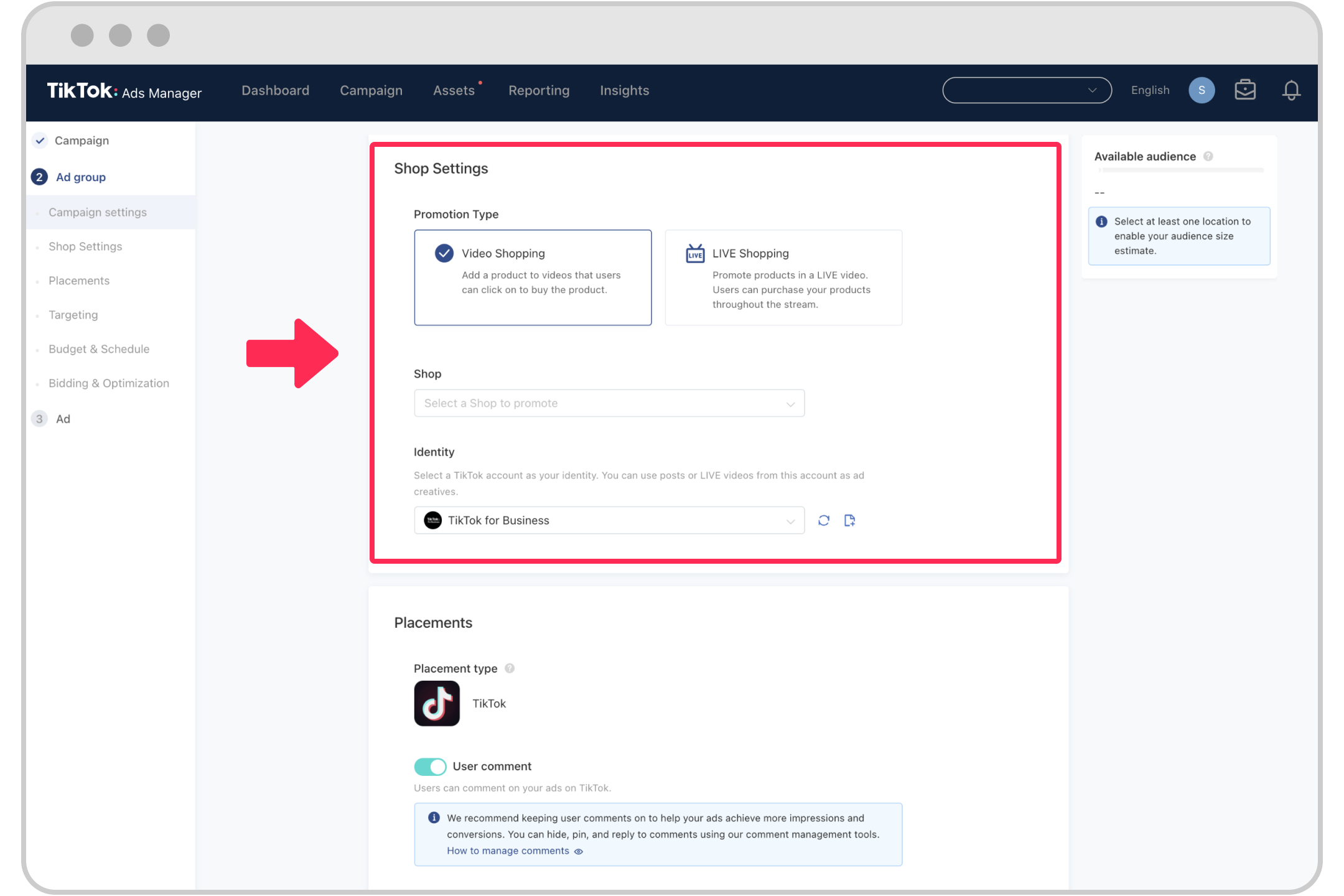
Understanding TikTok Ads and BigCommerce Integration
Before diving into the technical steps, it's essential to understand what TikTok ads and BigCommerce integration mean. TikTok ads are a form of digital advertising that allows businesses to promote their products or services directly within the TikTok app. These ads can take various forms, including video ads, carousel ads, and collection ads, each designed to engage users and drive conversions.
BigCommerce is an e-commerce platform that enables businesses to create and manage online stores. Integrating TikTok ads with BigCommerce means linking your BigCommerce store to TikTok, allowing you to sell products directly through the TikTok app. This integration not only enhances the shopping experience for users but also streamlines the sales process for sellers.
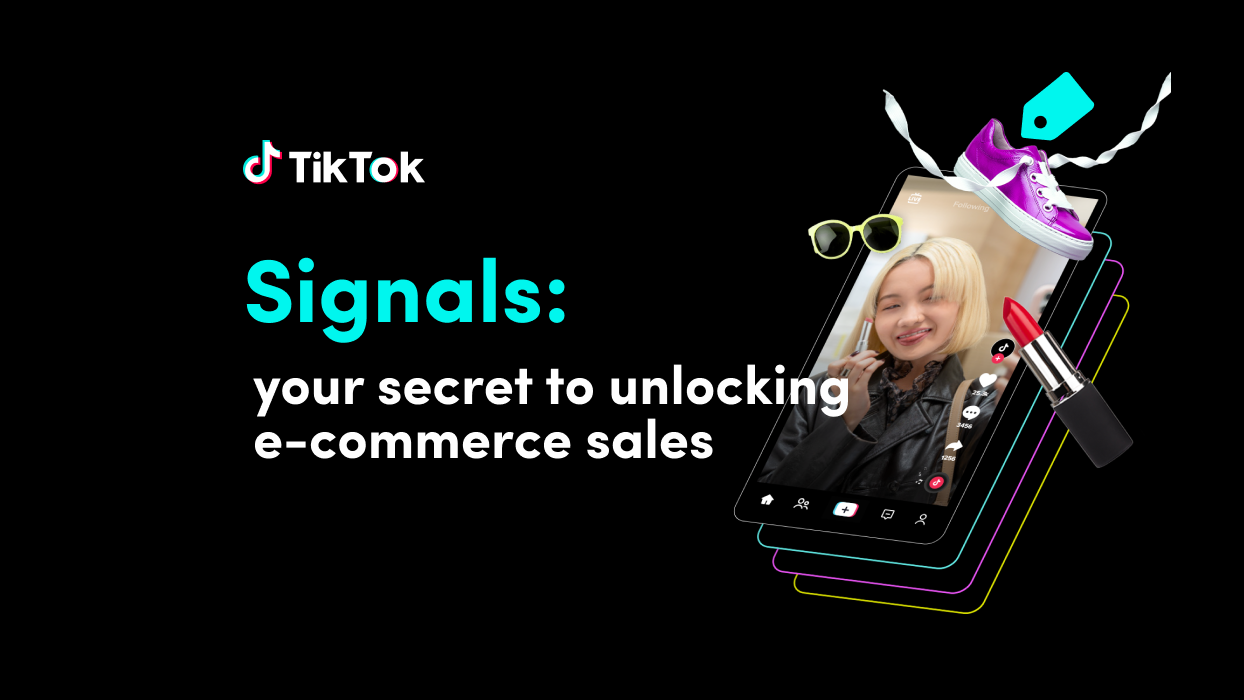
[IMAGE: TikTok Ads for BigCommerce Integration]
Step-by-Step Guide to Setting Up TikTok Ads for BigCommerce
1. Create a TikTok Business Account
To start using TikTok ads, you need a business account. If you don't have one, follow these steps:
- Open the TikTok app and go to your profile.
- Tap the three dots (•••) in the top-right corner.
- Select "Switch to Pro Account" and follow the prompts to create a business account.
Once you have a business account, you can access TikTok Ads Manager, where you'll set up and manage your ad campaigns.
2. Connect Your BigCommerce Store to TikTok
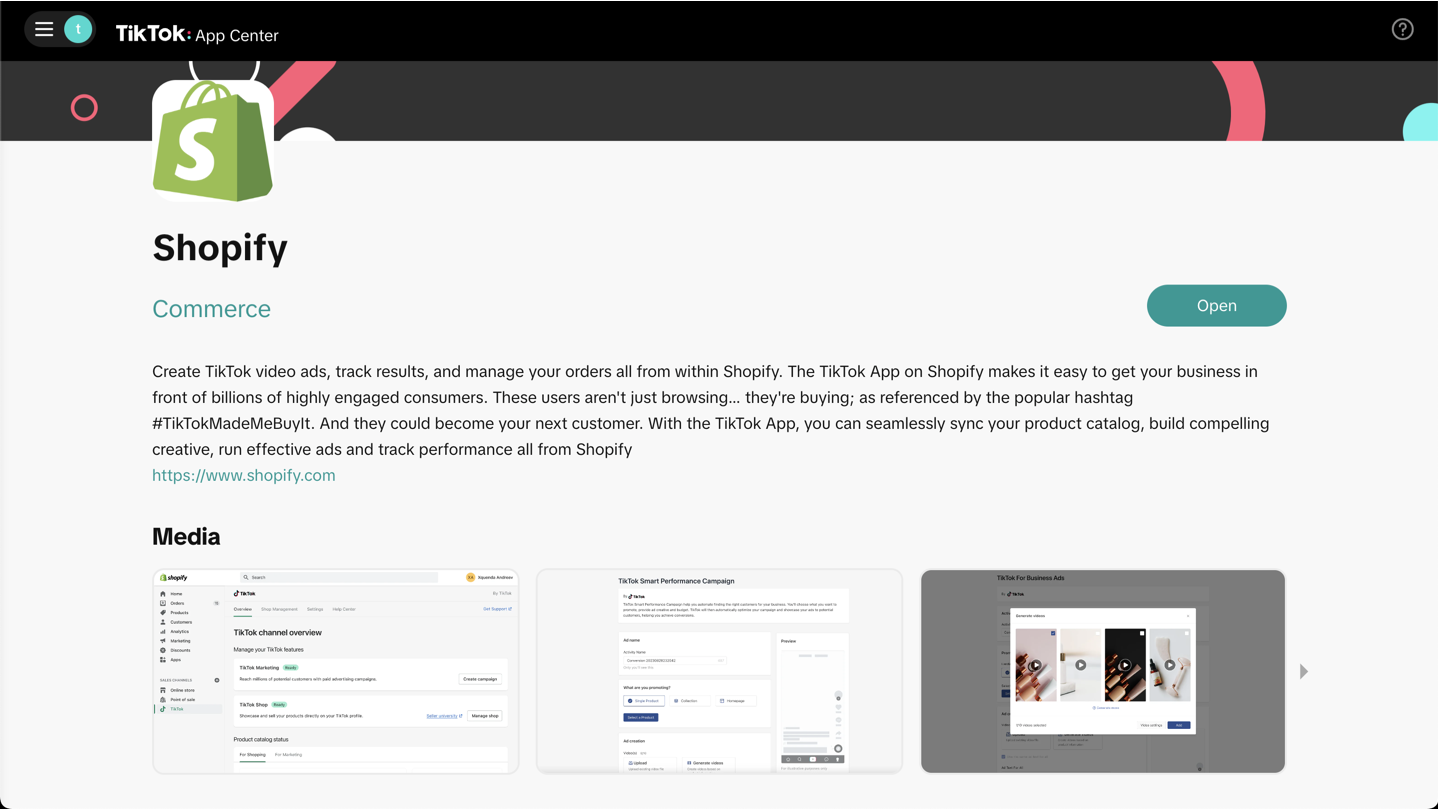
Connecting your BigCommerce store to TikTok involves several steps:
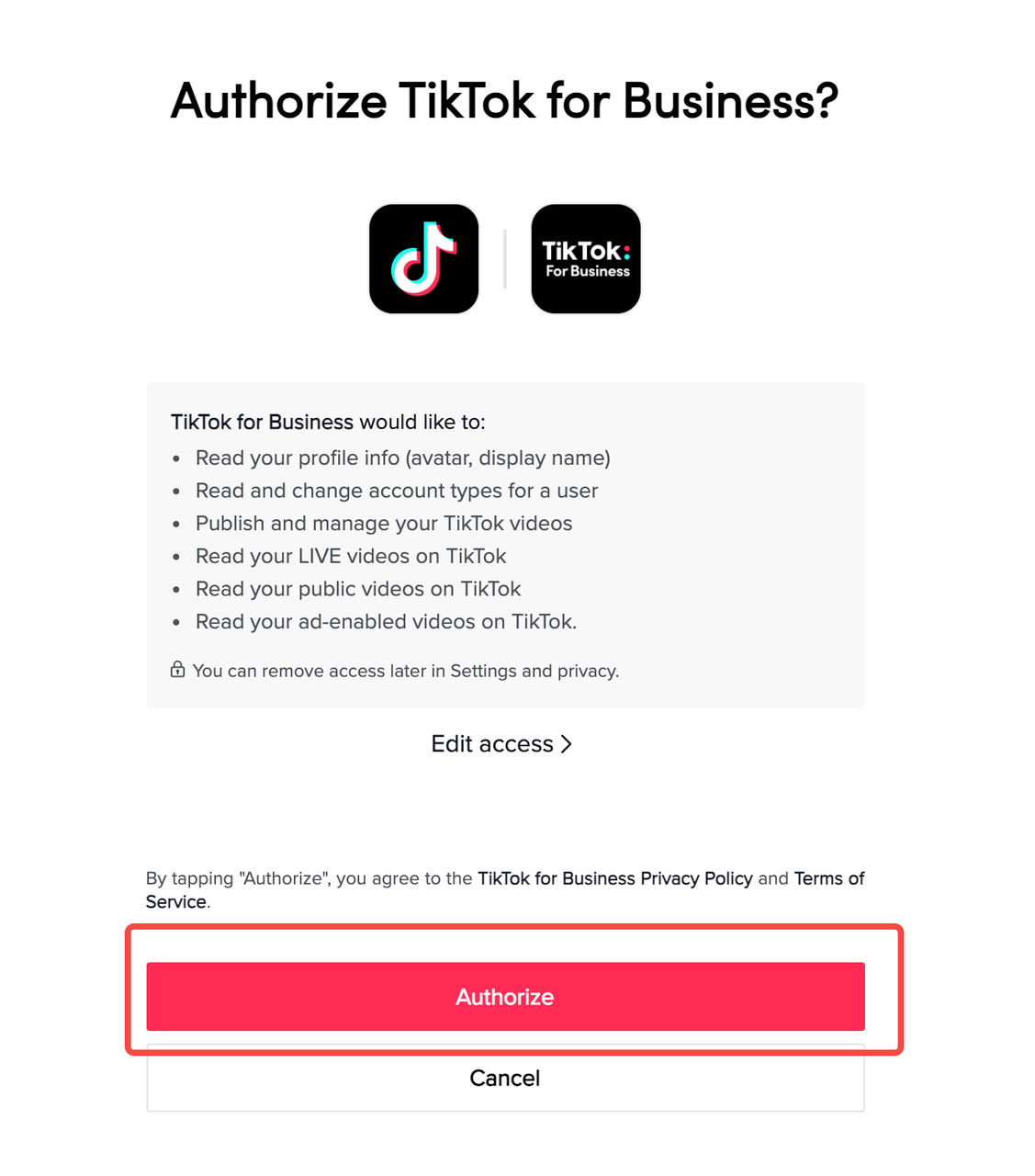
a. Set Up TikTok For Business
- Visit the TikTok For Business website.
- Sign in with your TikTok business account.
- Follow the setup instructions to connect your BigCommerce store.
b. Choose a Third-Party Integration
There are several third-party platforms that facilitate the integration between BigCommerce and TikTok. Some popular options include:
- Feedomonics: Ideal for stores with a gross merchandise value over $3 million per year.
- CedCommerce and SKU IQ: Suitable for smaller stores looking to connect with TikTok.
Contact TikTok directly to discuss the best integration option for your business.
3. Optimize Your Product Listings
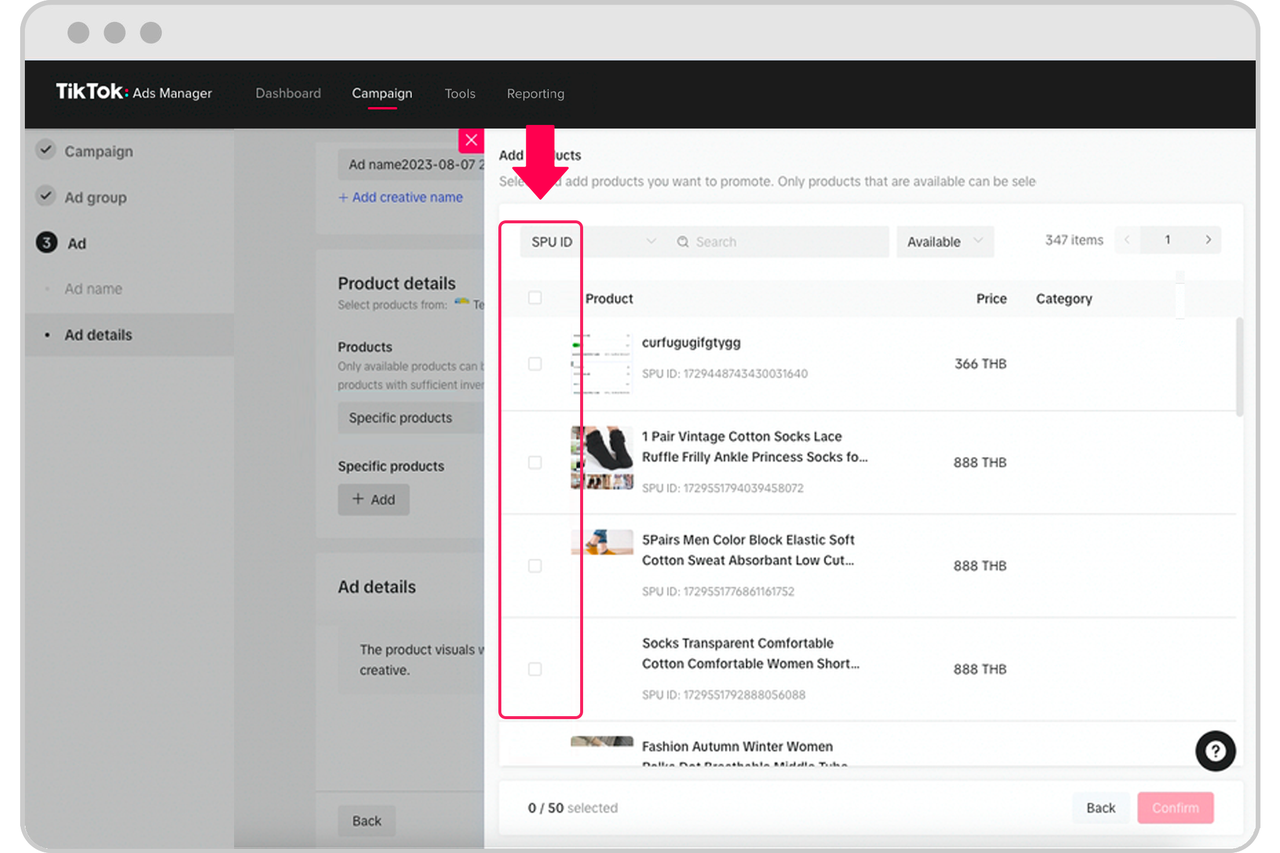
Once your store is connected, it's crucial to optimize your product listings for maximum visibility on TikTok:
- Use Relevant Keywords: Incorporate keywords that users might search for when looking for products similar to yours.
- Provide Detailed Descriptions: Ensure your product titles and descriptions are clear and informative, helping users make informed decisions without leaving the page.
- High-Quality Visuals: Use high-quality images and videos to showcase your products. User reviews and testimonials can also enhance trust and engagement.
4. Create Engaging Content

Creating engaging content is key to success on TikTok. Here are some tips:
- Leverage Trends: Participate in trending challenges and hashtags to increase your reach.
- Use Creative Tools: TikTok offers a range of creative tools to help you produce compelling content. Experiment with different formats, such as tutorials, before-and-after transformations, and product demos.
- Collaborate with Creators: Partner with influencers and creators to expand your audience and build credibility.
5. Run TikTok Ads

After setting up your account and optimizing your listings, you can start running TikTok ads:
a. Choose the Right Ad Format
TikTok offers several ad formats, including:
- Promote: Boost organic videos to increase views.
- Lead Gen Ads: Collect leads through forms, which can be integrated with CRMs.
- Spark Ads: Native ad displays featuring your own posts or those made by creators with their approval.
- Collection Ads: Combine video ads, product cards, and a full-screen landing page for a seamless shopping experience.
- Dynamic Showcase Ads: Show relevant products from your catalog, ideal for larger inventories.
b. Target Your Audience
Use TikTok Ads Manager to define your target audience based on demographics, interests, and behaviors. This ensures your ads reach the right people.
c. Monitor and Optimize
Track the performance of your ads using TikTok's analytics tools. Adjust your strategies based on the data to improve results.
Managing Your Accounting for BigCommerce

Integrating TikTok with BigCommerce also involves managing your accounting and financials effectively. Here are some tips:
- Use Cloud-Based Accounting Software: Platforms like Xero, QuickBooks Online, and MYOB offer integrations with BigCommerce, allowing you to sync sales data and streamline your accounting processes.
- Automate Reconciliation: Set up automatic reconciliation to save time and reduce errors.
- Monitor Sales Data: Keep track of your sales data to gain insights into your performance and make informed decisions.
Conclusion
Integrating TikTok ads with your BigCommerce store can significantly boost your sales and reach. By following the steps outlined in this guide, you can create a seamless integration that enhances the shopping experience for your customers and drives growth for your business. Remember to continuously monitor and optimize your strategies to stay ahead in the competitive e-commerce landscape.

Posting Komentar untuk "How to Use TikTok Ads for BigCommerce Integration: A Complete Guide"
Posting Komentar