
How to Use TikTok Ads for Ecommerce Stores: A Complete Guide
TikTok has emerged as a powerful platform for businesses, especially those in the e-commerce sector. With over 1 billion users and a rapidly growing audience, TikTok offers a unique opportunity for brands to connect with Gen Z and young Millennials. The platform's dynamic content and viral potential make it an ideal channel for driving traffic, increasing sales, and building brand awareness. This guide will walk you through how to effectively use TikTok ads for your e-commerce store.

Why TikTok is a Game-Changer for Ecommerce

TikTok's meteoric rise can be attributed to several factors. Its user-friendly interface, engaging content, and focus on trends have made it a hub for creativity and discovery. Unlike traditional social media platforms, TikTok thrives on authentic, user-generated content that resonates with its audience. This makes it an excellent platform for product reviews, tutorials, and brand storytelling.
For e-commerce stores, TikTok provides a unique opportunity to showcase products in a way that feels natural and relatable. The app's algorithm prioritizes content that engages users, which means that well-crafted ads can quickly gain traction and drive conversions.
Steps to Create a Successful TikTok Ads Campaign
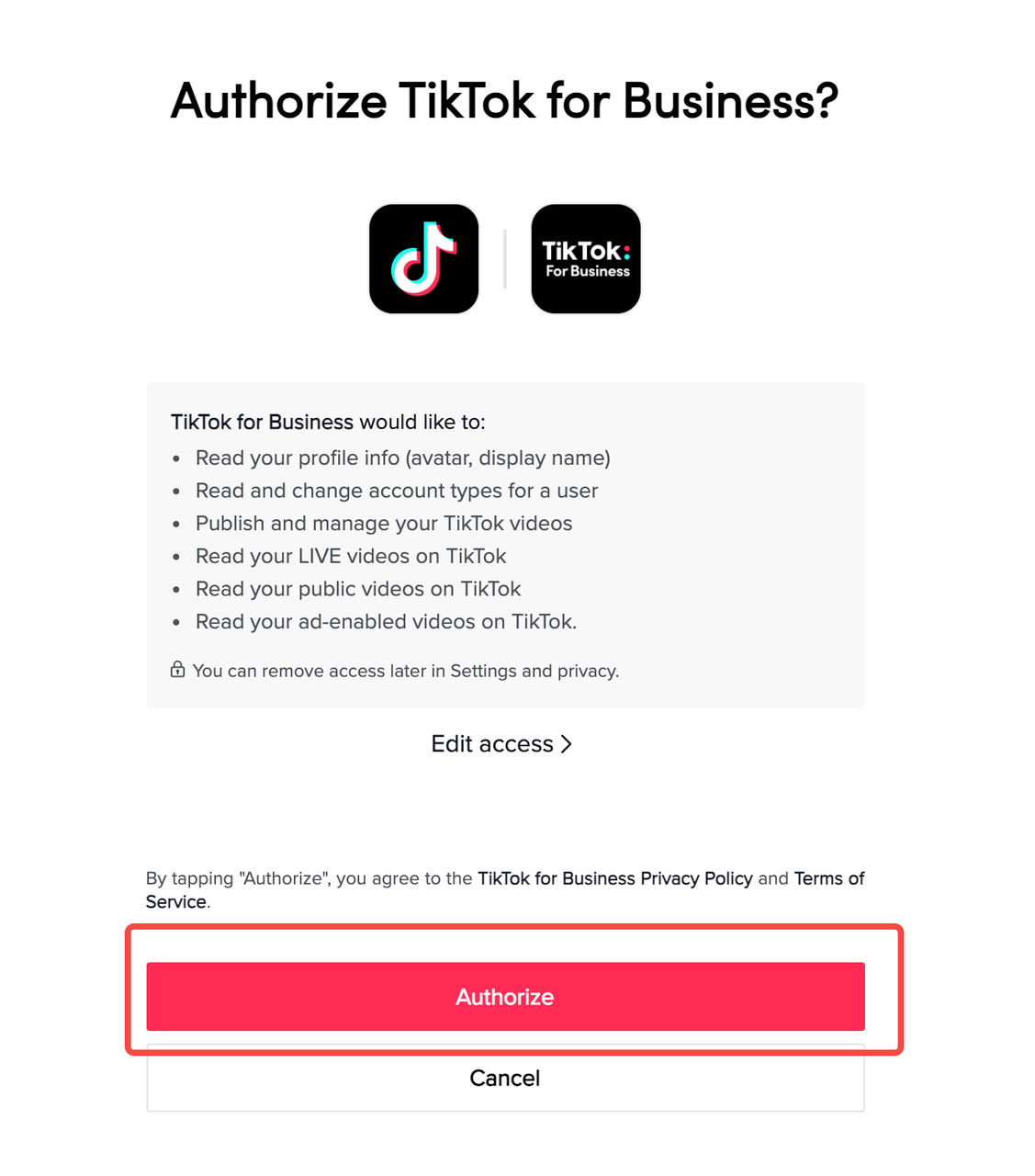
Step 1: Set Up a Business Account
To start advertising on TikTok, you need to create a business account. This allows you to access advanced analytics, manage your campaigns, and track performance metrics. Here’s how to switch to a business account:
- Open the TikTok app and go to your profile.
- Tap the three dots (…) at the top right.
- Select "Manage Account."
- Choose "Switch to Pro Account."
- Select "Business" as your account type and choose the category that best fits your business.
Step 2: Register for a TikTok Ads Manager Account

Once you have a business account, you’ll need to register for a TikTok Ads Manager account. This tool allows you to create and manage your ad campaigns directly within the platform. Ensure that your website address is correct and that it clearly explains what you're promoting. TikTok has specific advertising policies, so make sure your content complies with their guidelines.
Step 3: Prepare Your Account
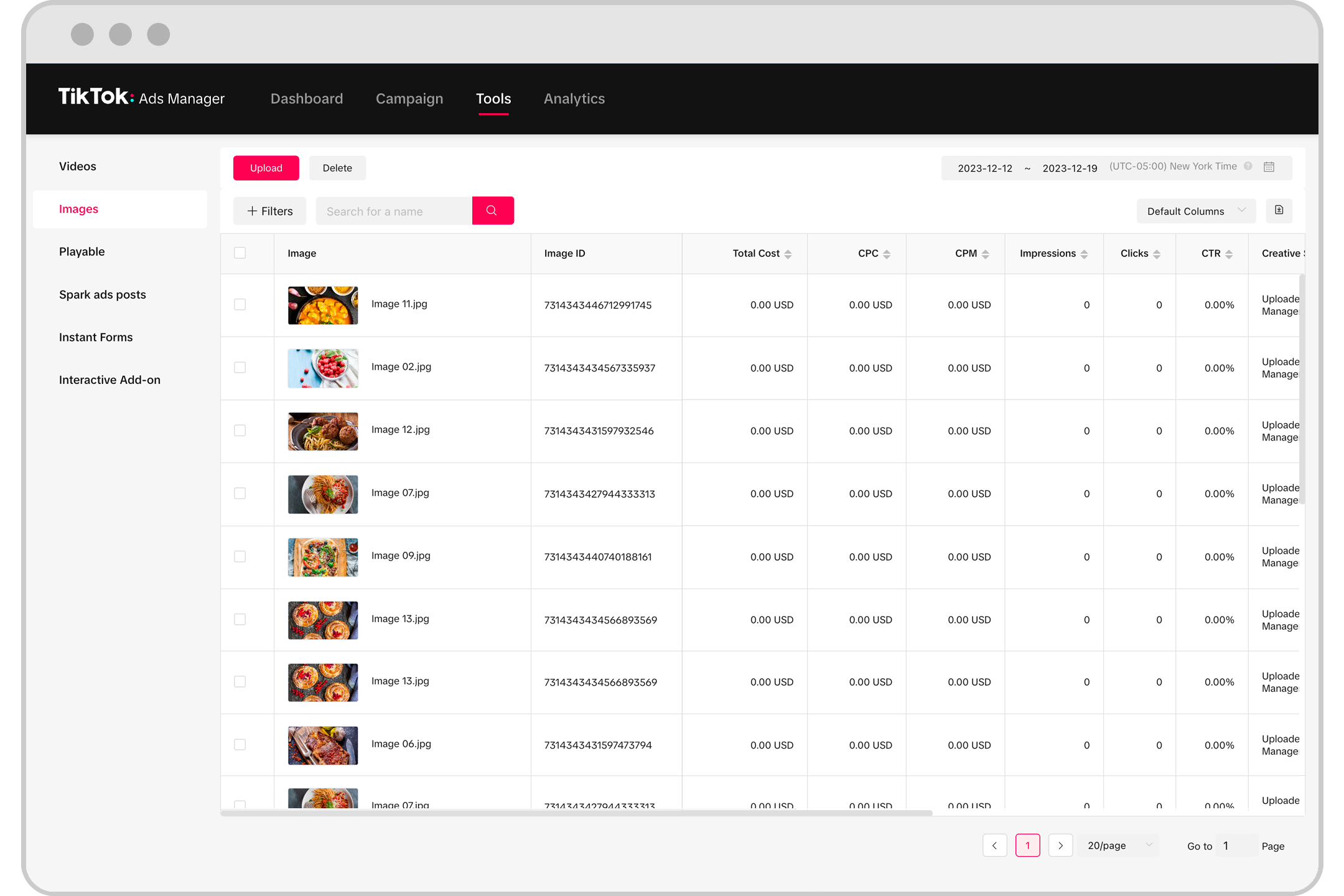
After setting up your Ads Manager account, familiarize yourself with the dashboard. You'll find key sections such as Campaigns, Assets, Reporting, and Insights. These tools will help you monitor your campaign performance, manage your creatives, and gain valuable insights into your audience.
Additionally, set up a pixel to track conversions and create custom audiences based on user behavior. This will allow you to target users who have interacted with your brand or visited your website.
Step 4: Create Your Campaign

In the TikTok Ads Manager, you can structure your campaigns into three parts: campaigns, ad groups, and ads. Start by selecting your campaign objective. For e-commerce businesses, the "Traffic" objective is often the best starting point as it focuses on driving users to your landing pages or product pages.
Set your budget and choose between daily or lifetime spending. TikTok recommends a minimum budget of $50, but you can adjust this based on your goals and resources.
Step 5: Create Your Ad Groups

When creating ad groups, define where your ads will appear. TikTok offers automatic placement, which delivers your ads across all available placements, or manual placement, where you can select specific locations such as the "For You" page or Pangle network.
You can also enable automated creative optimization to generate combinations of your creative assets and deliver only the high-performing ones. This helps improve the effectiveness of your ads.
Step 6: Create Your Ads
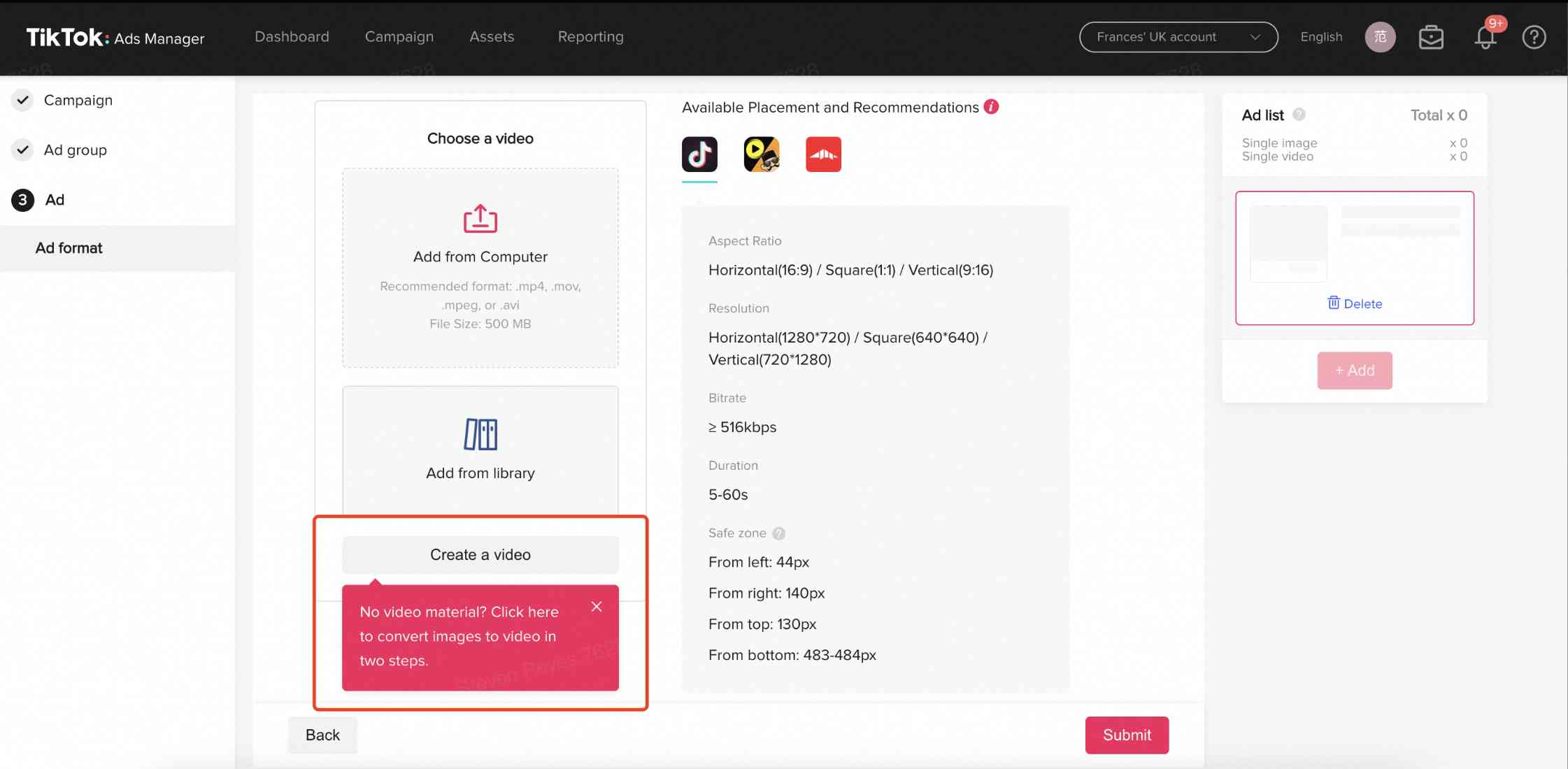
Choose an ad format that aligns with your campaign goals. TikTok offers several options, including In-Feed Ads, Branded Takeover, TopView, Branded Hashtag Challenges, and Branded Effects. Each format has its own cost and reach, so select one that fits your budget and objectives.
When creating your ad, ensure your video meets TikTok’s specifications for aspect ratio, resolution, length, and file type. Add a compelling thumbnail, a clear call-to-action, and a link to your product page or website.
Best Practices for TikTok Ads

1. Use the Creator Marketplace
TikTok’s Creator Marketplace is a great resource for finding influencers who can promote your products. Partnering with popular creators can help you reach a wider audience and build trust with potential customers.
2. Stay on Top of Trends
TikTok is a fast-moving platform, so it's essential to stay updated with the latest trends. Engage with popular videos and incorporate trending sounds or challenges into your content to increase visibility.
3. Connect Your Shopify Store
If you use Shopify, integrate TikTok with your store to streamline your marketing efforts. This allows you to implement the pixel, manage your business account, and create new posts without leaving your Shopify dashboard.
4. Integrate Content Strategically
Use TikTok for both the top and middle of the funnel. Organic content should focus on the top of the funnel (TOFU), while ads should target the middle of the funnel (MOFU) with higher-intent content. Retargeting visitors to your product pages can significantly improve conversion rates.
5. Tell a Story
TikTok users are more engaged with stories than with direct sales pitches. Share your brand’s purpose, behind-the-scenes content, and customer testimonials to build a connection with your audience.
Final Thoughts
TikTok is a powerful tool for e-commerce businesses looking to expand their reach and drive sales. By following these steps and best practices, you can create effective TikTok ad campaigns that resonate with your target audience. As TikTok continues to grow, now is the perfect time to leverage its potential and establish a strong presence on the platform.

Posting Komentar untuk "How to Use TikTok Ads for Ecommerce Stores: A Complete Guide"
Posting Komentar