
How to Verify Your TikTok Ad Account: A Step-by-Step Guide
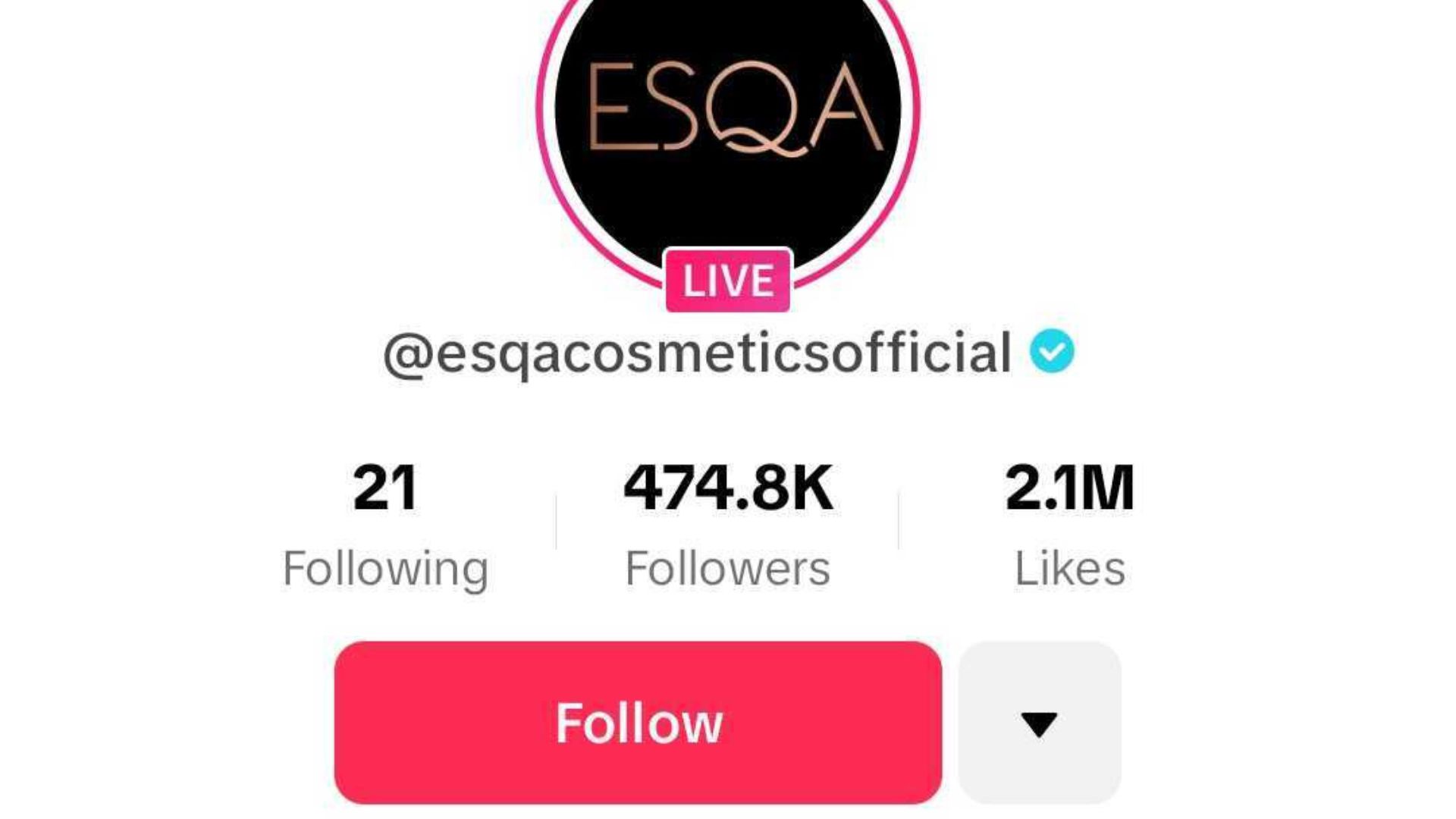
In today's digital marketing landscape, TikTok has emerged as a powerful platform for businesses to reach their target audience. However, to fully leverage the advertising capabilities on TikTok, you need to ensure your ad account is properly verified. This guide will walk you through the TikTok ad account verification process, highlighting the steps involved, the importance of verification, and tips to streamline the process.
Understanding the TikTok Ad Account Verification Process
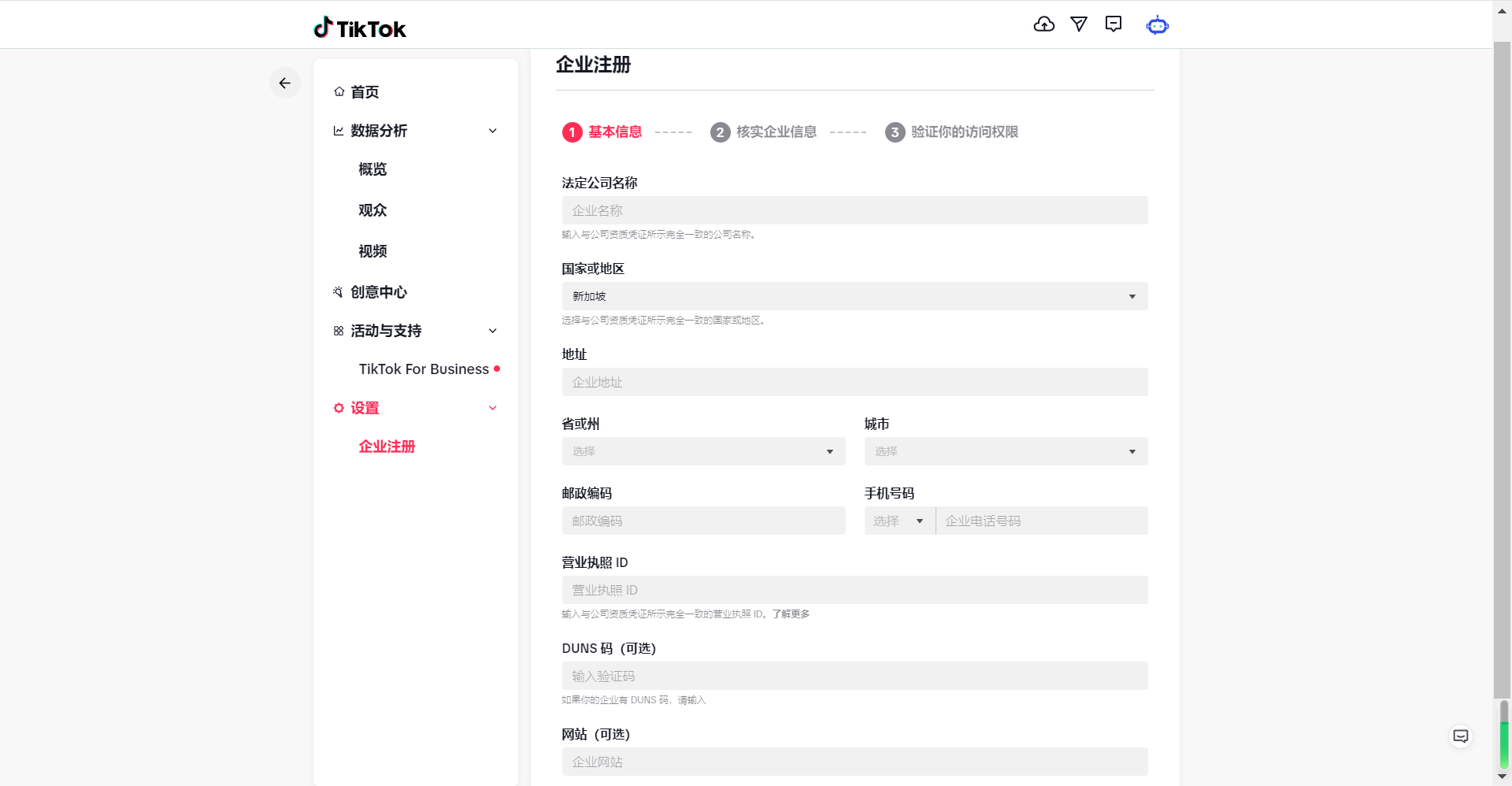
Before diving into the steps, it’s essential to understand what TikTok ad account verification entails. While creating a TikTok Business Account is relatively straightforward, verifying your ad account involves additional checks to ensure legitimacy and compliance with TikTok's policies. This verification is crucial for businesses aiming to run ads, especially those in sensitive industries or seeking advanced features like verified badges.
Step 1: Create a TikTok Business Account
The first step in the TikTok ad account verification process is to create a TikTok Business Account. If you already have a personal account, switching it to a business account is quick and free. Here’s how:
- Open the TikTok app and log in to your personal account.
- Go to your profile and access the settings menu.
- Choose "Switch to Business Account" and follow the prompts to select a business category and add necessary information like a website link.
If you're starting fresh, simply download the app, sign up, and choose the "Business Account" option during setup.
Step 2: Set Up Your TikTok Ads Manager Account

Once your business account is set up, the next step is to create a TikTok Ads Manager account. This is where you'll manage your ad campaigns. Here’s how to do it:
- Visit TikTok for Business and click "Sign Up" or "Get Started."
- Provide your email address or link to an existing TikTok account.
- Select the "Business Account" option and enter your business details, including country, business name, time zone, and currency.
- Set up billing information, such as a credit card or other payment method.
Time estimate: 5–30 minutes for initial setup.
Step 3: Complete the Verification Process
After setting up your Ads Manager account, you may be required to go through a verification process depending on your business type and the nature of your ads. Here’s what to expect:
Submitting Documentation
If your business falls under a regulated industry (e.g., finance, health, or adult content), TikTok may ask for documentation such as: - Business registration certificates - Tax IDs - Proof of address
Ensure all documents are clear, accurate, and up-to-date to avoid delays.
Manual Review
TikTok’s team will manually review your submitted information. The timeline for this can vary from 2 business days to over a week, depending on the volume of requests and the complexity of your business.
Step 4: Ensure Compliance with TikTok Policies
Before your ad account is fully verified, make sure your business adheres to TikTok’s Community Guidelines and Advertising Policies. Violations can lead to delays or rejection. Familiarize yourself with these policies to avoid issues.
Step 5: Start Running Ads
Once your account is verified, you can begin creating and managing ad campaigns. Here’s how to get started:
- Log in to your TikTok Ads Manager account.
- Define your advertising goals (e.g., website visits, community interaction, lead generation).
- Target your audience based on location, demographics, interests, and behaviors.
- Set a budget and schedule for your campaign.
- Upload your ad content (videos, images, etc.) and preview how it will appear on TikTok.
Tips to Speed Up the Verification Process
To ensure a smooth and quick TikTok ad account verification process, consider the following tips:
- Prepare Your Documents: Have all necessary legal and business documents ready before submitting them.
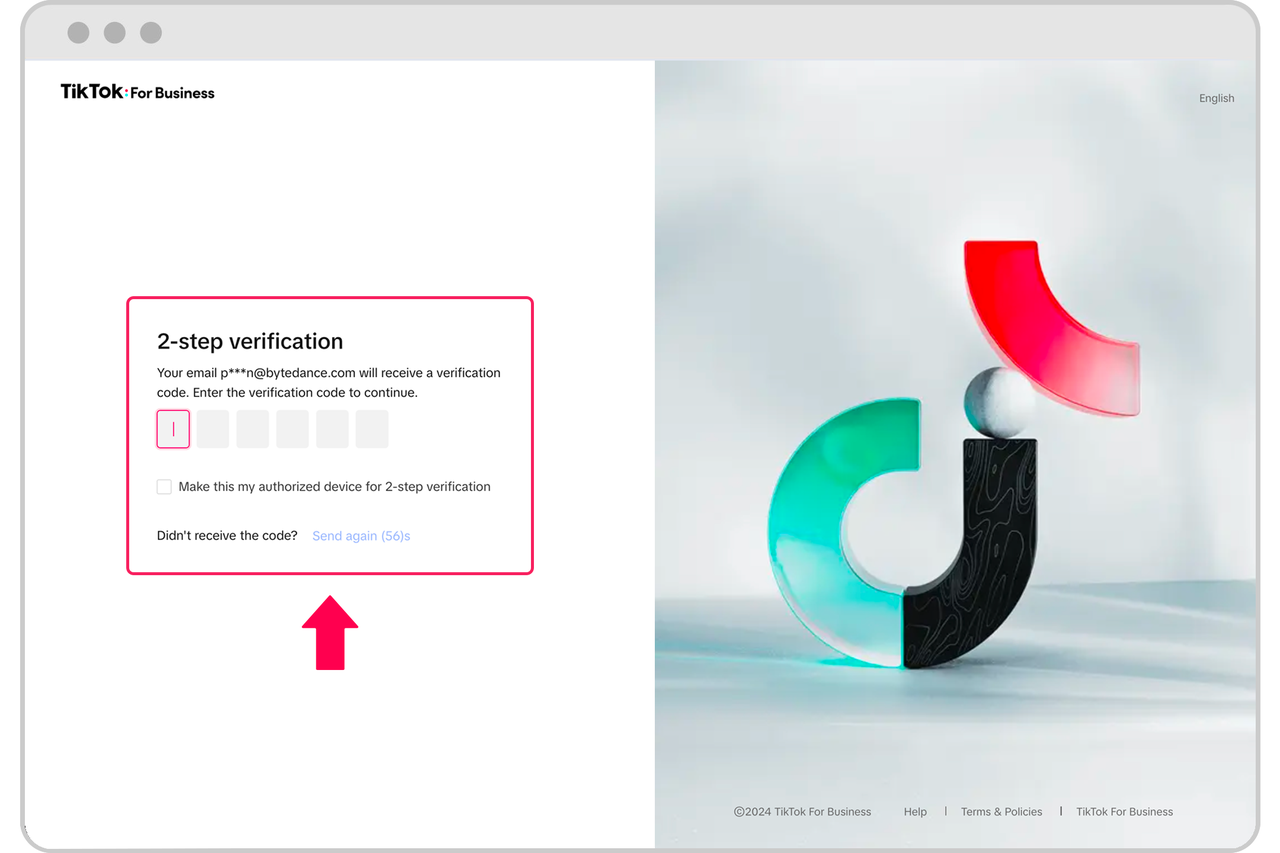
- Use a Professional Email: Use a professional business email address for your TikTok for Business account.
- Understand TikTok’s Policies: Familiarize yourself with TikTok’s guidelines to avoid policy violations.
- Have a Valid Payment Method: Ensure your payment method is up-to-date and has sufficient funds.
- Complete Formal Business Registration First: If applicable, complete your formal business registration (e.g., EIN, LLC) before setting up your TikTok account.
Frequently Asked Questions
Can I use a personal TikTok account for my business?
While possible, a Business Account offers more features like analytics and commercial tools, making it ideal for serious advertising efforts.
Do I need a legally registered business to create a TikTok Business Account?
No, but for paid advertising, you’ll need to provide business information, and having a formal registration (like an EIN) is recommended for tax and legal purposes.
How long does it take for TikTok to approve my Business Account?
Switching to a Business Account is typically instant. If verification is required, it can take 2–7 days, depending on the complexity of your business.
Is there a cost associated with creating a TikTok Business Account?
No, creating a TikTok Business Account or Ads Manager account is free. You only pay for advertising if you choose to run campaigns.
Conclusion
Verifying your TikTok ad account is a critical step in ensuring your business can effectively reach and engage with its target audience. By following the steps outlined in this guide, you can streamline the process and start running successful ad campaigns on TikTok. Remember to stay compliant with TikTok’s policies, prepare your documentation in advance, and leverage the platform’s tools to maximize your advertising ROI.

Posting Komentar untuk "How to Verify Your TikTok Ad Account: A Step-by-Step Guide"
Posting Komentar