
How to Verify Your TikTok Ads Account: A Complete Step-by-Step Guide
Understanding the Importance of TikTok Ads Account Verification
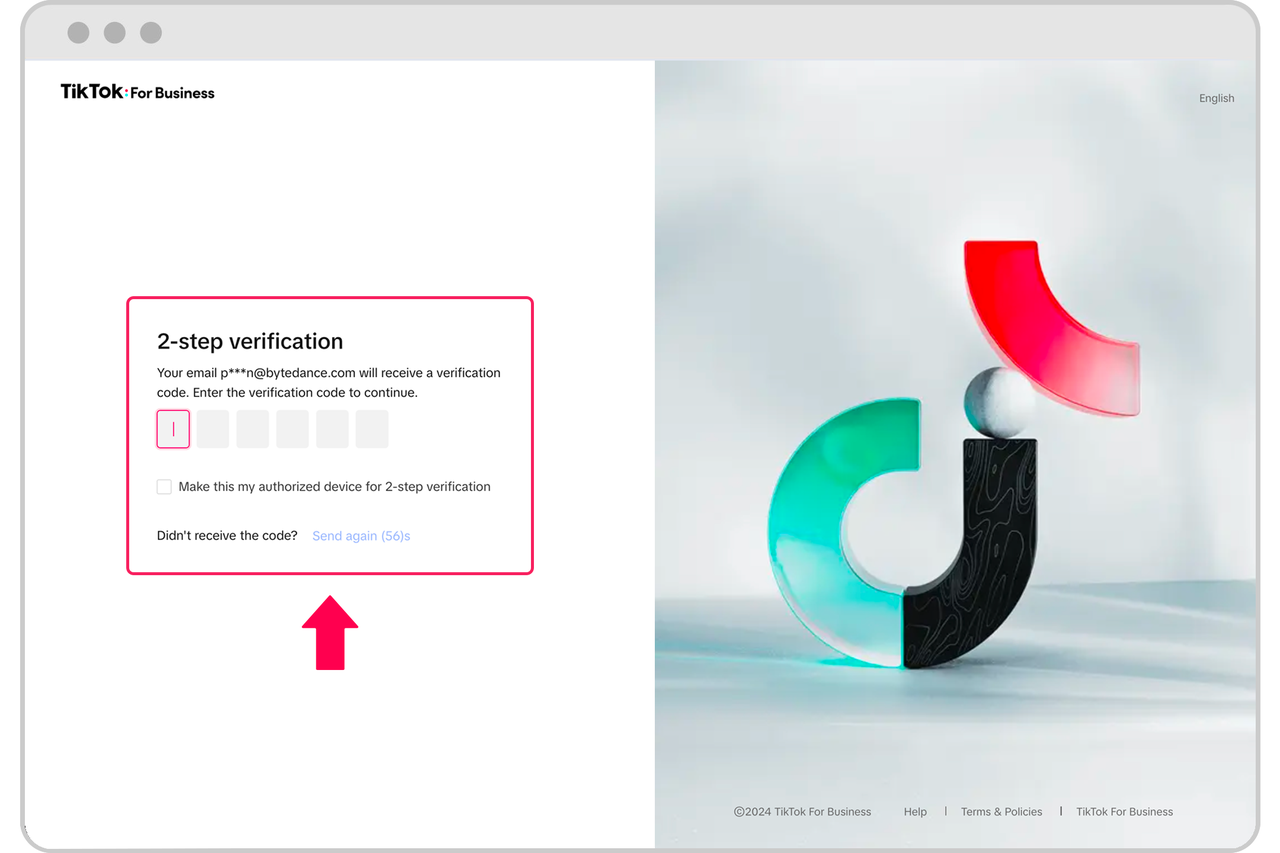
Verifying your TikTok Ads account is a crucial step in ensuring that your advertising efforts are legitimate and compliant with TikTok's policies. This process helps prevent unauthorized access, protects your business data, and ensures that you can run ads without any unnecessary restrictions. Whether you're a small business owner or a digital marketer, understanding the verification process is essential for maintaining a smooth and effective advertising experience.
Step 1: Accessing the TikTok Ads Manager
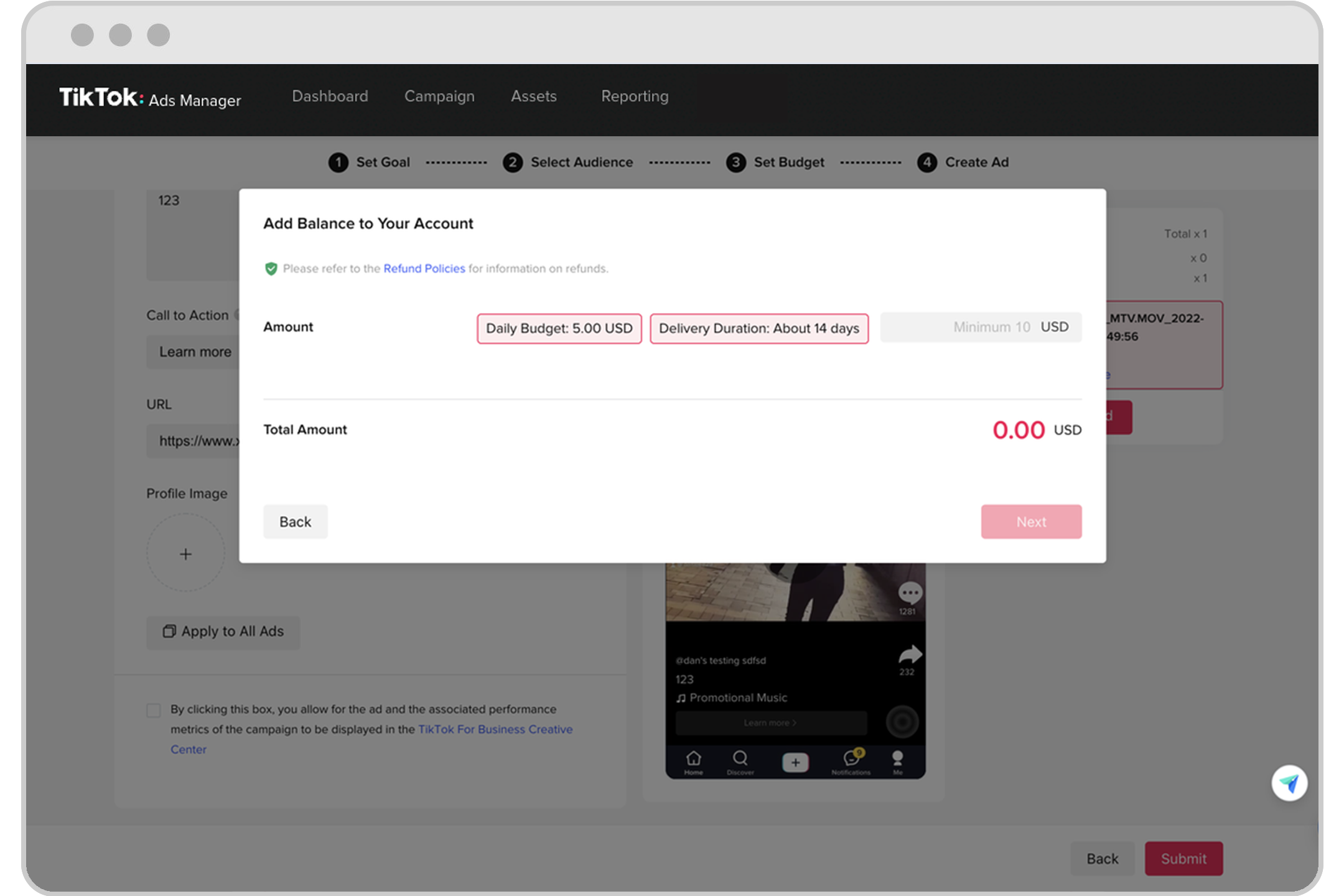
To begin the verification process, you'll need to access the TikTok Ads Manager. This is where you'll manage all your ad campaigns, track performance, and ensure your account is properly set up. If you haven't already created an ad account, you can do so by following the steps outlined in the official TikTok Business Help Center.
Once you've created your account, log in to the TikTok Ads Manager using your TikTok credentials. From here, you can navigate to the settings section to start the verification process.
Step 2: Providing Required Information

During the verification process, TikTok will ask you to provide certain information to confirm your identity. This typically includes:
- Your full name
- Your business name (if applicable)
- Your business address
- A valid government-issued ID (such as a passport or driver's license)
It's important to ensure that all the information you provide is accurate and up-to-date. Any discrepancies may lead to delays in the verification process.
Step 3: Submitting Supporting Documents

In addition to providing personal information, you may also be required to submit supporting documents. These can include:
- Proof of business registration (if applicable)
- Bank statements or other financial documents
- A letter of authorization from a company representative (if you're setting up an account on behalf of a business)
Make sure that all documents are clear, legible, and match the information provided in your account details. High-quality scans or photos are preferred to avoid any issues during the verification process.
Step 4: Waiting for Approval

After submitting your information and documents, TikTok will review your application. The approval time can vary depending on the complexity of your request and the volume of applications they receive. In most cases, the verification process takes between 1 to 5 business days.
During this time, it's a good idea to keep an eye on your email inbox for any communication from TikTok. They may reach out if they need additional information or clarification.
Step 5: Confirming Verification
Once your account has been verified, you'll receive a confirmation message through the TikTok Ads Manager. At this point, your account will be fully activated, and you'll be able to create and manage ad campaigns.
It's also a good idea to double-check your account settings to ensure that everything is correctly configured. This includes verifying that your payment methods are set up and that your ad budget is properly allocated.
Tips for a Smooth Verification Process

To make the verification process as smooth as possible, consider the following tips:
- Be thorough: Ensure that all the information you provide is complete and accurate.
- Use high-quality documents: Clear and legible documents help speed up the verification process.
- Stay patient: Verification can take time, so it's important to remain patient and follow up if needed.
- Contact support if necessary: If you encounter any issues during the verification process, don't hesitate to reach out to TikTok's customer support for assistance.
Conclusion
Verifying your TikTok Ads account is a straightforward process that ensures your advertising efforts are legitimate and secure. By following the steps outlined above, you can quickly and efficiently complete the verification process, allowing you to focus on creating effective ad campaigns and growing your business on TikTok.
Remember, a well-verified account not only enhances your credibility but also provides you with access to advanced features and tools that can help you achieve your marketing goals. Take the time to complete the verification process correctly, and you'll be well on your way to success on TikTok.

Posting Komentar untuk "How to Verify Your TikTok Ads Account: A Complete Step-by-Step Guide"
Posting Komentar