
TikTok Ad Manager Interface Walkthrough: A Complete Guide for Beginners
TikTok has become one of the most powerful platforms for digital marketing, offering businesses a unique way to connect with a massive and engaged audience. With over 1 billion active users, TikTok is especially popular among Gen Z and Millennials, making it an ideal platform for brands looking to boost their visibility and drive engagement. However, navigating the TikTok Ad Manager interface can be overwhelming for beginners. This guide will walk you through the key features and steps involved in using the TikTok Ad Manager, helping you create effective ad campaigns.
Understanding the TikTok Ad Manager Interface

The TikTok Ad Manager is the central hub where advertisers can create, manage, and monitor their ad campaigns. It offers a user-friendly interface that allows businesses to set up targeted ads, track performance, and optimize their strategies. Here’s a breakdown of the main sections:
1. Dashboard Overview
Upon logging into your TikTok Ad Manager account, you’ll see the dashboard, which provides a quick summary of your active campaigns, budgets, and performance metrics. This section is essential for monitoring your campaign progress at a glance.
2. Campaign Creation
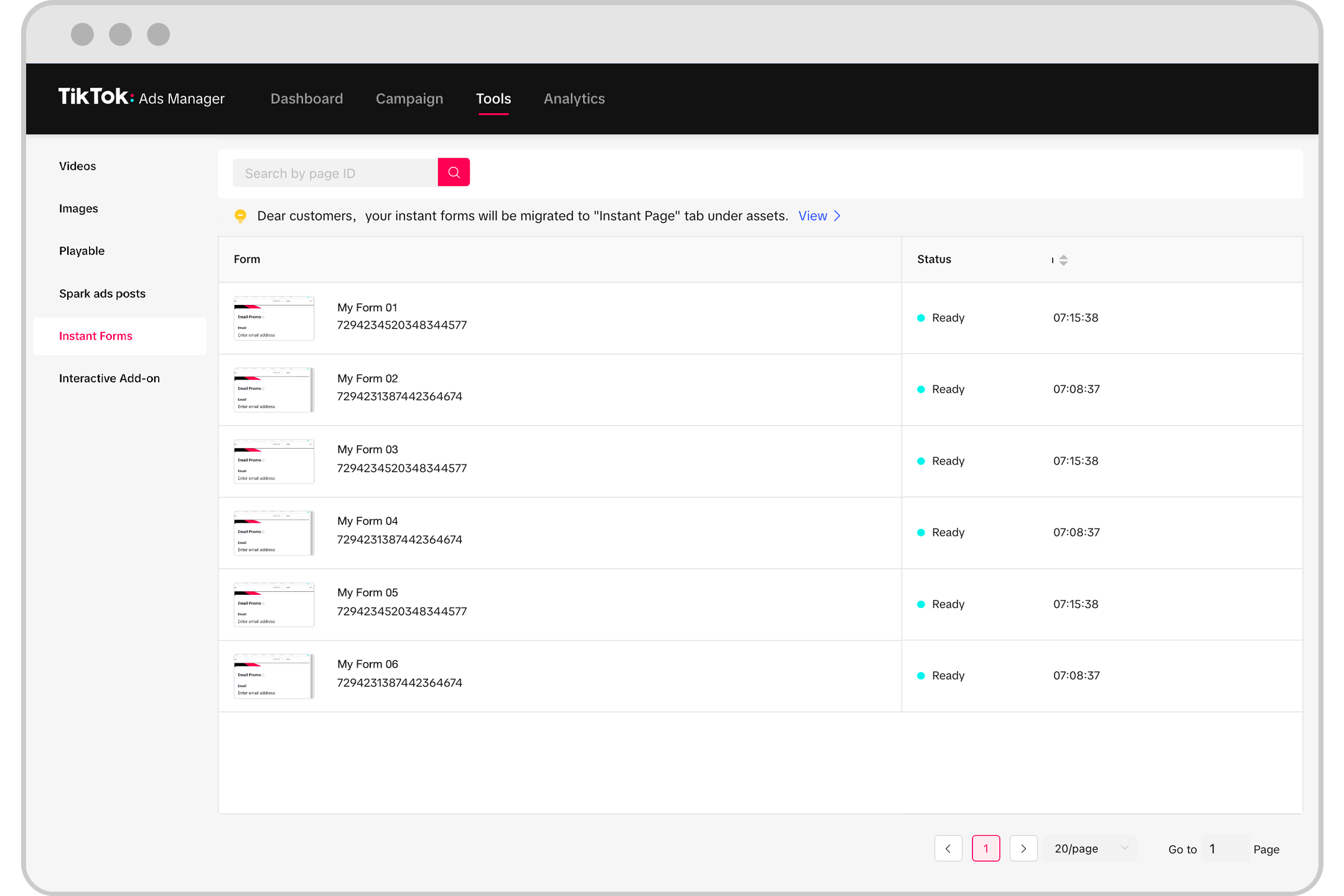
To start a new campaign, click on the "Create Ad" button. You’ll be prompted to select your advertising objective, such as increasing brand awareness, driving traffic, or generating leads. Choosing the right objective is crucial as it determines how your ad will be displayed and measured.
3. Ad Groups and Targeting
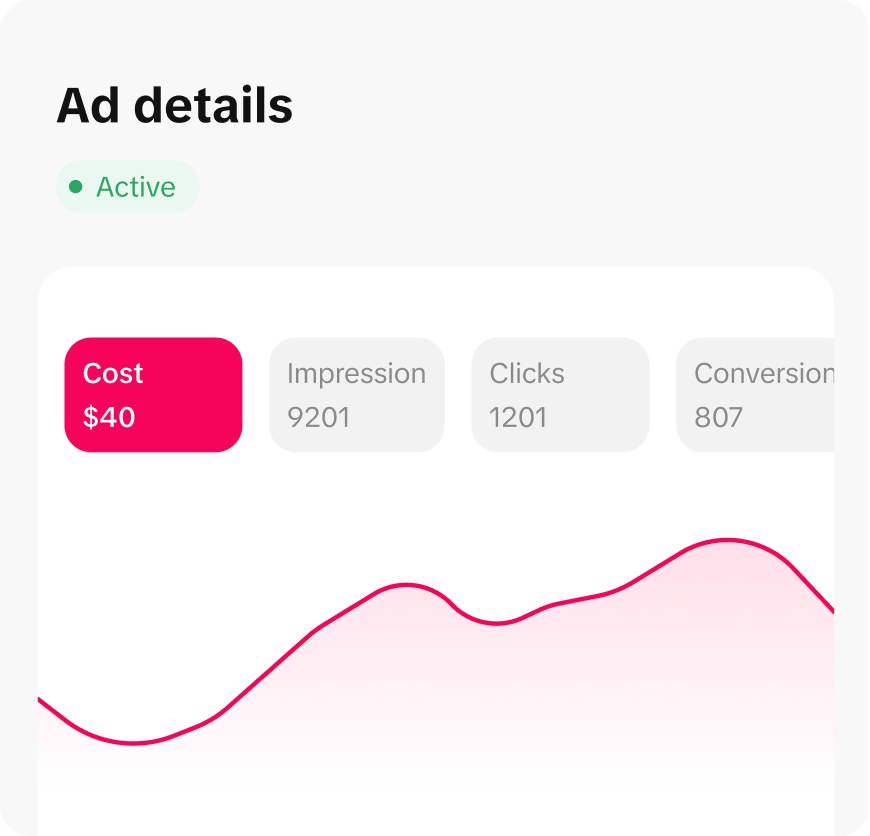
Once you’ve selected your objective, you’ll move to the ad group setup. Here, you can define your target audience based on demographics, interests, locations, and more. The targeting options are extensive, allowing you to reach specific audiences with precision.
4. Budget and Bidding
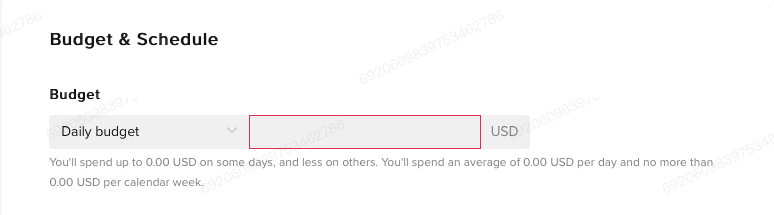
Setting a budget is a critical step in any ad campaign. You can choose between a daily or lifetime budget, depending on your goals. Additionally, you’ll need to decide on your bidding strategy, such as cost per click (CPC) or cost per impression (CPM). The platform also offers automated bidding options to help optimize your spend.
5. Ad Creative Upload
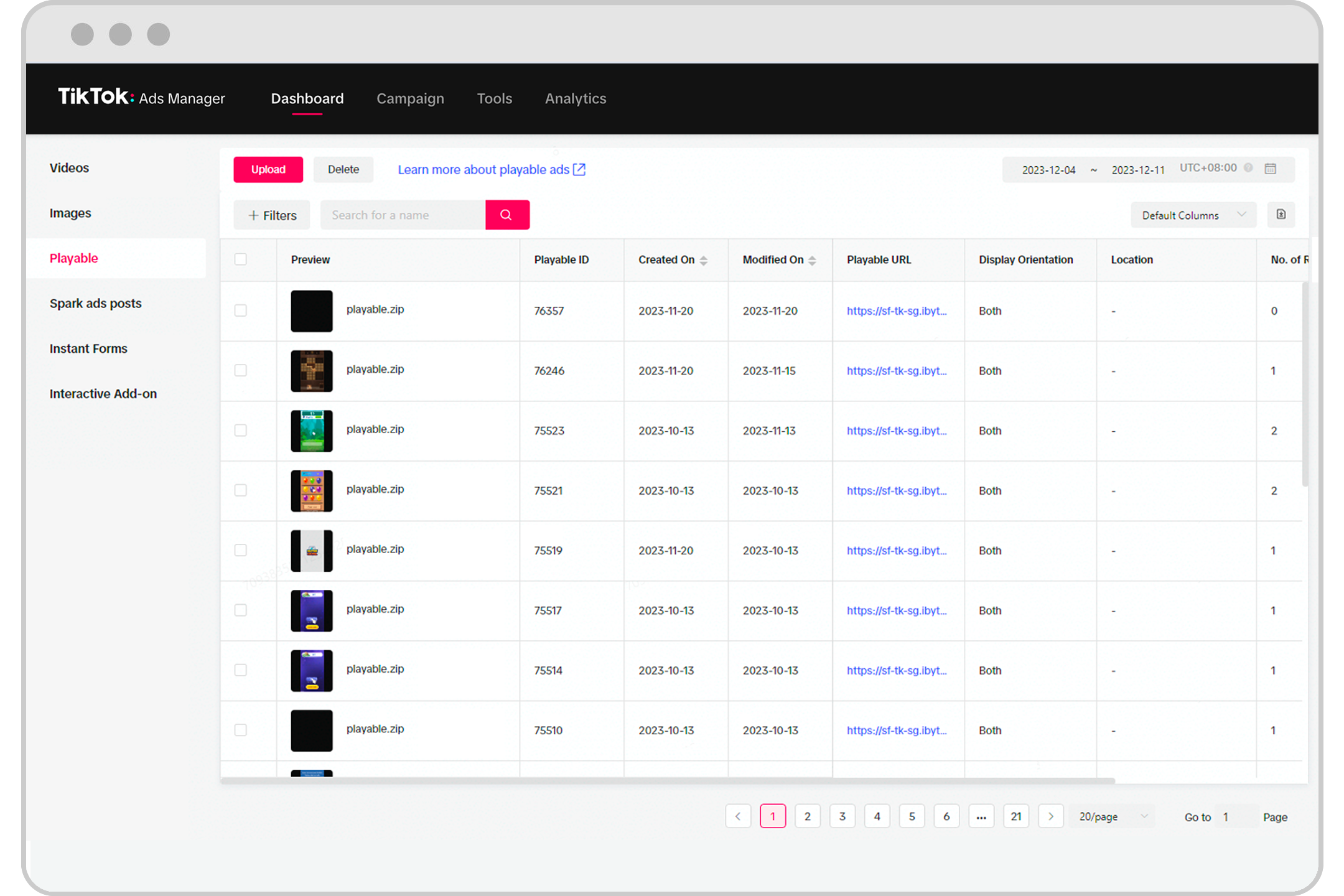
This is where you upload your ad content, including videos, images, or other creative assets. TikTok supports various file formats and specifications, so it's important to ensure your media meets the required standards. You can also add a call-to-action (CTA) button to encourage user engagement.
6. Performance Analytics
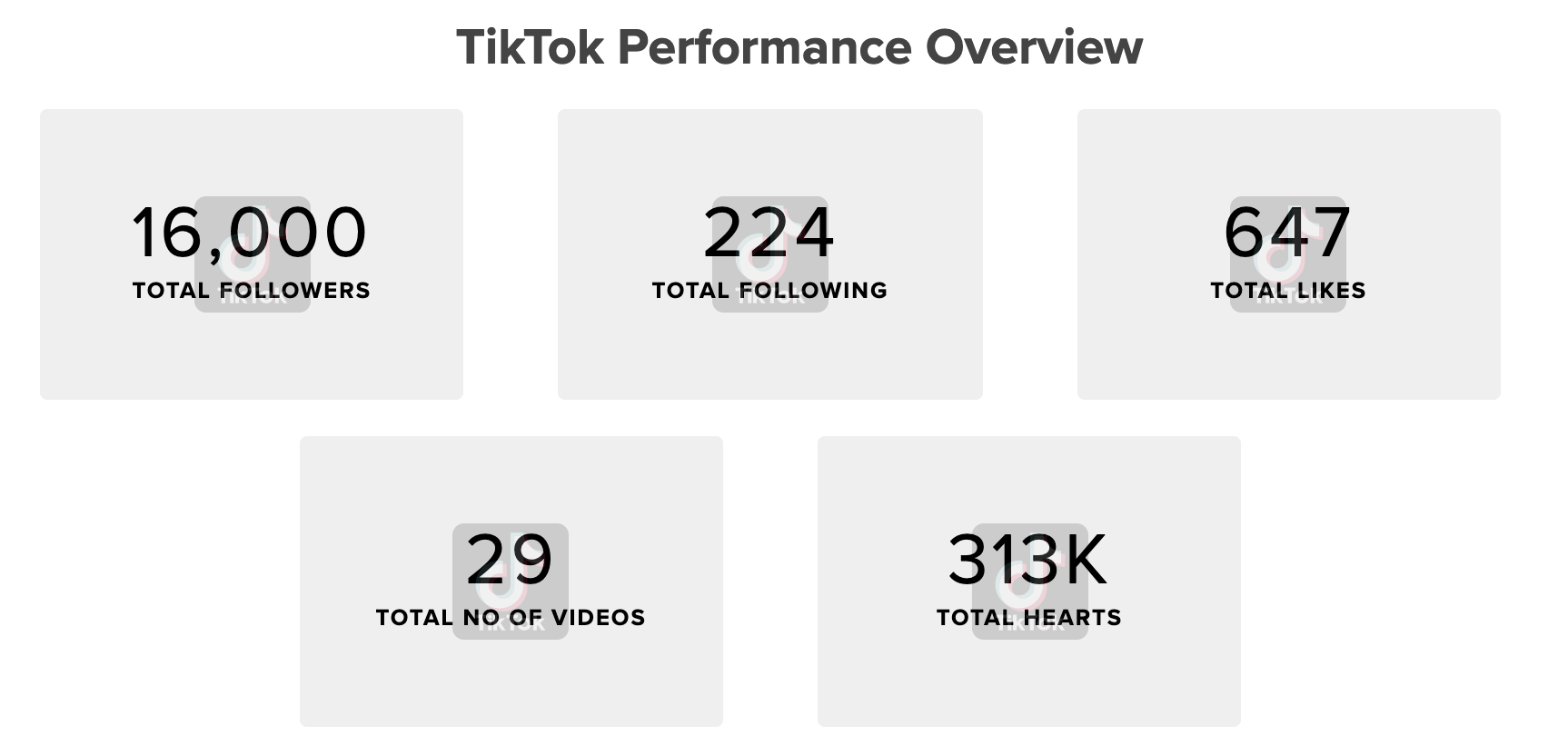
After your ad goes live, you can monitor its performance using the analytics tools provided by TikTok. These tools offer insights into metrics like impressions, clicks, engagement rates, and conversion rates. Regularly reviewing these metrics helps you refine your strategy and improve results.
Key Features of the TikTok Ad Manager
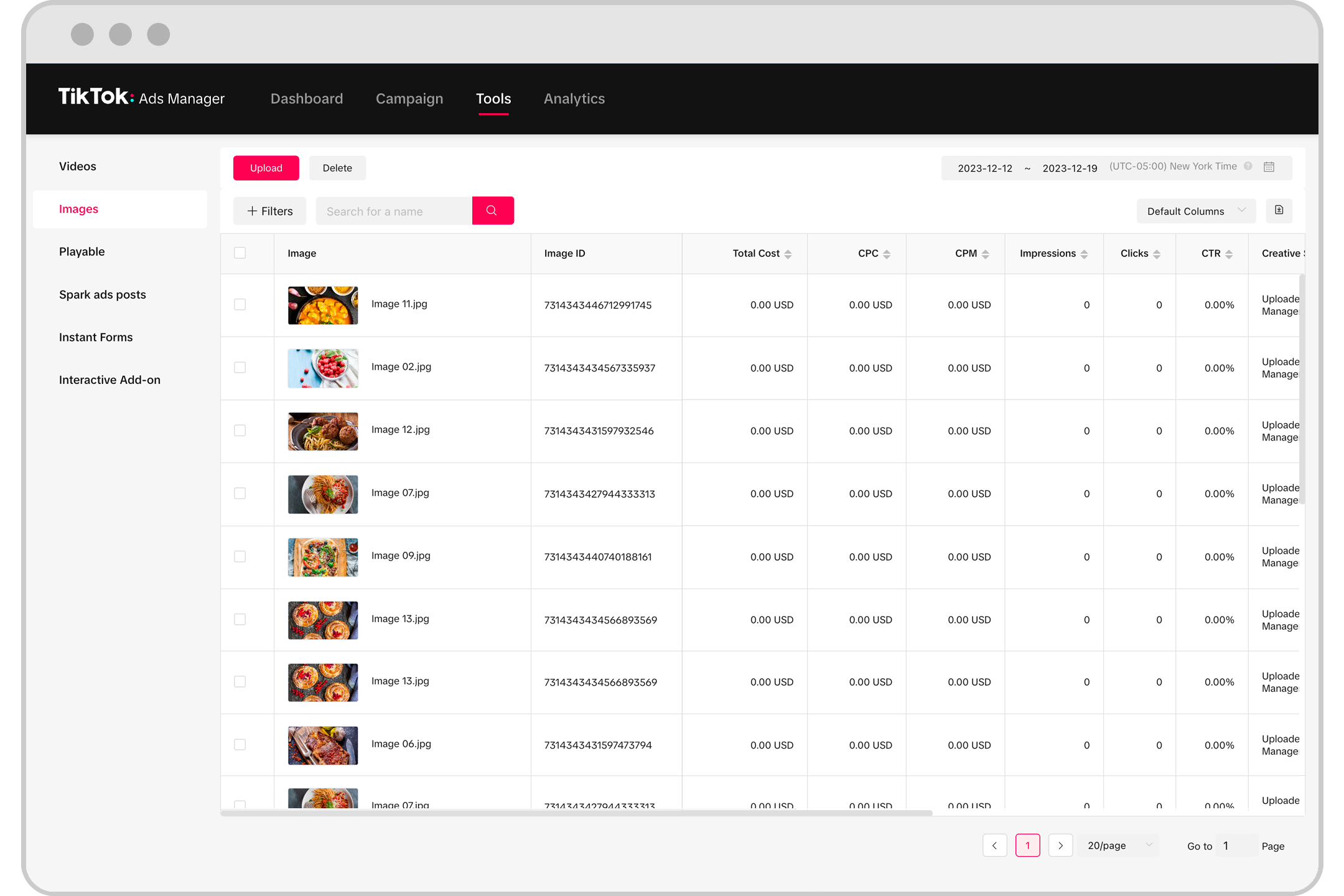
Here are some of the most useful features of the TikTok Ad Manager:
- Campaign Objectives: Choose from eight different objectives, including brand awareness, traffic, video views, lead generation, and more.
- Audience Targeting: Use detailed targeting options to reach the right people based on location, age, gender, interests, and behaviors.
- Ad Formats: TikTok offers several ad formats, including in-feed ads, TopView, Brand Takeover, Branded Hashtag Challenges, and more.
- Bidding Strategies: Select from manual or automated bidding options to control your ad spend effectively.
- Creative Tools: Access tools for creating and editing ad content, ensuring your ads meet TikTok’s specifications.
Best Practices for Using TikTok Ad Manager
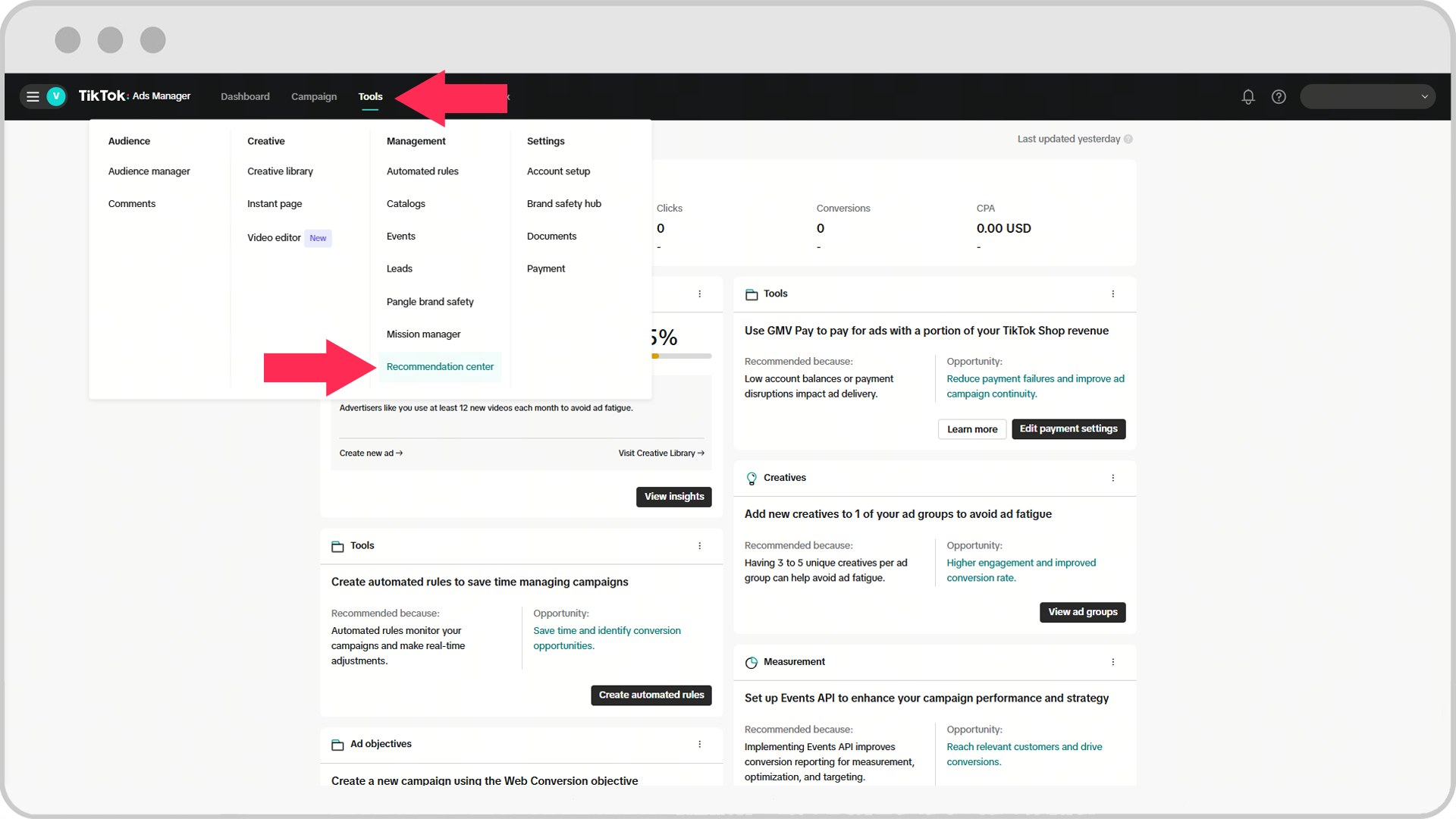
To get the most out of your TikTok ad campaigns, consider the following best practices:
- Use High-Quality Content: Ensure your videos and images are clear, engaging, and optimized for vertical viewing.
- Keep Ads Short: TikTok users have short attention spans, so aim for ads between 15–30 seconds.
- Include a Clear CTA: Encourage users to take action by adding a call-to-action button, such as "Shop Now" or "Learn More."
- Test Different Formats: Experiment with various ad formats to see what works best for your brand.
- Monitor Performance: Regularly review your campaign data to identify what’s working and make necessary adjustments.
Conclusion
Navigating the TikTok Ad Manager interface may seem daunting at first, but with the right approach and understanding of its features, you can create highly effective ad campaigns that resonate with your target audience. By leveraging the platform’s powerful tools and following best practices, you can maximize your ROI and achieve your marketing goals. Whether you're a small business owner or a seasoned marketer, TikTok offers a valuable opportunity to connect with a vast and engaged audience. Start exploring the TikTok Ad Manager today and unlock the full potential of your brand on this dynamic platform.

Posting Komentar untuk "TikTok Ad Manager Interface Walkthrough: A Complete Guide for Beginners"
Posting Komentar