
TikTok Ads Complete Walkthrough: How to Create and Manage Your First Ad Campaign
TikTok has become a powerful platform for businesses and creators alike, offering a unique way to connect with audiences through short-form video content. With its massive user base and engaging algorithm, TikTok is an ideal place to run advertisements. If you're new to TikTok Ads, this complete walkthrough will guide you through the process of creating and managing your first ad campaign.
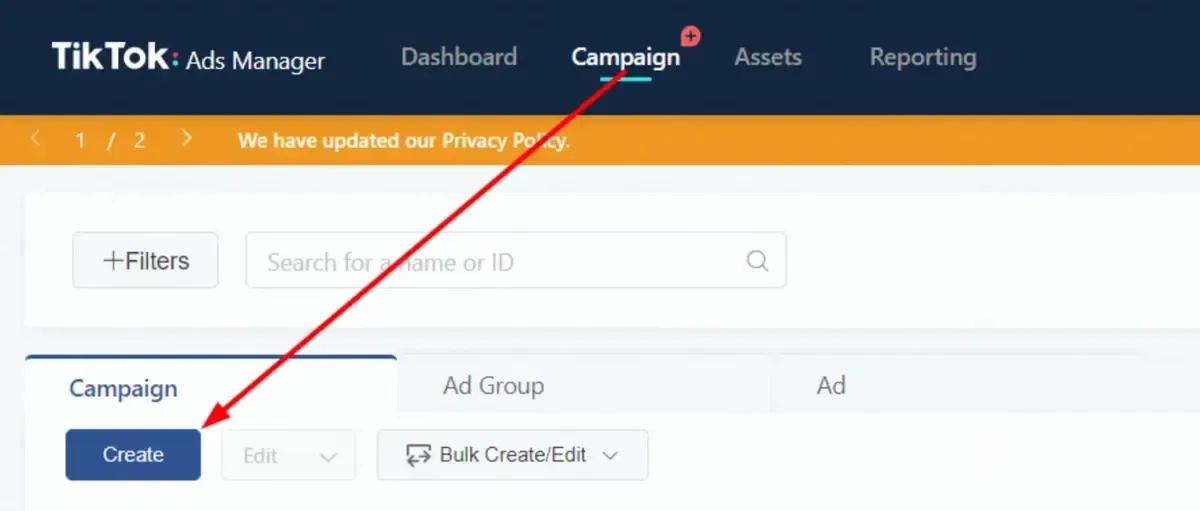
Step 1: Choose Your Campaign Objective
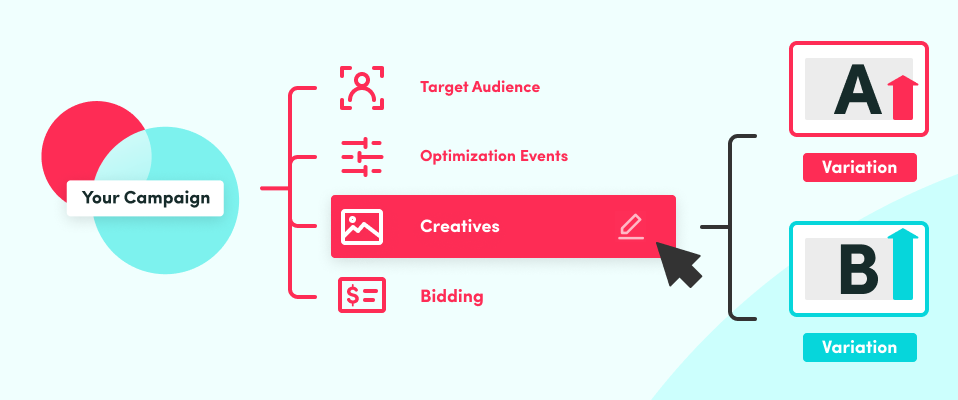
Before diving into the creation of your ad, it's essential to define your campaign objective. TikTok offers several objectives that align with different business goals:
- Awareness: Increase brand visibility and reach a broader audience.
- Consideration: Encourage users to engage with your content and learn more about your brand.
- Conversions: Drive specific actions such as website visits, app installs, or sales.
When selecting your objective, consider what you want your audience to do after watching your ad. For example, if your goal is to drive traffic to your website, choose the "Traffic" objective. If you want to grow your online sales, go with the "Conversions" objective.
Step 2: Define Your Target Audience
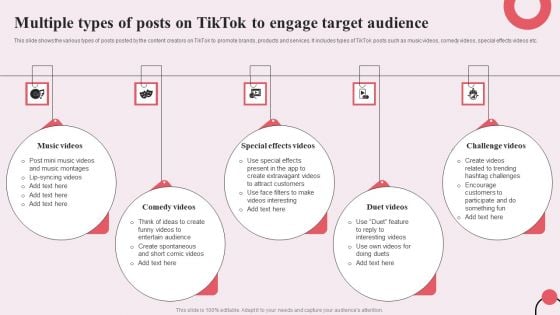
Once you've set your campaign objective, the next step is to define your target audience. TikTok allows you to create custom audiences based on demographics, interests, behaviors, and more. You can also use lookalike audiences to target people similar to your existing customers.
To create a custom audience, navigate to the "Audience" section in TikTok Ads Manager and select the criteria that best match your target demographic. This could include age, location, gender, interests, and more.
Step 3: Set Your Budget

Setting a budget is crucial to ensure you get the most out of your ad spend. TikTok Ads Manager allows you to set a daily or lifetime budget, depending on your campaign type. It's important to start with a budget that fits your financial capabilities and adjust it as needed based on performance.
Some tips for setting your budget: - Start with a small budget to test your ad performance. - Monitor your campaign regularly and adjust your budget as needed. - Consider using a bid strategy that aligns with your campaign objective.
Step 4: Design Your Ad

Creating an engaging ad is key to capturing your audience's attention. TikTok Ads Manager supports both image and video ads. You can upload existing videos or photos, or use the built-in video maker to create new content.
Here are some tips for designing your ad: - Use high-quality visuals that align with your brand. - Keep your message clear and concise. - Add captions and text overlays to reinforce your message. - Use trending sounds and hashtags to increase visibility.
Step 5: Launch Your Ad

After designing your ad, it's time to launch your campaign. TikTok Ads Manager uses an auction system to determine which ads are shown to users. The platform ensures that your ads are displayed to the right audience at the right time.
To launch your ad: - Review your campaign settings and make any necessary adjustments. - Click "Launch" to start your campaign. - Monitor your ad performance regularly and make adjustments as needed.
Step 6: Measure and Optimize Your Campaign
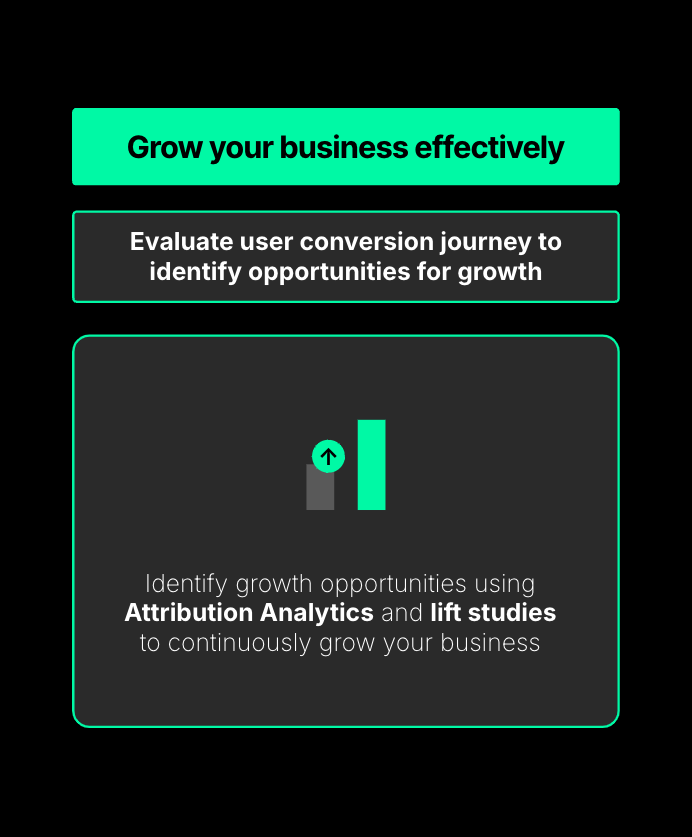
Measuring the performance of your TikTok ad campaign is essential to understand what's working and what needs improvement. TikTok provides detailed analytics that allow you to track metrics such as impressions, clicks, engagement, and conversions.
Here are some key metrics to monitor: - Impressions: The number of times your ad was shown. - Clicks: The number of times users clicked on your ad. - Engagement: The number of likes, comments, shares, and saves. - Conversions: The number of users who completed a desired action, such as making a purchase or signing up for a newsletter.
Use these insights to optimize your campaign and improve future ad performance.
Conclusion
Creating and managing a TikTok ad campaign can be a powerful way to reach your target audience and achieve your business goals. By following this complete walkthrough, you'll be well-equipped to create effective ads that resonate with your audience and drive results. Remember to continuously monitor and optimize your campaigns to maximize your return on investment.

Posting Komentar untuk "TikTok Ads Complete Walkthrough: How to Create and Manage Your First Ad Campaign"
Posting Komentar