
TikTok Ads Conversion API Guide: How to Track and Optimize Your Campaigns
Understanding the TikTok Ads Conversion API
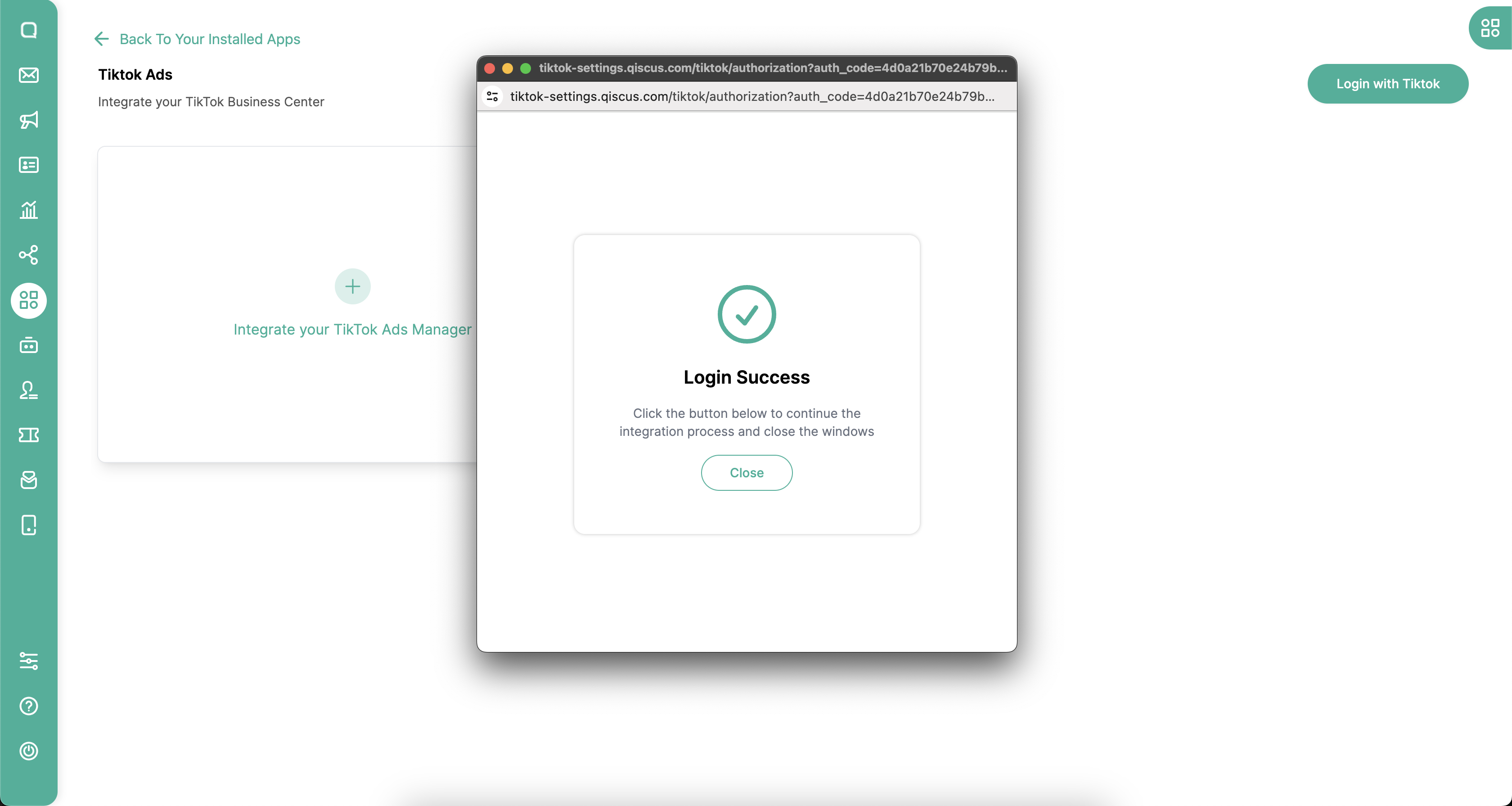
The TikTok Ads Conversion API is a powerful tool that allows advertisers to track and optimize their campaigns by providing detailed conversion data. This API enables you to pass conversion details from your marketing platforms to TikTok Ads, giving you insights into how your ads are performing for specific audiences. By leveraging this data, you can make informed decisions to improve your ad strategies and maximize your return on investment (ROI).
Setting Up Your TikTok Ads Account
Before you can start using the TikTok Ads Conversion API, you need to create a TikTok Ads account. This account will provide access to all the tools necessary for setting up conversion tracking. If you're new to TikTok Ads, follow the steps outlined in the Business Help Center article to set up your account. Once your account is created, you can begin configuring the Conversion API.
Creating a TikTok Pixel
A TikTok Pixel is essential for tracking conversions. To create a TikTok Pixel, follow these steps:
- Access the TikTok Ads Manager Interface: Go to TikTok Ads Manager.
- Navigate to Assets: Click on "Assets" and then select "Events."
- Manage Web Events: Choose "Manage" under "Web Events."
- Set Up Web Events: Click "Set Up Web Events" and choose "Events API" to create a new pixel.
- Customize Your Pixel: Enter a name for your pixel and select "Manually Set Up Events API."
- Save Your Pixel: After completing the setup, your pixel will be ready for use.
Generating an Access Token
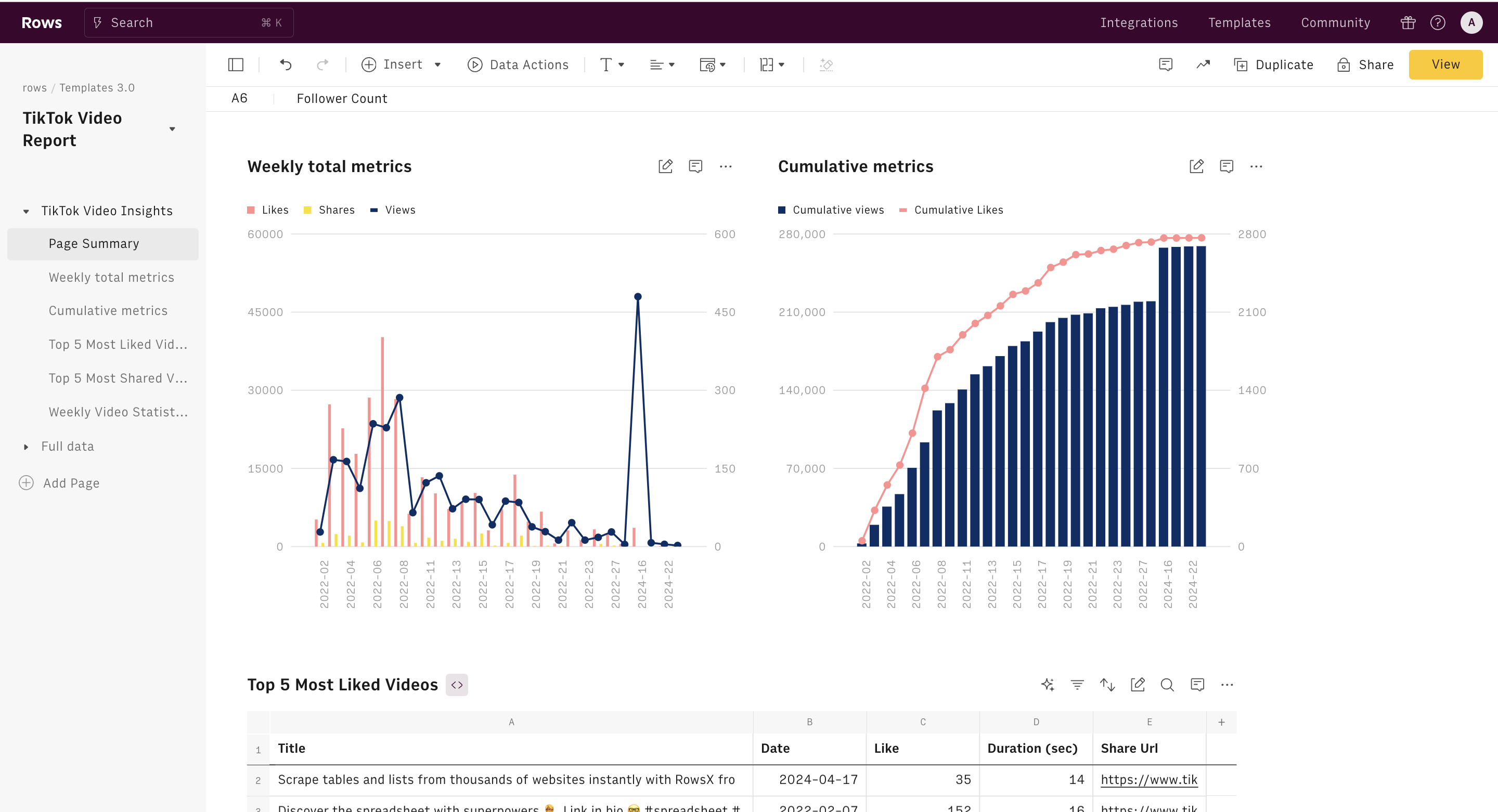
Once your TikTok Pixel is set up, you'll need to generate an Access Token. This token is crucial for authenticating your API requests. To generate it:
- Go to Pixel Details: Access the Pixel details page.
- Select Settings: Navigate to the "Settings" tab.
- Generate Access Token: Click the "Generate Access Token" button.
- Save the Token: Make sure to save the Access Token securely, as it won't be displayed again.
Configuring the TikTok Conversion API
After generating the Access Token, you'll need to configure the TikTok Conversion API within your campaign setup. Here's how to do it:
- Create a TikTok Campaign: Follow the instructions provided in the CPV Lab or CPV One documentation to create a TikTok campaign.
- Add API Details: In the "Tracking Pixel" section of your campaign setup, input the following:
- API Access Token: The token you generated earlier.
- Pixel ID: The ID of your TikTok Pixel.
- Event Name: The name of the event you want to track (e.g., "CompletePayment").
- Amount: The revenue associated with the event.
-
Currency: The currency code (e.g., USD).
-
Save Your Campaign: Once you've entered the details, save your campaign setup. The integration with the TikTok Conversion API is now complete.
Verifying Conversions
After setting up the API, it's important to verify that conversions are being tracked correctly. You can check this in three places:
- CPV Lab Pro Conversions Log: Look for records starting with "type":"tiktokapi" and ensure they have "message": "OK".
- TikTok Pixel Details Page: Check the number of "CompletePayment" events received and the last time an event was recorded.
- TikTok Ads Manager Reports: Verify that conversions appear in your reports. Use the Custom Columns option to include "Page Event" columns for detailed insights.
Benefits of Using the TikTok Conversion API
Using the TikTok Conversion API offers several advantages:
- Improved Ad Delivery and Targeting: Gain full visibility on conversions, allowing for better-informed decisions regarding measurement, optimization, and targeting.
- Control Over Data Sharing: Choose which and how much data to share with TikTok to meet your marketing objectives.
- Seamless Adaptation to Industry Changes: Stay ahead of the curve by adapting to changes in the advertising landscape while maintaining your current campaign strategies.
Offline Conversions
TikTok also supports offline conversions, allowing businesses to track in-store purchases and other offline activities. By using the TikTok Event API, you can automate the process of sending offline events directly to TikTok, providing a comprehensive understanding of customer interactions across multiple touchpoints.
Final Thoughts
The TikTok Ads Conversion API is an essential tool for any marketer looking to enhance their ad performance on TikTok. By combining it with the TikTok Pixel and integrating it with your marketing stack through platforms like LeadsBridge, you can optimize ad delivery, create target audiences, and measure ad performance more effectively. Start exploring the possibilities today and take your TikTok advertising strategy to the next level.

Posting Komentar untuk "TikTok Ads Conversion API Guide: How to Track and Optimize Your Campaigns"
Posting Komentar