
TikTok Ads Error Resolution Guide: Fix Common Issues Quickly
TikTok has become a powerful platform for businesses and creators to reach their target audience. However, like any digital platform, it's not immune to technical issues, especially when it comes to ads. If you're encountering errors with your TikTok ads, it can be frustrating and disruptive to your marketing efforts. This guide will walk you through the most common issues and provide actionable solutions to resolve them quickly.
Understanding Common TikTok Ads Errors
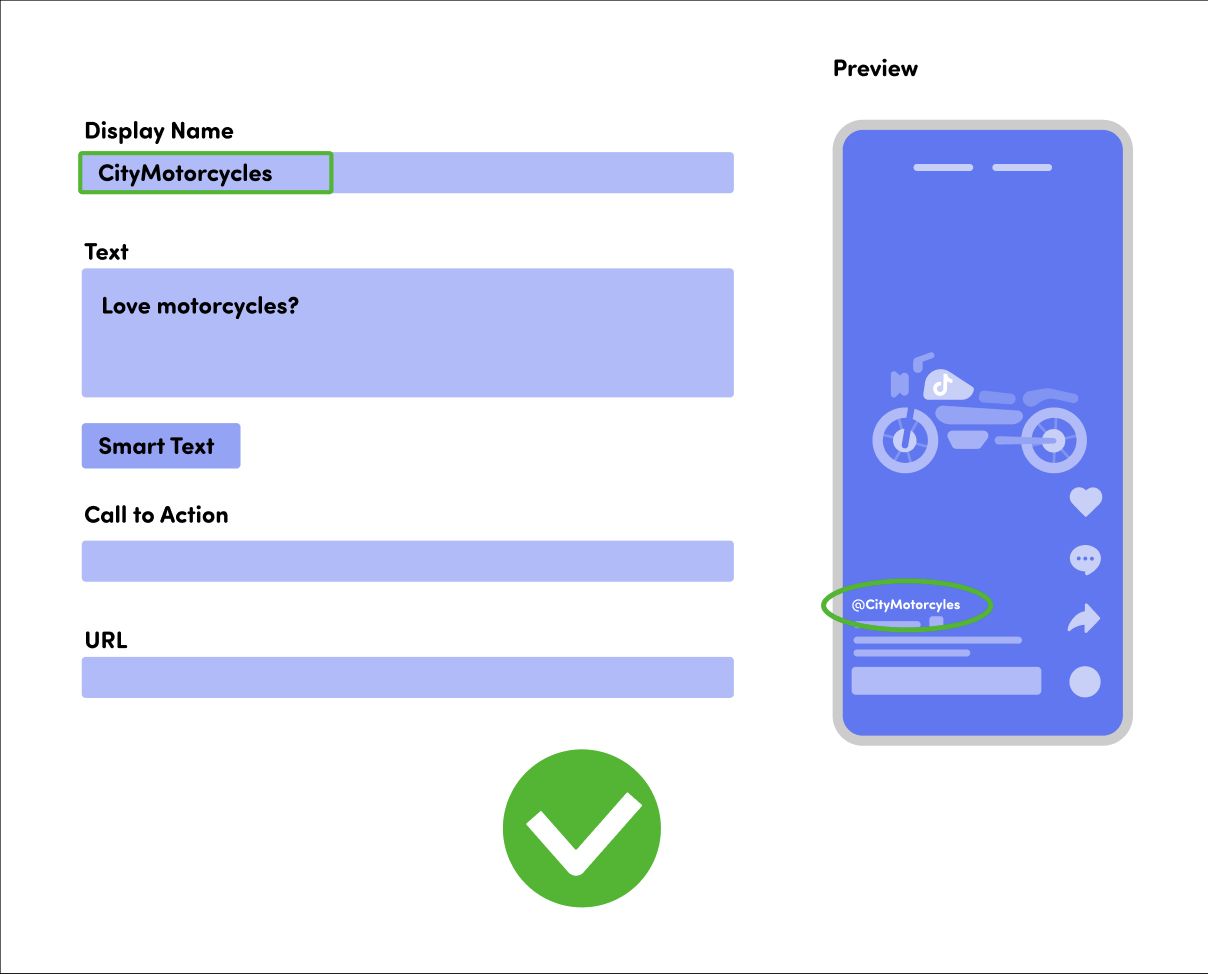
Before diving into solutions, it's important to understand what might be causing the error. Here are some of the most common issues users face:
- Ad Approval Delays: Your ad might be stuck in the approval process.
- Technical Glitches: Issues with the app or device that prevent ads from displaying.
- Policy Violations: Your ad may have been flagged for violating TikTok's community guidelines.
- Account Restrictions: Your account could be under review or suspended.
- Payment Issues: Problems with your payment method or account balance.
Each of these issues requires a different approach to resolve. Let's explore them one by one.
Ad Approval Delays
If your ad is taking longer than expected to go live, it might be due to TikTok's review process. TikTok reviews all ads to ensure they meet their policies and guidelines. This process can take anywhere from a few minutes to several hours.
What to do: - Check the status of your ad in the TikTok Ads Manager. - Ensure your ad complies with TikTok's policies. - Wait patiently, as the review process can vary in length.
Technical Glitches
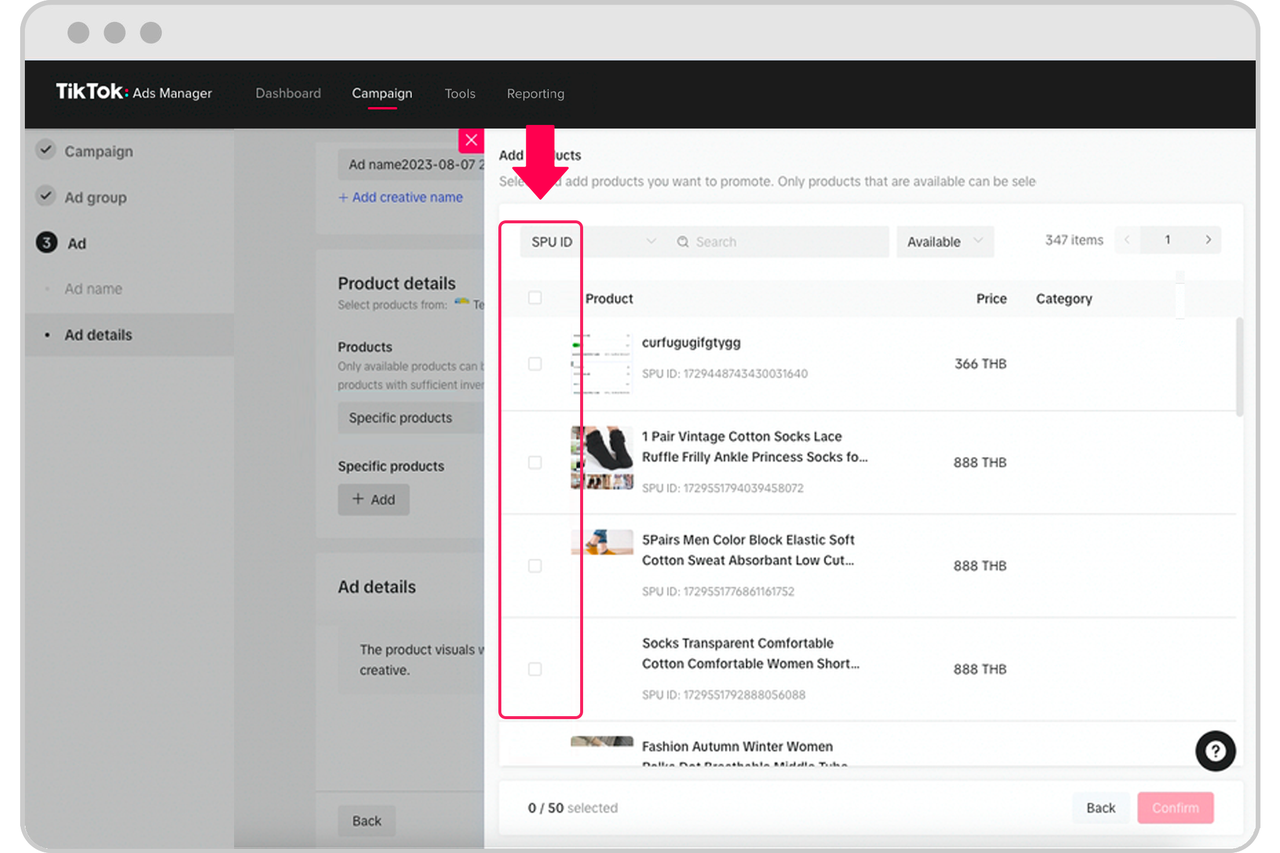
Sometimes, the issue isn't with your ad but with the TikTok app itself. Technical glitches can cause ads to fail to load or display correctly.
What to do: - Restart the TikTok app. - Clear the cache and data of the TikTok app. - Update the TikTok app to the latest version. - Try using a different device or network.
Policy Violations

TikTok has strict policies regarding the content of ads. If your ad violates these policies, it may be rejected or delayed.
What to do: - Review TikTok's advertising policies to ensure your ad is compliant. - Avoid using prohibited content such as hate speech, violence, or explicit material. - Check for any policy violations in your ad copy, images, or videos.
Account Restrictions
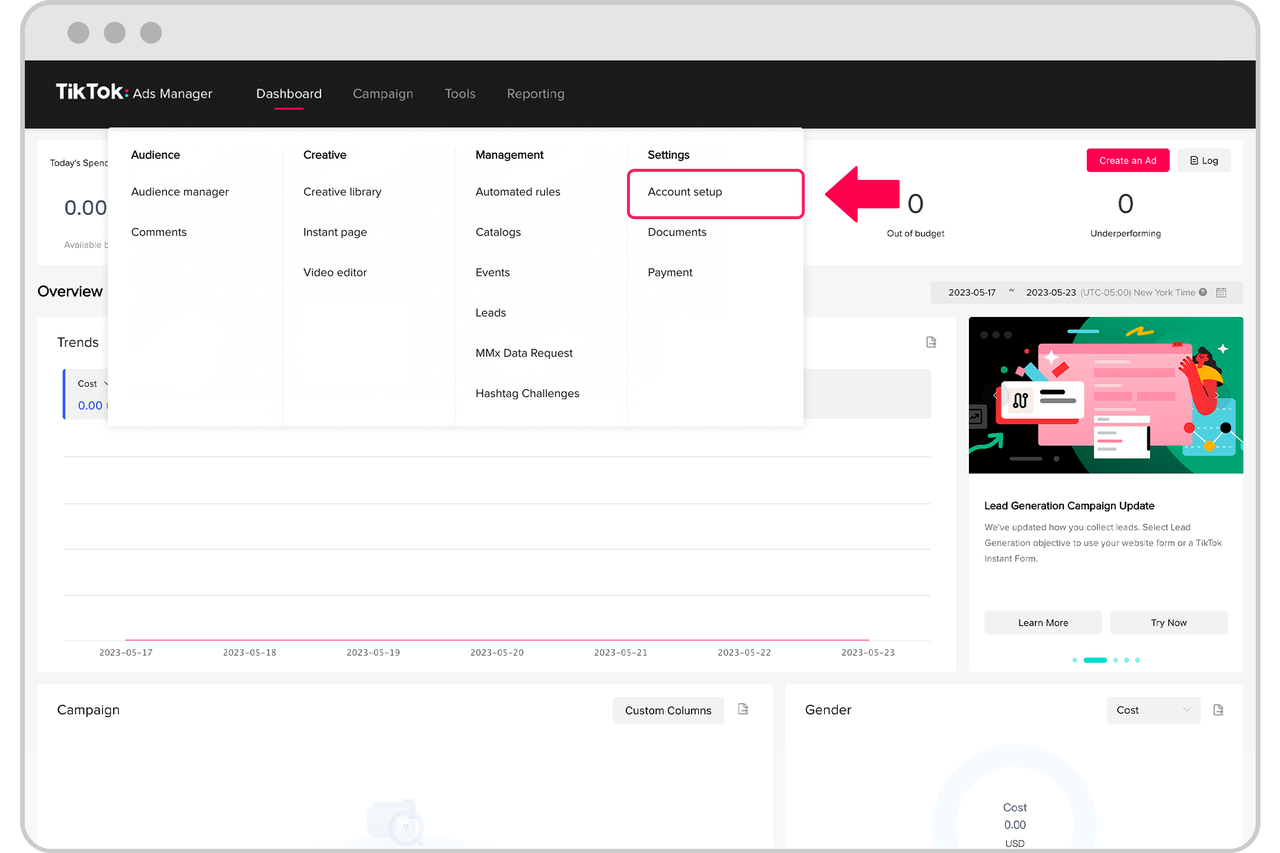
If your account is under review or suspended, your ads may not be able to run. This can happen if your account has been flagged for suspicious activity or policy violations.
What to do: - Check your account status in the TikTok Ads Manager. - If your account is restricted, follow the steps provided by TikTok to resolve the issue. - Contact TikTok support if you believe the restriction is incorrect.
Payment Issues
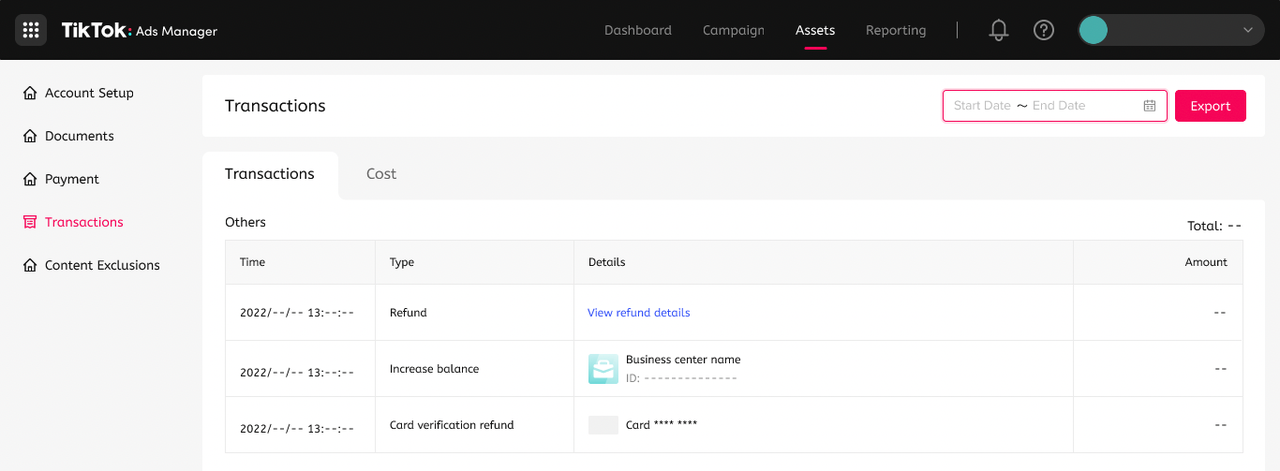
Payment problems can also cause issues with your TikTok ads. If your payment method is invalid or your account balance is insufficient, your ads may not run.
What to do: - Verify that your payment method is valid and up to date. - Ensure your account has sufficient funds. - Contact TikTok support if you're experiencing payment issues.
Additional Tips for Resolving TikTok Ads Errors
In addition to the specific solutions above, here are some general tips that can help you avoid common issues and keep your TikTok ads running smoothly:
1. Regularly Monitor Your Ads
Keep an eye on your ads to ensure they're performing as expected. Use TikTok's analytics tools to track metrics such as views, clicks, and engagement.
2. Stay Updated on TikTok Policies
TikTok frequently updates its policies and guidelines. Make sure you're aware of any changes that could affect your ads.
3. Use High-Quality Content
Ensure your ads are visually appealing and well-produced. High-quality content is more likely to engage users and perform well.
4. Test Different Ad Formats
Experiment with different ad formats, such as video, image, or carousel ads, to see what works best for your audience.
5. Engage with Your Audience
Encourage interaction with your ads by asking questions, running contests, or offering incentives. Engagement can improve your ad performance and visibility.
Conclusion
Dealing with TikTok ads errors can be frustrating, but with the right approach, you can resolve most issues quickly. By understanding the common causes of errors and following the solutions outlined in this guide, you can ensure your ads run smoothly and effectively. Remember to stay proactive, monitor your ads regularly, and keep your content compliant with TikTok's policies. With these steps, you'll be well on your way to achieving success with your TikTok advertising efforts.

Posting Komentar untuk "TikTok Ads Error Resolution Guide: Fix Common Issues Quickly"
Posting Komentar