
Understanding TikTok Ad Account Permissions: A Complete Guide
TikTok has become a powerful platform for businesses to reach their target audience through targeted advertising. However, managing ad account permissions on TikTok can be complex, especially for those new to the platform. This guide will walk you through the key aspects of TikTok ad account permissions, helping you understand how to manage access, assign roles, and ensure secure collaboration.

What Are TikTok Ad Account Permissions?
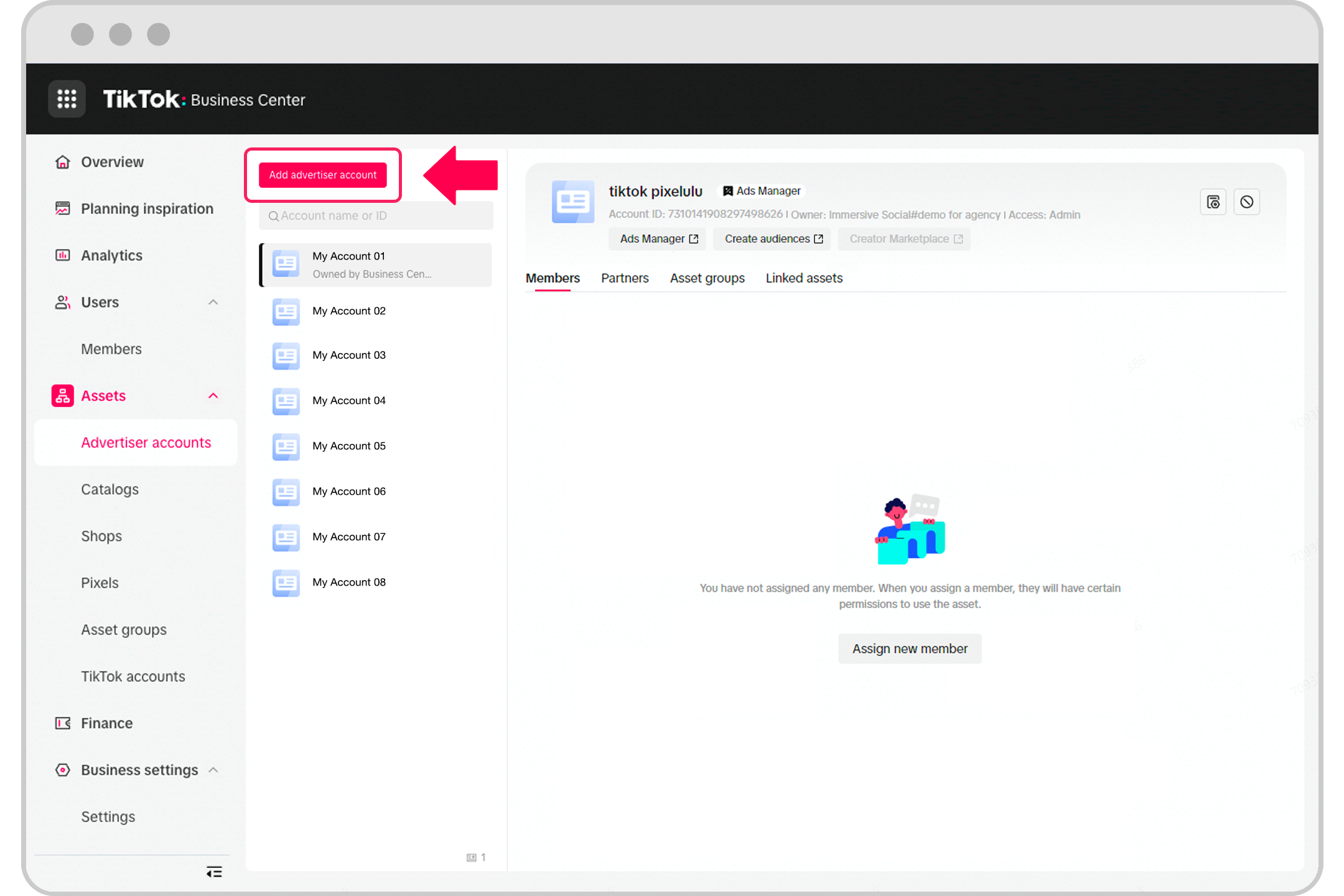
TikTok ad account permissions refer to the access levels and roles assigned to individuals or organizations that interact with your TikTok Ads Manager. These permissions determine what users can do within your ad account, such as creating campaigns, managing budgets, or viewing performance data. Properly managing these permissions is crucial for maintaining security, streamlining team collaboration, and ensuring compliance with company policies.
Key Concepts: Business Center vs. Ads Manager
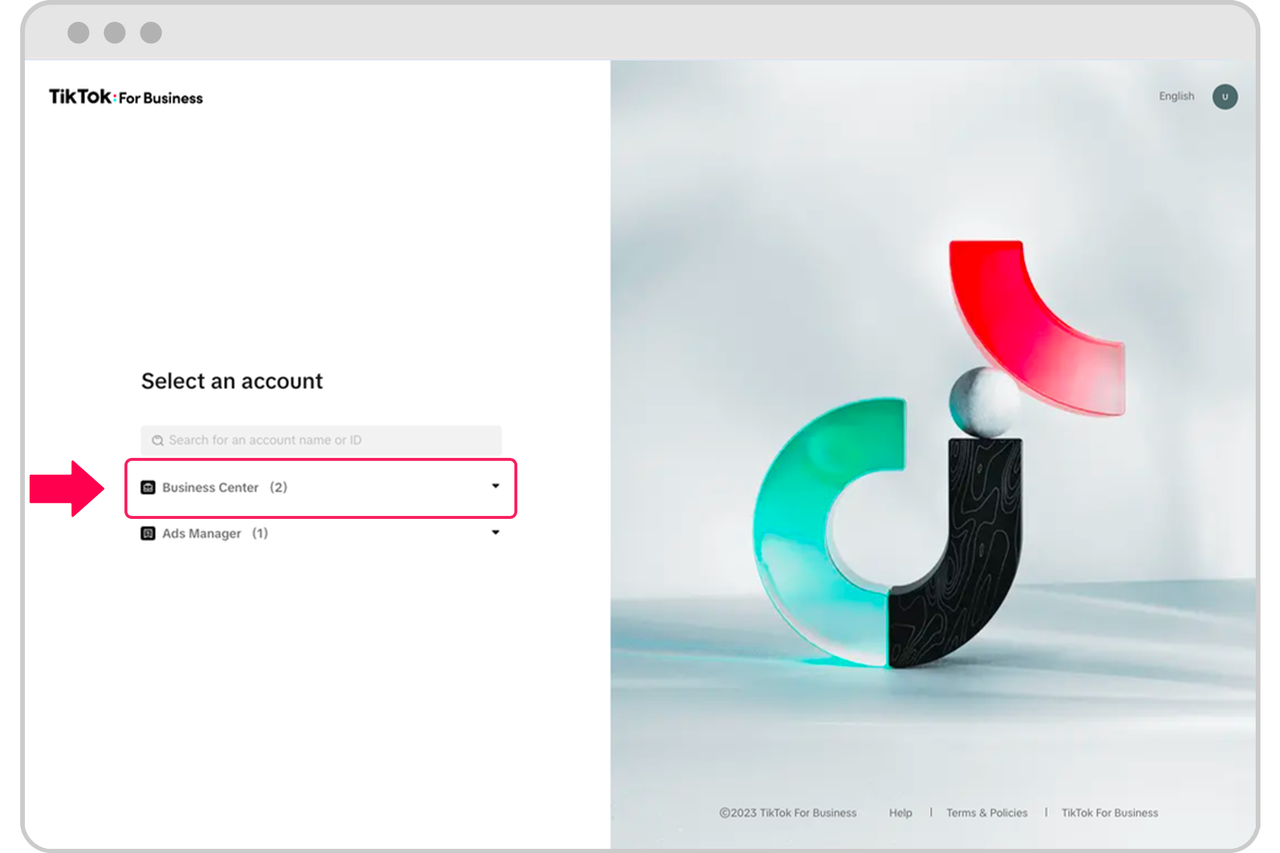
Before diving into permissions, it's important to understand the difference between TikTok Business Center and TikTok Ads Manager:
-
TikTok Business Center: This is where you manage all access to your TikTok accounts, ad accounts, and partner relationships. It serves as the central hub for assigning roles and permissions.
-
TikTok Ads Manager: This is where you create, manage, and analyze your ad campaigns. While this is where most ad-related actions occur, access to this platform must be managed through the Business Center.
In short, you cannot directly assign access to TikTok Ads Manager without going through the Business Center.
Types of Roles in TikTok Business Center

TikTok offers different roles to control access at the Business Center level. Here are the main roles:
1. Admin
- Has full control over the Business Center.
- Can add/remove members, manage partners, create ad accounts, assign access, and handle security settings.
2. Standard
- Can only access assets they’re assigned to (e.g., an ad account or pixel).
- Cannot manage members or settings.
3. Finance Manager
- Full control over billing, payments, and account balances.
- Typically used for finance teams handling budgets.
4. Finance Analyst
- Can view and download financial data but cannot make changes.
These roles help ensure that users have the right level of access based on their responsibilities.
Asset-Level Permissions for Ad Accounts

Beyond Business Center roles, TikTok also allows you to assign specific permissions to individual ad accounts. These are known as asset-level permissions and include:
1. Admin
- Full access to the ad account.
- Can manage members, change settings, edit campaigns, and handle billing/finance.
2. Operator
- Can create and manage campaigns and view performance data.
- Cannot manage account settings or finance.
3. Analyst
- Has view-only access.
- Can see campaigns, reports, and performance data.
- Cannot edit or publish anything.
These permissions allow you to fine-tune access based on the user’s role and responsibilities.
How to Give Access via TikTok Business Center
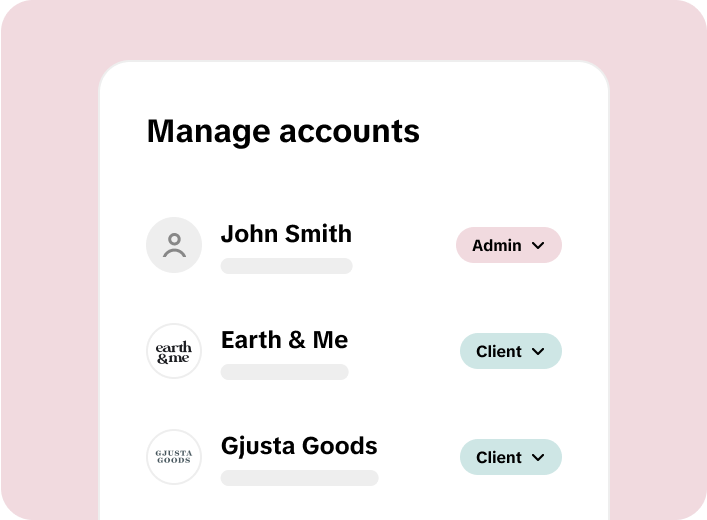
If you want to grant access to a team member, freelancer, or agency, follow these steps:
- Log in to your TikTok Business Center.
- Go to the Users tab on the left-hand sidebar.
- Click Add Members to open the invitation window.
- Enter the email address of the person you want to add.
- Choose their Business Center role (Admin, Standard, etc.).
- Assign asset-level permissions for the specific ad account(s) they need access to.
- Click Save to send the invitation.
The invited user will receive an email and must accept it to gain access.
How to Add a Partner Business Center
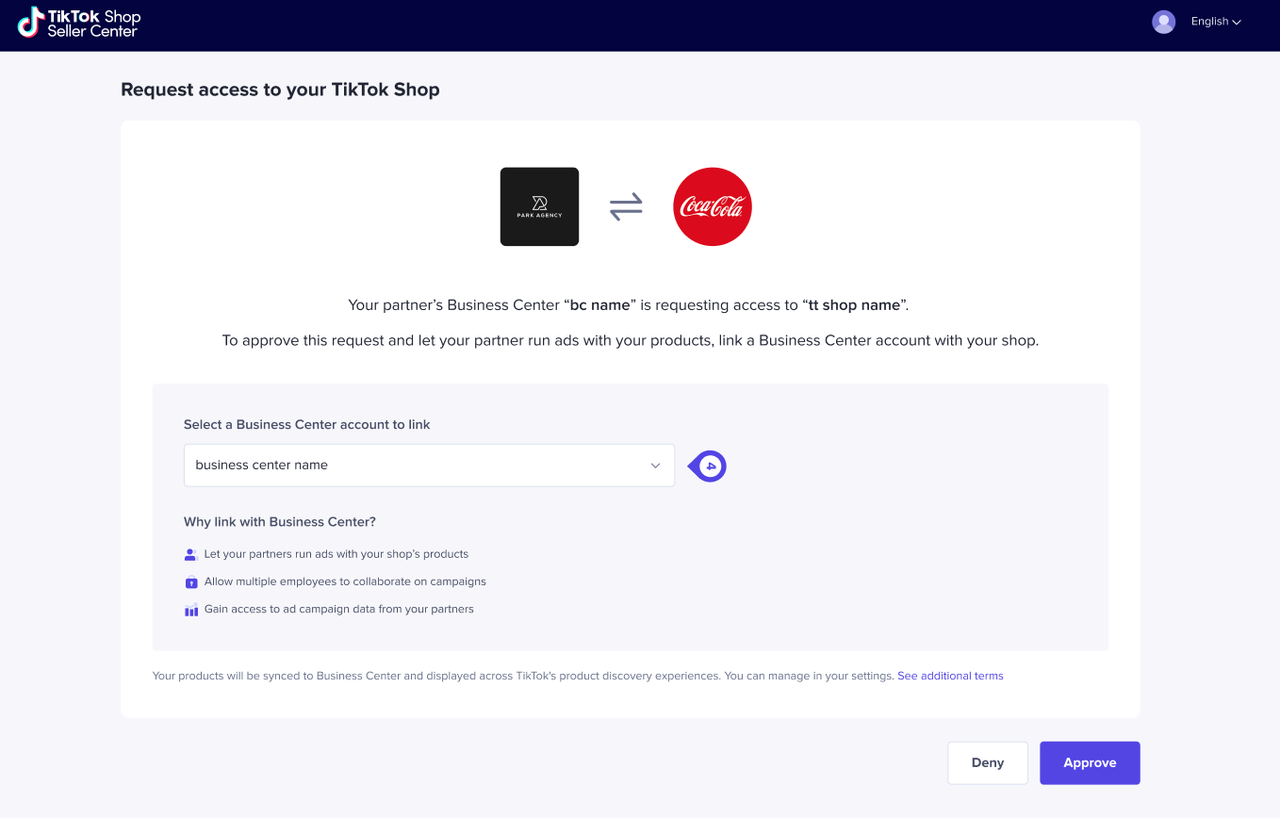
If you're working with an agency or another business, you can add them as a Partner in the Business Center. This allows multiple people from the partner organization to access your assets without adding them individually.
Steps: 1. Log in to your TikTok Business Center. 2. Go to the Partners section. 3. Click Add a Partner. 4. Enter the partner’s Business Center ID. 5. Choose which assets the partner can access. 6. Confirm the request.
Once accepted, the partner can work on the shared assets immediately.
How to Request Access via TikTok Business Center
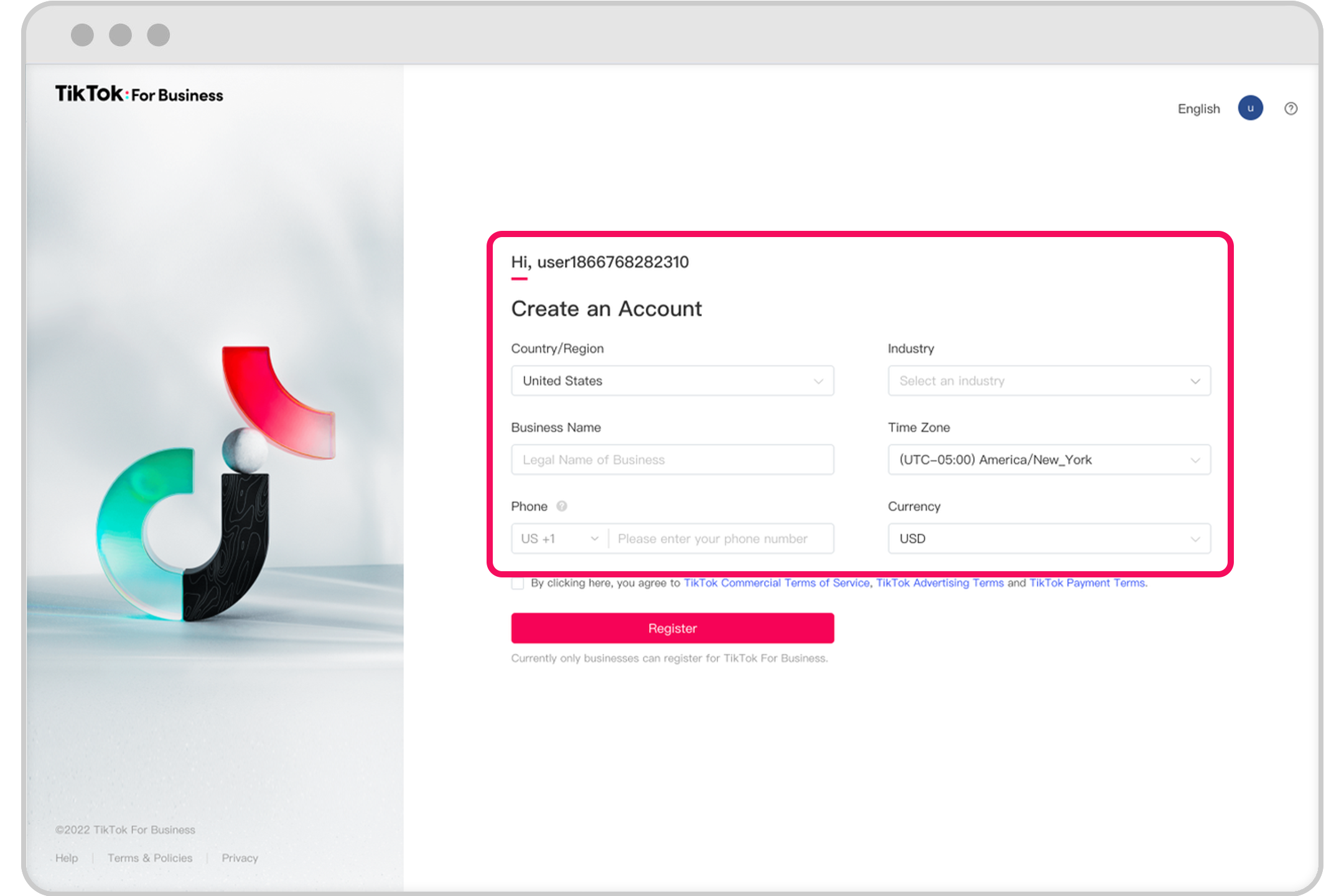
If you need access to someone else’s ad account or TikTok account, you can request it through the Business Center:
- Log in to your TikTok Business Center.
- Go to Accounts > Advertiser Accounts.
- Select Request Access and enter the client’s Ad Account ID.
- Choose the permission level you need (Admin, Operator, or Analyst).
- Submit the request.
The account owner will receive a notification and must approve the request manually.
Using Leadsie for Easier Access Requests

For agencies, requesting access can be time-consuming. Leadsie simplifies the process by allowing clients to approve access with a single link. Once approved, Leadsie automatically sets up the correct permissions, saving time and reducing errors.
Best Practices for Managing Ad Account Permissions
To ensure security and efficiency, consider the following best practices:
- Limit Admin roles to only those who truly need full control.
- Regularly review user access to remove outdated or unnecessary permissions.
- Use asset-level permissions to restrict access to only what’s necessary.
- Train your team on proper use of the Business Center and Ads Manager.
- Monitor activity to detect any unauthorized access or suspicious behavior.
Conclusion
Understanding TikTok ad account permissions is essential for anyone managing ads on the platform. By leveraging the TikTok Business Center, assigning appropriate roles, and using asset-level permissions, you can ensure secure and efficient collaboration while maintaining control over your ad campaigns. Whether you're a business owner, marketer, or agency, mastering these permissions will help you get the most out of TikTok advertising.

Posting Komentar untuk "Understanding TikTok Ad Account Permissions: A Complete Guide"
Posting Komentar