
Understanding TikTok Ads Account Access Roles: A Complete Guide
TikTok has become a powerful platform for businesses to reach their target audience through targeted advertising. However, managing access to TikTok Ads accounts can be complex, especially when multiple team members or agencies are involved. Understanding the different roles and permissions available in TikTok Business Center is essential for maintaining security, streamlining collaboration, and ensuring that everyone on your team has the right level of access.

What Are TikTok Ads Account Access Roles?

TikTok Ads account access roles determine who can manage your ad campaigns, view performance data, and make changes to your account settings. These roles are structured into two main categories: TikTok Business Center roles and asset-level permissions. Each role comes with specific privileges that allow users to perform certain actions within your TikTok Ads account.
1. TikTok Business Center Roles
These roles define the overall level of control someone has within your TikTok Business Center. There are three main roles:
-
Admin: This role gives full control over the entire Business Center. Admins can add or remove members, assign roles, manage partners, create ad accounts, and handle security settings.
-
Standard: Standard users have limited access and can only work with the assets they’ve been assigned. They cannot manage other users or change account settings.
-
Finance Manager/Analyst: These roles are optional and are used for managing financial aspects such as budgets, payments, and reports. Finance Managers have full control over billing, while Analysts can only view and download financial data.
2. Asset-Level Permissions

In addition to Business Center roles, you can assign specific permissions to individual assets like ad accounts, pixels, audiences, and more. The most common asset-level roles are:
-
Admin (Ads Manager): Full access to manage ads, campaigns, and settings.
-
Operator: Can create and manage campaigns but cannot change account settings or handle finances.
-
Analyst: Has view-only access to campaign data and performance metrics.
By assigning these roles, you ensure that each team member or agency partner has the exact level of access they need without compromising security.
How to Manage Access in TikTok Business Center
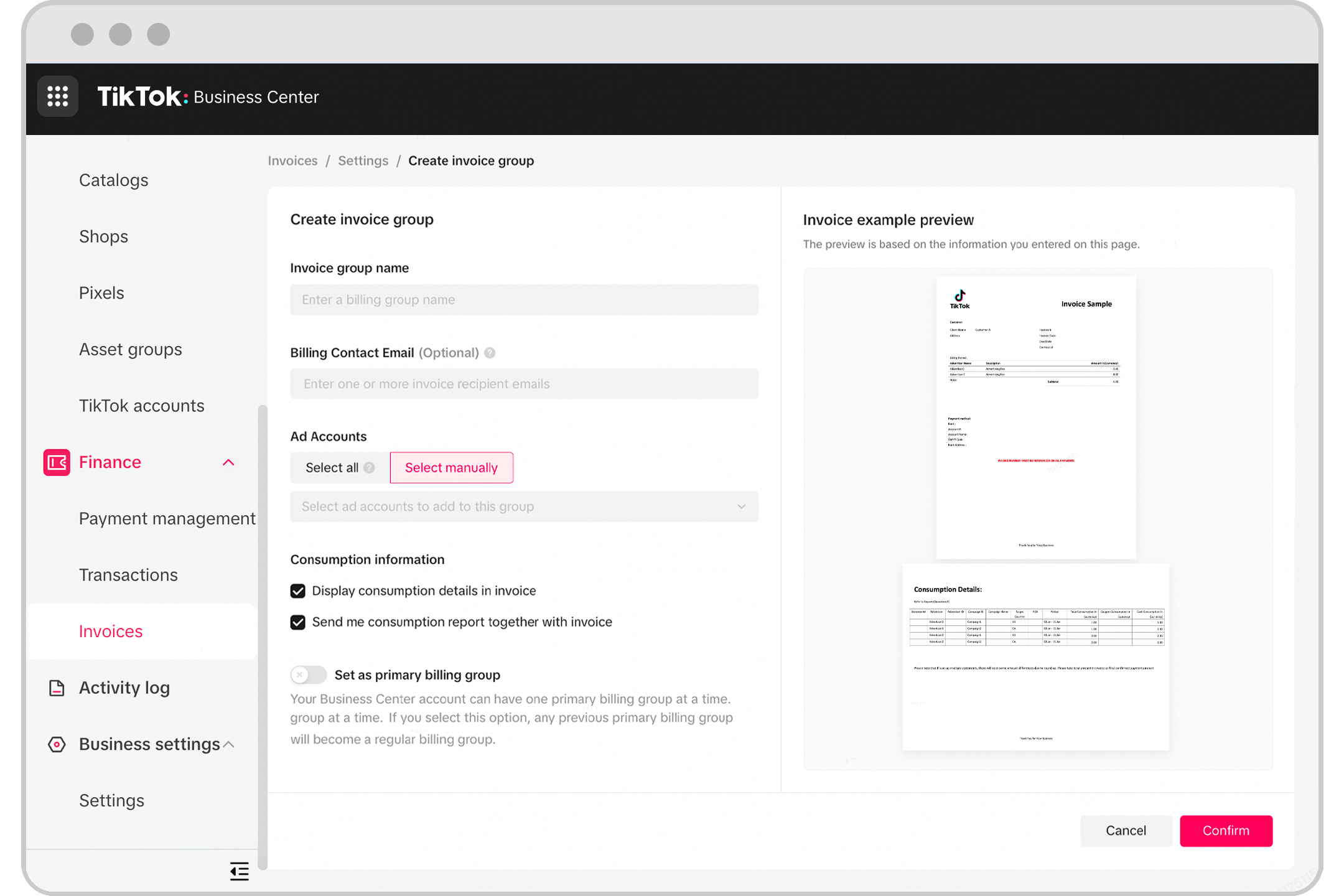
Managing access in TikTok Business Center is straightforward once you understand the process. Here’s a step-by-step guide:
Part 1: Add Members in TikTok Business Center
If you want to give access to an individual, such as a team member, freelancer, or contractor, follow these steps:
- Log in to your TikTok Business Center as an Admin.
- Click on "Users" from the left-hand menu.
- Select "Add Members" to invite someone.
- Enter the email address of the person you want to add.
- Choose their Business Center role (Admin, Standard, etc.).
- Assign them asset-level permissions based on what they need to do.
- Click "Save" to send the invitation.
Part 2: Add a Partner Business Center
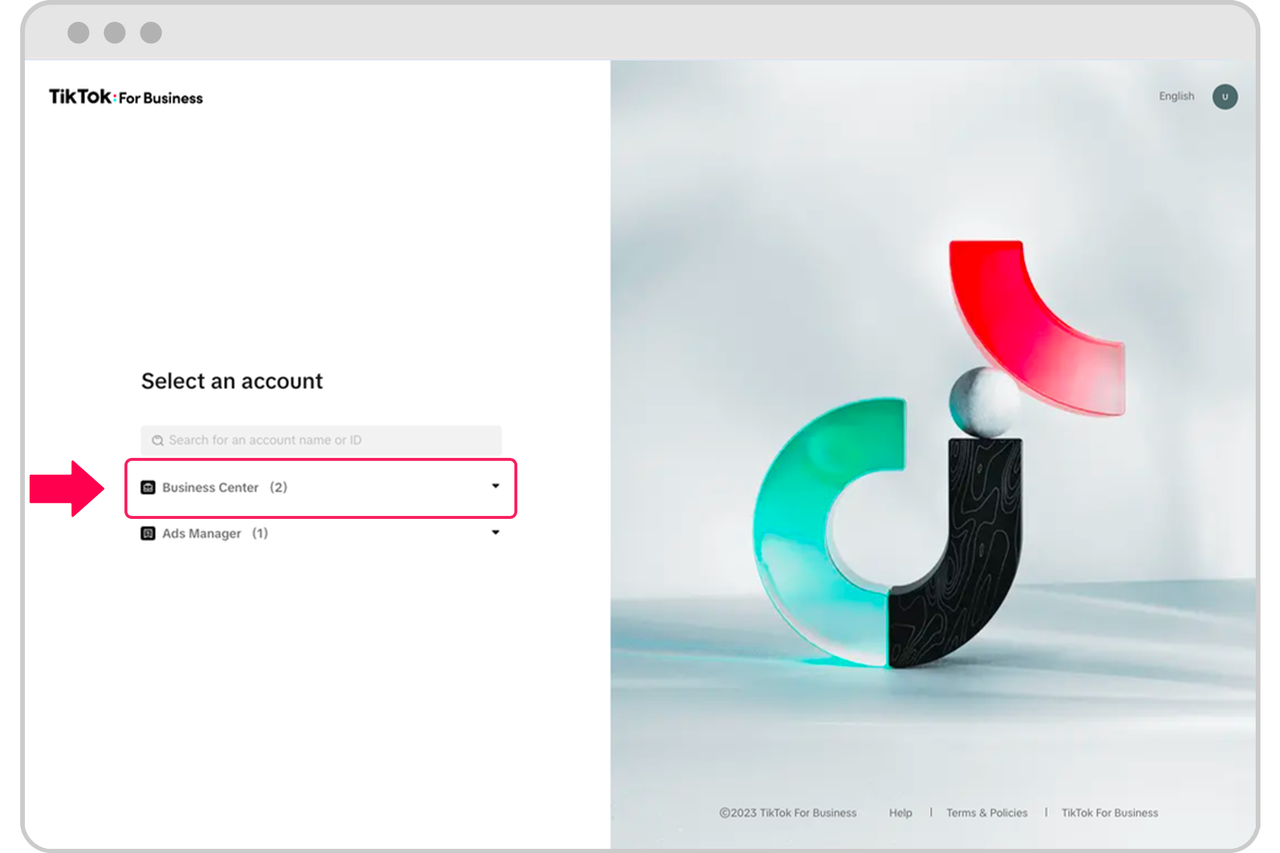
If you’re working with an agency or another business, adding them as a Partner in Business Center is the best way to share access. This allows the entire organization to work with your assets without having to add individuals one by one.
- Log in to your TikTok Business Center as an Admin.
- Go to "Partners" from the left-hand menu.
- Click "Add a Partner."
- Enter the Partner’s Business Center ID.
- Choose which assets they can access.
- Confirm the partnership.
Part 3: Request Access via TikTok Business Center
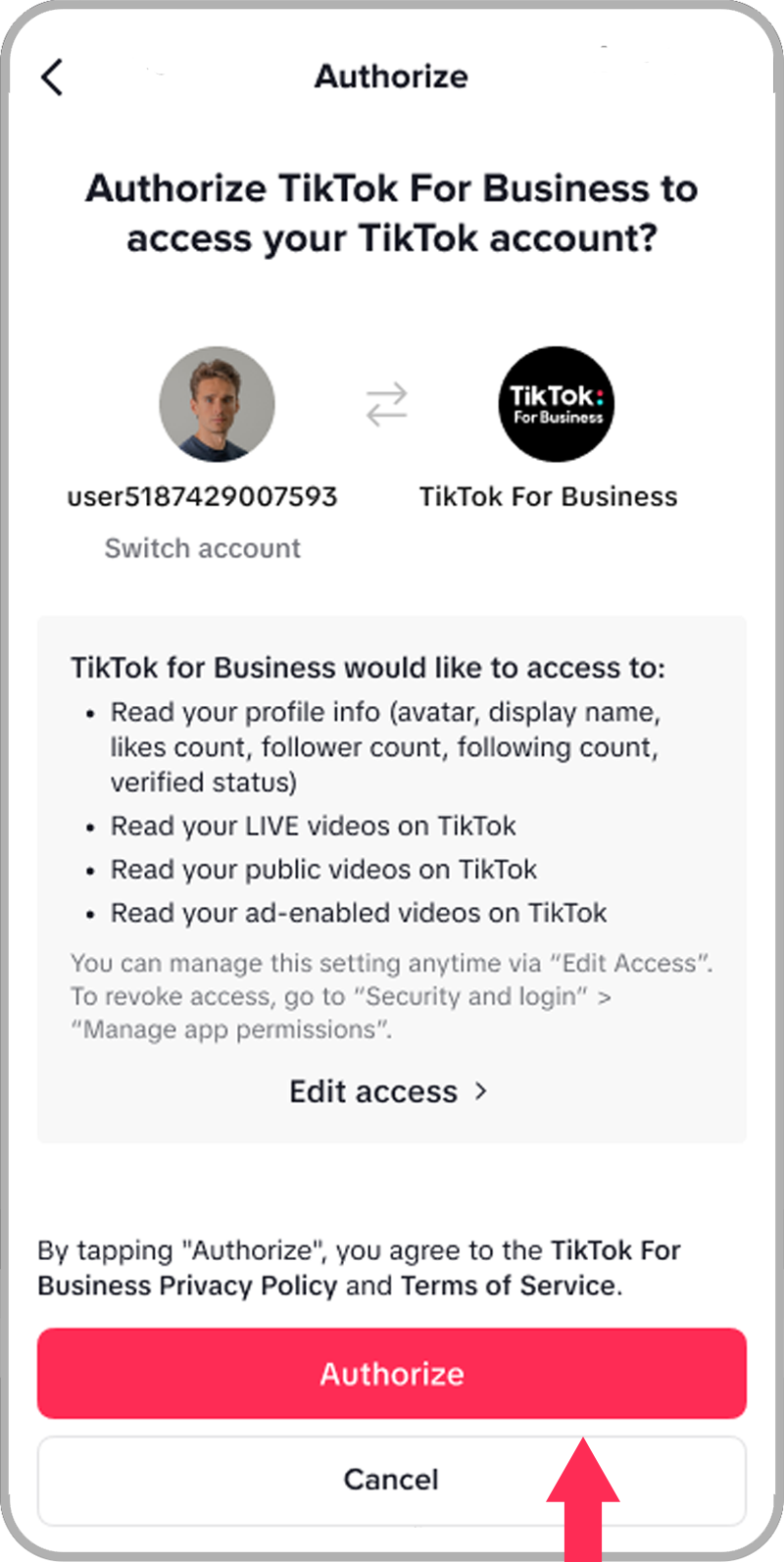
If you need access to someone else’s TikTok Ads account or TikTok account, you can request it through the Business Center.
- Log in to your TikTok Business Center as an Admin.
- Go to "Accounts" > "Advertiser Accounts."
- Select "Request Access" and enter the Ad Account ID.
- Choose the permission level you need.
- Submit the request.
Part 4: Use Leadsie for Faster Access Requests

For agencies, requesting access can be time-consuming. Leadsie simplifies the process by allowing clients to approve access with a single link. This eliminates the need for back-and-forth communication and ensures faster onboarding.
Best Practices for Managing TikTok Ads Account Access
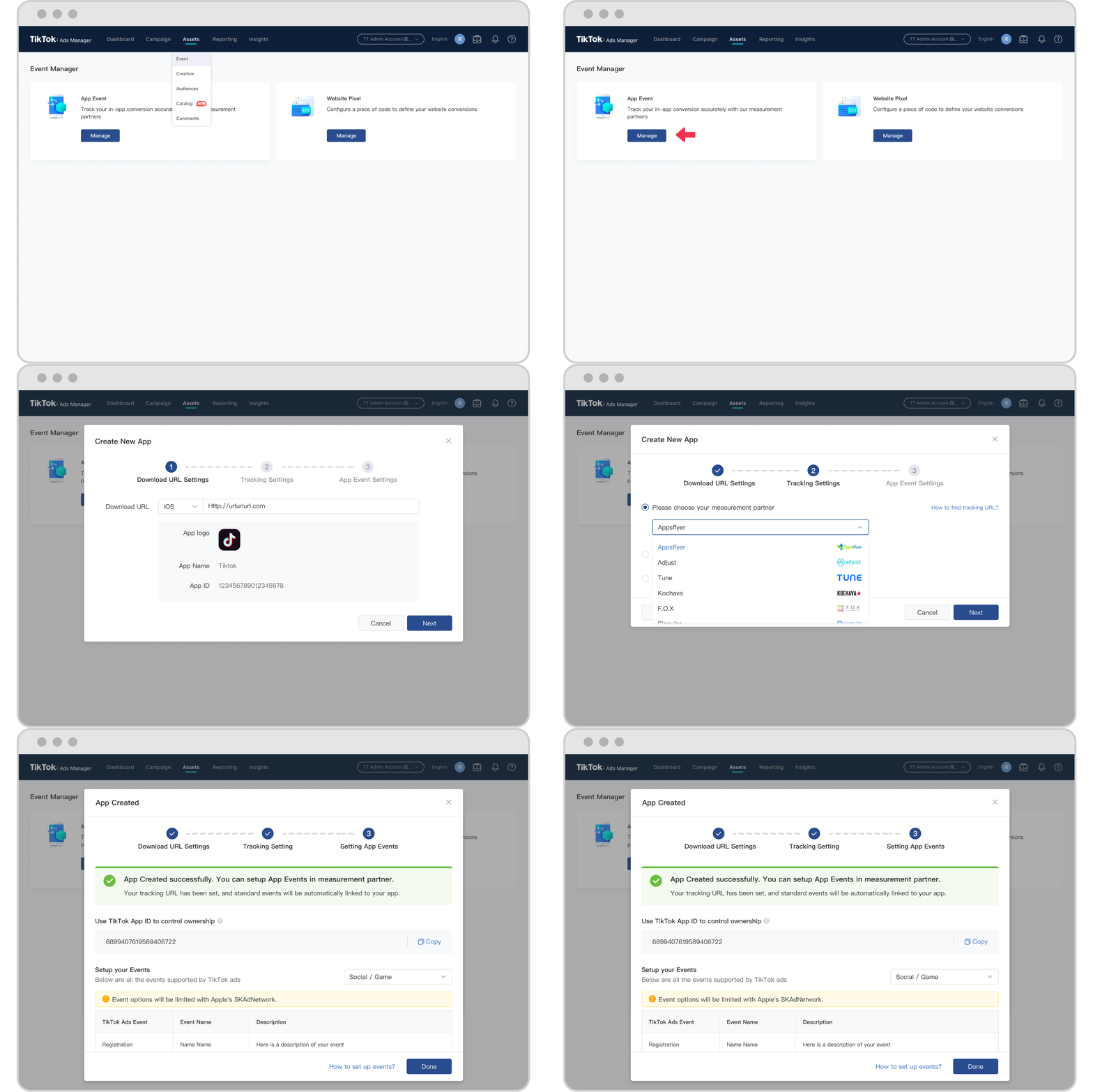
To ensure smooth operations and maintain security, consider the following best practices:
- Limit Admin Access: Only grant Admin roles to those who truly need them. Most team members should have Standard or Analyst roles.
- Regularly Review Access: Periodically check who has access to your account and revoke permissions for former employees or contractors.
- Use Partners for Agencies: If you’re working with an agency, use the Partner feature to streamline access rather than adding individuals manually.
- Leverage AI Tools: Use AI-driven creative tools to maintain a steady flow of fresh content and avoid ad fatigue.
Conclusion
Understanding TikTok Ads account access roles is crucial for any business looking to run effective ad campaigns on the platform. By carefully managing roles and permissions, you can ensure that your team or agency partners have the right level of access while keeping your account secure. Whether you're adding members, inviting partners, or requesting access, TikTok Business Center provides a flexible and secure way to manage your advertising efforts.

Posting Komentar untuk "Understanding TikTok Ads Account Access Roles: A Complete Guide"
Posting Komentar