
A Complete Guide to Navigating TikTok Ads Manager for Beginners
TikTok has evolved from a platform for dances and trends into one of the most powerful marketing tools in the world. For businesses, especially startups, this means an incredible opportunity to reach audiences without breaking the bank. However, understanding how to effectively use TikTok Ads Manager is essential for anyone looking to harness the platform's potential.
Understanding TikTok Ads Manager

TikTok Ads Manager is the interface where advertisers can create, manage, and optimize their ad campaigns on TikTok. It allows users to set up ad accounts, choose targeting options, design creatives, and track performance metrics. Whether you're a small business owner or a digital marketer, mastering TikTok Ads Manager is crucial for running successful ad campaigns.
To start using TikTok Ads Manager, first, create an ad account. Self-serve customers should refer to the Business Help Center article for guidance. If you need to manage more than one ad account, your sales representative will guide you through the process. For complete information, refer to the comprehensive onboarding guide.
Key Features of TikTok Ads Manager

- Ad Account Creation: Start by setting up your ad account. This involves providing business information and linking it to your TikTok account.
- Campaign Setup: Choose the type of campaign you want to run, such as brand awareness, consideration, or conversion.
- Targeting Options: Select your audience based on demographics, interests, behaviors, and more.
- Creative Design: Create engaging video ads that align with your brand message and resonate with your target audience.
- Budget Management: Set your daily or lifetime budget and monitor your spending.
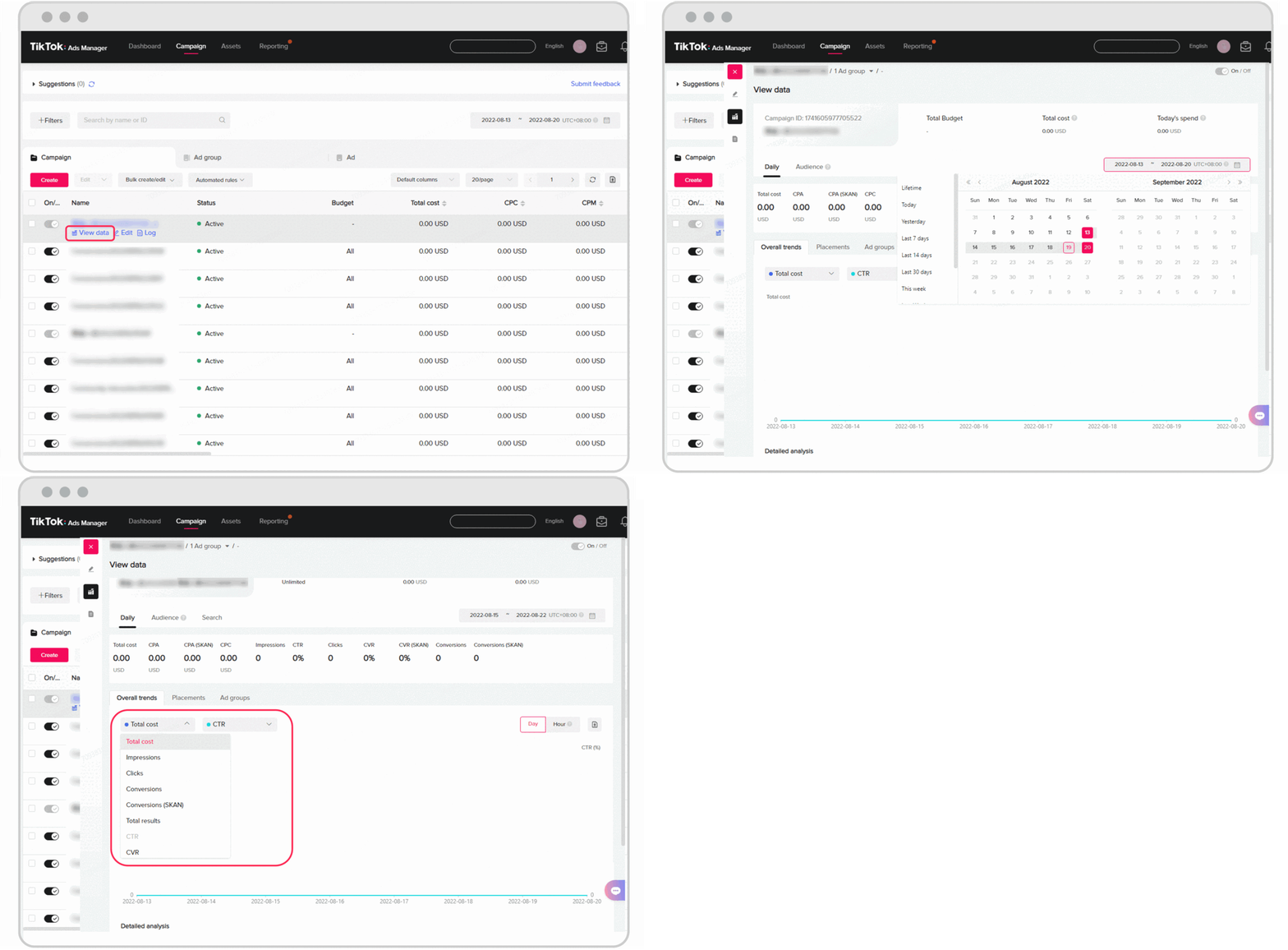
- Performance Tracking: Use analytics tools to track the performance of your ads and make data-driven decisions.
Best Practices for Using TikTok Ads Manager
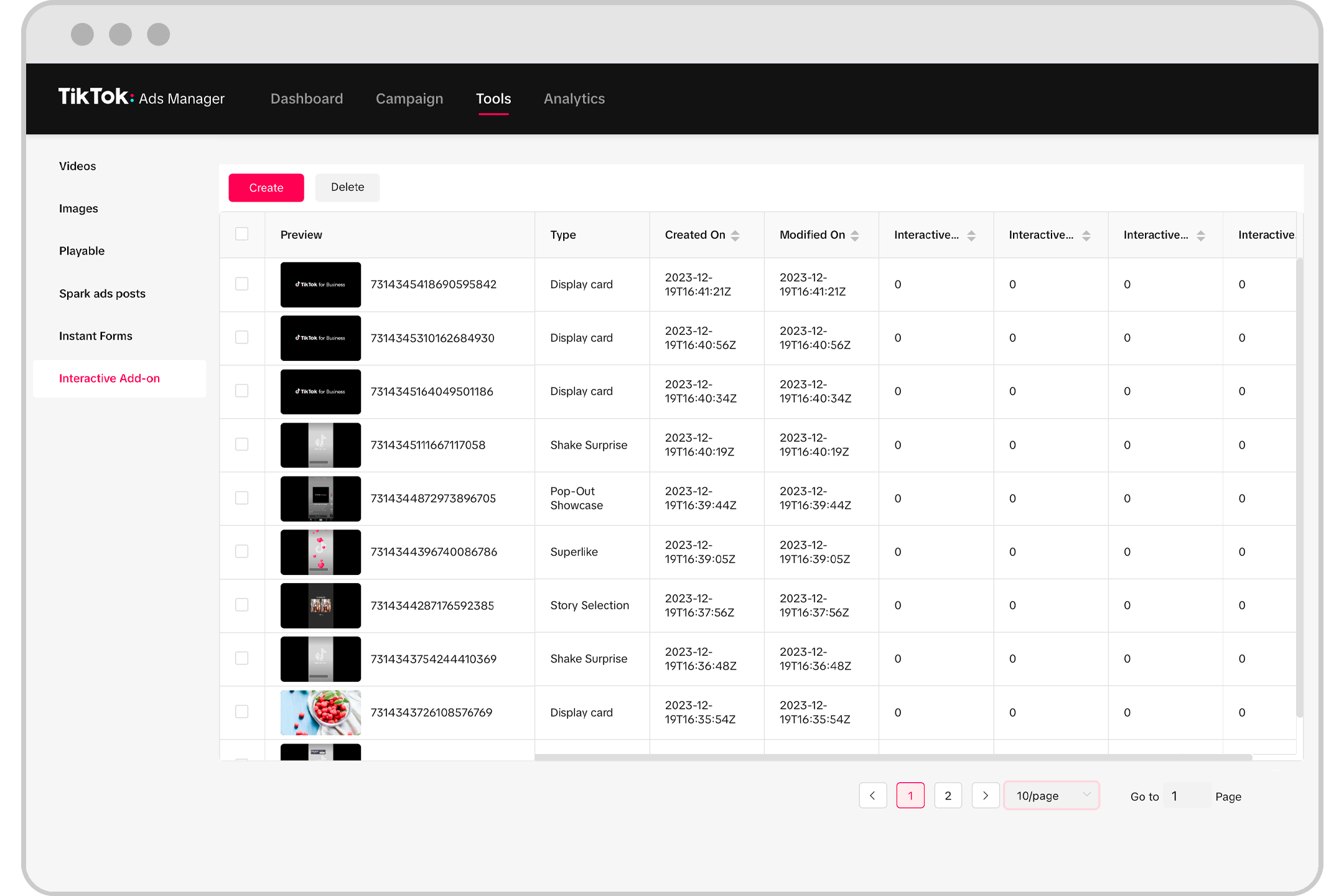
- Start Small and Test Everything: Begin with a small budget and test different ad creatives to see what works best. This helps mitigate risk and maximize success.
- Leverage AI Tools: Use AI to create scripts, propose images, and edit videos. This reduces production costs while improving ad performance.
- Focus on Authenticity: TikTok users value authenticity over polished production. Show real-life scenarios, customer testimonials, and behind-the-scenes content to build trust.
- Optimize for Mobile: Ensure your ads are mobile-friendly. TikTok is primarily a mobile platform, so your creatives should be optimized for smaller screens.
- Use Trending Sounds and Challenges: Incorporate trending sounds and challenges into your ads to increase visibility and engagement.
Common Mistakes to Avoid
- Investing Too Much in a Single Ad: Avoid putting all your budget into one ad. Instead, test multiple variations to find the best-performing one.
- Ignoring Performance Metrics: Regularly check your ad performance and make adjustments based on the data.
- Not Following Trends: Stay updated with the latest trends on TikTok. Incorporating relevant trends can significantly boost your ad's visibility.
- Overlooking Targeting Options: Use the targeting features to reach the right audience. A well-targeted ad is more likely to convert.
Conclusion

Navigating TikTok Ads Manager can seem daunting at first, but with the right approach and strategies, it becomes a powerful tool for reaching your target audience. By focusing on authenticity, leveraging AI, and continuously testing and optimizing your campaigns, you can achieve great results even with a limited budget. Remember, the key to success on TikTok is to create content that resonates with your audience and feels natural. With practice and persistence, you'll be able to master TikTok Ads Manager and unlock its full potential for your business.

Posting Komentar untuk "A Complete Guide to Navigating TikTok Ads Manager for Beginners"
Posting Komentar