
A Deep Dive into TikTok Ads Manager: Features, Tips, and Best Practices
TikTok has evolved from a platform for short-form videos to a powerful marketing tool that businesses can leverage to reach millions of users. At the heart of this advertising ecosystem is the TikTok Ads Manager, a comprehensive platform that allows advertisers to create, manage, and optimize their ad campaigns. Whether you're a seasoned marketer or just starting out, understanding how to use TikTok Ads Manager effectively is crucial for maximizing your return on ad spend (ROAS). In this article, we'll explore the features, best practices, and tips for using TikTok Ads Manager to drive engagement, conversions, and brand awareness.

Understanding TikTok Ads Manager
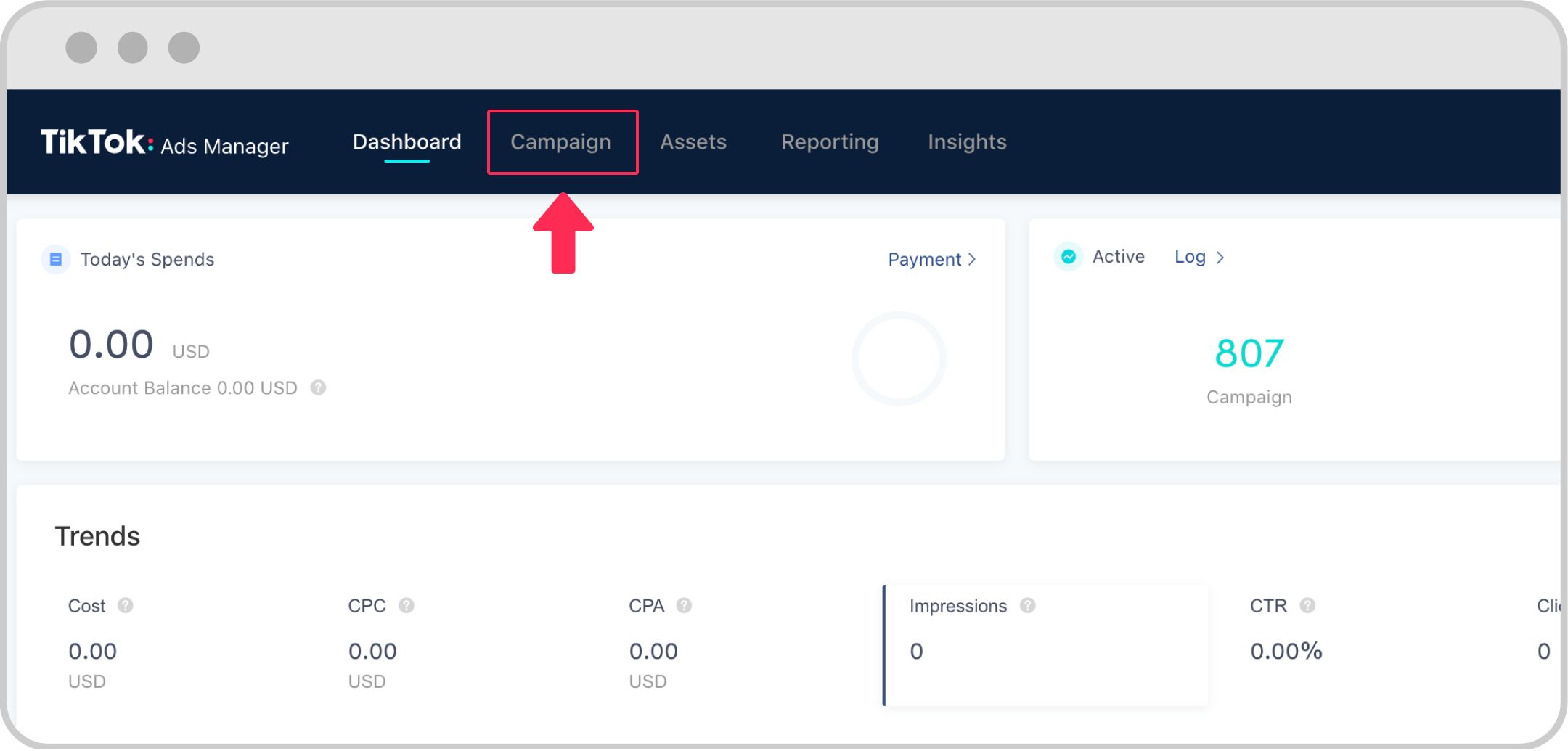
TikTok Ads Manager is the central hub where advertisers can create, track, and analyze their ad campaigns. It offers a range of tools and metrics to help you understand how your ads are performing and make data-driven decisions. Here’s a breakdown of its key features:
1. Campaign Creation
The first step in using TikTok Ads Manager is setting up your campaign. You can choose from several campaign objectives, such as increasing website traffic, driving app installs, generating leads, or boosting brand awareness. The platform also allows you to set your budget, select your target audience, and choose your ad format.
2. Audience Targeting

One of the most powerful aspects of TikTok Ads Manager is its ability to target specific audiences. You can define your audience based on demographics (age, gender, location), interests, behaviors, and even custom audiences created from your existing customer data. This level of targeting ensures that your ads are shown to the right people at the right time.
3. Ad Formats
TikTok supports a variety of ad formats, including: - In-Feed Ads: These appear within users' content feeds and resemble native TikTok videos. - TopView Ads: Premium full-screen ads that appear as the first video when users open TikTok. - Branded Hashtag Challenges: Encourage user-generated content by creating custom hashtags. - Branded Effects: Custom filters, lenses, and stickers that users can apply to their videos. - Spark Ads: Amplify existing organic content to reach a broader audience. - E-commerce Ads: Directly drive sales with product tags, shopping carts, and live streaming capabilities.
4. Performance Metrics
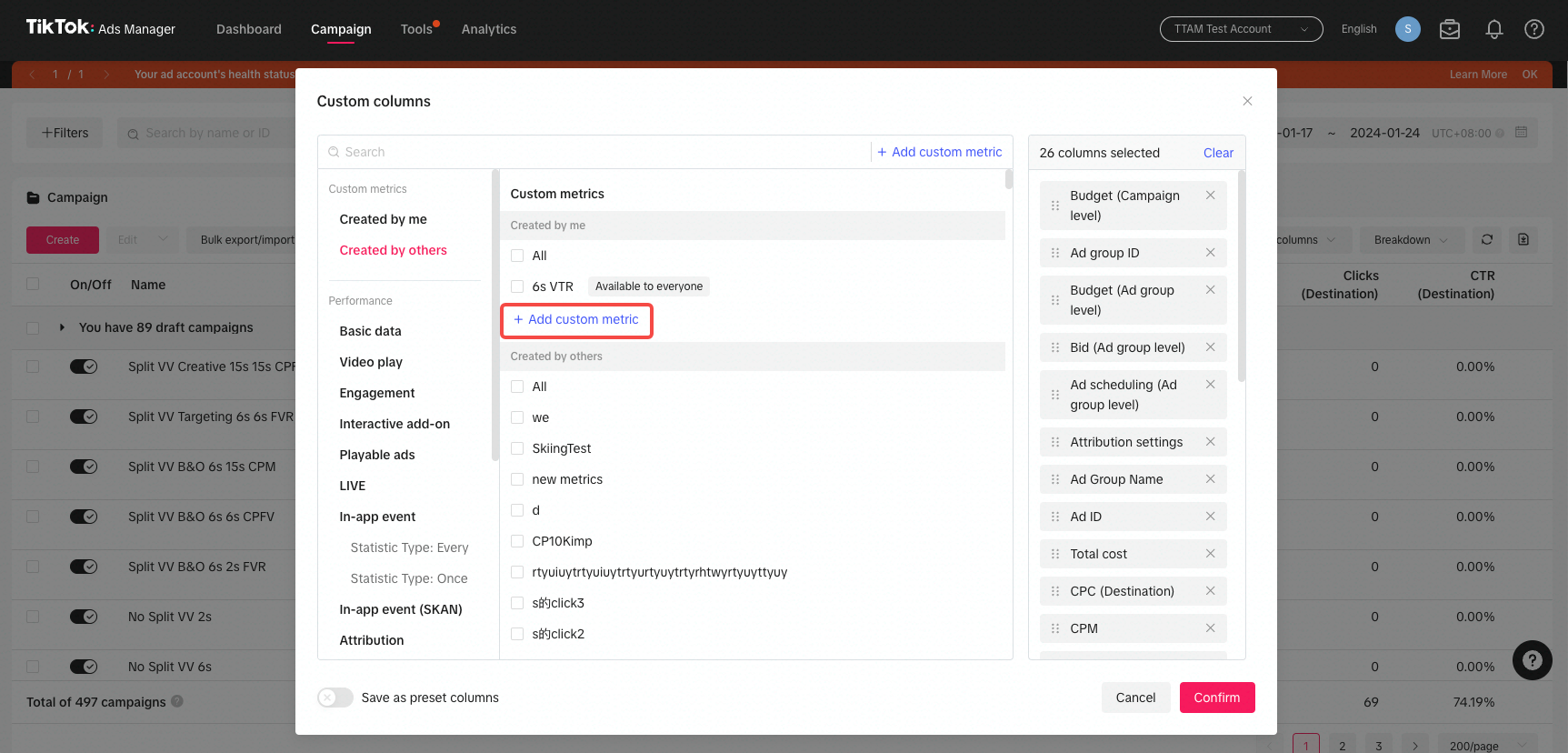
TikTok Ads Manager provides detailed analytics to help you track the performance of your campaigns. Key metrics include impressions, clicks, CTR, conversion rate, CPC, CPV, CPA, and ROAS. These metrics give you insights into how well your ads are resonating with your audience and where you can improve.
Top TikTok Ads Metrics to Track
To ensure your TikTok ad campaigns are effective, it's essential to track the right metrics. Here are the top 10 metrics you should monitor:
1. Impressions
Impressions measure how many times your ad is displayed to users. This metric gives you an idea of your ad's reach and visibility.
2. Clicks (Destination)
Clicks indicate how many users clicked on your ad to visit your website, app, or other destination. This metric helps you understand how engaging your ad is.
3. Click-Through Rate (CTR)
CTR measures the percentage of users who click on your ad after seeing it. A higher CTR indicates that your ad is resonating with your audience.
4. Conversion Rate (CVR)
CVR measures the percentage of users who complete a desired action after clicking on your ad, such as making a purchase or signing up for a newsletter.
5. Cost per Click (CPC)
CPC is the amount you pay for each click on your ad. This metric helps you understand the cost-effectiveness of your campaign.
6. Cost per View (CPV)
CPV measures the average cost you pay for each view of your video ad. This is particularly relevant for video-based campaigns.
7. Cost per Action (CPA)
CPA tracks the cost of each specific action taken by a user after viewing your ad, such as a purchase or sign-up.
8. Cost per Mille (CPM)
CPM measures the cost of displaying your ad to 1,000 users. This metric is useful for brand awareness campaigns.
9. Ad Spend
Ad spend is the total amount you spend on your campaigns. Monitoring this helps you stay within your budget and allocate resources effectively.
10. Return on Ad Spend (ROAS)
ROAS measures the revenue generated from your ad campaigns compared to the cost of those campaigns. A higher ROAS indicates a more profitable campaign.
Tips for Optimizing Your TikTok Ads
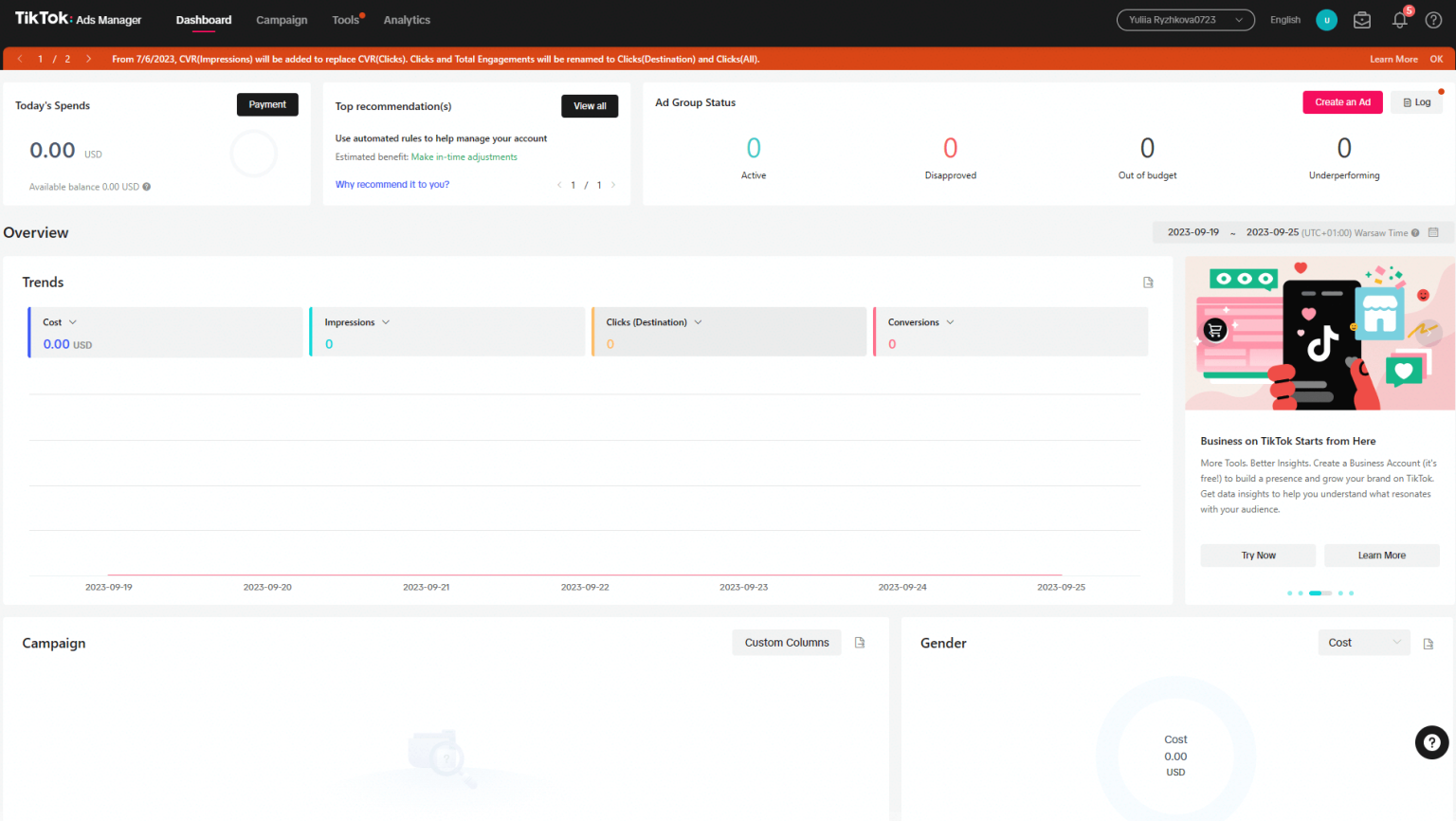
To get the most out of TikTok Ads Manager, consider the following tips:
1. Focus on High-Quality Creative
TikTok users are drawn to visually appealing and engaging content. Invest in high-quality video production, use trending sounds, and incorporate popular TikTok editing techniques to make your ads stand out.
2. Leverage Trends and Hashtags
Staying up-to-date with TikTok trends and using relevant hashtags can significantly increase the visibility of your ads. Incorporate trending sounds and challenges to make your content more relatable.
3. Use User-Generated Content (UGC)
UGC adds authenticity to your ads and can help build trust with your audience. Encourage customers to create content featuring your products and consider running branded hashtag challenges to inspire UGC.
4. Test and Refine
Continuously test different ad creatives, headlines, and calls to action to see what resonates with your audience. Use A/B testing to refine your approach and improve performance.
5. Optimize Landing Pages
Ensure that your landing pages are mobile-friendly, load quickly, and clearly communicate the value of your offer. A well-designed landing page can significantly improve conversion rates.
6. Monitor and Adjust
Regularly review your campaign performance using TikTok Ads Manager's analytics tools. Adjust your targeting, budget, and creative elements based on the data to maximize ROI.
Best Practices for Using TikTok Ads Manager
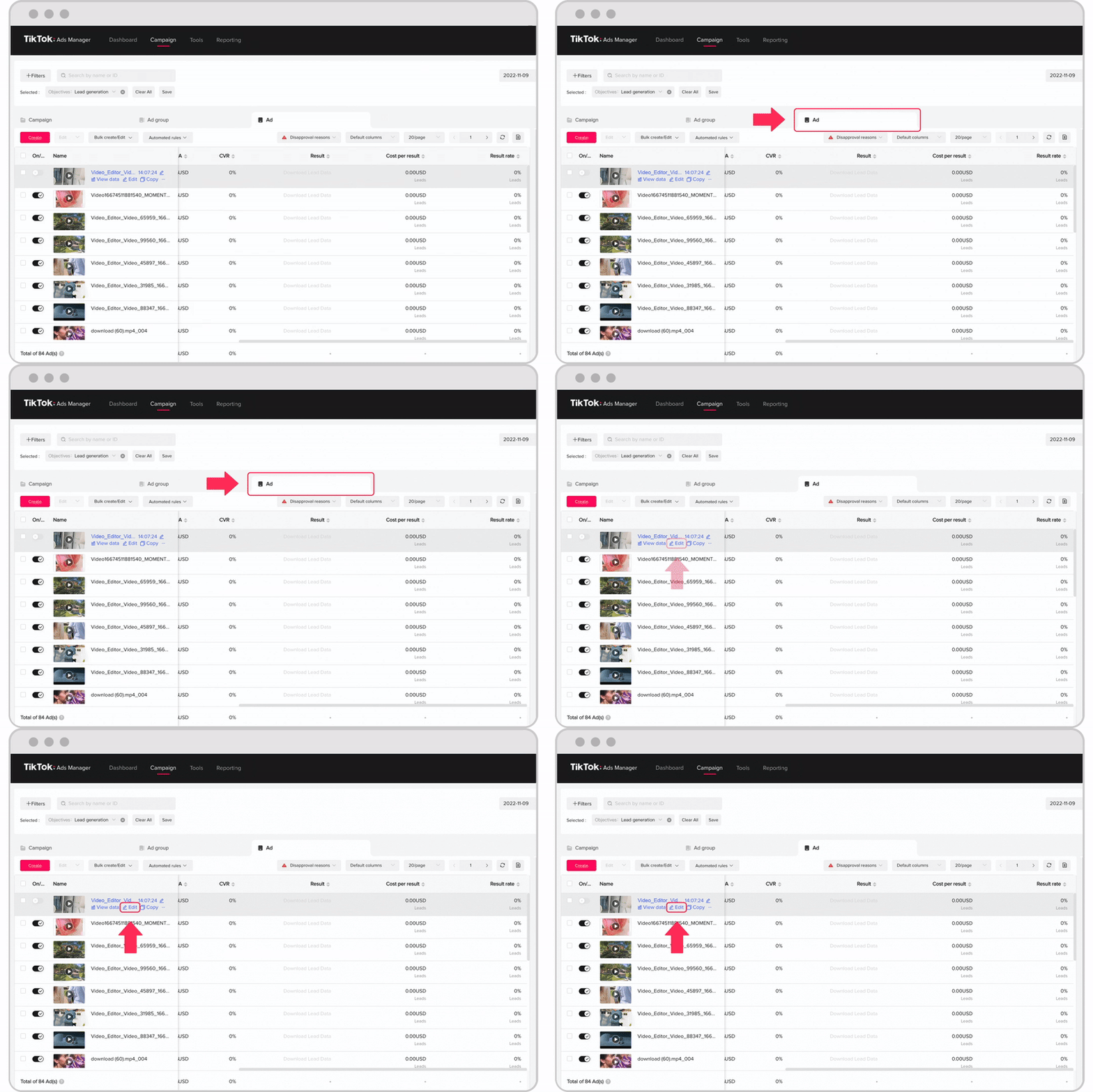
To make the most of TikTok Ads Manager, follow these best practices:
1. Start with a Clear Objective
Define your campaign goals before launching your ads. Whether you're aiming to increase brand awareness, drive traffic, or generate sales, having a clear objective will guide your strategy.
2. Understand Your Audience
Use TikTok's targeting tools to identify and engage with your ideal audience. Segment your audience based on demographics, interests, and behaviors to create more personalized and effective ads.
3. Set a Realistic Budget
Determine a budget that aligns with your goals and adjust it based on performance. Start with a smaller budget and scale up as you see positive results.
4. Create Native Content
TikTok users prefer content that feels authentic and native to the platform. Avoid overly produced ads and instead focus on creating content that resonates with the TikTok community.
5. Use A/B Testing
Test different versions of your ads to determine which ones perform best. This includes testing different headlines, visuals, and calls to action.
6. Stay Updated on Platform Changes
TikTok frequently updates its features and policies. Stay informed about changes to the platform to ensure your ads remain compliant and effective.
Conclusion
TikTok Ads Manager is a powerful tool that can help you reach a massive and engaged audience. By understanding its features, tracking the right metrics, and implementing best practices, you can create effective ad campaigns that drive engagement, conversions, and brand awareness. Whether you're a small business owner or a large enterprise, leveraging TikTok's advertising capabilities can provide significant returns on your investment. With the right strategy and continuous optimization, you can unlock the full potential of TikTok Ads Manager and grow your business on one of the fastest-growing social media platforms.

Posting Komentar untuk "A Deep Dive into TikTok Ads Manager: Features, Tips, and Best Practices"
Posting Komentar