
How to Configure TikTok Custom Events: A Complete Guide for Marketers
TikTok has become a powerful platform for marketers, offering unique opportunities to engage with audiences through creative and interactive content. One of the most effective tools available is TikTok Custom Events, which allows brands and creators to track user interactions and measure the success of their campaigns. This guide will walk you through the process of configuring TikTok Custom Events, helping you unlock deeper insights into your audience's behavior and optimize your marketing strategies.
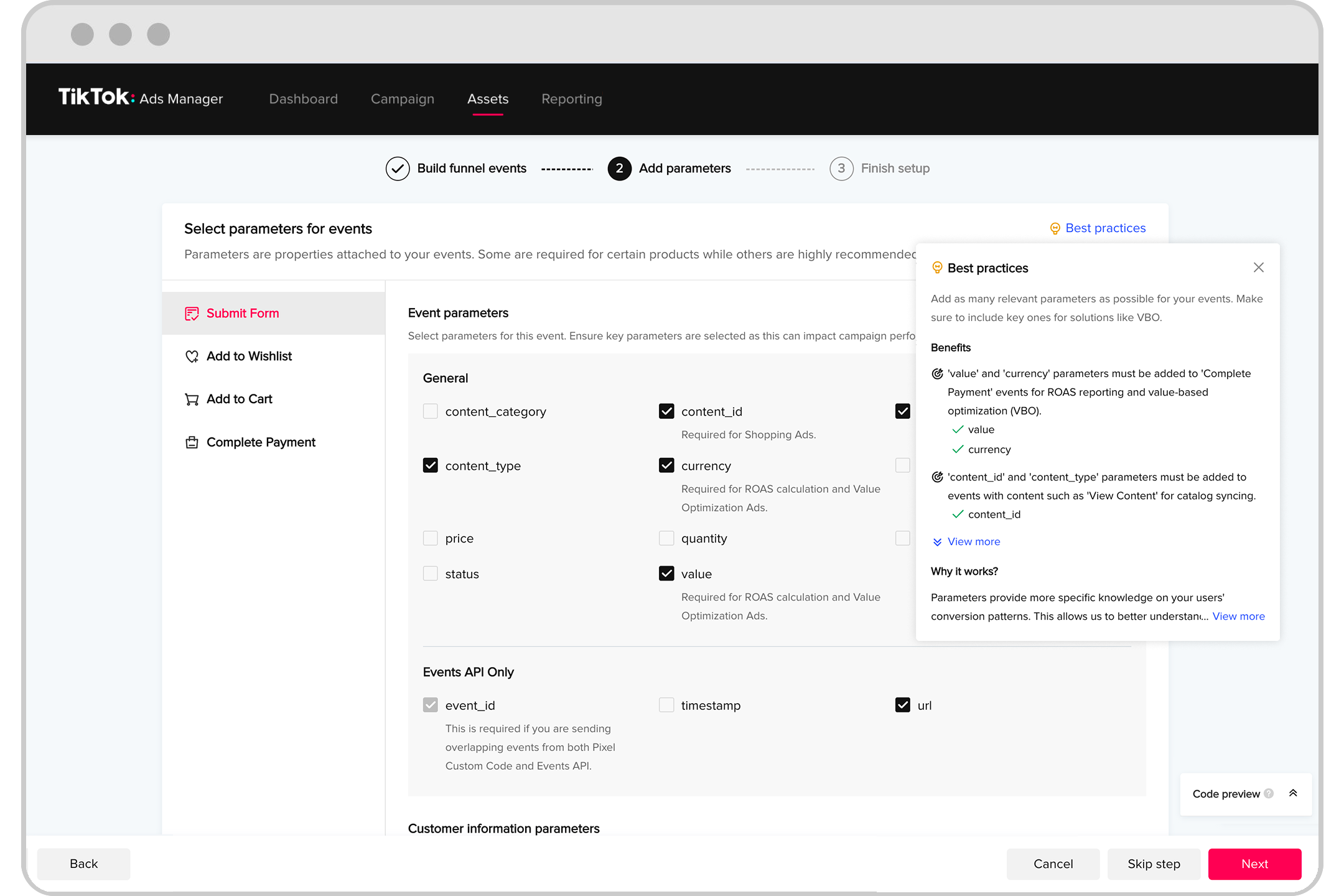
Understanding TikTok Custom Events
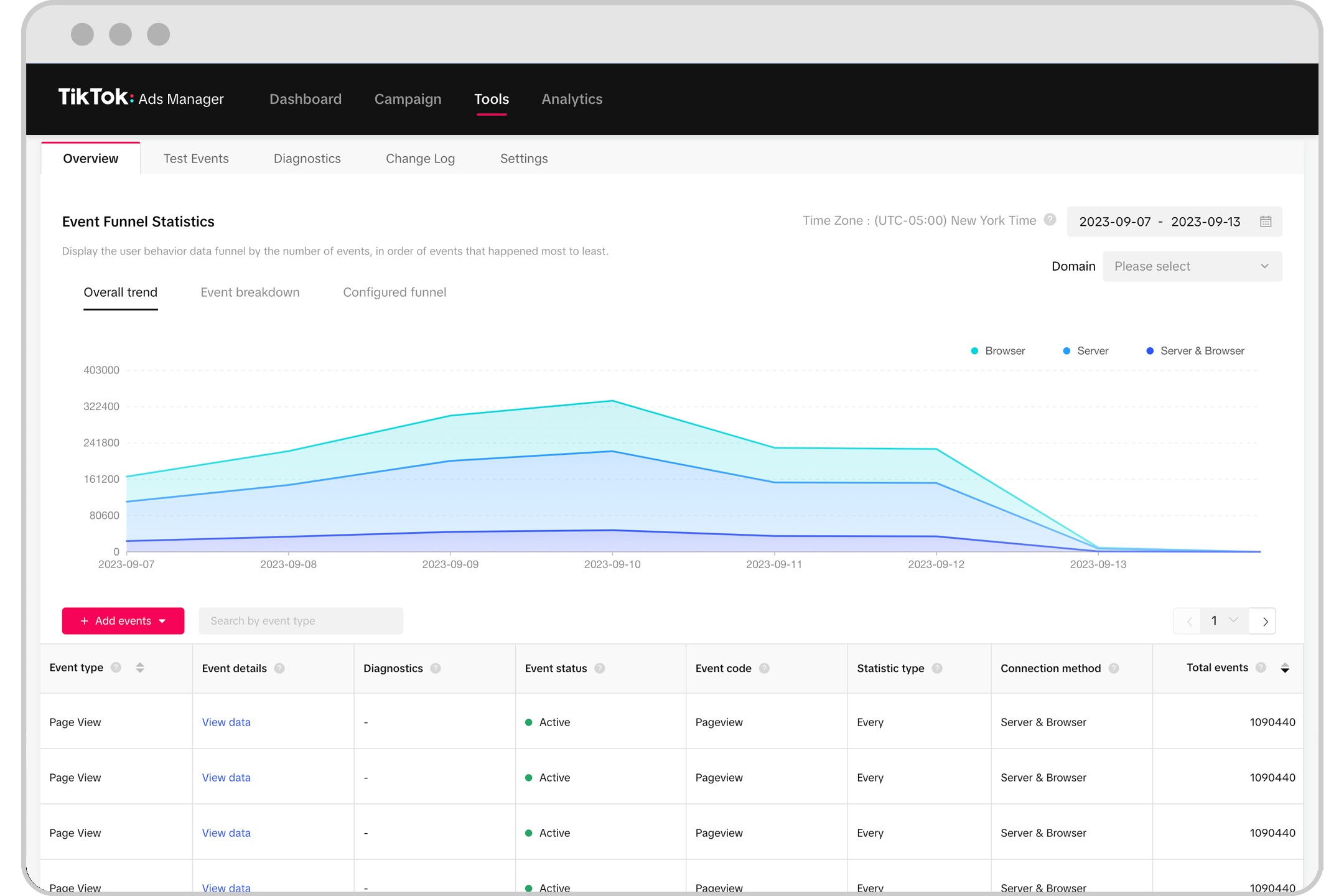
TikTok Custom Events are a part of the platform's analytics suite that enables users to track specific actions taken by viewers on their videos. These events can include things like video views, shares, comments, or even custom actions such as clicks on a link or engagement with a branded sticker. By setting up these events, marketers can gain a more detailed understanding of how their content is performing and what resonates with their audience.
To begin, it's essential to understand the different types of events you can track:
- View Events: Track when a video is viewed.
- Share Events: Monitor when a video is shared.
- Comment Events: Record when a viewer leaves a comment.
- Custom Events: Define specific actions that align with your campaign goals, such as completing a form or visiting a website.
Setting Up TikTok Custom Events
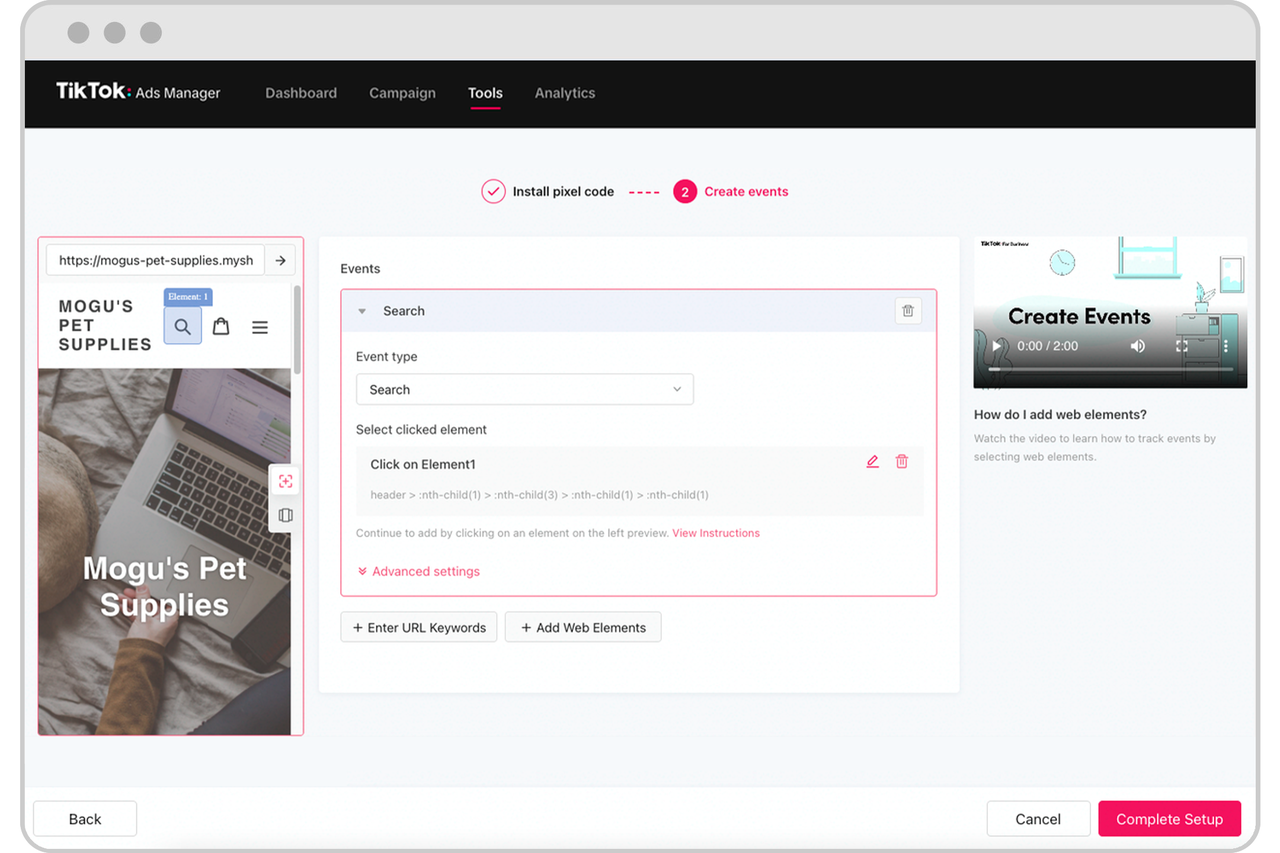
Configuring TikTok Custom Events involves a few straightforward steps, starting with accessing the TikTok Business Account. Here’s a step-by-step guide to help you get started:
- Access Your TikTok Business Account:
- Log in to your TikTok account and navigate to the "Business" section.
-
If you don’t have a business account, you’ll need to convert your personal account to a business one.
-
Navigate to Analytics:
- Once in the Business section, go to the "Analytics" tab.
-
Here, you'll find various metrics and tools to monitor your content performance.
-
Create a Custom Event:
- Click on the "Custom Events" option.
- Select "Create New Event" to define your custom action.
-
Choose the type of event you want to track (e.g., click on a link, view a video, etc.).
-
Configure the Event:
- Enter a name for your event and provide a description.
-
Specify the parameters you want to track, such as the URL or the specific action you're interested in.
-
Save and Test:
- After configuring your event, save the settings.
- It's a good idea to test your event by engaging with your content to ensure it's tracking correctly.
[IMAGE: Configuring TikTok Custom Events for marketers]
Best Practices for Using TikTok Custom Events
To make the most out of TikTok Custom Events, consider the following best practices:
- Define Clear Objectives: Before setting up any events, clearly define what you want to achieve with your campaign. This will help you choose the right events to track.
- Track Multiple Events: Don't limit yourself to just one type of event. Track multiple events to get a comprehensive view of your audience's behavior.
- Analyze Data Regularly: Use the data collected from your custom events to refine your strategies. Regular analysis will help you identify trends and make informed decisions.
- Integrate with Other Tools: Consider integrating TikTok Custom Events with other analytics tools to get a more holistic view of your marketing efforts.
Leveraging Custom Events for Marketing Success

Once you've set up your TikTok Custom Events, the next step is to leverage the insights gained to enhance your marketing strategies. Here are a few ways to do this effectively:
- Optimize Content Strategy: Use the data to understand which types of content resonate most with your audience. Adjust your content strategy accordingly to maximize engagement.
- Targeted Campaigns: Utilize the insights to create targeted campaigns that speak directly to your audience's interests and behaviors.
- A/B Testing: Conduct A/B testing to compare the performance of different content variations and determine what works best.
- Feedback Loop: Create a feedback loop by continuously monitoring your events and making adjustments based on the results.
Conclusion
Configuring TikTok Custom Events is a powerful way for marketers to gain deeper insights into their audience's behavior and optimize their campaigns. By following the steps outlined in this guide and leveraging the best practices, you can unlock valuable data that will help you create more engaging and effective content. As TikTok continues to evolve, staying ahead of the curve with tools like Custom Events will be crucial for success in the ever-changing world of social media marketing.

Posting Komentar untuk "How to Configure TikTok Custom Events: A Complete Guide for Marketers"
Posting Komentar