
How to Connect Your TikTok Business Profile: A Step-by-Step Tutorial
TikTok has become a powerful platform for businesses to connect with their audience, build brand awareness, and drive sales. One of the most effective ways to leverage this platform is by connecting your TikTok Business Profile. This feature allows you to access advanced tools like TikTok Shop, analytics, and monetization options. If you're looking to take your brand's presence on TikTok to the next level, this tutorial will guide you through the process of connecting your business profile.
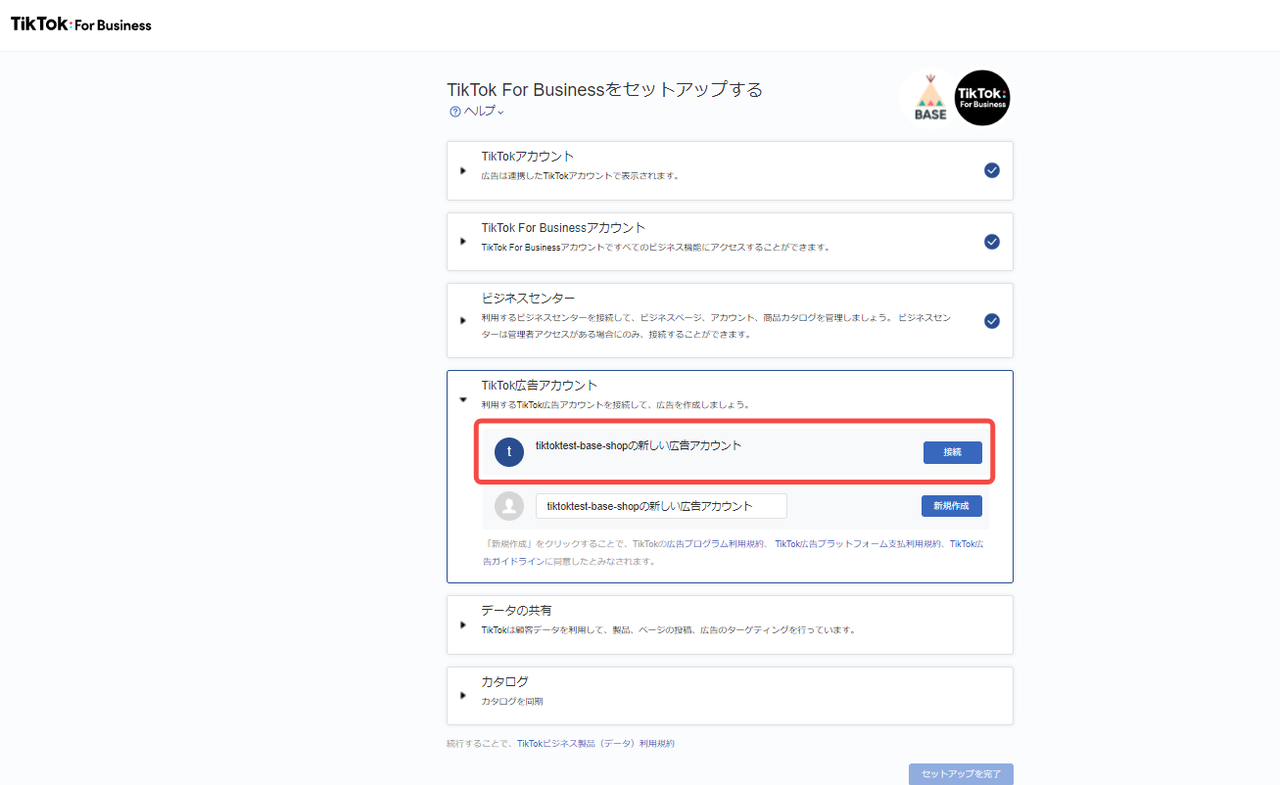
Why Connect a TikTok Business Profile?
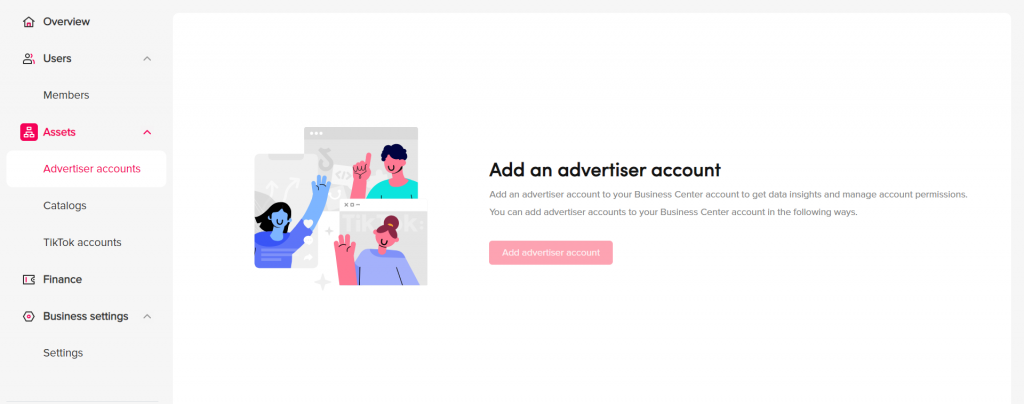
Before diving into the steps, it’s important to understand why connecting a business profile is beneficial:
- Access to TikTok Shop: Enables direct sales within the app.
- Detailed Analytics: Provides insights into your audience, engagement, and content performance.
- Monetization Options: Opens up opportunities for ads, sponsorships, and affiliate marketing.
- Brand Verification: Helps establish credibility and trust with your audience.
Connecting your business profile is essential if you want to turn your TikTok account into a powerful marketing tool.
Step 1: Create a TikTok Business Account
To begin, you need to have a TikTok Business Account. If you already have a personal account, you can convert it to a business account. Here’s how:
- Open the TikTok app and go to your profile.
- Tap the three horizontal lines in the top-right corner to open the menu.
- Select "Settings and Privacy."
- Tap "Account."
- Choose "Switch to Business Account."
You’ll be prompted to enter your business information, such as your company name, website, and phone number. Once you complete this step, your account will be converted to a business account.
Step 2: Verify Your Business Account
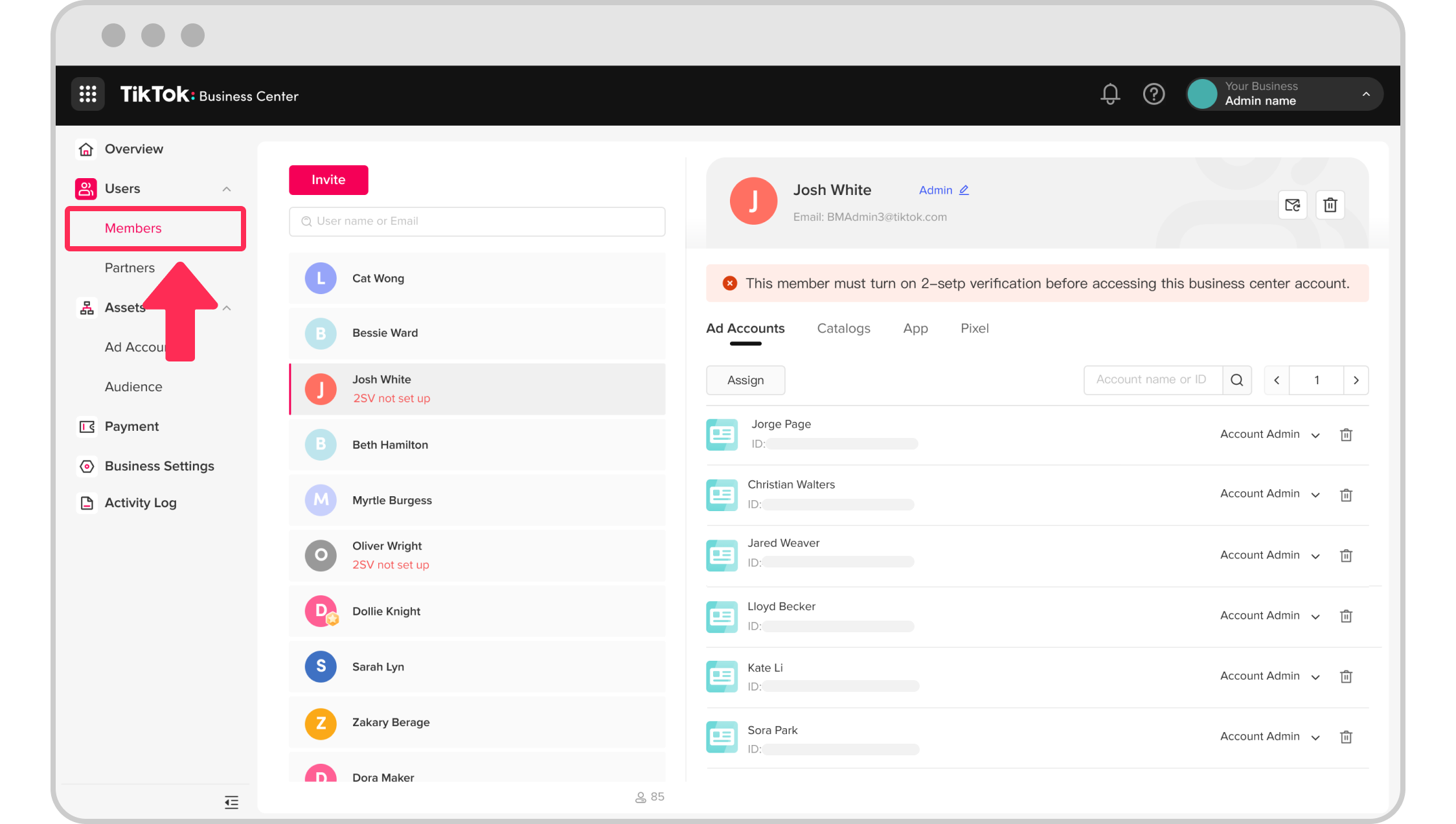
After converting to a business account, you’ll need to verify it to unlock additional features. Verification ensures that your business is legitimate and trustworthy.
- Go to your profile and tap the three horizontal lines.
- Select "Settings and Privacy."
- Tap "Account."
- Choose "Verify Business Account."
- Follow the prompts to submit your business documentation, such as a government-issued ID or a business license.
Once verified, your account will display a blue checkmark, indicating that it's a verified business profile.
Step 3: Connect Your Business Profile to TikTok Shop
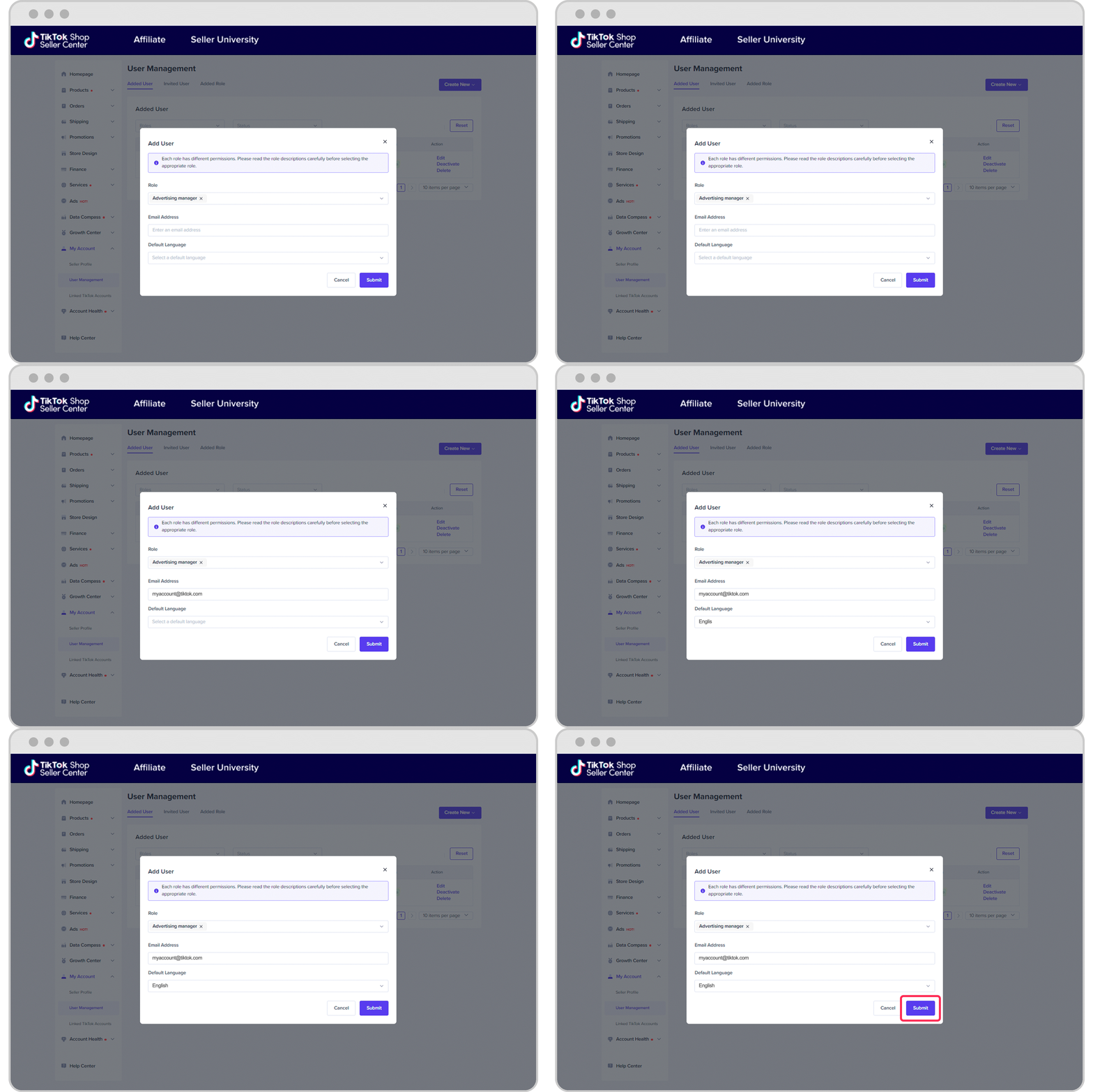
If you're selling products, connecting your business profile to TikTok Shop is crucial. This allows you to list and sell products directly within the app.
- Open the TikTok app and go to your profile.
- Tap the three horizontal lines in the top-right corner.
- Select "TikTok Shop."
- Tap "Connect to TikTok Shop."
- Follow the instructions to link your Shopify store or set up a new store through TikTok Seller Center.
Once connected, you can start listing products, managing inventory, and processing orders directly from your TikTok account.
Step 4: Enable Monetization Features
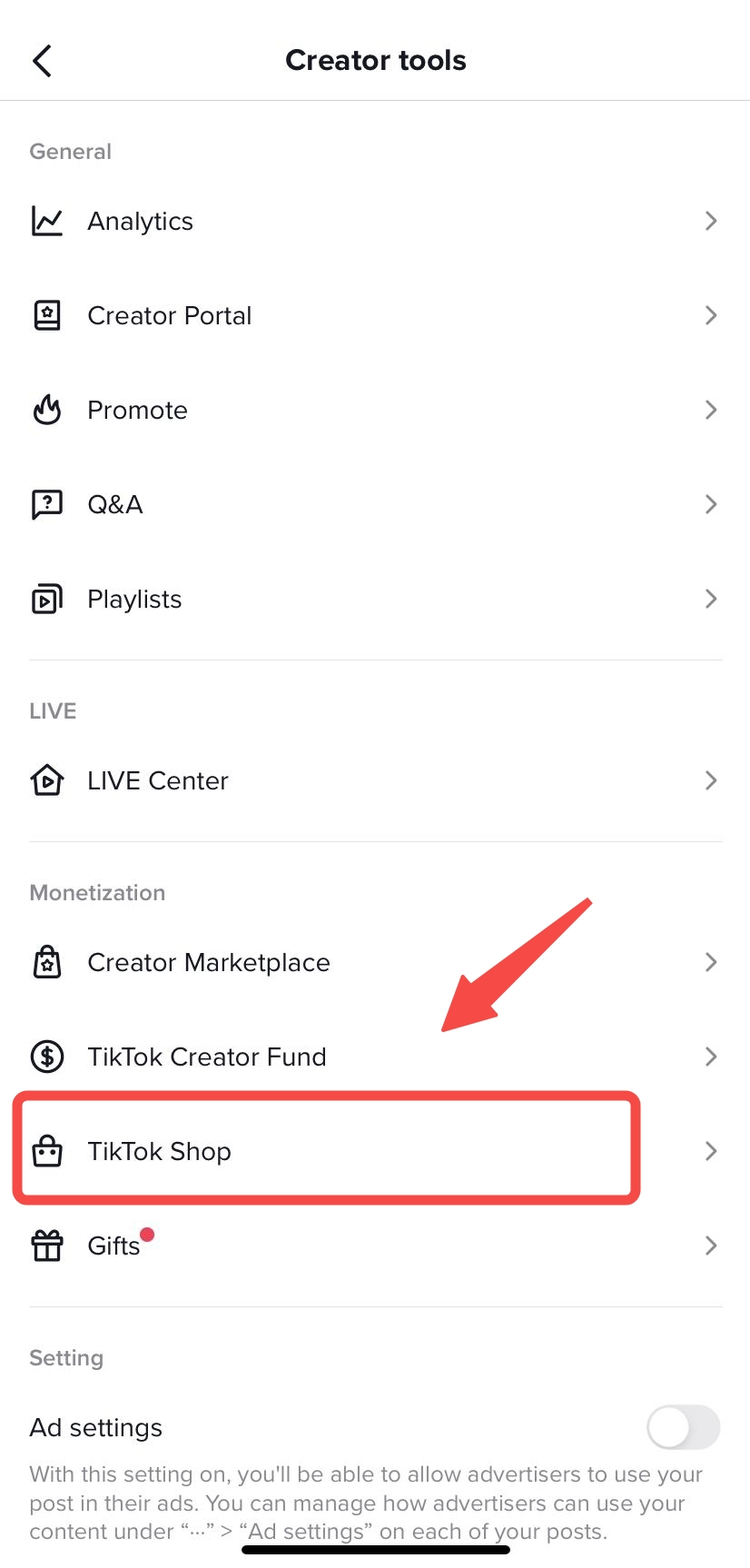
TikTok offers several monetization options for business accounts. Enabling these features can help you generate income from your content.
- Go to your profile and tap the three horizontal lines.
- Select "Settings and Privacy."
- Tap "Account."
- Choose "Monetization."
- Follow the prompts to enable features like live stream gifts, ad revenue sharing, and sponsored content.
Each monetization feature has specific requirements, so make sure to meet them to avoid any issues.
Step 5: Use TikTok Creative Center for Content Creation

TikTok Creative Center is a powerful tool that helps businesses create engaging content. It provides access to templates, music, and trending hashtags to help you stay relevant on the platform.
- Open the TikTok app and go to your profile.
- Tap the three horizontal lines in the top-right corner.
- Select "Creative Center."
- Explore the available tools and resources to create compelling videos.
Using TikTok Creative Center can significantly enhance your content strategy and increase your chances of going viral.
Tips for Maximizing Your TikTok Business Profile

- Post Consistently: Regular posting keeps your audience engaged and increases your visibility.
- Engage with Your Audience: Respond to comments, participate in challenges, and collaborate with other creators.
- Analyze Your Performance: Use TikTok Analytics to track your progress and adjust your strategy accordingly.
- Stay Updated with Trends: Keep an eye on trending topics and incorporate them into your content.
By following these tips, you can maximize the potential of your TikTok Business Profile and grow your brand effectively.
Conclusion
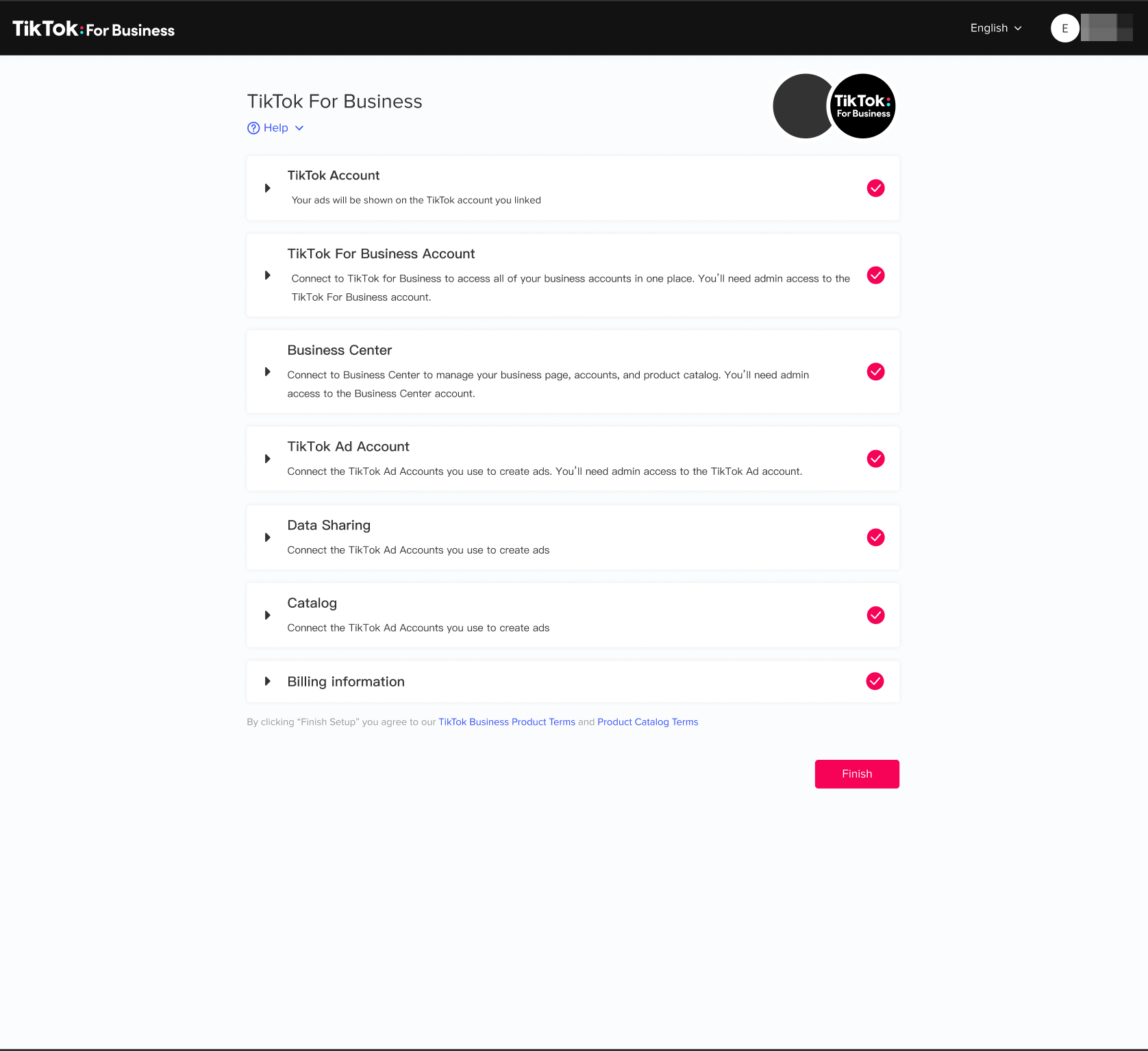
Connecting your TikTok Business Profile is a crucial step in building a successful presence on the platform. By following the steps outlined in this tutorial, you can unlock advanced features, access monetization opportunities, and create engaging content that resonates with your audience. With the right strategy and consistent effort, your TikTok Business Profile can become a powerful tool for driving growth and achieving your business goals.

Posting Komentar untuk "How to Connect Your TikTok Business Profile: A Step-by-Step Tutorial"
Posting Komentar