
How to Create Custom TikTok Audiences for Targeted Advertising
TikTok has become one of the most powerful platforms for reaching Gen Z and younger demographics. With its highly engaged user base, it's no wonder that businesses are turning to TikTok for targeted advertising. One of the most effective tools for this is TikTok Custom Audiences, which allows advertisers to retarget users who have already interacted with their brand or shown interest in their products.
Creating custom audiences on TikTok can significantly improve your ad performance by focusing on users who are more likely to convert. This approach not only increases engagement but also reduces ad spend by avoiding broad, less relevant targeting. In this article, we'll walk you through the process of creating custom TikTok audiences, explore the benefits, and discuss best practices for maximizing your return on investment.

What Are TikTok Custom Audiences?
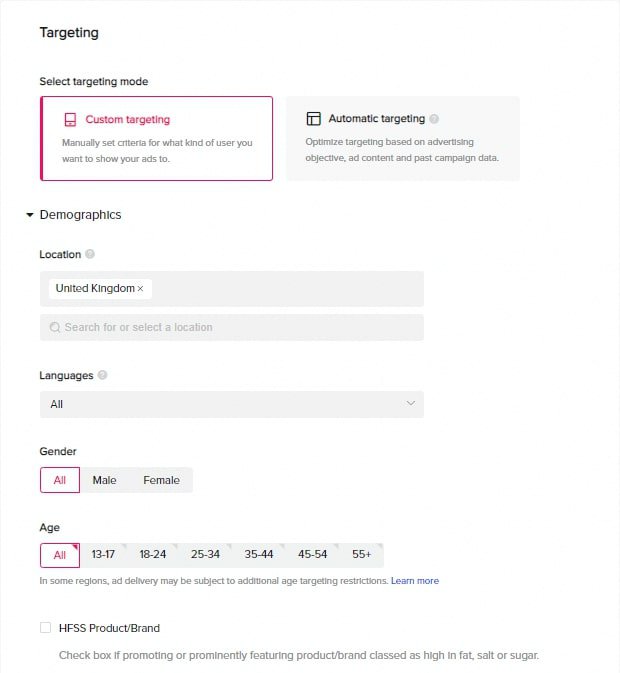
TikTok Custom Audiences is a feature within TikTok Ads Manager that enables advertisers to target users who have already interacted with their brand. This could include people who have visited your website, engaged with your content, downloaded your app, or even provided their contact information (like an email address).
The key idea behind Custom Audiences is to retarget users who have already shown some level of interest in your business. By doing so, you're more likely to reach people who are familiar with your brand and may be ready to take action—whether that's making a purchase, signing up for a newsletter, or engaging with your content.
Benefits of Using TikTok Custom Audiences
- Increased Engagement: Retargeting users who have already interacted with your brand can lead to higher click-through rates and better overall engagement.
- Higher Conversion Rates: Users who have previously shown interest in your product or service are more likely to convert than new visitors.
- Cost Efficiency: By narrowing your audience, you avoid wasting ad spend on users who are unlikely to engage or convert.
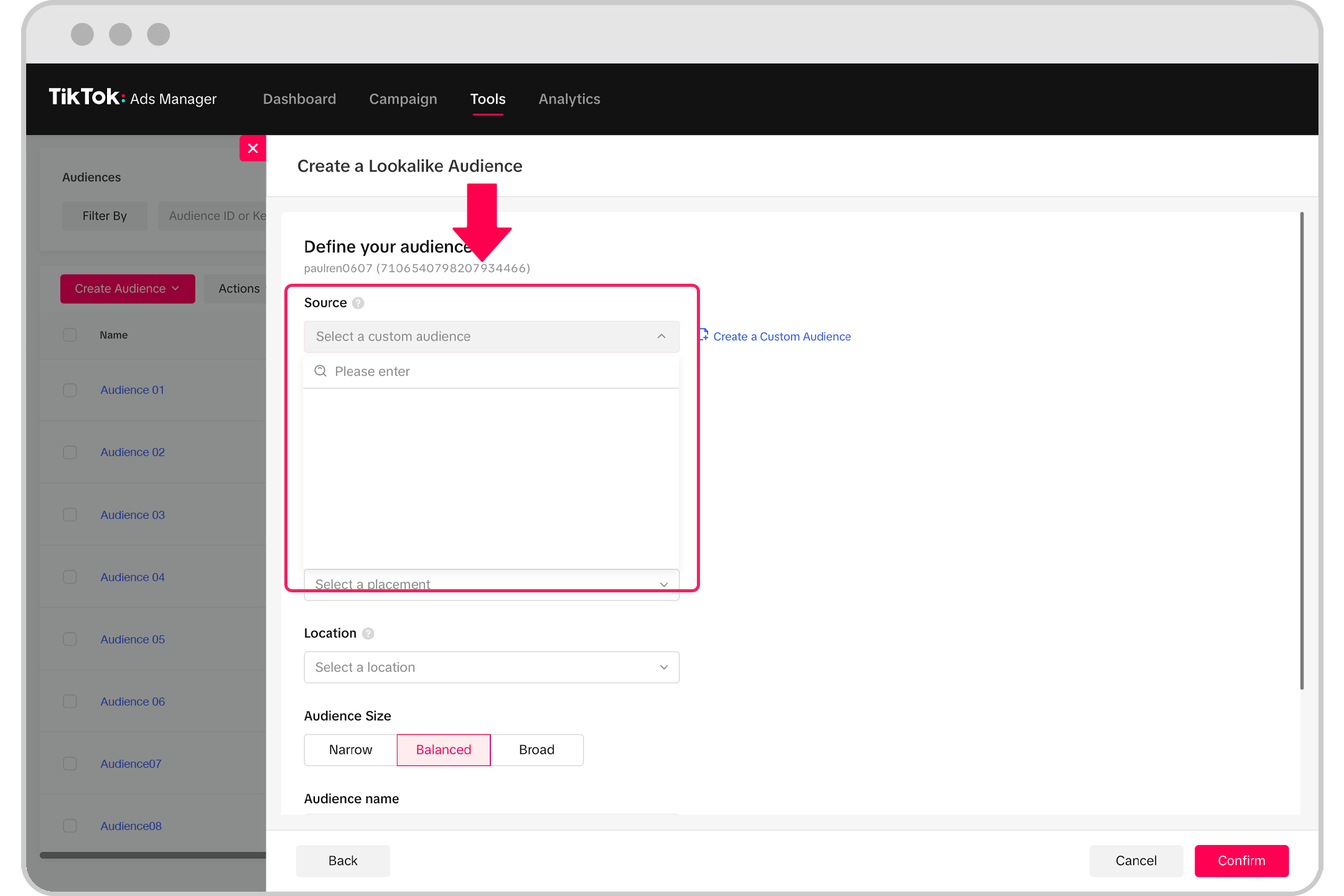
- Lookalike Audience Creation: TikTok allows you to create lookalike audiences based on your existing Custom Audiences, helping you find new users who share similar characteristics.
- Improved Ad Performance: Custom Audiences help you focus on high-intent users, leading to better ad performance and more consistent results over time.
How to Create Custom TikTok Audiences
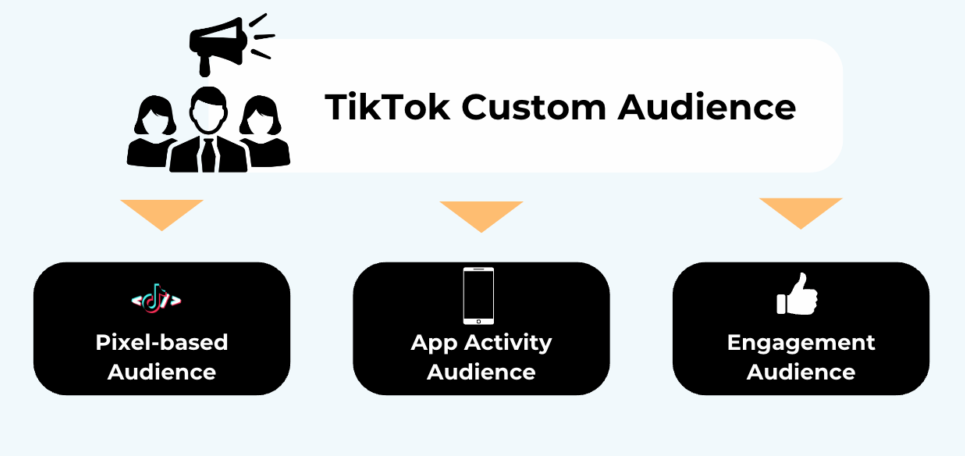
Creating a Custom Audience on TikTok involves uploading data from your existing customer base or tracking user behavior across your website or app. Here’s a step-by-step guide:
1. Prepare Your Data
Before you begin, gather the necessary data from your customers or users. This could include: - Email addresses - Phone numbers - User IDs from your website or app - Customer lists from CRM systems
Make sure the data is clean and formatted correctly to ensure accurate matching on TikTok.
2. Upload Your Data to TikTok Ads Manager
Once your data is ready, log in to TikTok Ads Manager and navigate to the Audiences section. From there, select Create Audience and choose Custom Audience.
You can upload your data in several formats, including: - CSV files - Google Sheets - Facebook Pixel data - App activity logs
TikTok will match the identifiers you’ve uploaded to real user accounts on the platform.
3. Set Up Retargeting Rules
After uploading your data, define the parameters for your Custom Audience. For example: - Choose the timeframe for retargeting (e.g., users who visited your site in the last 7 days) - Define the type of actions you want to target (e.g., users who added items to their cart but didn’t complete a purchase)
These rules help ensure that your ads are shown to users who are most likely to convert.
4. Launch Your Campaign
Once your Custom Audience is set up, you can start running targeted ads. You can use this audience for various campaign objectives, such as: - Conversions (e.g., purchases, sign-ups) - App installs - Brand awareness - Lead generation
Best Practices for Using TikTok Custom Audiences

To get the most out of your Custom Audiences, follow these best practices:
1. Use High-Quality Data
Ensure that the data you upload is accurate and up-to-date. Poor-quality data can lead to ineffective targeting and wasted ad spend.
2. Segment Your Audience
Break your Custom Audience into smaller segments based on user behavior, such as: - Users who viewed a specific product page - Users who abandoned their cart - Users who engaged with your previous ads
This segmentation allows for more personalized and effective ad campaigns.
3. Combine with Other Targeting Options
While Custom Audiences are powerful, they work best when combined with other targeting options like: - Interest-based targeting (e.g., users interested in fashion, technology, etc.) - Behavioral targeting (e.g., users who have made a purchase in the past) - Demographic targeting (e.g., age, location, gender)
This multi-layered approach ensures that your ads reach the right people at the right time.
4. Monitor and Optimize
Regularly review the performance of your Custom Audience campaigns. Use TikTok’s analytics tools to track metrics like: - Click-through rate (CTR) - Conversion rate - Cost per action (CPA) - Return on ad spend (ROAS)
Use this data to refine your targeting and improve future campaigns.
5. Leverage Lookalike Audiences
If your Custom Audience performs well, consider creating a lookalike audience to expand your reach. TikTok’s algorithm will identify users who share similar traits with your existing audience, helping you find new potential customers.
Conclusion
Creating custom TikTok audiences is a powerful strategy for businesses looking to improve their ad performance and connect with their target audience. By leveraging user data and retargeting strategies, you can increase engagement, boost conversions, and reduce ad costs.
Whether you’re a small business owner or a digital marketer, understanding how to create and manage custom audiences on TikTok can give you a competitive edge in today’s fast-paced digital landscape. With the right approach and tools, you can unlock the full potential of TikTok’s vast user base and drive meaningful results for your brand.
Posting Komentar untuk "How to Create Custom TikTok Audiences for Targeted Advertising"
Posting Komentar