
How to Create an Easy TikTok Ad Account in 2024: A Step-by-Step Guide
TikTok has become a powerful platform for businesses and marketers looking to reach a vast audience. With over 1 billion active users, it's no surprise that many brands are turning to TikTok advertising to boost their visibility and drive engagement. If you're new to TikTok Ads Manager or want to streamline the process of creating an ad account, this guide will walk you through the steps to set up your account easily and effectively.
Understanding TikTok Advertising
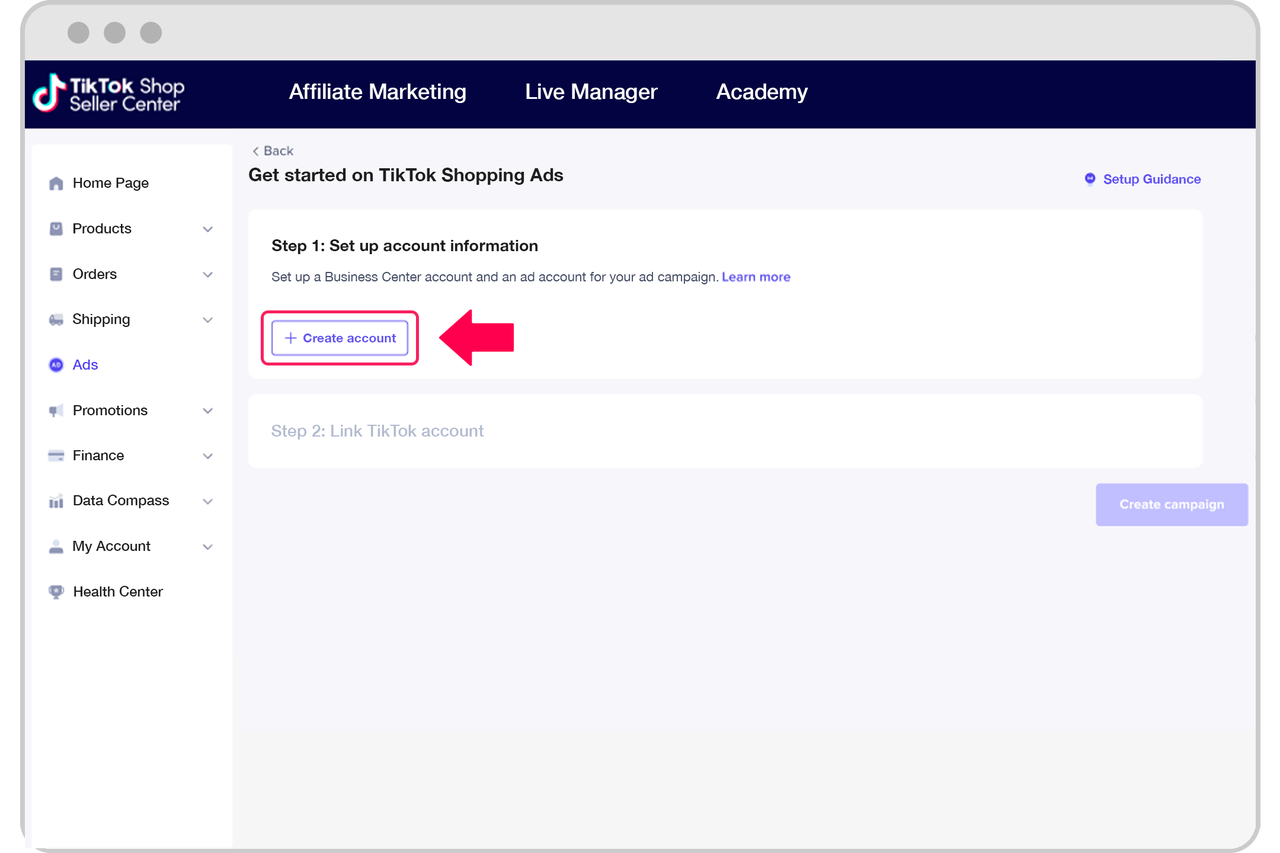
Before diving into the setup process, it's important to understand what TikTok advertising entails. TikTok advertising allows businesses to promote their products or services through various ad formats, such as in-feed ads, brand takeovers, TopView ads, Branded Hashtag Challenges (BHC), Branded Effects, and Spark Ads. These ads can be tailored to target specific audiences based on demographics, interests, and behaviors.
Step 1: Create a TikTok Business Account
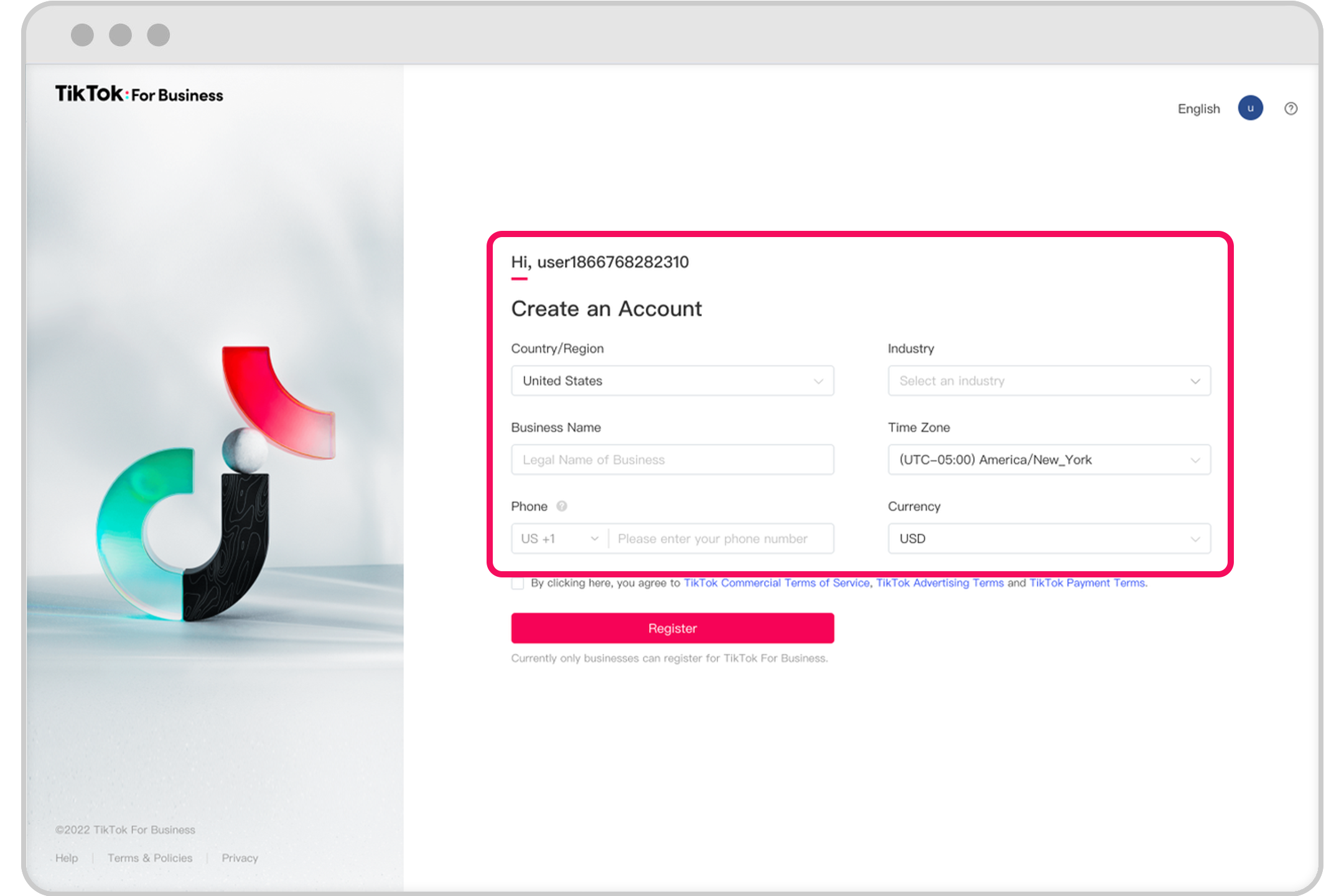
To start using TikTok Ads Manager, you'll need a business account. Here's how to create one:
- Download the TikTok App: If you haven't already, download the TikTok app from the Google Play Store or Apple App Store.
- Sign Up or Log In: Use your email address or phone number to sign up for a TikTok account. If you already have a personal account, you can convert it to a business account.
- Convert to a Business Account: Go to your profile settings and select "Switch to Pro Account" or "Create a Business Account." Follow the prompts to provide necessary information such as your business name, category, and contact details.
Step 2: Access TikTok Ads Manager

Once you have a business account, you can access TikTok Ads Manager:
- Open the TikTok App: Launch the TikTok app and navigate to your profile.
- Go to Ads Manager: Tap on the three dots (menu) in the top right corner and select "Ads Manager."
- Verify Your Account: You may need to verify your account by providing additional information, such as a phone number or business license.
Step 3: Set Up Your Ad Campaign

After accessing TikTok Ads Manager, you can start setting up your ad campaign:
- Select an Advertising Objective: Choose from objectives like Awareness, Consideration, Conversion, or Traffic. This will determine how your ads are displayed and measured.
- Name Your Campaign: Give your campaign a descriptive name to help track its performance.
- Define a Budget: Set a daily or lifetime budget for your campaign. You can also define budgets for individual ad groups.
- Choose Ad Placements: Decide where your ads should appear. Options include TikTok (For You feed and Search), Pangle (TikTok audience network), and Global App Bundle (non-TikTok apps).
Step 4: Define Your Audience Targeting

Targeting the right audience is crucial for the success of your TikTok ad campaign:
- Demographics: Select age ranges, genders, and languages that align with your target audience.
- Locations: Choose specific countries or regions where you want your ads to be shown.
- Interests and Behaviors: Target users based on their interests, hobbies, and online behaviors.
- Custom Audiences: Use your existing customer data to create custom audiences for more precise targeting.
Step 5: Set Your Budget and Schedule
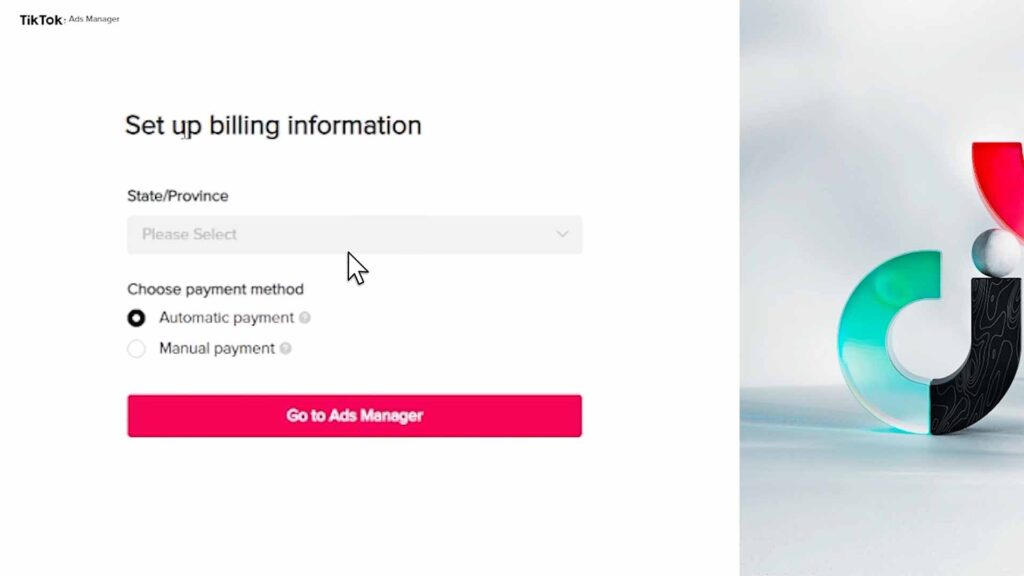
After defining your audience, it's time to set your budget and schedule:
- Daily or Lifetime Budget: Choose between a daily or lifetime budget for your campaign.
- Campaign Duration: Define the start and end dates for your campaign.
- Dayparting: Specify times of day when you want your ads to run, if applicable.
Step 6: Select Bidding and Optimization Strategies
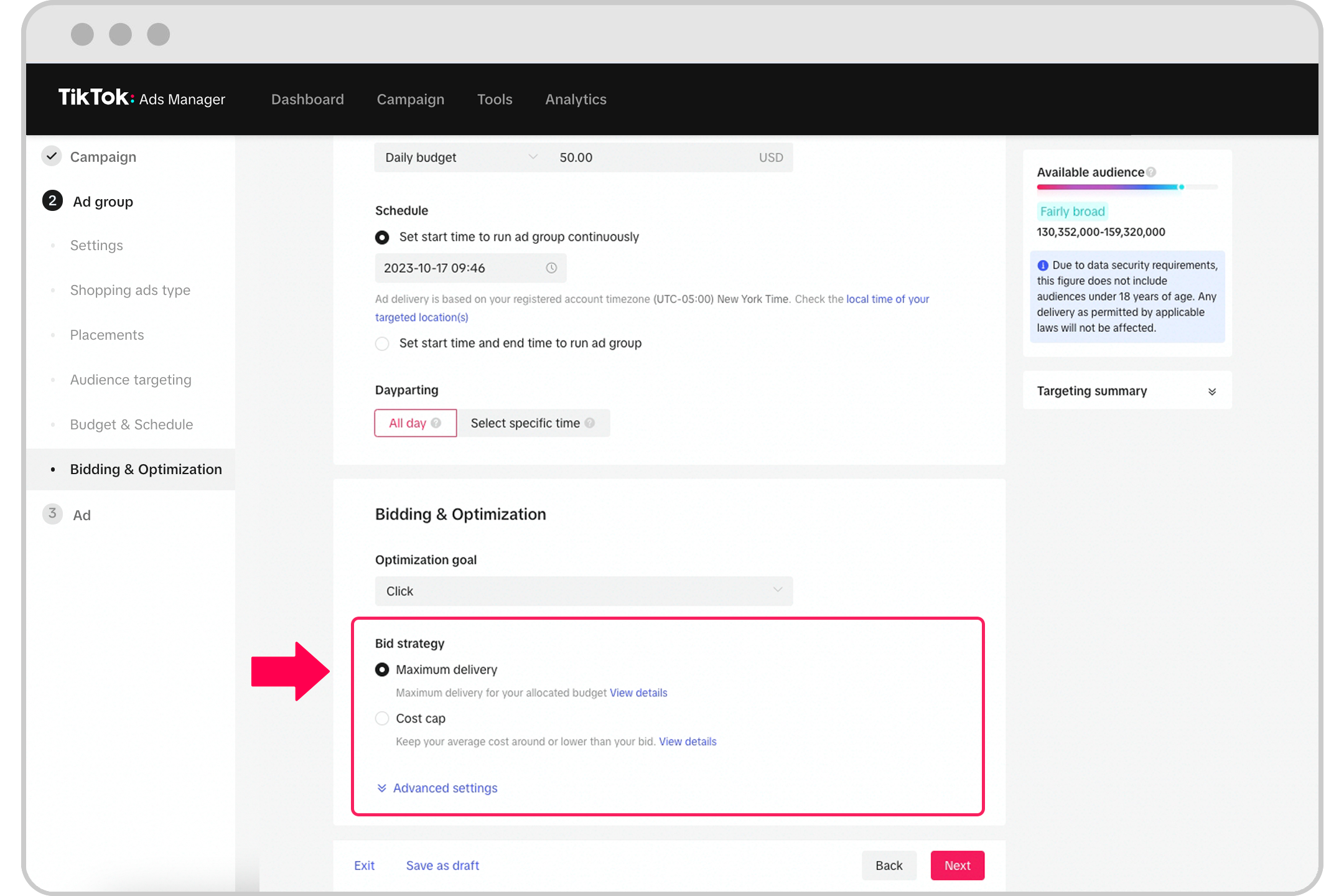
Choosing the right bidding and optimization strategies can significantly impact your campaign's performance:
- Bid Cap: Set a maximum cost per result to ensure you stay within your budget.
- Cost Cap: Provide a target cost per result that the system should aim to achieve.
- Lowest Cost: Allow the system to use your budget to generate the most results at the lowest cost.
- Delivery Type: Choose between standard and accelerated delivery to control how your budget is spent.
Step 7: Upload Your Ad Creative
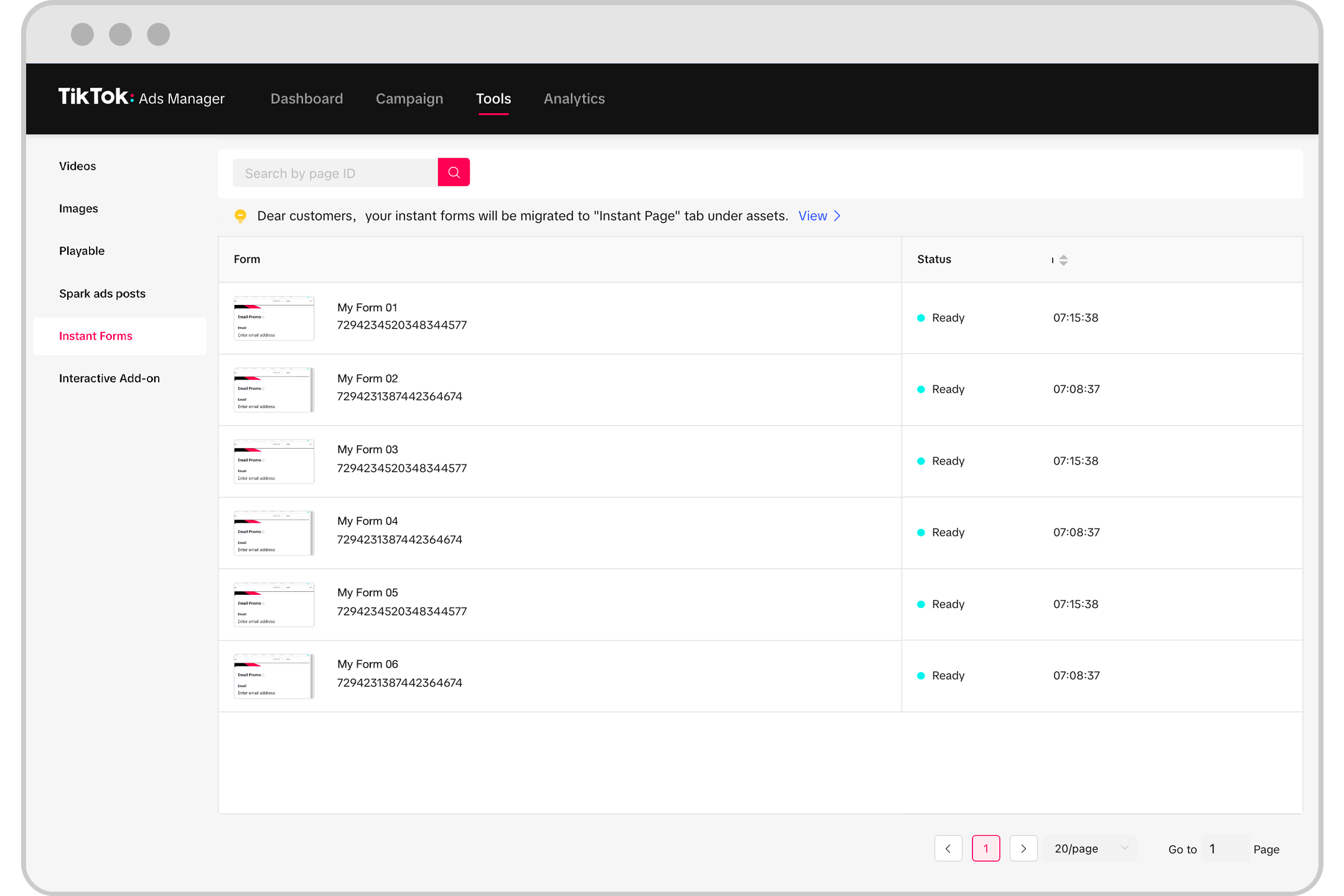
The final step is to upload your ad creative:
- Ad Formats: Choose from single video ads, static image ads, video shopping ads, carousel ads, or Spark Ads.
- Upload Media: Upload your chosen media files (videos, images) and ensure they meet TikTok's specifications.
- Add Call-to-Action (CTA): Include a clear CTA to encourage user engagement, such as "Visit Our Website" or "Download Now."
- Preview and Submit: Review your ad preview and submit it for approval.
Conclusion
Creating an easy TikTok ad account in 2024 involves several key steps, from setting up your business account to defining your audience and uploading your ad creative. By following these steps, you can effectively leverage TikTok's advertising capabilities to reach your target audience and achieve your marketing goals. Whether you're a small business owner or a seasoned marketer, TikTok offers a powerful platform to grow your brand and drive engagement.

Posting Komentar untuk "How to Create an Easy TikTok Ad Account in 2024: A Step-by-Step Guide"
Posting Komentar