
How to Create Easy TikTok Ads: A Step-by-Step Guide for Beginners
TikTok has become one of the most powerful platforms for businesses and creators looking to connect with a massive, engaged audience. With over 1 billion active users, it's no surprise that many brands are turning to TikTok advertising to grow their presence and drive sales. However, creating effective TikTok ads can seem daunting, especially for beginners. The good news is that the process is more straightforward than you might think, and with the right approach, you can create engaging and high-performing TikTok ads in no time.
In this guide, we'll walk you through the easy TikTok ad creation process, breaking down each step so even newcomers can understand and implement it effectively.
Understanding the Basics of TikTok Advertising
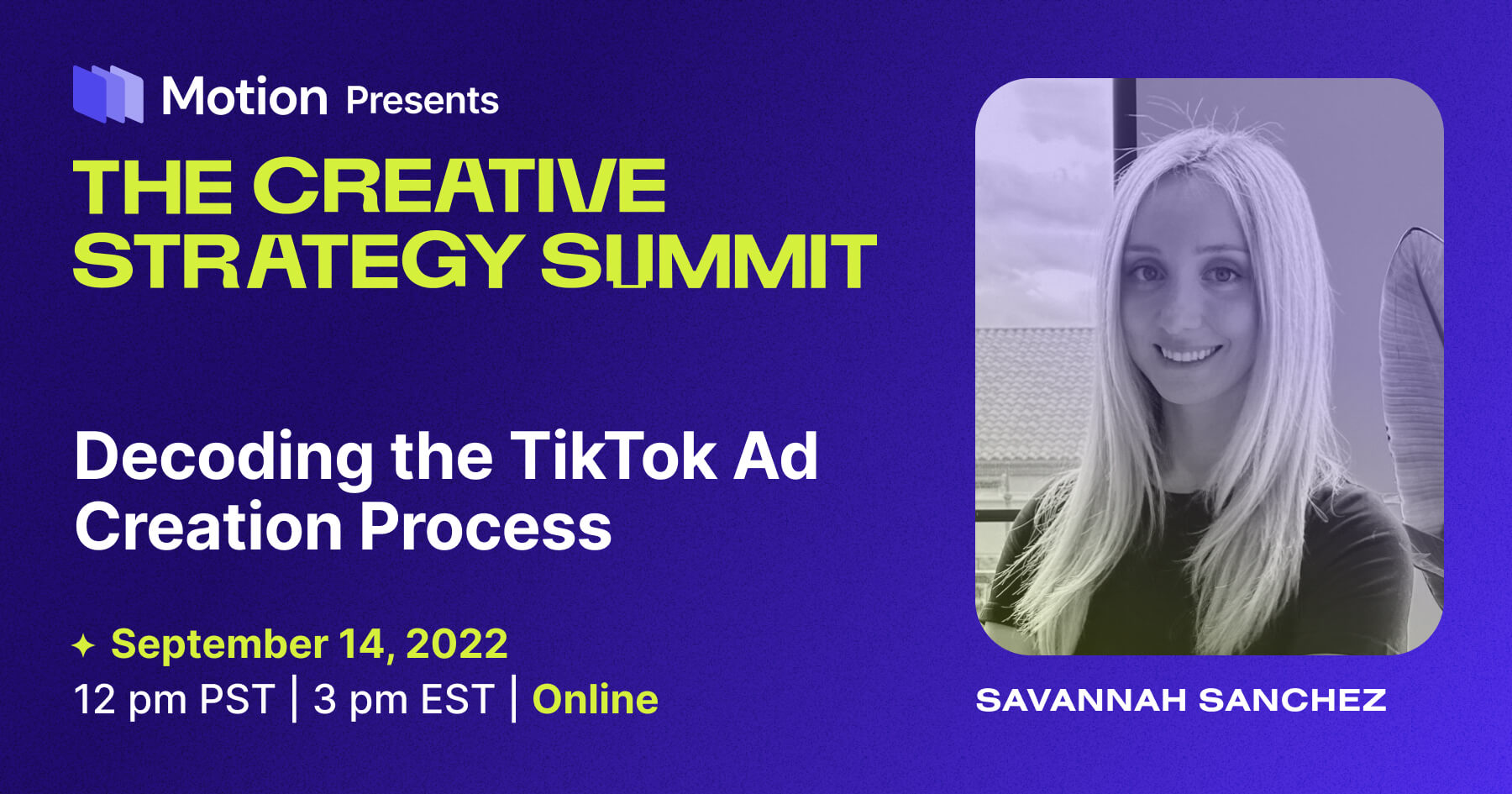
Before diving into the creation process, it’s essential to grasp the fundamentals of how TikTok advertising works. TikTok offers several ad formats, including in-feed ads, brand takeovers, TopView ads, and Branded Hashtag Challenges. Each format serves a different purpose and can be tailored to your campaign goals.
To start, you’ll need to set up a TikTok Business Account. This gives you access to the TikTok Ads Manager, where you can create, manage, and track your ad campaigns. Once your account is ready, you can begin building your first ad.
Step 1: Define Your Campaign Objective
The first step in creating a TikTok ad is to choose your campaign objective. TikTok provides several options based on your goals, such as:
- Awareness: Increase brand visibility.
- Traffic: Drive traffic to your website or app.
- Engagement: Boost likes, comments, shares, and views.
- Conversions: Encourage actions like purchases or sign-ups.
Selecting the right objective will help TikTok optimize your ad delivery and ensure your campaign aligns with your business goals.
Step 2: Choose Your Ad Group and Target Audience
After setting your campaign objective, you’ll move on to defining your ad group. An ad group allows you to target specific audiences and set budgets for individual groups within your campaign.
You can choose from various targeting options, including:
- Demographics: Age, gender, location, etc.
- Interests: Based on user behavior and preferences.
- Behaviors: Purchase history, device usage, etc.
- Custom Audiences: Upload your own list of contacts.
This level of customization ensures your ads reach the right people at the right time.
Step 3: Set Your Budget and Schedule
Next, decide on your budget. You can choose between a daily or lifetime budget, depending on how long you want your campaign to run. TikTok also allows you to set specific schedules for your ads, such as running them during peak hours when your audience is most active.
Setting a realistic budget helps you stay within your financial limits while maximizing your ad performance.
Step 4: Select Your Bidding Strategy
TikTok offers several bidding strategies to suit different campaign goals:
- Lowest Cost: Focuses on getting the most results for the least cost.
- Bid Cap: Sets a maximum cost per result.
- Cost Cap: Sets a target cost per result.
Choosing the right bidding strategy ensures your ad spend is used efficiently and effectively.
Step 5: Create Your Ad Creative
Now comes the fun part—creating your ad creative. TikTok supports various ad formats, including:
- Single video ads
- Static image ads
- Video shopping ads
- Carousel ads
- Spark Ads
When designing your ad, focus on engaging visuals, clear messaging, and a strong call-to-action (CTA). Use relevant hashtags to increase discoverability, and make sure your content aligns with your brand’s voice and style.
If you're not confident in your editing skills, consider using an online TikTok editor to simplify the process. These tools offer drag-and-drop functionality, making it easy to create professional-quality videos quickly.
Step 6: Review and Submit Your Ad
Once your ad is ready, review it carefully to ensure it meets TikTok’s ad guidelines. This includes checking for appropriate content, correct formatting, and compliance with brand policies.
After confirming everything looks good, submit your ad for review. TikTok typically reviews ads within a few days, after which they will be approved and launched.
Tips for Creating Effective TikTok Ads
Here are some additional tips to help you create high-performing TikTok ads:
- Use catchy visuals and sound: TikTok users are drawn to eye-catching content, so make sure your ad stands out.
- Include a clear CTA: Encourage viewers to take action, whether it's visiting your website, following your page, or making a purchase.
- Test different formats: Experiment with various ad types to see what resonates best with your audience.
- Leverage hashtags: Use relevant hashtags to increase your ad’s visibility and reach.
- Track your results: Monitor your ad performance regularly to identify what’s working and what needs improvement.
Conclusion
Creating easy TikTok ads doesn’t require advanced technical skills or a large budget. With the right tools, strategies, and understanding of TikTok’s advertising platform, anyone can launch successful ad campaigns that drive engagement and conversions.
By following this step-by-step guide, you’ll be well on your way to mastering the easy TikTok ad creation process and leveraging the power of TikTok to grow your brand.

Posting Komentar untuk "How to Create Easy TikTok Ads: A Step-by-Step Guide for Beginners"
Posting Komentar