
How to Create a TikTok Ad Account Step by Step: A Complete Guide

TikTok has become one of the most popular platforms for businesses and individuals looking to reach a massive audience. With its unique blend of short-form video content, engaging features, and a highly active user base, TikTok offers a powerful advertising platform. If you're interested in creating a TikTok ad account, this guide will walk you through the process step by step.
Why Create a TikTok Ad Account?
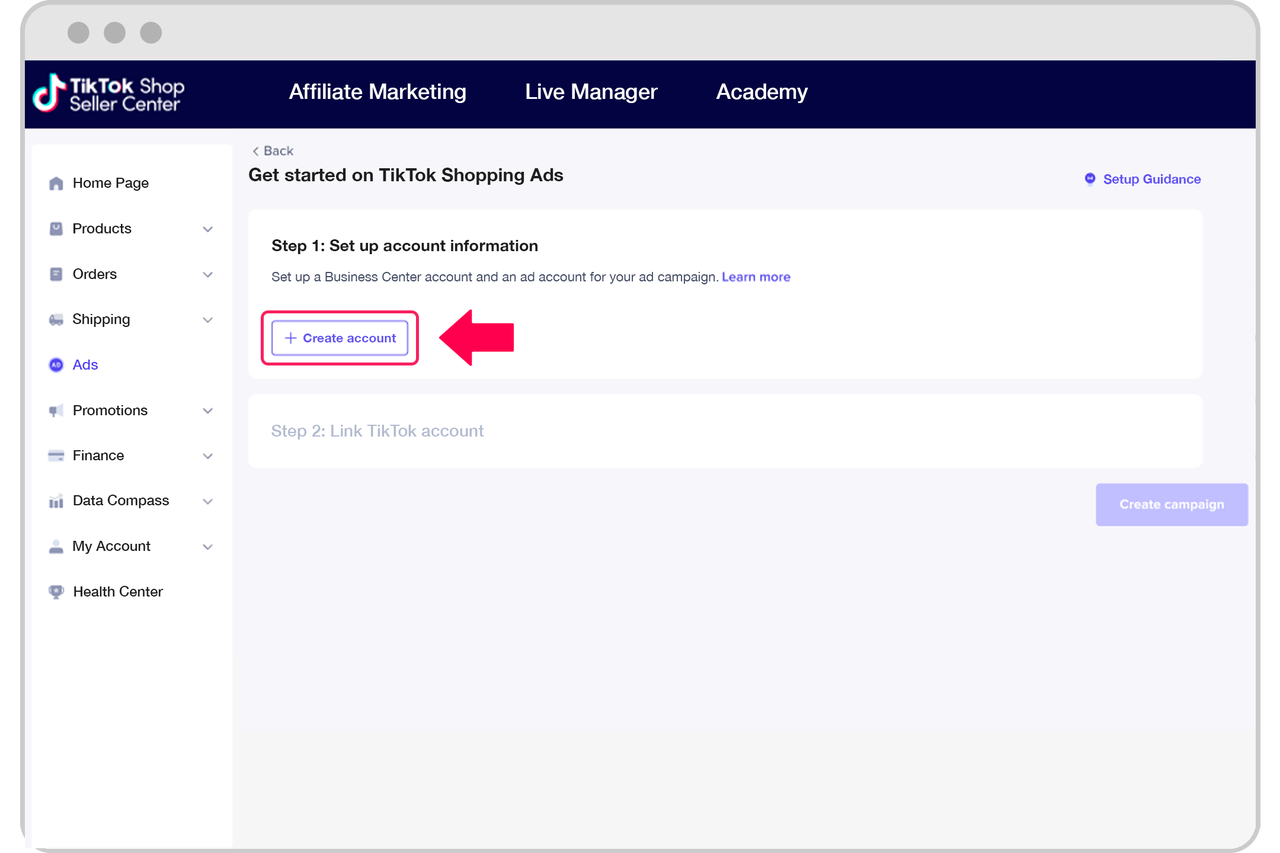
Before diving into the steps, it's important to understand why creating a TikTok ad account is beneficial. TikTok ads allow businesses to target specific audiences, increase brand awareness, drive traffic to websites, and boost sales. With over 1 billion monthly active users, TikTok provides an excellent opportunity to connect with potential customers in a dynamic and interactive way.
Step 1: Sign Up for a TikTok Ads Account
To create a TikTok ad account, you'll need to start by visiting the TikTok Ads homepage. From there, click on the "Create an Ad" button. However, it's important to note that TikTok requires advertisers to go through a representative, so you'll need to fill out a form requesting your business details. After submitting the form, a representative will reach out to you within 48 hours to set up your TikTok advertising account.
Note: If you're in India, Vietnam, Japan, Taiwan, Malaysia, Indonesia, or Thailand, you'll be able to sign up for a TikTok ad account directly.
Step 2: Create a TikTok Advertising Campaign

Once your TikTok advertising account is ready, you'll have access to the TikTok Ads dashboard. From the dashboard, select the "Campaign" tab and click "Create." You'll then need to choose your campaign objective. The available options include:
- Traffic: Drive more traffic to your website.
- Conversions: Encourage users to complete specific actions on your website.
- App Install: Get more people to install your app.
Choose the objective that aligns with your business goals.
Step 3: Create a TikTok Ad Group
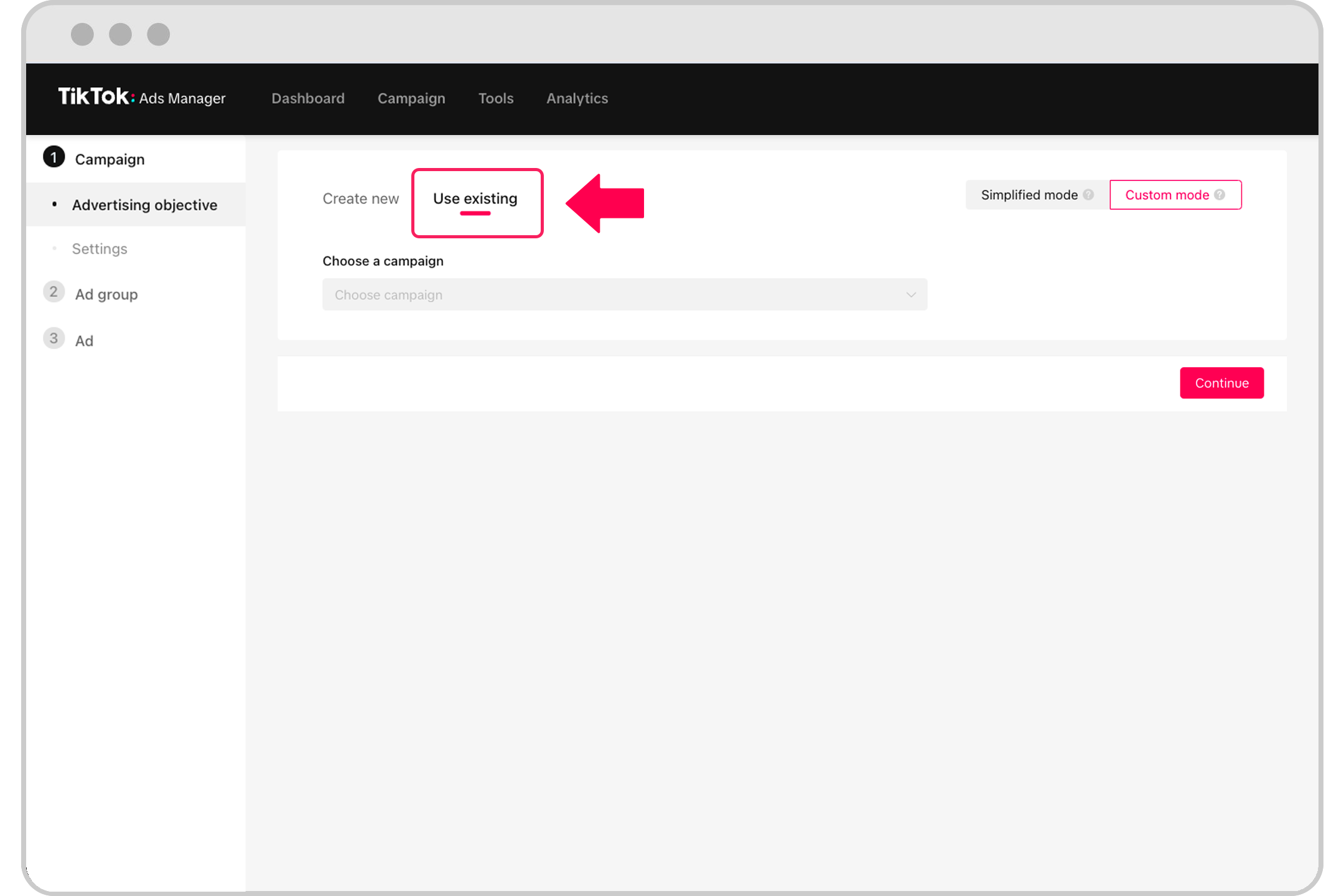
After setting up your campaign, you'll need to create an ad group. This is where you'll define the specifics of your ad, such as placements, targeting, budget, and scheduling. Here's how to proceed:
Choose Your Ad Placements
TikTok recommends choosing "Automatic Placements" so its system can optimize your ad delivery across placements to reach more people. Alternatively, you can manually select where your ads will appear.
Fill Out Ad Details
In the "Ad Details" section, you'll need to provide information about what you're promoting. This includes:
- Promotion Type: Choose between app install and website.
- Display Name: Add a brand or app name to display to your audience.
- Profile Image: Upload a profile image (no more than 50KB, aspect ratio of 1:1).
- Category: Choose an ad category that best describes your promotion.
- Ad Tags: Add keywords to describe your app/website (up to 20 tags).
Step 4: Set Target Audience and Budget
Target Audience
TikTok allows you to create or exclude a custom audience or lookalike audience, similar to Facebook. You can also target users based on demographics and devices to narrow your audience by age, gender, interests, operating system, and even mobile carrier.
Set Budget and Schedule
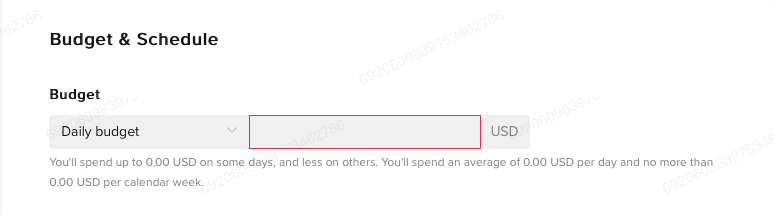
Under the "Budget & Schedule" tab, you can set the budget for your ad group by choosing either "Daily Budget" or "Lifetime Budget" from the dropdown. Next, set the duration for your ads. You can specify certain times of the day or week when you want your ad to run.
Bidding and Optimization
You'll also need to set pacing for your budget. The options are:
- Standard Delivery: Spreads your budget evenly over the duration of your ad push.
- Accelerated Delivery: Spends your ad budget as quickly as possible.
Retailers can then choose an optimization goal (impressions, clicks, conversions). Bidding will then be fine-tuned based on those goals.
Step 5: Create Your TikTok Ad
Creating a TikTok ad is straightforward. You can upload your edited videos or images, or design eye-catching ads right in the ads platform using its easy-to-use video creation tool.
Add Your Creative
You can choose an image or video ad format on TikTok’s ad platform. To upload your media, you can upload from your computer, add from your library, create a new video, use a video template, or choose the Smart Video feature that analyzes your media to create great videos.
Finishing Up
Once you’ve got your ad creative uploaded, choose a cover photo and preview your TikTok ad. You’ll also need to enter a name for your ad, add text to your ad, and finally add a call-to-action.
When you’re all done, click "Submit."
Conclusion
Creating a TikTok ad account is a powerful way to reach a large audience and promote your brand. By following these steps, you can set up your account, create effective campaigns, and start running ads that engage your target audience. Whether you're a small business owner or a marketer, TikTok offers a unique opportunity to connect with users in a dynamic and interactive way. Start your journey today and leverage the power of TikTok advertising to grow your business.

Posting Komentar untuk "How to Create a TikTok Ad Account Step by Step: A Complete Guide"
Posting Komentar