
How to Create TikTok Custom Audiences for Targeted Advertising
TikTok has become one of the most powerful platforms for reaching a young, engaged audience. For businesses and marketers, leveraging TikTok's advertising tools is essential for maximizing reach and conversions. One of the most effective features available is TikTok Custom Audiences, which allows you to target users who have already interacted with your brand or app. This article will guide you through the process of creating TikTok Custom Audiences and how to use them effectively.
What Are TikTok Custom Audiences?
TikTok Custom Audiences are a form of ad targeting that lets you re-engage users who have previously interacted with your brand. These audiences can include people who have:
- Liked, commented on, or shared your TikTok videos
- Visited your website or completed a form
- Used your app
- Made a purchase
- Subscribed to your email list
This feature is especially useful for remarketing, growing your following, and converting potential customers into loyal ones.
Why Use TikTok Custom Audiences?
Using TikTok Custom Audiences offers several benefits:
- Higher conversion rates: Users who have already shown interest in your brand are more likely to engage with your ads.
- Improved ad relevance: By targeting users who have interacted with your content, you can create more personalized and relevant ads.
- Better return on investment (ROI): Custom Audiences help you focus your ad spend on the most promising leads.
Step-by-Step Guide to Creating TikTok Custom Audiences
Creating TikTok Custom Audiences is straightforward. Here’s how you can do it:
1. Open TikTok Ads Manager
Log in to your TikTok Ads Manager account. If you don’t have one, you’ll need to set up a business account first.
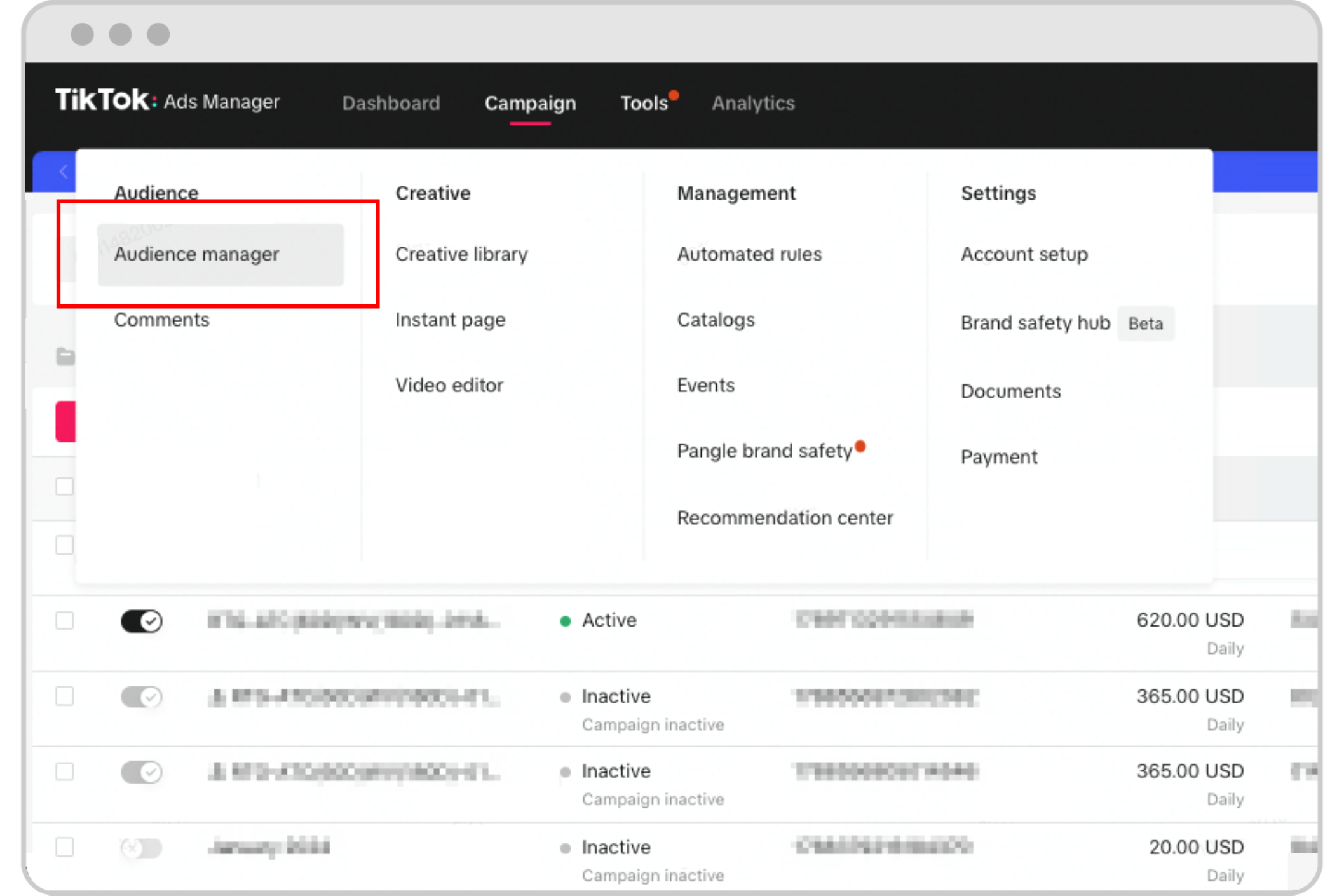
2. Navigate to the Audiences Section
From the main dashboard, go to the Audiences section under Assets. This is where you'll create and manage your custom audiences.
3. Choose Your Audience Source
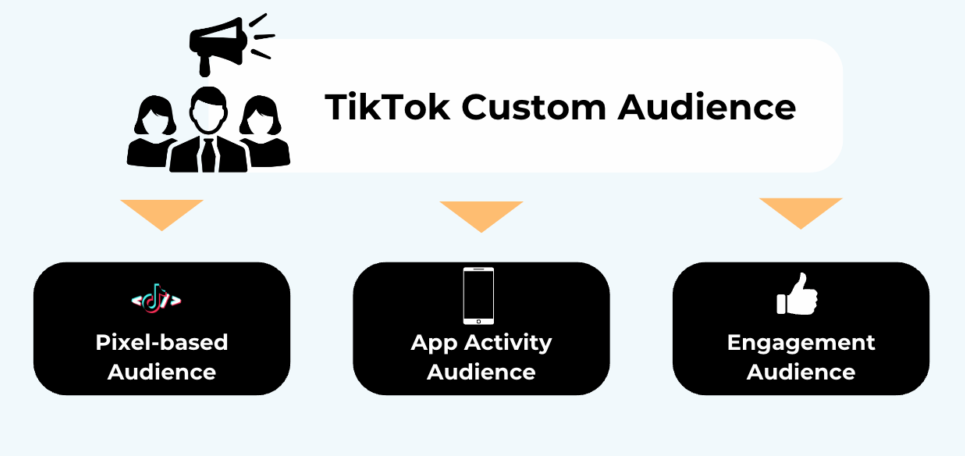
TikTok offers six different sources to build your Custom Audiences:
- Customer File: Upload a list of email addresses or phone numbers from your existing customers.
- App Activity: Target users based on their actions within your app (e.g., purchases, sign-ups).
- Lead Generation: Use data from users who filled out lead forms on your website.
- Engagement: Target users who have interacted with your TikTok content (e.g., likes, comments).
- Website Traffic: Target users who have visited your website or taken specific actions there.
- Business Account: Target users who have interacted with your TikTok Business Account (e.g., followed, liked, or commented).
4. Upload Your Data and Set Parameters
Depending on the source you choose, you may need to upload a file (e.g., CSV) containing user data. Ensure that your audience size is at least 1,000 users to meet TikTok's requirements.
Best Practices for Using TikTok Custom Audiences
To get the most out of your TikTok Custom Audiences, follow these best practices:
- Use the right file format: For app-related campaigns, ensure your file includes IDFA or GAID data from the same region as your target audience.
- Include country codes: When using phone numbers, always include the country code to improve matching accuracy.
- Keep your audience updated: Enable auto-refresh in TikTok Ads Manager to ensure your audience stays current.
- Avoid overlapping audiences: Be careful when combining include and exclude rules, as this can reduce the effectiveness of your targeting.
Common FAQs About TikTok Custom Audiences
Can TikTok Custom Audiences auto-update?
Yes, TikTok allows you to enable auto-refresh when creating your audience. This ensures your audience remains up-to-date with the latest user interactions.
What’s the difference between Custom Audiences and Lookalike Audiences?
Custom Audiences target users who have already engaged with your brand, while Lookalike Audiences target users who resemble your existing audience but haven't interacted with your brand yet.
What if I don’t have an audience database?
If you're just starting out, consider using third-party tools like NestAds to help you build and manage your audience more efficiently.
Conclusion
Creating TikTok Custom Audiences is a powerful way to reach users who have already shown interest in your brand. By following the steps outlined above and implementing best practices, you can significantly improve the performance of your TikTok ads. Whether you're a small business owner or a digital marketer, leveraging TikTok's targeting capabilities can help you grow your audience and drive meaningful engagement.
Start experimenting with TikTok Custom Audiences today and watch your ad performance soar.

Posting Komentar untuk "How to Create TikTok Custom Audiences for Targeted Advertising"
Posting Komentar