
How to Create TikTok Video Ads Step by Step: A Complete Guide for Marketers
TikTok has become a powerful platform for marketers looking to reach a vast and engaged audience. With over 1 billion active users, the platform offers a unique opportunity to create compelling video ads that resonate with younger demographics. If you're new to TikTok advertising, this guide will walk you through the step-by-step process of creating effective TikTok video ads.
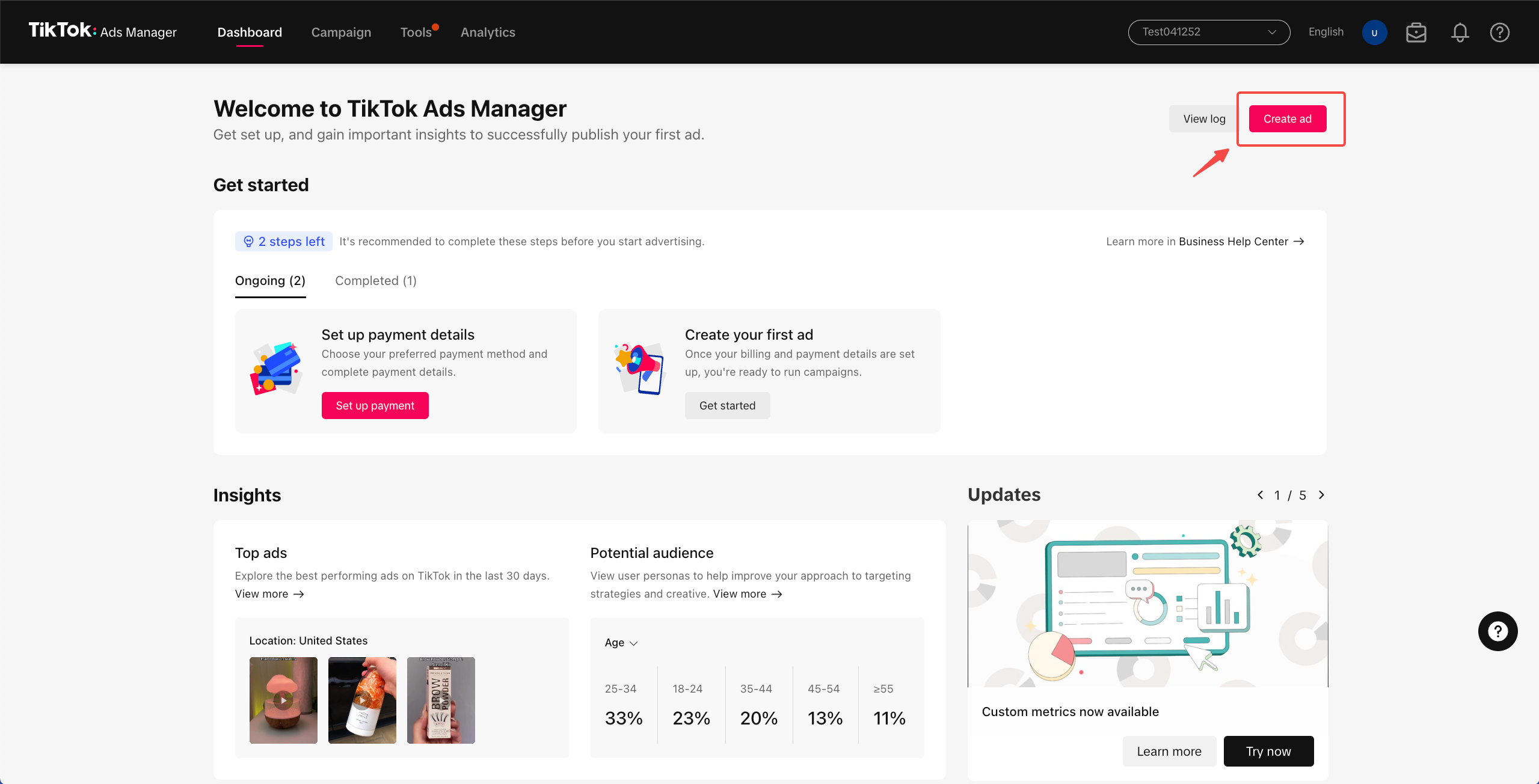
Step 1: Set Up Your TikTok Business Account
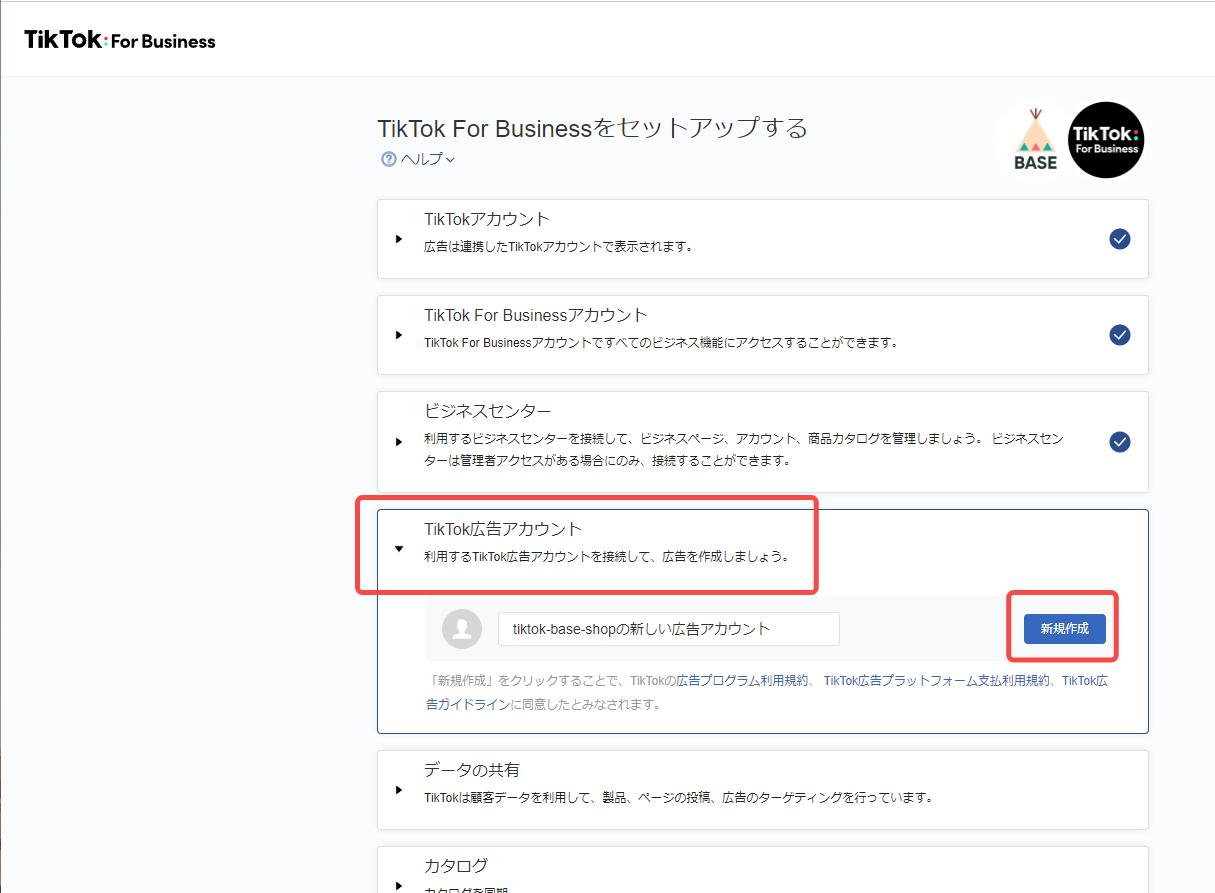
Before you can start creating TikTok video ads, you need to set up a business account. This allows you to access advanced features such as ad creation tools, analytics, and campaign management.
Steps to Set Up a Business Account:
- Download the TikTok app and sign in.
- Tap on your profile icon and select "Edit Profile."
- Scroll down and tap "Switch to Pro Account."
- Follow the prompts to verify your business and complete the setup.
Once your business account is set up, you'll be able to access the TikTok Ads Manager, which is essential for creating and managing your ad campaigns.
Step 2: Define Your Campaign Objective
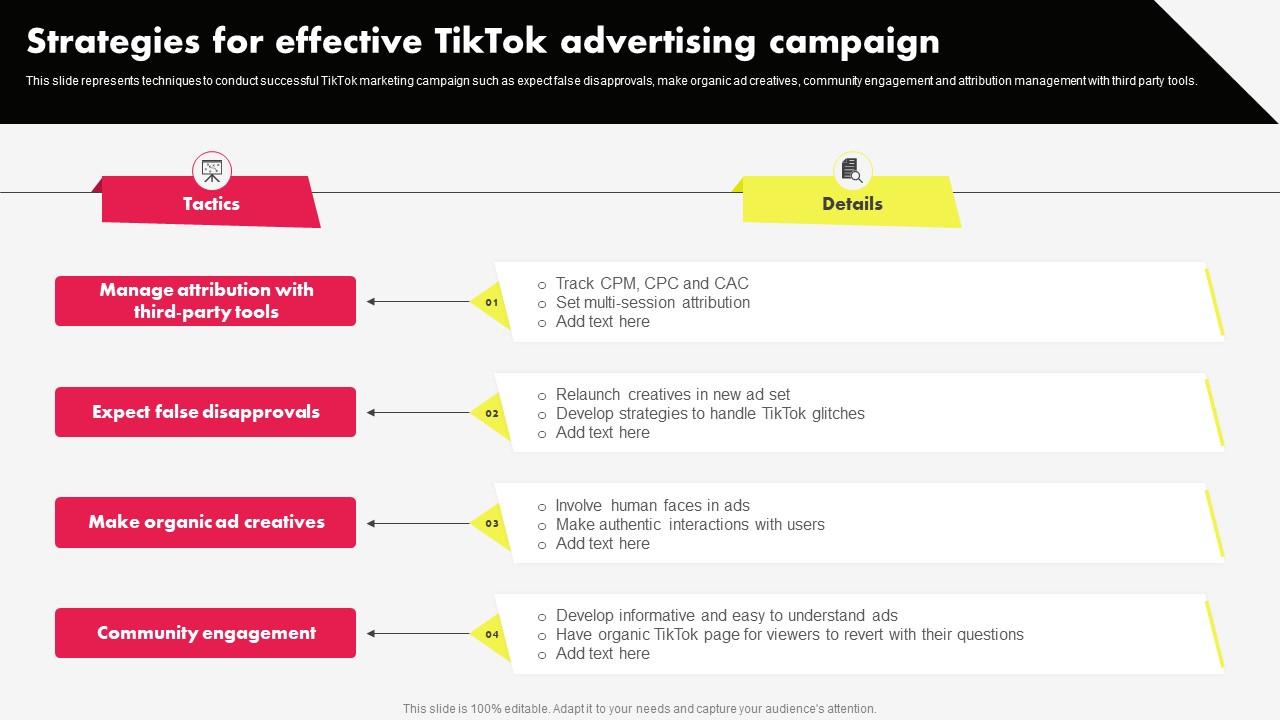
The first step in creating a TikTok ad campaign is to define your objective. TikTok offers several campaign objectives, including:
- Brand Awareness: Aimed at increasing visibility and recognition of your brand.
- Traffic: Designed to drive traffic to your website or app.
- Engagement: Focused on increasing likes, comments, shares, and other forms of engagement.
- Conversions: Targeted at driving specific actions, such as downloads or purchases.
Choosing the right objective will help you tailor your ad content and targeting strategy to achieve your desired results.
Step 3: Choose Your Target Audience
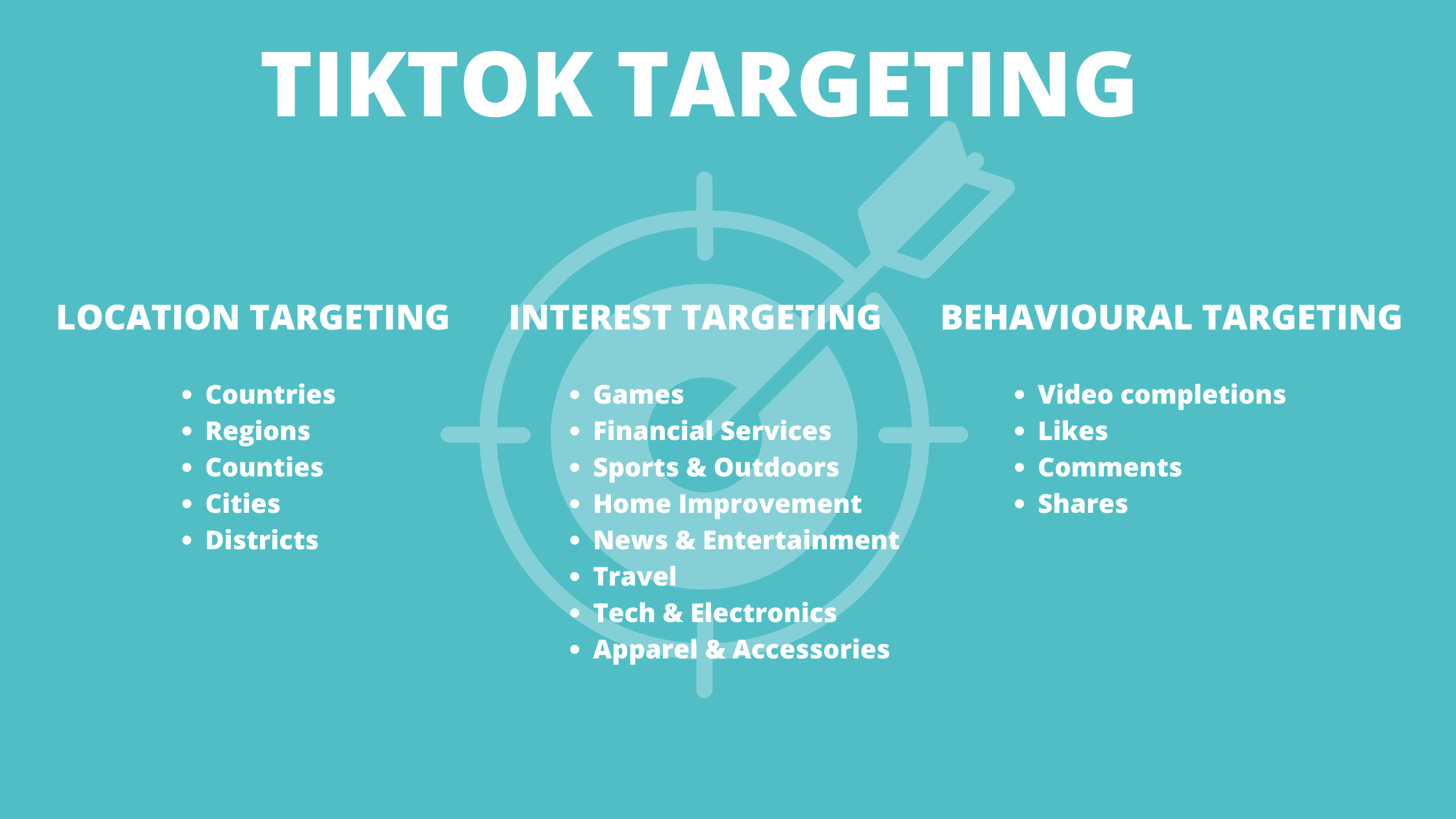
TikTok provides robust targeting options to help you reach the right audience. You can target users based on:
- Demographics: Age, gender, location, and language.
- Interests: Topics and categories that align with your product or service.
- Behaviors: User activity, such as app usage and purchase history.
- Custom Audiences: Upload your existing customer data to target similar users.
Use the TikTok Ads Manager to refine your targeting and ensure your ads are shown to the most relevant audience.
Step 4: Create Your Ad Content

Creating engaging video content is crucial for the success of your TikTok ads. Here are some tips to help you create high-quality videos:
Tips for Creating Effective TikTok Video Ads:
- Keep It Short: The ideal length for TikTok videos is between 5 and 15 seconds. Longer videos may lose viewer attention.
- Use High-Quality Visuals: Ensure your videos are clear and well-lit. Use the recommended resolution of 1080x1920 pixels.
- Add Captions and Text: Many users watch videos without sound, so include captions and text to convey your message.
- Incorporate Music and Sound: Use trending music or sound effects to make your video more engaging.
- Include a Call-to-Action (CTA): Encourage viewers to take action, such as visiting your website or downloading your app.
Step 5: Set Your Budget and Schedule
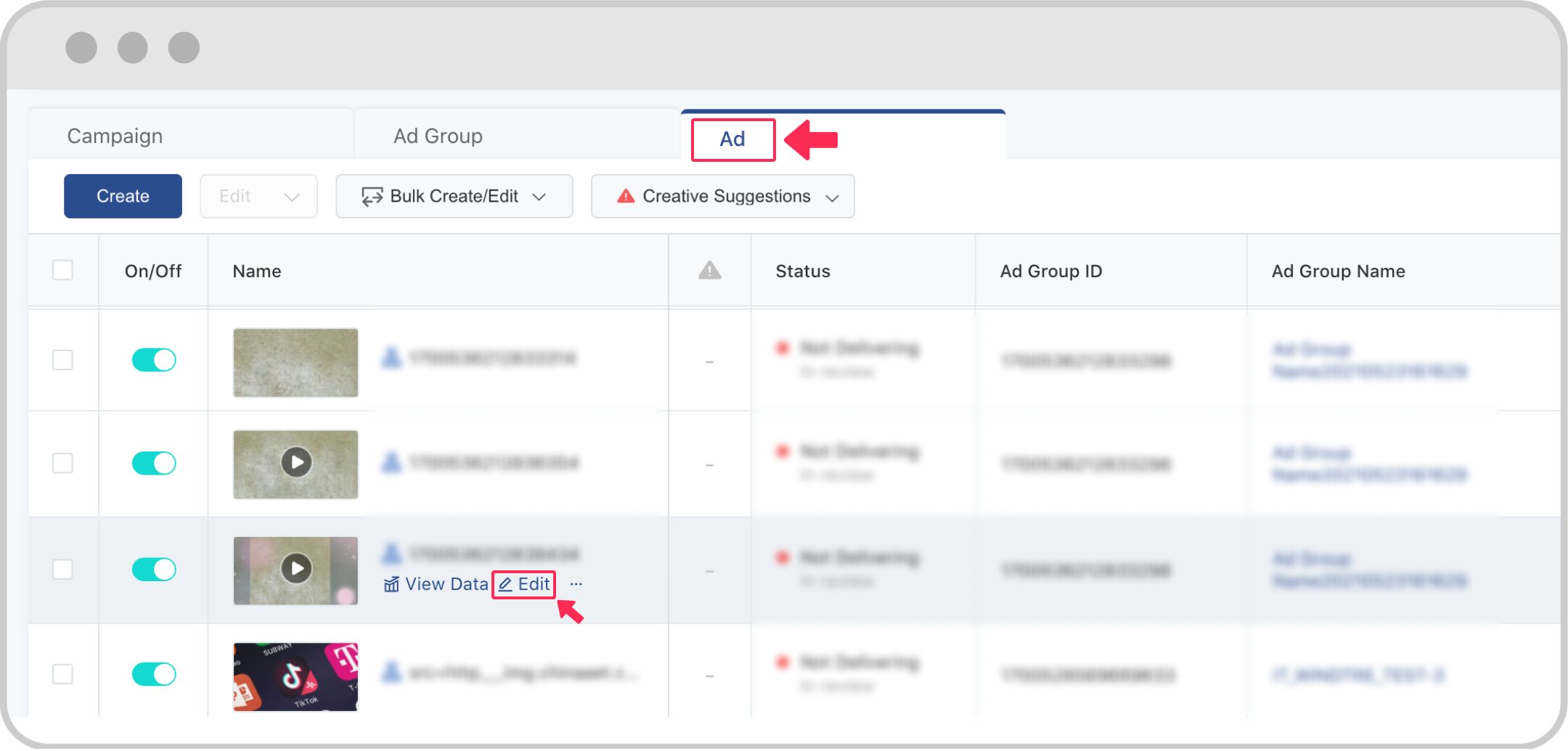
After creating your ad content, you'll need to set your budget and schedule. TikTok allows you to choose between daily, monthly, or lifetime budgets. You can also set the time frame during which your ads will run.
Tips for Setting Your Budget:
- Start with a small budget to test your ad performance.
- Monitor your ad performance regularly and adjust your budget as needed.
- Consider using automated bidding to optimize your ad spend.
Step 6: Launch and Optimize Your Campaign
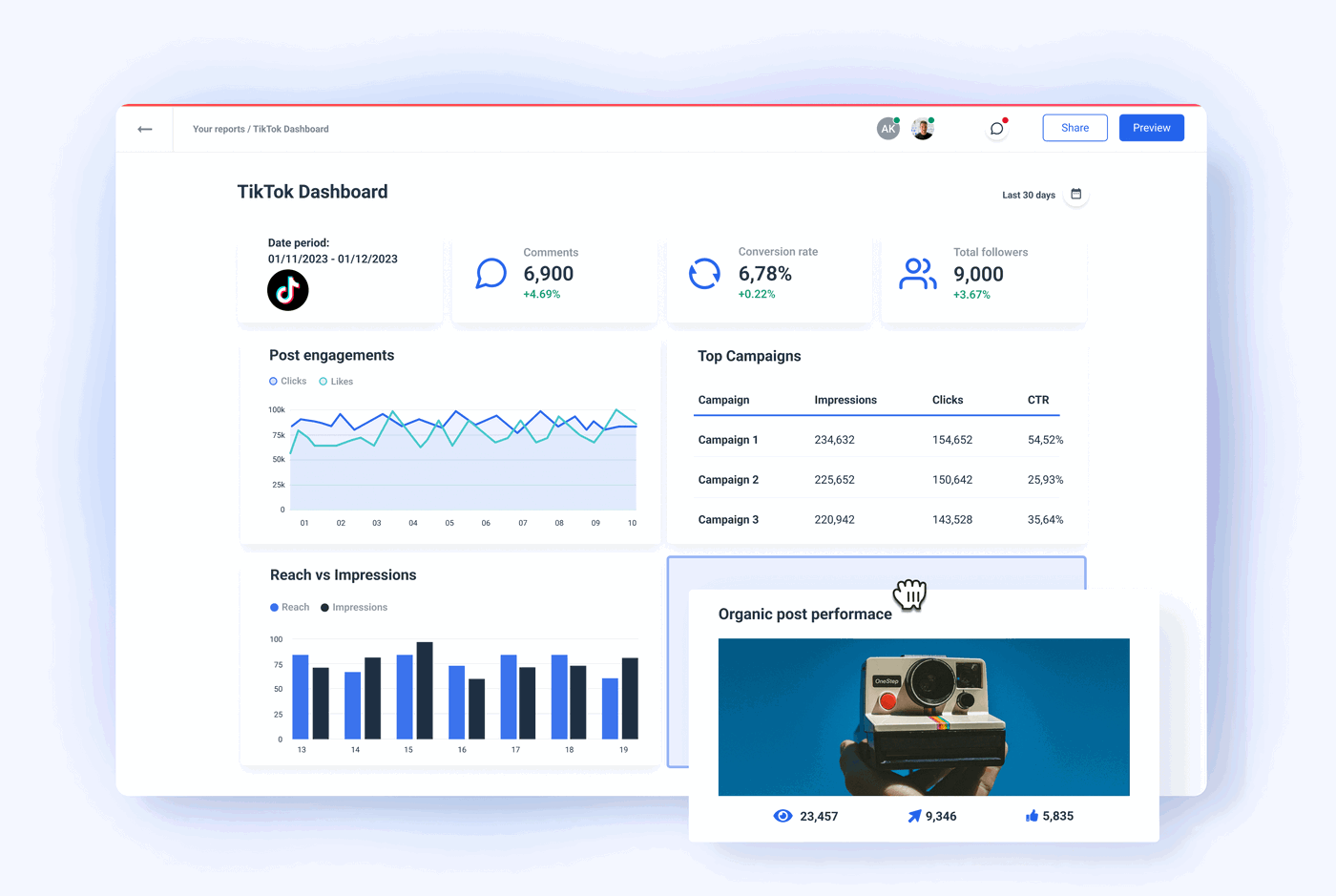
Once your campaign is set up, it's time to launch your ads. After launching, monitor your campaign performance using the TikTok Ads Manager. Track key metrics such as impressions, clicks, and conversions.
Tips for Optimizing Your Campaign:
- A/B Testing: Test different ad variations to see what works best.
- Adjust Targeting: Refine your targeting based on performance data.
- Update Content: Refresh your ad content regularly to keep it engaging.
- Use Retargeting: Target users who have interacted with your previous ads.
Step 7: Analyze and Improve
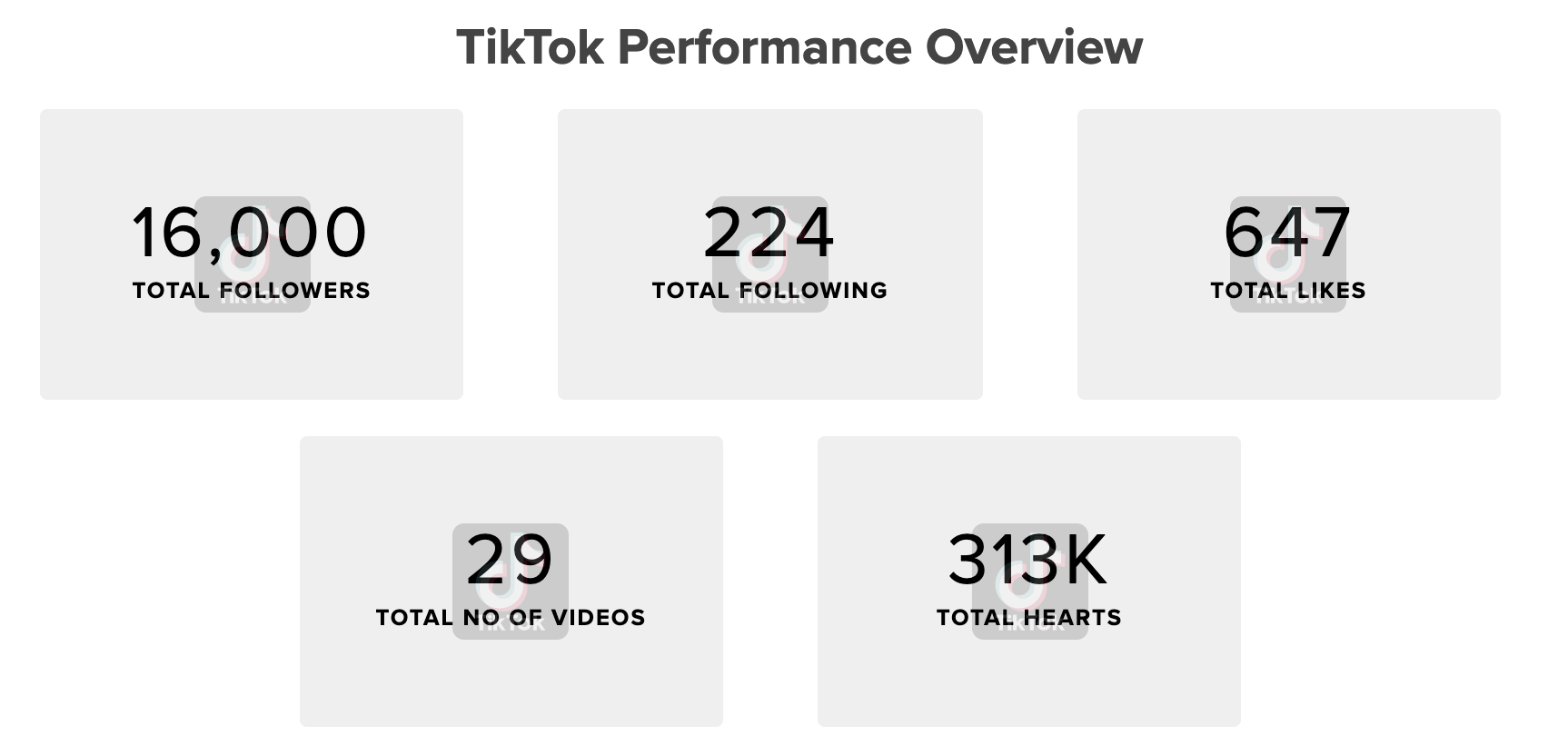
After your campaign runs, analyze the results to understand what worked and what didn't. Use the insights from your analytics to improve future campaigns.
Key Metrics to Track:
- Impressions: The number of times your ad was shown.
- Click-Through Rate (CTR): The percentage of users who clicked on your ad.
- Conversion Rate: The percentage of users who completed a desired action.
- Cost Per Click (CPC): The cost of each click on your ad.
By continuously analyzing and improving your campaigns, you can maximize your return on investment and achieve better results on TikTok.
Conclusion
Creating TikTok video ads can be a powerful way to reach a large and engaged audience. By following these steps—setting up your business account, defining your campaign objective, choosing your target audience, creating engaging content, setting your budget, launching your campaign, and analyzing your results—you can effectively leverage TikTok's advertising platform to grow your brand and achieve your marketing goals. With the right strategy and continuous optimization, you can create successful TikTok video ads that drive real results.

Posting Komentar untuk "How to Create TikTok Video Ads Step by Step: A Complete Guide for Marketers"
Posting Komentar