
How to Effectively Use the TikTok Ads Dashboard: A Complete Guide
TikTok has evolved from a social media platform for short-form videos into a powerful advertising tool, with over a billion active users worldwide. For businesses looking to reach a vast and engaged audience, TikTok Ads Manager offers a streamlined way to create targeted campaigns that drive results. Whether you're a seasoned marketer or new to digital advertising, understanding how to use the TikTok Ads Dashboard is essential for maximizing your ad performance.
Understanding the TikTok Ads Dashboard
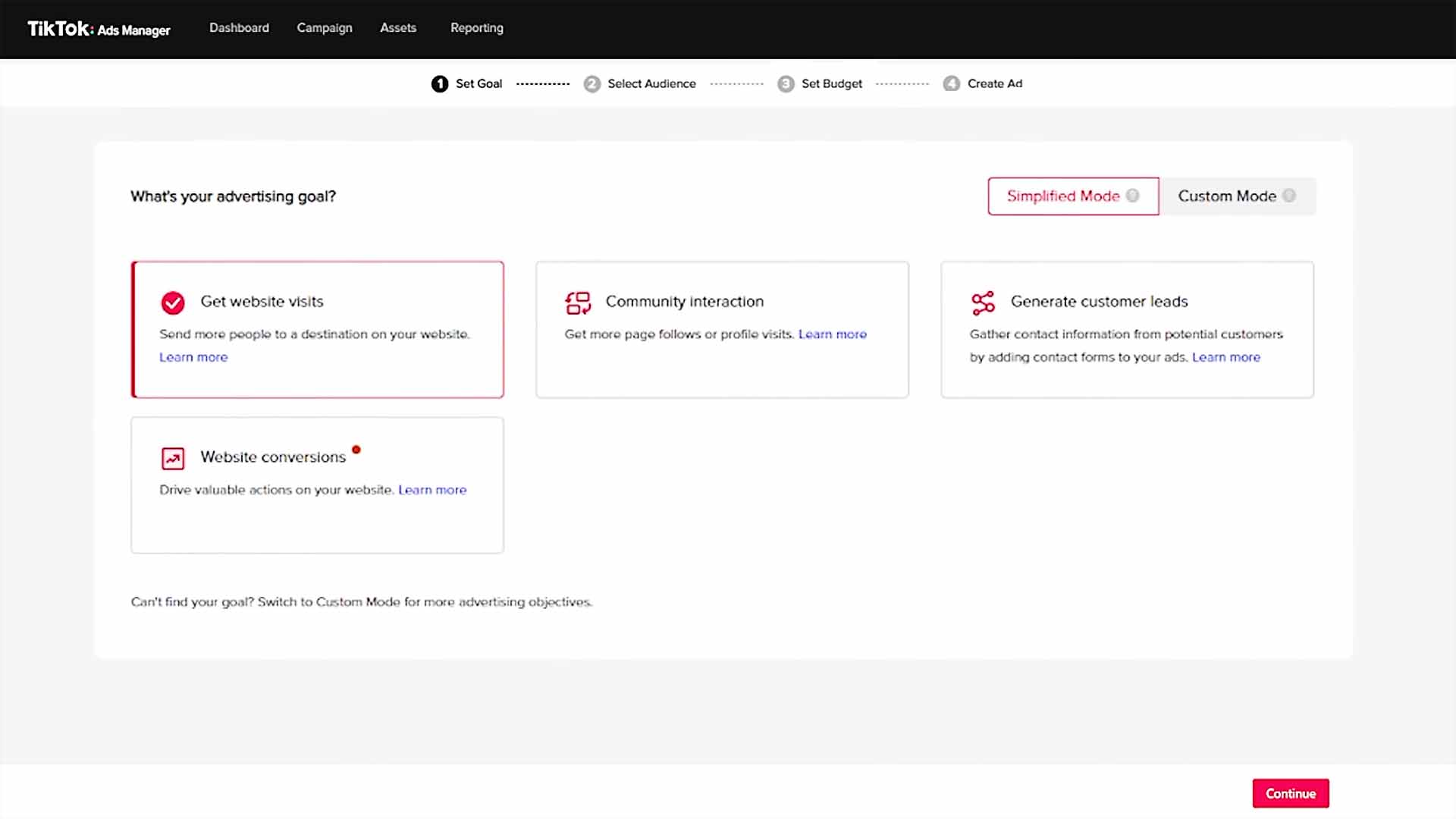
The TikTok Ads Dashboard is the central hub where advertisers can manage their campaigns, track performance, and make adjustments in real time. It provides a comprehensive overview of your ad activities, including campaign objectives, budgets, targeting settings, and analytics. To effectively use the dashboard, it's important to understand its key components:
- Campaign Overview: Displays all active and past campaigns, along with their performance metrics.
- Ad Groups: Allows you to organize multiple ad variations under one campaign.
- Audience Insights: Provides data on who is engaging with your ads, including demographics and interests.
- Performance Reports: Offers detailed analytics on impressions, clicks, conversions, and more.
By mastering these features, you can gain valuable insights into your ad performance and make data-driven decisions.
Step-by-Step Guide to Using the TikTok Ads Dashboard
1. Create a TikTok Ads Account
Before you can start running ads, you need to set up a TikTok Ads account. Visit the TikTok Ads Manager website and sign up using your business email. You'll be prompted to provide basic business information, such as your country, time zone, and business name. Once you've verified your email and set up a payment method, you're ready to begin creating your first campaign.
2. Select a Campaign Objective
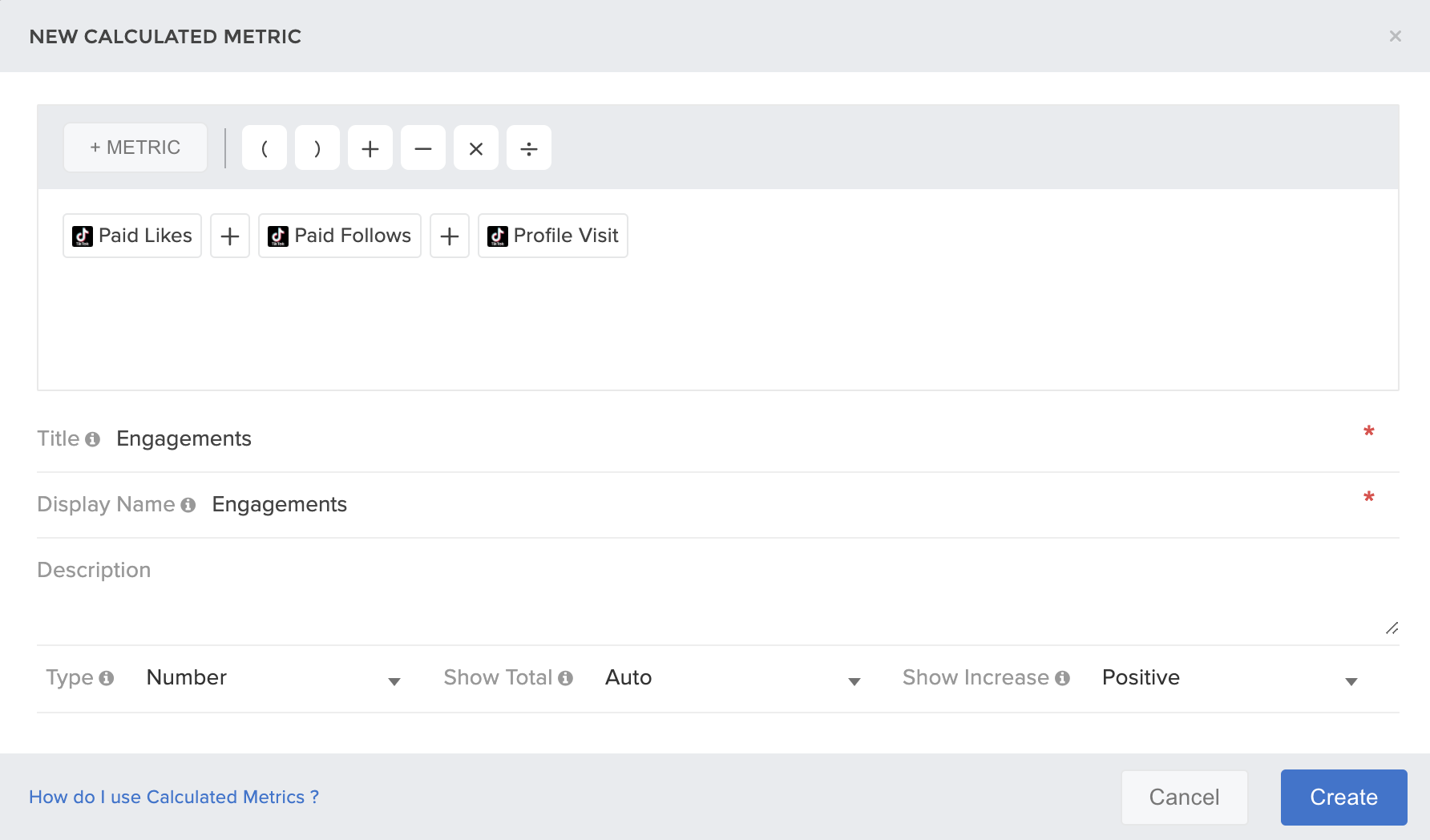
Once logged into the dashboard, click on the "Campaign" tab and select "Create." TikTok offers several campaign objectives to choose from, depending on your marketing goals:
- Reach: Maximize the number of people who see your ad.
- Traffic: Drive clicks to your website or landing page.
- App Installs: Promote downloads for your mobile app.
- Video Views: Boost views on your TikTok video content.
- Conversions: Encourage specific actions on your website, such as purchases or sign-ups.
Choose the objective that best aligns with your business goals.
3. Set Your Campaign Budget

Next, define your budget for the campaign. TikTok allows you to choose between a daily budget or a total budget. The platform sets a minimum campaign budget, but you have full control over how much you spend. This flexibility makes it ideal for testing different strategies without overspending.
4. Create an Ad Group
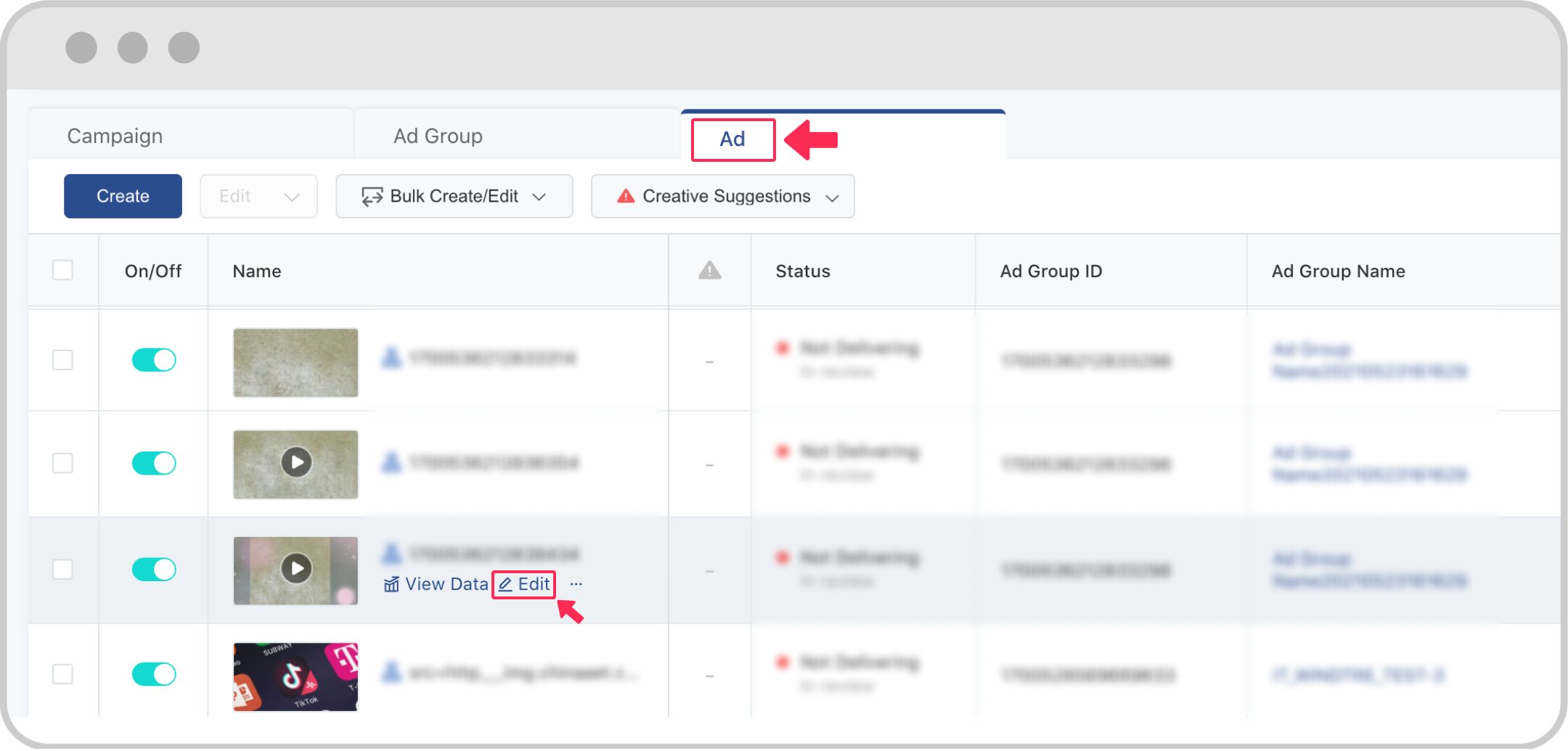
Within your campaign, you can create one or multiple ad groups. Each ad group allows you to customize targeting, placement, schedule, bidding, and optimization preferences:
- Placement: Choose whether TikTok automatically places your ads or manually select where they appear.
- Targeting: Narrow down your audience based on gender, age, location, language, interests, and device type. You can also upload custom audiences or use lookalike audiences.
- Schedule: Decide if your ads should run continuously or during specific times and days.
- Bidding & Optimization: Select your bid strategy (CPC, CPM, or oCPC) based on your campaign objective.
5. Design Your TikTok Ad
Now it's time to create your actual ad. TikTok supports various ad formats, but the most common for first-time advertisers is the In-Feed Ad, which appears in the user’s “For You” feed. You can either upload your own video or use TikTok’s Video Creation Kit, which includes templates, stock music, and editing tools. Make sure your ad is visually compelling, has clear branding, and includes a strong call-to-action (CTA), such as “Shop Now,” “Download,” or “Learn More.”
6. Submit and Monitor Your Ad
After uploading your creative and filling out the final ad details, click “Submit.” TikTok will review your ad to ensure it meets community guidelines and advertising policies. Once approved, your campaign will go live.
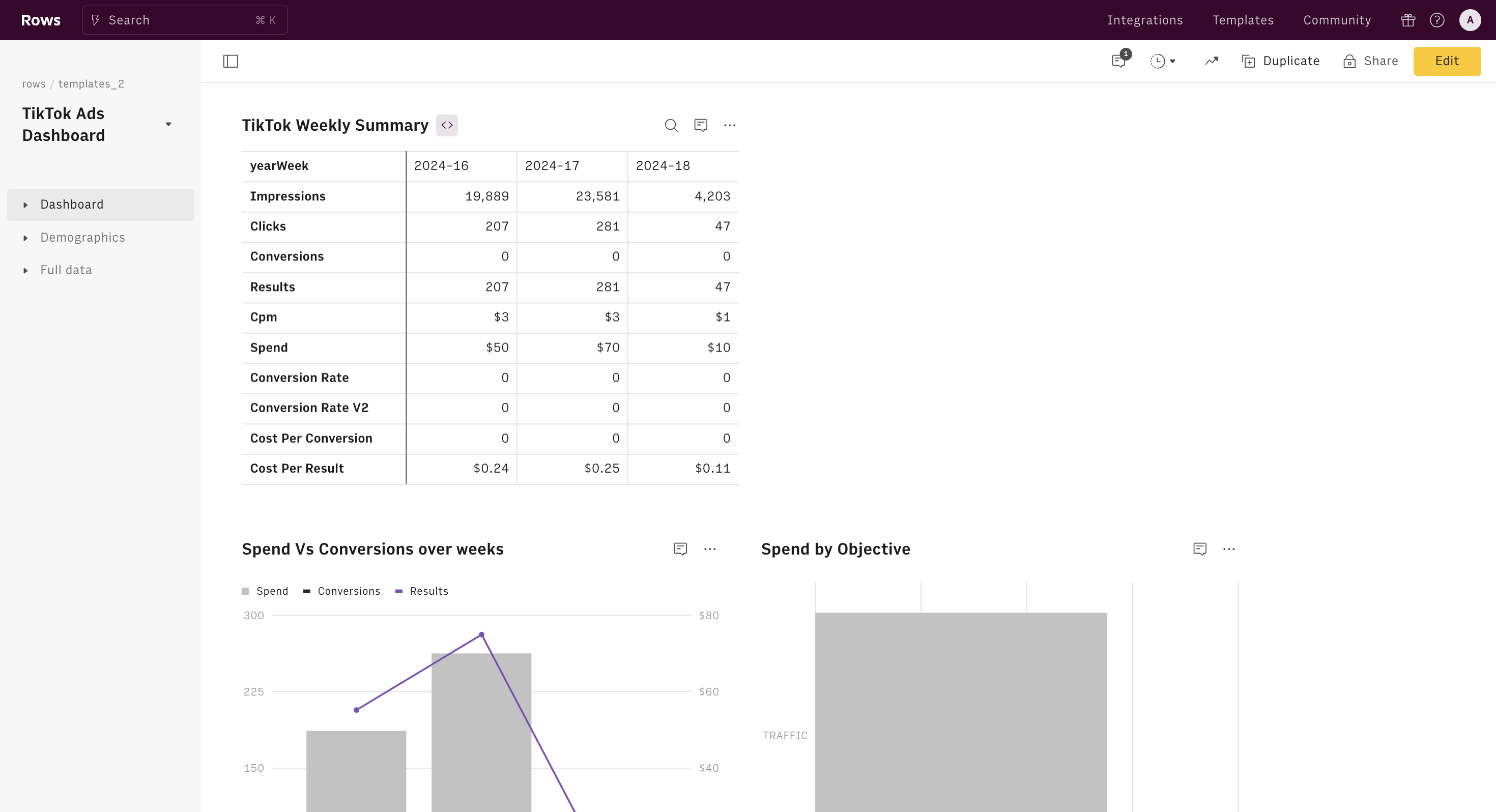
Use the Ads Manager dashboard to monitor performance metrics such as impressions, clicks, CTR (click-through rate), and conversions. This data helps you understand what’s working and where you might need to adjust.
Bonus Tips for TikTok Ad Success
To get the most out of your TikTok Ads Dashboard, consider the following tips:
- Keep It Quick and Snappy: TikTok users are fast-paced, so aim for 9–15 second videos with rapid hooks.
- Be Authentic: Avoid overly polished content. Users prefer native-looking ads that feel natural to the platform.
- Use Trending Sounds and Hashtags: Tapping into TikTok trends can enhance ad performance and engagement.
- Test Multiple Creatives: Run A/B tests with different ad variations to see what resonates best with your audience.
By following these steps and tips, you can confidently launch your first TikTok Ads campaign and start tapping into one of the most dynamic advertising platforms today.

Posting Komentar untuk "How to Effectively Use the TikTok Ads Dashboard: A Complete Guide"
Posting Komentar