
How to Explore and Use the TikTok Ads Dashboard Effectively
TikTok has evolved from a platform for short-form videos and dance challenges into a powerful tool for businesses. With its vast user base and engaging ad formats, TikTok offers brands an opportunity to reach their target audience in a more authentic and creative way. One of the key tools that enable this is the TikTok Ads Dashboard. Understanding how to explore and use this dashboard effectively can significantly enhance your advertising strategy.
What Is the TikTok Ads Dashboard?
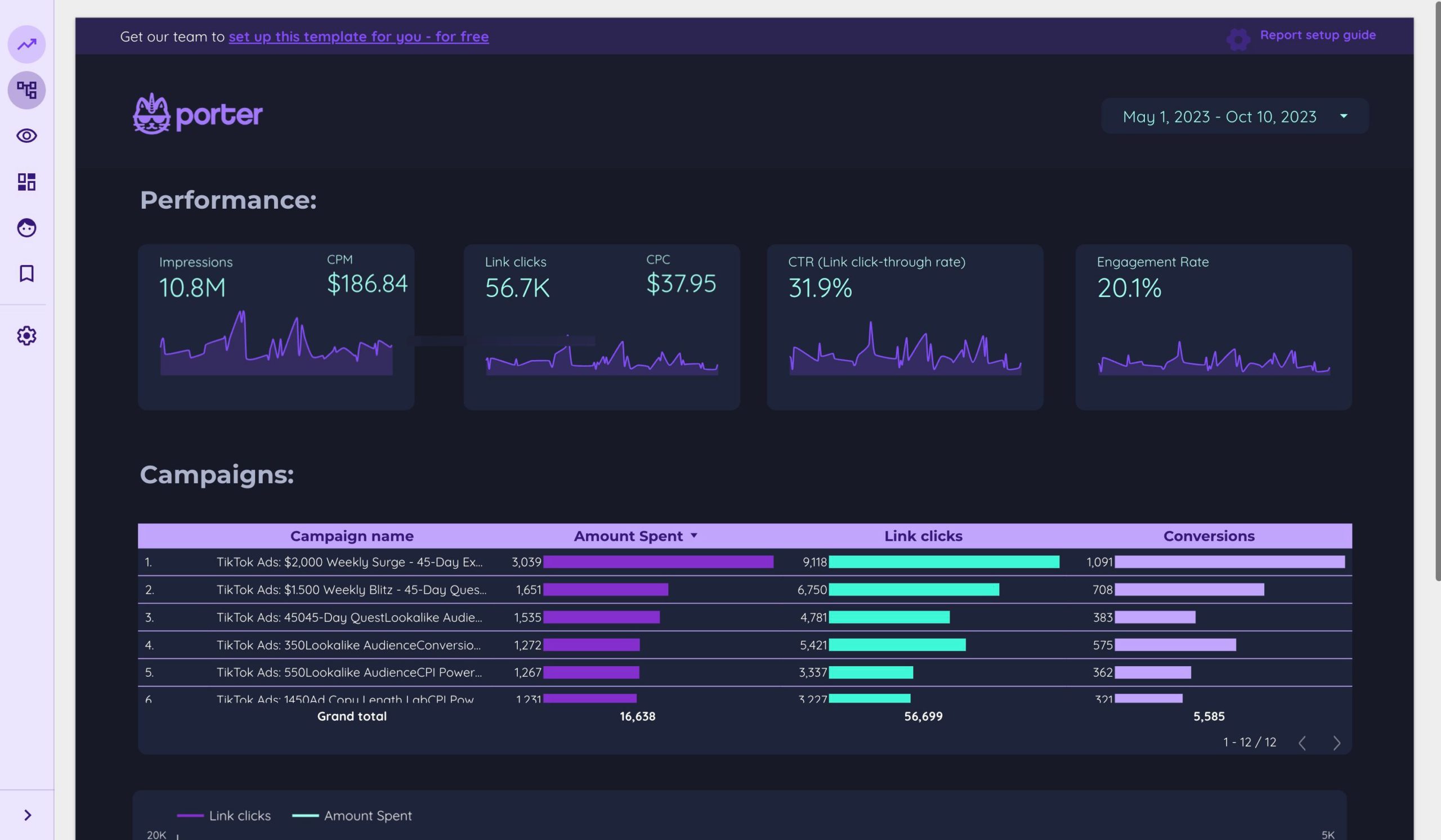
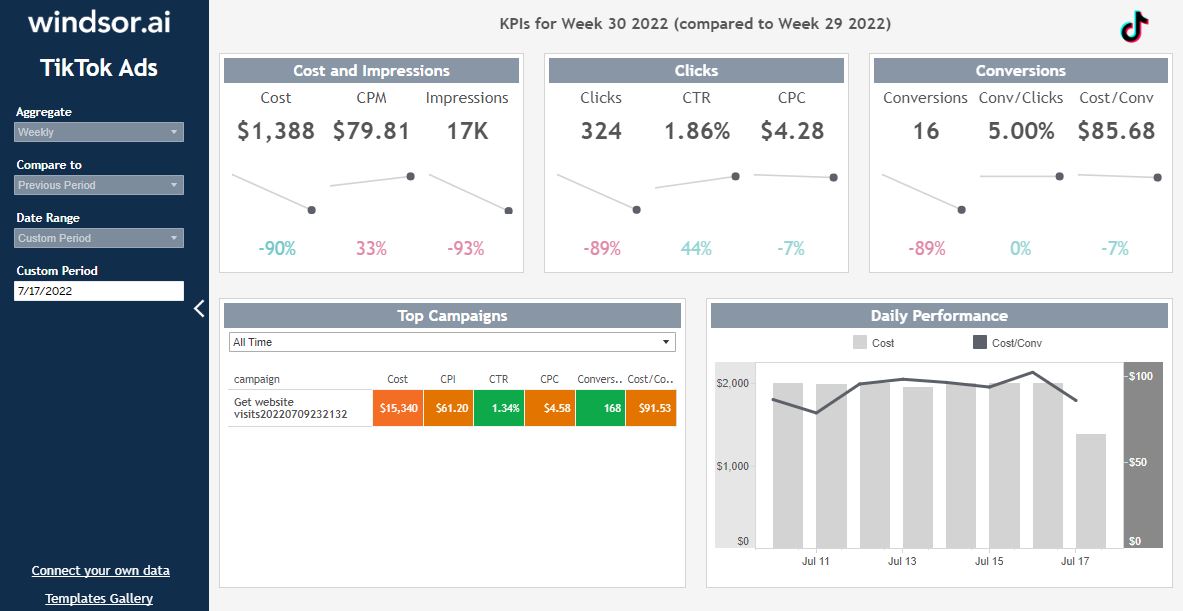
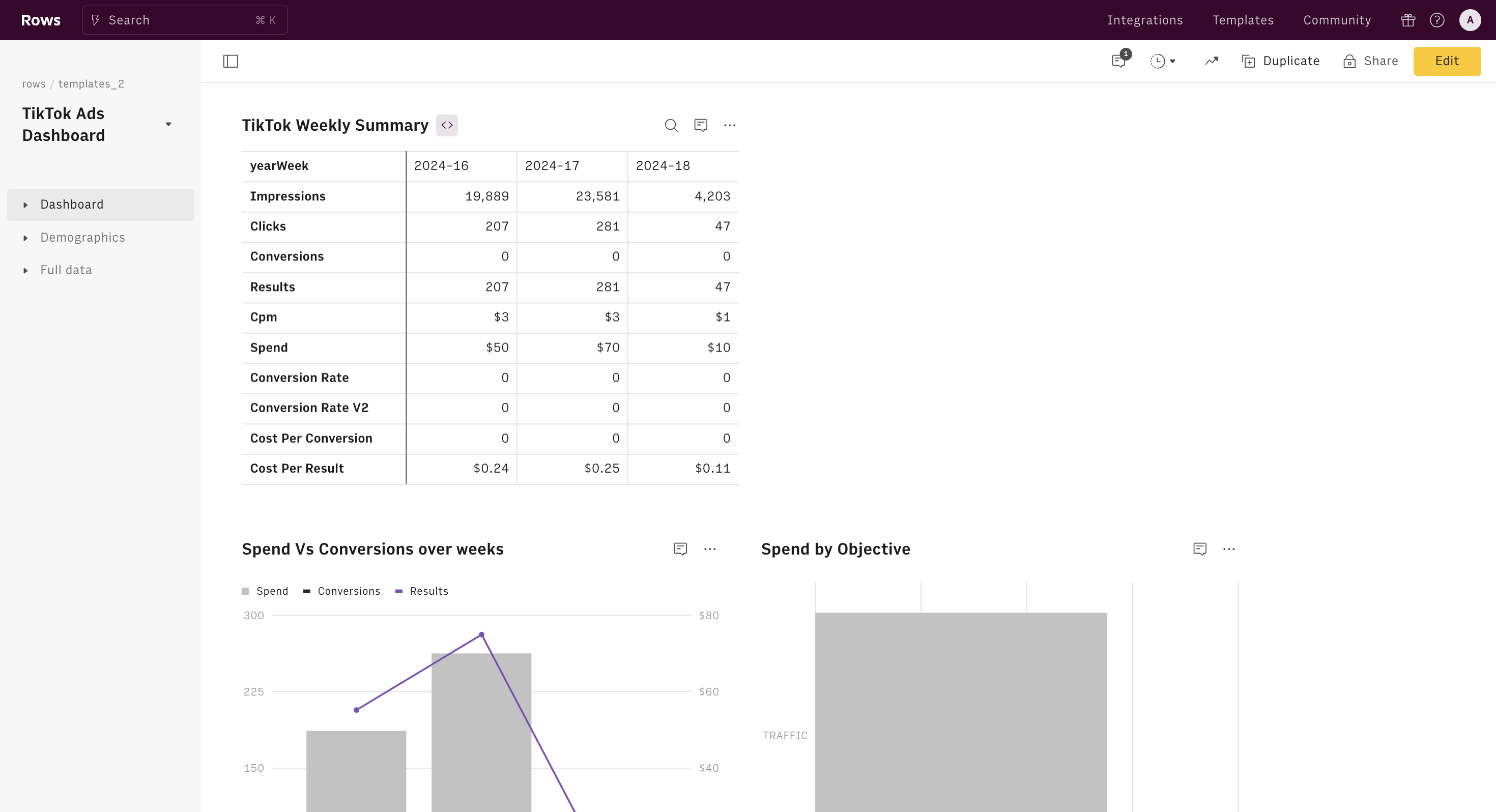
The TikTok Ads Dashboard is a centralized platform where advertisers can create, manage, and analyze their TikTok ad campaigns. It provides a comprehensive view of all your ads, including performance metrics, budget allocation, and audience insights. Whether you're a small startup or a large enterprise, the dashboard allows you to track the success of your campaigns and make data-driven decisions.
Key Features of the TikTok Ads Dashboard
- Campaign Creation: You can set up different types of ad campaigns, such as brand awareness, traffic, conversion, and engagement.
- Ad Management: Easily edit, pause, or delete ads based on their performance.
- Budget Control: Set daily or lifetime budgets for each campaign.
- Performance Analytics: Track metrics like views, clicks, engagement rates, and conversions.
- Audience Insights: Understand who is interacting with your ads and refine your targeting strategies.
How to Access the TikTok Ads Dashboard
To start using the TikTok Ads Dashboard, you first need to create a TikTok Business Account. Here’s a quick guide:
- Create a Business Account: Go to the TikTok app, tap on your profile, then select "Manage Account" > "Business Account." Follow the prompts to set up your account.
- Verify Your Account: Complete the verification process by providing necessary business information.
- Access the Ads Dashboard: Once your account is verified, go to https://ads.tiktok.com and log in with your TikTok credentials.
If you're managing multiple accounts, you can contact your TikTok sales representative for assistance in setting up a multi-account management system.
Setting Up Your First Ad Campaign
Once you're logged into the dashboard, you can begin creating your first ad campaign. Here's a step-by-step process:
- Choose a Campaign Objective: Select the goal of your campaign, such as increasing brand awareness, driving traffic to your website, or boosting conversions.
- Set Your Budget: Decide on a daily or total budget for your campaign.
- Define Your Target Audience: Use TikTok's targeting options to narrow down your audience based on demographics, interests, and behaviors.
- Create Your Ad Content: Upload your video or image, add captions, and include a call-to-action (CTA).
- Review and Launch: Preview your ad and launch it once everything looks good.
Optimizing Your Ad Performance
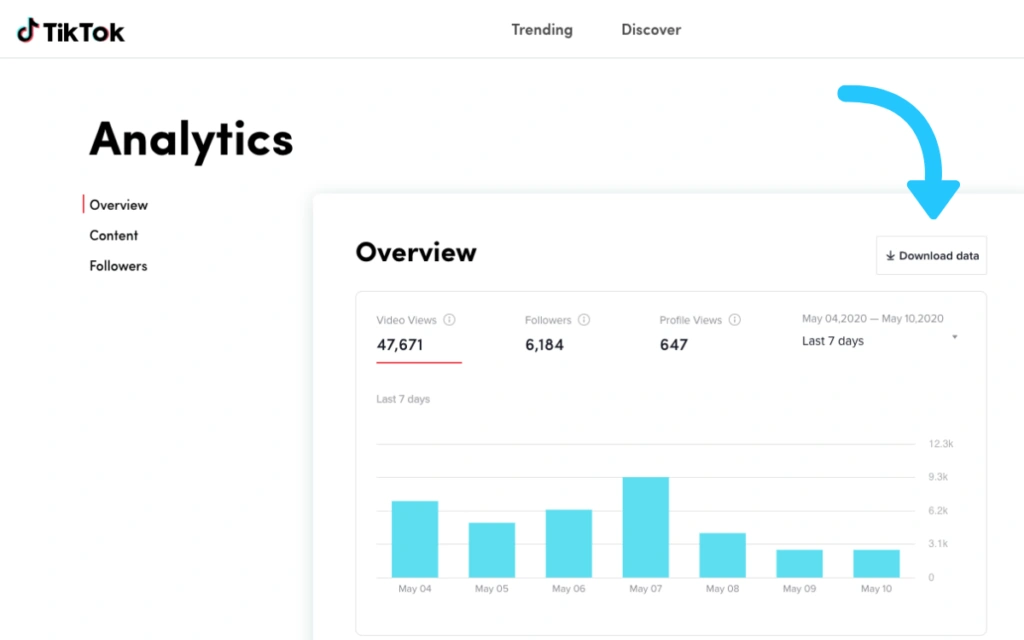
After launching your campaign, it's essential to monitor its performance regularly. The TikTok Ads Dashboard provides several tools to help you optimize your ads:
- Track Metrics: Keep an eye on key performance indicators (KPIs) like click-through rate (CTR), cost per click (CPC), and return on ad spend (ROAS).
- Test Different Variations: Run A/B tests with different ad creatives, headlines, and CTAs to see what resonates best with your audience.
- Adjust Targeting: Refine your audience targeting based on the data you collect to improve relevance and engagement.
- Allocate Budget Wisely: Shift your budget towards high-performing ads to maximize your return on investment (ROI).
Best Practices for Using the TikTok Ads Dashboard
To get the most out of the TikTok Ads Dashboard, consider the following best practices:
- Start Small: Begin with a modest budget and test different ad variations before scaling up.
- Focus on Authenticity: TikTok users value genuine content. Avoid overly polished ads and instead showcase real-life scenarios.
- Leverage Trends: Stay updated with trending sounds, challenges, and hashtags to create relevant and engaging ads.
- Use AI Tools: Utilize AI-powered tools to streamline ad creation, scriptwriting, and video editing while reducing costs.
- Continuously Improve: Learn from each campaign and refine your strategy based on what works best.
Conclusion
The TikTok Ads Dashboard is a powerful tool that enables businesses to run effective ad campaigns on one of the fastest-growing social media platforms. By understanding how to explore and use this dashboard, you can unlock new opportunities for brand growth, customer engagement, and sales. Whether you're a startup or an established business, leveraging TikTok's advertising capabilities can give you a competitive edge in today's digital landscape. So, take the time to learn the dashboard, experiment with different strategies, and watch your brand thrive on TikTok.
Posting Komentar untuk "How to Explore and Use the TikTok Ads Dashboard Effectively"
Posting Komentar