
How to Grant Access to TikTok Ads: A Step-by-Step Guide
TikTok has become a powerful platform for brands and creators to reach millions of users. With its unique algorithm and engagement-driven model, TikTok offers an unparalleled opportunity for businesses to connect with their target audience. One of the most effective ways to leverage this platform is through TikTok Ads. However, granting access to TikTok Ads requires a clear understanding of the process and the necessary steps involved. This guide will walk you through how to grant access to TikTok Ads, ensuring your brand can effectively utilize this tool.
Why TikTok Ads Matter for Your Brand

TikTok Ads are not just another form of advertising; they are a strategic tool that allows brands to reach a highly engaged audience. Unlike traditional social media platforms, TikTok’s For You Page (FYP) prioritizes content that resonates with users, making it ideal for brands looking to build awareness, drive traffic, or generate sales. By granting access to TikTok Ads, you can:
- Reach new audiences through targeted ad campaigns.
- Increase brand visibility and engagement.
- Drive conversions and sales directly from the app.
- Test different ad formats and strategies to optimize performance.
Step 1: Create a Business Account on TikTok
Before you can access TikTok Ads, you need to create a business account. Here’s how to do it:
- Open the TikTok app and go to your profile.
- Tap the three dots in the top-right corner and select "Switch to Pro Account" or "Business Account".
- Choose the type of business account you want (e.g., Shop, Creator, or Marketing).
- Follow the prompts to complete your business profile, including your business name, description, and contact information.
Once your business account is set up, you’ll have access to advanced features like TikTok Ads Manager.
Step 2: Set Up Your Ad Account

After creating a business account, you’ll need to set up an ad account. This is where you’ll manage your TikTok Ads campaigns. Here’s how to do it:
- Go to the TikTok Ads Manager by visiting https://www.tiktok.com/business/ads.
- Log in with your TikTok business account credentials.
- Click "Create New Ad Account" and follow the prompts to set up your ad account.
- Verify your business information, including your tax details and payment method.
Once your ad account is created, you’ll be able to start building and managing your ad campaigns.
Step 3: Grant Access to Your Team Members
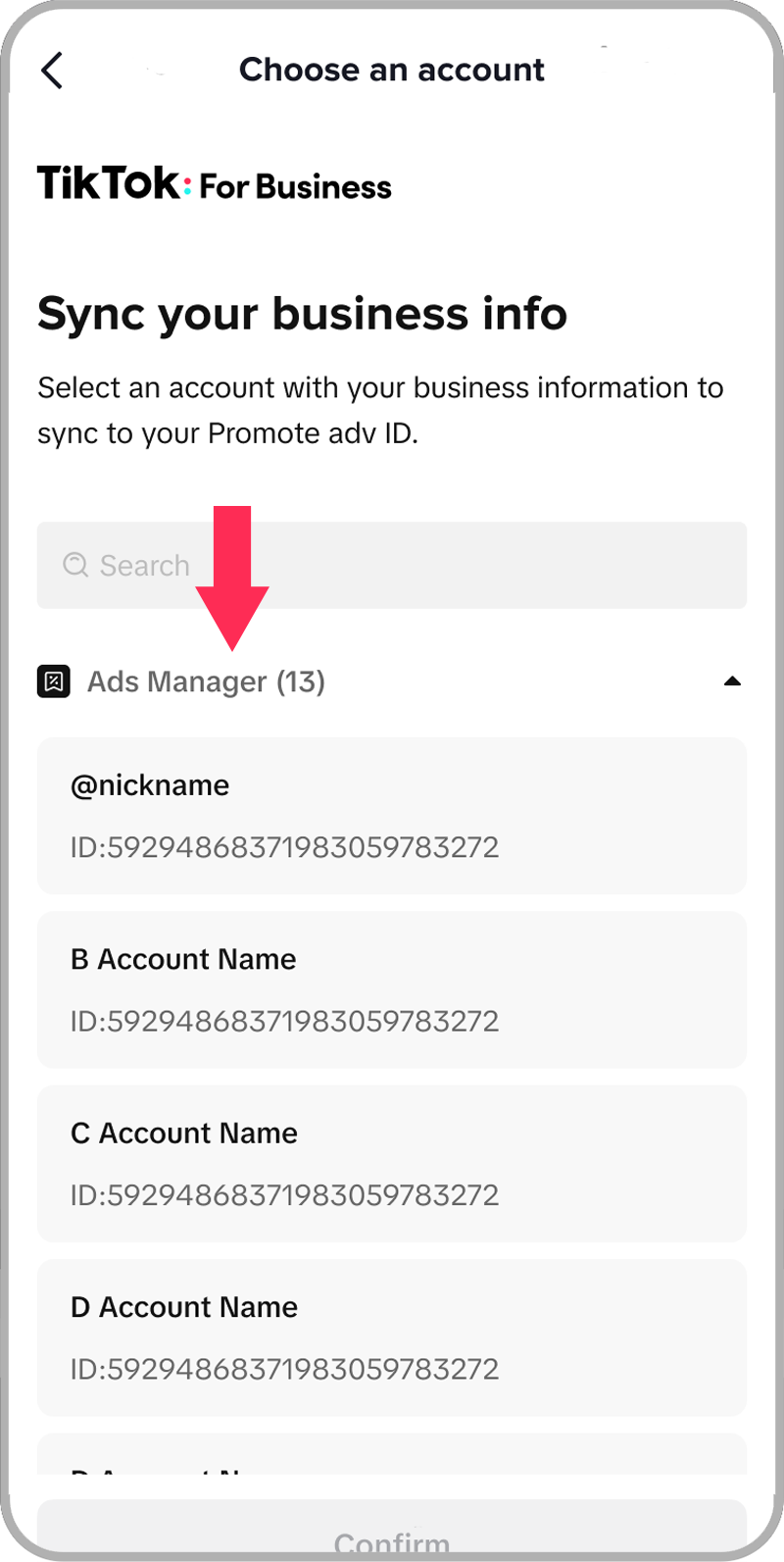
If you’re working with a team or multiple users, you may need to grant access to your TikTok Ads account. Here’s how to do it:
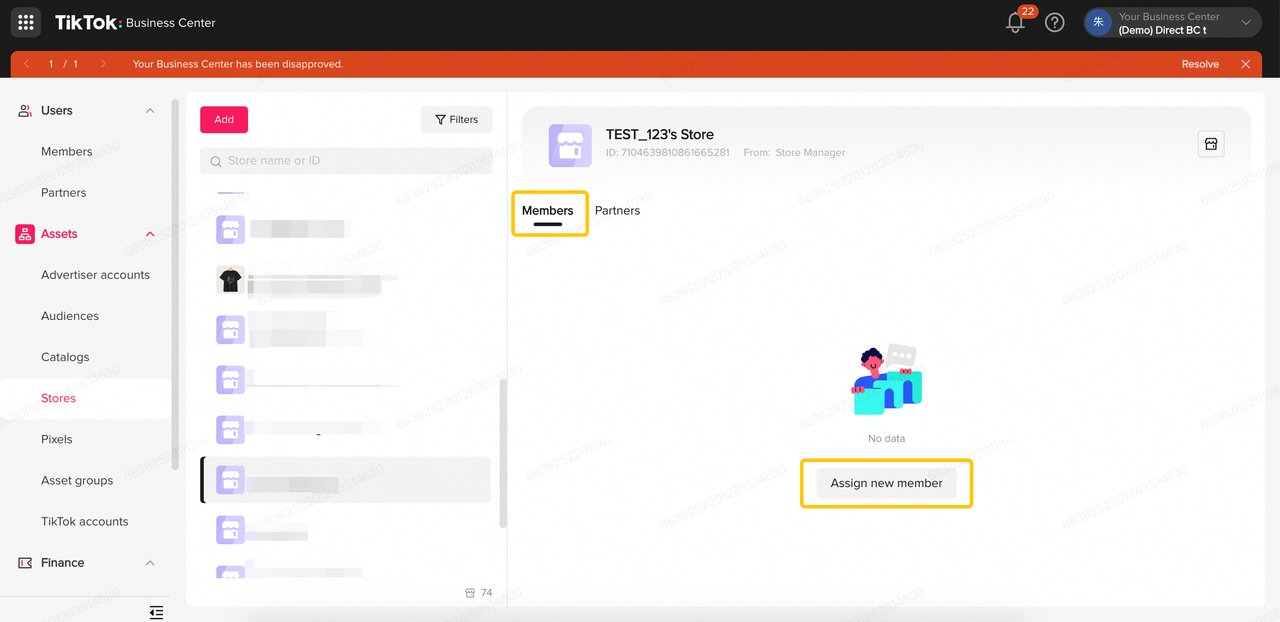
- In the TikTok Ads Manager, click on "Settings".
- Select "Team Members" and click "Add Member".
- Enter the email address of the person you want to grant access to.
- Choose the level of access (e.g., Admin, Editor, or Viewer).
- Click "Send Invite".
Your team members will receive an email with instructions on how to accept the invitation and gain access to the ad account.
Step 4: Configure Your Ad Campaigns
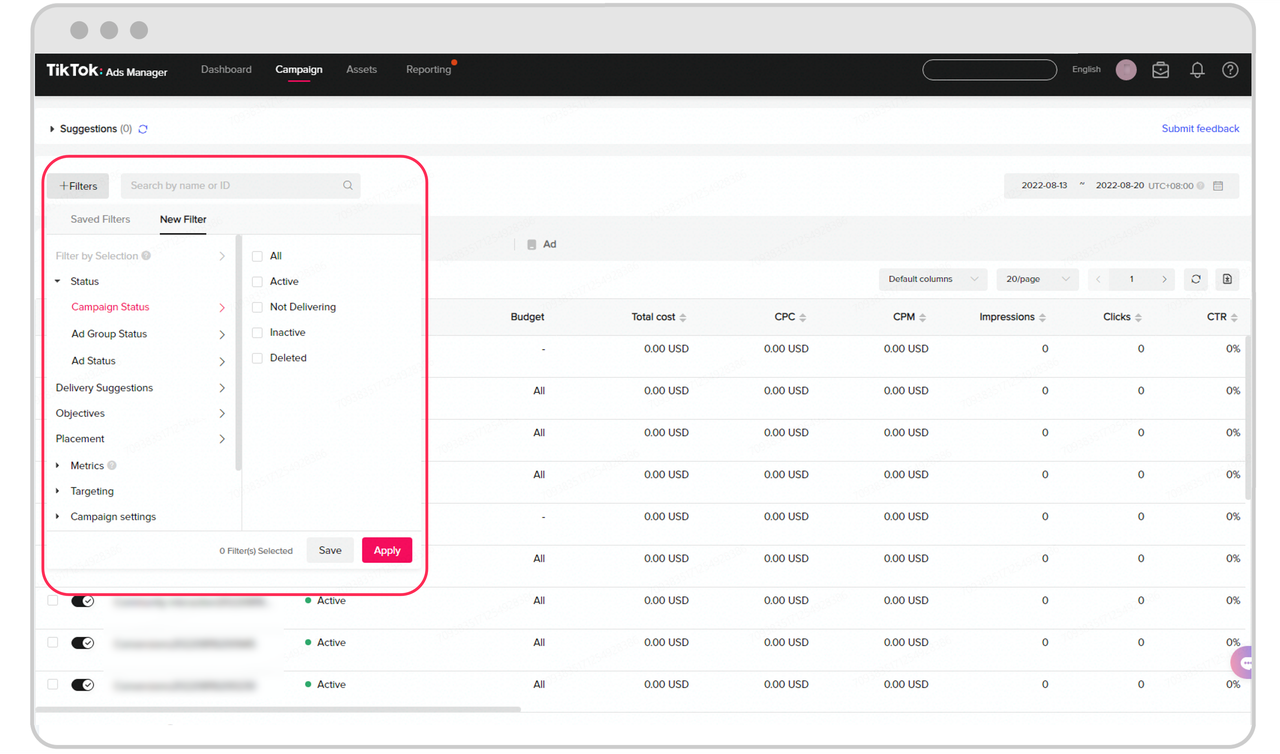
With access to TikTok Ads, you can now configure your ad campaigns. Here’s a quick overview of the key steps:
1. Define Your Campaign Objective
Choose the goal of your campaign, such as: - Brand Awareness: Maximize reach and impressions. - Traffic: Drive users to your website or app. - Conversions: Encourage specific actions like purchases or sign-ups. - Engagement: Increase likes, comments, shares, or views.
2. Set Your Budget and Schedule
Determine how much you want to spend on your campaign and when it should run. TikTok Ads allows you to choose between daily or lifetime budgets.
3. Target Your Audience
Use TikTok’s targeting options to reach the right people. You can target based on: - Demographics (age, gender, location) - Interests - Behaviors - Custom audiences (based on your existing customer data)
4. Create Your Ad Content
Design your ad creative, which can include: - Video ads - Image ads - Carousel ads - Lead generation ads
Make sure your content aligns with your campaign objective and resonates with your target audience.
5. Launch and Monitor Your Campaign
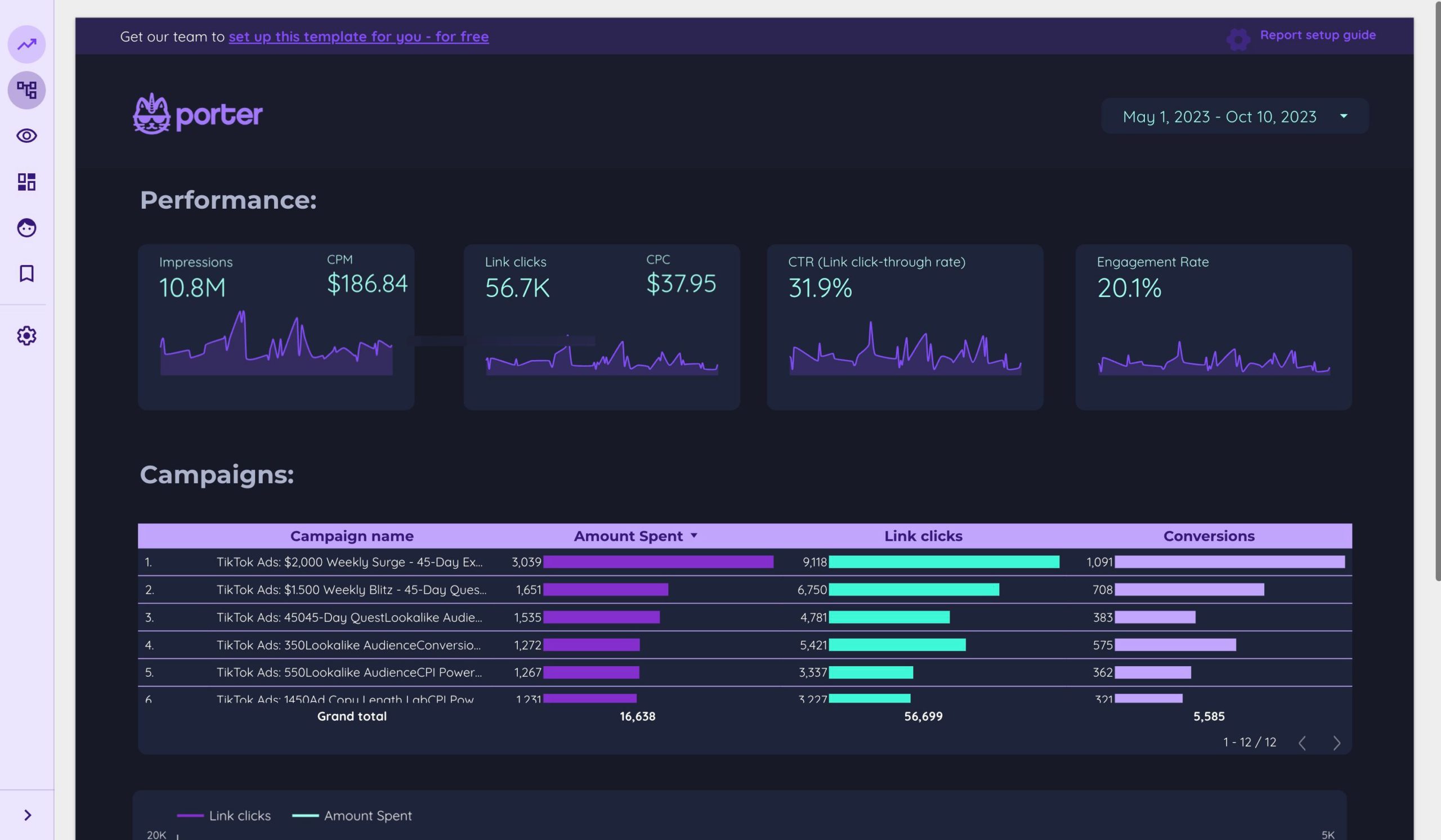
Once your campaign is set up, launch it and monitor its performance using TikTok Ads Manager. Track metrics like clicks, impressions, and conversions to refine your strategy.
Step 5: Optimize and Refine Your Strategy
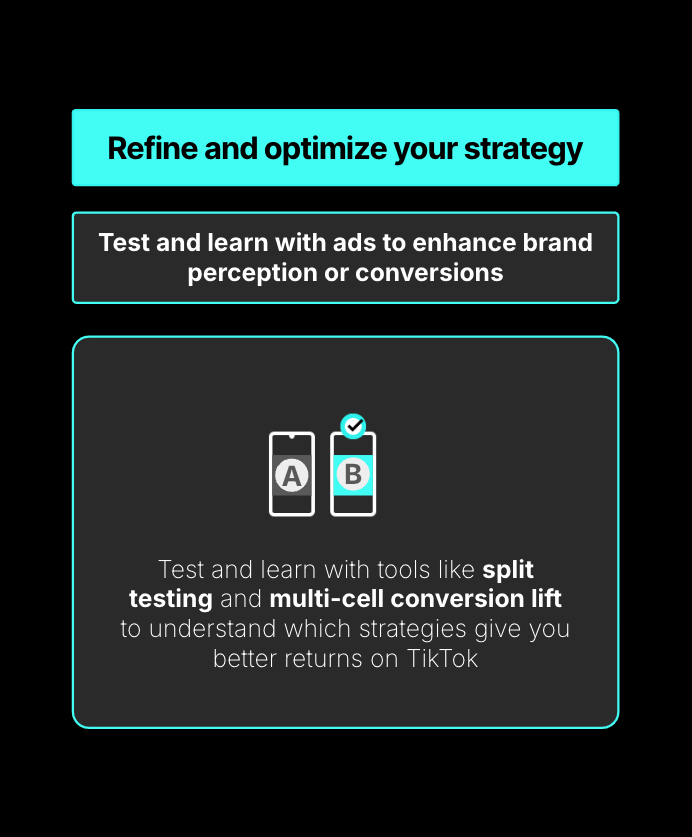
After launching your TikTok Ads campaign, it’s important to continuously optimize and refine your strategy. Here are some tips to help you improve your results:
- Test Different Ad Formats: Experiment with video, image, and carousel ads to see what works best for your audience.
- A/B Testing: Run A/B tests on your ad copy, visuals, and targeting to identify what drives the best performance.
- Analyze Performance Metrics: Use TikTok Ads Manager to track key metrics like CTR (Click-Through Rate), CPC (Cost Per Click), and ROAS (Return On Ad Spend).
- Adjust Your Targeting: Refine your audience targeting based on the performance of your campaigns.
- Leverage Retargeting: Use retargeting to re-engage users who have interacted with your brand but haven’t converted yet.
Conclusion
Granting access to TikTok Ads is a crucial step for any brand looking to harness the power of this dynamic platform. By following the steps outlined in this guide, you can set up your business account, configure your ad campaigns, and start reaching your target audience effectively. Remember, success on TikTok requires a combination of strategic planning, creative content, and continuous optimization. With the right approach, TikTok Ads can become a valuable asset in your marketing arsenal.

Posting Komentar untuk "How to Grant Access to TikTok Ads: A Step-by-Step Guide"
Posting Komentar