
How to Implement TikTok Ads Conversion Pixel for Maximum ROI
In today's digital marketing landscape, leveraging the right tools can make a significant difference in your return on investment (ROI). One such tool is the TikTok Ads Conversion Pixel, which allows you to track user actions on your website after they’ve clicked on your TikTok ads. This powerful feature helps you measure the effectiveness of your campaigns and optimize them for better performance. In this article, we’ll guide you through the process of implementing the TikTok Ads Conversion Pixel and how it can help you maximize your ROI.
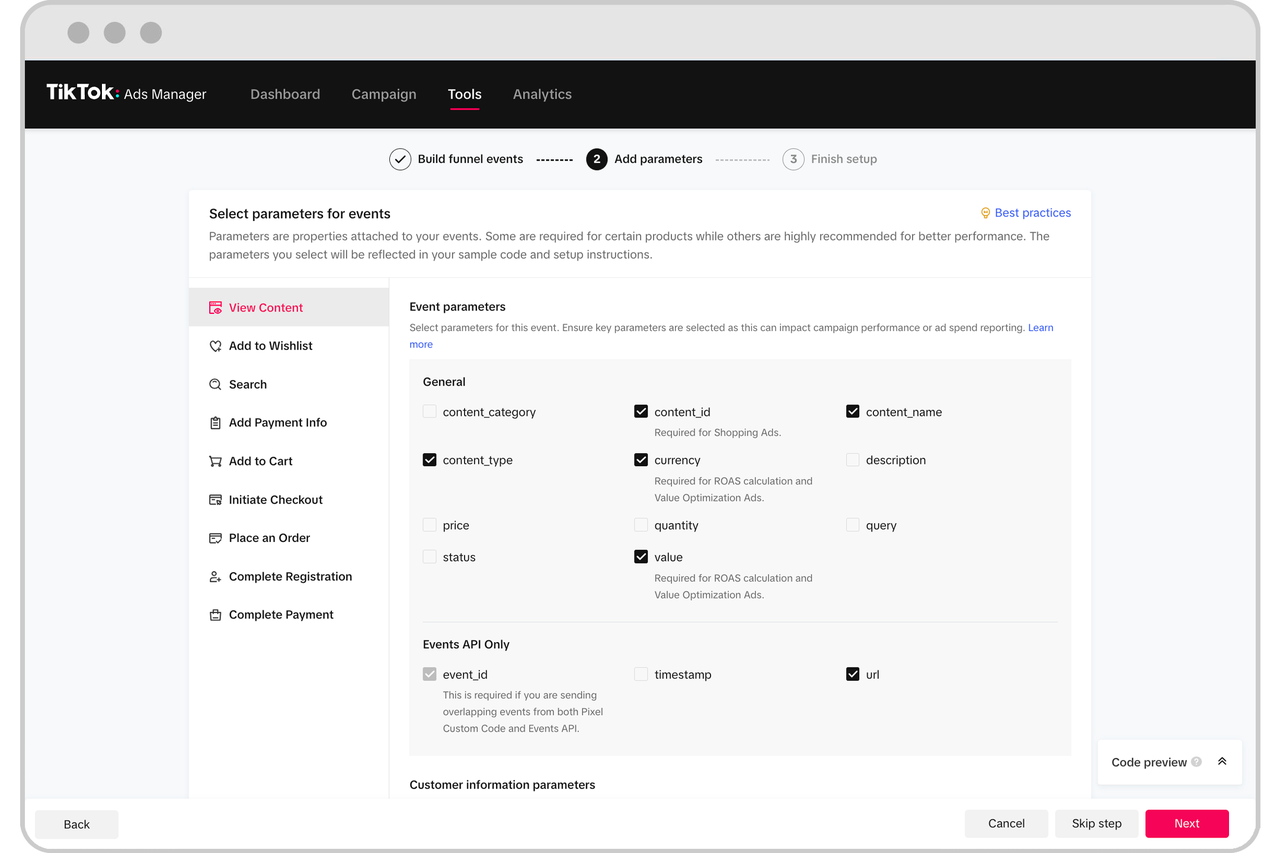
What is a TikTok Ads Conversion Pixel?

A TikTok Ads Conversion Pixel is a small piece of code that you add to your website or app. It tracks specific user actions, such as purchases, sign-ups, or form submissions, after they click on your TikTok ads. This data helps you understand which ads are driving conversions and which ones need improvement. By using the conversion pixel, you can gain valuable insights into user behavior and refine your advertising strategies accordingly.
Why Use the TikTok Ads Conversion Pixel?
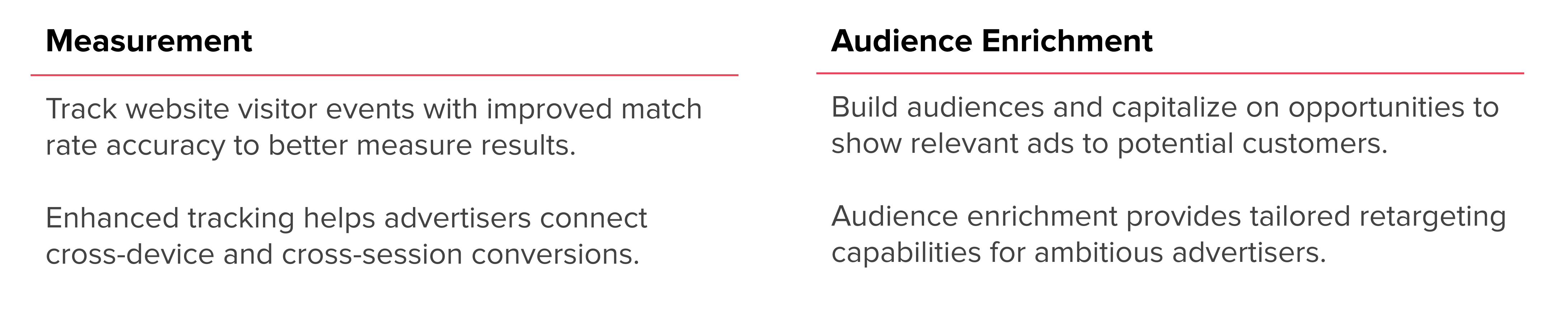
There are several reasons why businesses should use the TikTok Ads Conversion Pixel:
- Track Conversions: The pixel allows you to track specific actions taken by users on your website, helping you measure the success of your ad campaigns.
- Optimize Campaigns: With detailed conversion data, you can identify which ads are performing well and adjust your strategies to improve results.
- Improve ROI: By understanding which ads lead to conversions, you can allocate your budget more effectively and increase your ROI.
- Enhance User Experience: The data collected from the conversion pixel can help you improve your website’s design and user experience, leading to higher conversion rates.
Step-by-Step Guide to Implementing the TikTok Ads Conversion Pixel
Step 1: Access Your TikTok Ads Manager
Before you can implement the conversion pixel, you need to log in to your TikTok Ads Manager. If you don’t have an account, you’ll need to create one first.
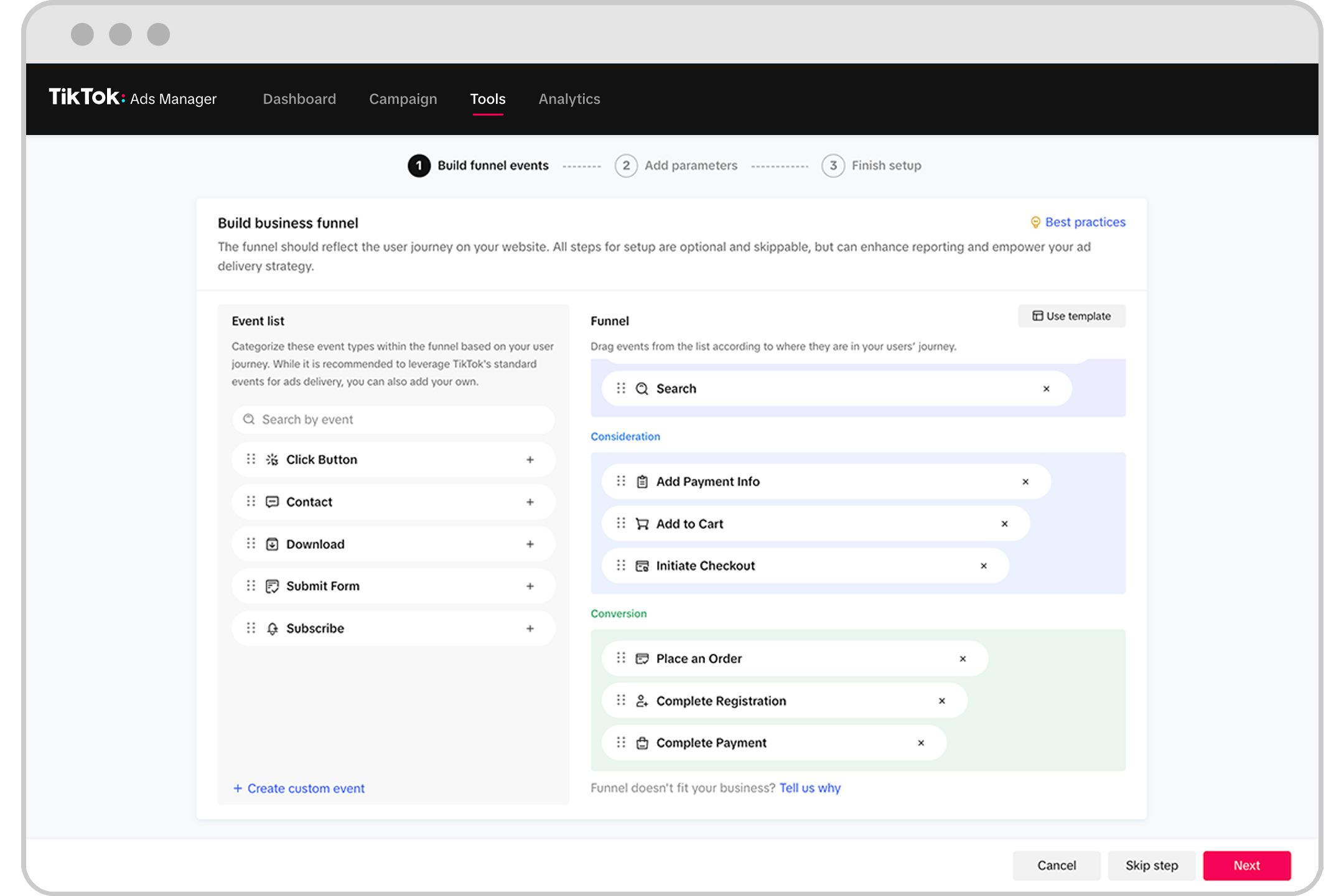
Step 2: Navigate to the Events Section
Once logged in, hover over the Tools menu and select Events under Management. This section is where you’ll manage your conversion tracking.
Step 3: Create a New Pixel
Click on Get Started and select Web. Then, click Next to proceed. You’ll be prompted to create a new pixel. Follow the instructions to generate a unique pixel ID.
Step 4: Copy the Pixel ID
After creating the pixel, copy the Pixel ID provided. This ID will be used to track conversions on your website.
Step 5: Add the Pixel to Your Website
To add the TikTok Ads Conversion Pixel to your website, you’ll need to insert the pixel code into the header or footer of your site. If you’re using a content management system (CMS) like WordPress, you can use a plugin to simplify this process.
Step 6: Generate an Access Token
Go to the Settings section and navigate to Events API. Click Generate Access Token and copy the token back to your wetracked.io (or other tracking platform) dashboard.
Step 7: Verify the Implementation
Once the pixel is added to your website, verify its implementation by checking the Events section in your TikTok Ads Manager. You should see data being tracked as users interact with your site.
Best Practices for Using the TikTok Ads Conversion Pixel

To get the most out of your TikTok Ads Conversion Pixel, consider the following best practices:
- Track Key Conversions: Focus on tracking the most important actions, such as purchases, sign-ups, and form submissions.
- Use Custom Events: Customize your conversion events to align with your business goals. For example, you can track specific product purchases or newsletter sign-ups.
- Monitor Performance: Regularly review your conversion data to identify trends and areas for improvement.
- Optimize Ad Creatives: Use the insights gained from the conversion pixel to refine your ad creatives and targeting strategies.
- Integrate with Other Tools: Combine the TikTok Ads Conversion Pixel with other analytics tools, such as Google Analytics, to get a comprehensive view of your marketing efforts.
Conclusion

Implementing the TikTok Ads Conversion Pixel is a crucial step in maximizing your ROI from TikTok advertising. By tracking user actions and gaining insights into campaign performance, you can make data-driven decisions that lead to better results. Whether you're a seasoned marketer or just starting out, the TikTok Ads Conversion Pixel is a powerful tool that can help you achieve your business goals.

Posting Komentar untuk "How to Implement TikTok Ads Conversion Pixel for Maximum ROI"
Posting Komentar