
How to Implement TikTok Conversion Events for Effective Marketing
TikTok has evolved from a platform for entertainment into a powerful tool for brand marketing and e-commerce. With its unique algorithm, focus on discovery, and growing social commerce features, TikTok offers brands an opportunity to reach new audiences, drive engagement, and convert views into sales. One of the most effective ways to maximize this potential is by implementing TikTok conversion events—a strategy that tracks user actions on your website or app after they interact with your content.
What Are TikTok Conversion Events?
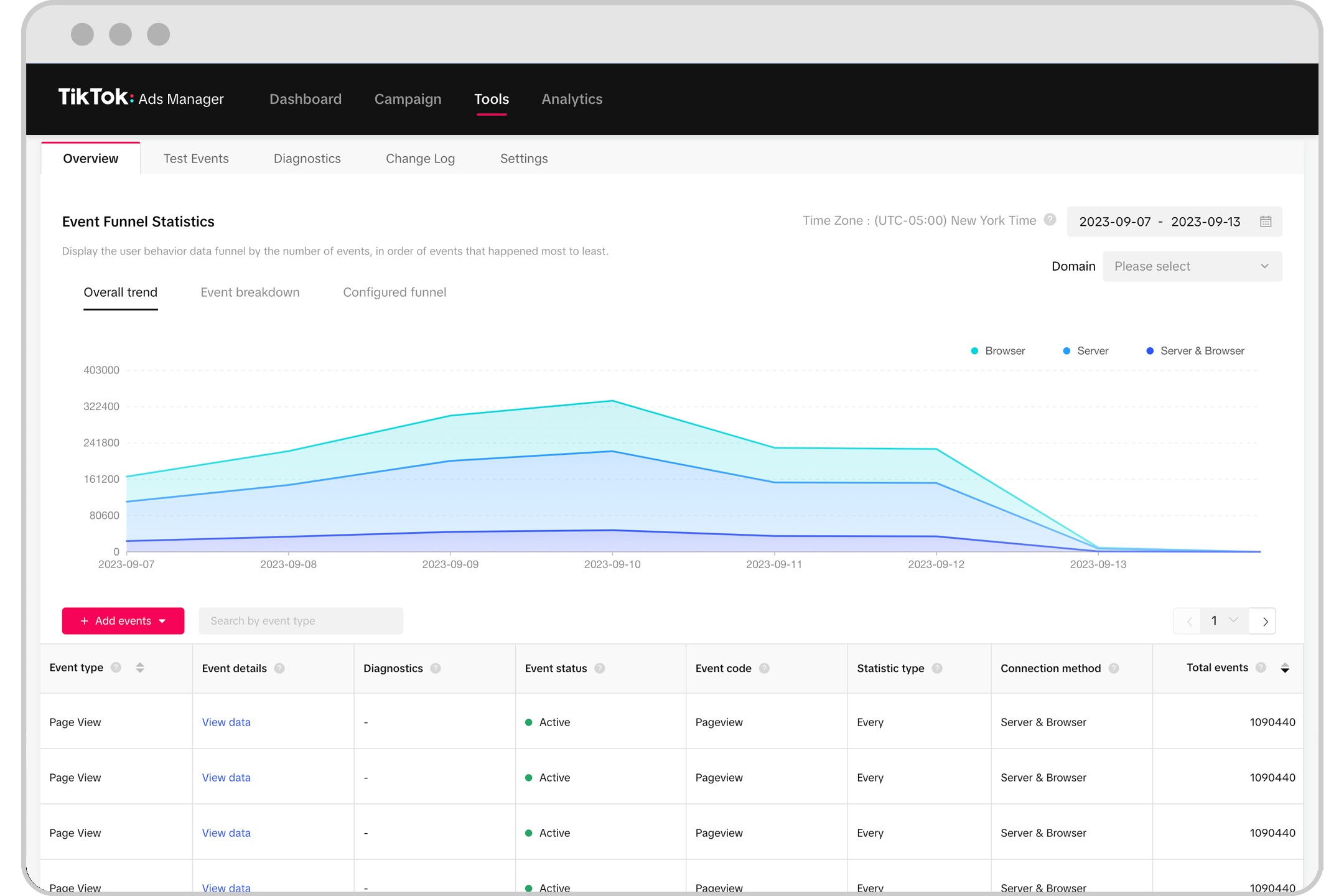
TikTok conversion events are specific actions users take on your website or app after clicking on a link in your TikTok video or ad. These can include purchases, sign-ups, downloads, or any other desired outcome. By setting up these events, you gain valuable insights into how your TikTok content drives real business results, allowing you to optimize your campaigns for better performance.
Why TikTok Conversion Events Matter
Implementing TikTok conversion events is crucial for several reasons:
- Measurable ROI: You can track which videos or ads lead to actual conversions, helping you allocate your budget more effectively.
- Improved Targeting: Understanding user behavior helps refine your audience targeting, ensuring your content reaches the right people.
- Enhanced Campaign Performance: Conversion data allows you to A/B test different creatives, CTAs, and strategies to improve overall campaign success.
Step-by-Step Guide to Implementing TikTok Conversion Events
1. Set Up a TikTok Business Account
Before you can implement conversion events, you need a TikTok Business Account. This gives you access to advanced analytics, ad creation tools, and conversion tracking capabilities.
- Go to TikTok Business and create an account.
- Verify your business and set up your profile.
2. Integrate TikTok Pixel

The TikTok Pixel is a piece of code that tracks user interactions on your website. It allows you to monitor actions such as purchases, sign-ups, and page views.
- Sign in to your TikTok Business Account.
- Navigate to the Pixel section and generate the pixel code.
- Add the code to your website’s header or use a tag manager like Google Tag Manager.
3. Define Your Conversion Events
Once the pixel is installed, define the specific actions you want to track.
- Purchase: Track when a user completes a transaction.
- Sign-up: Monitor when users register for a newsletter, free trial, or account.
- Lead Generation: Record when users fill out a form or download a resource.
- Custom Events: Create custom events for actions like video views, demo requests, or product inquiries.
4. Use TikTok Ads for Conversion Tracking
If you're running paid ads, ensure they’re set up to track conversions.
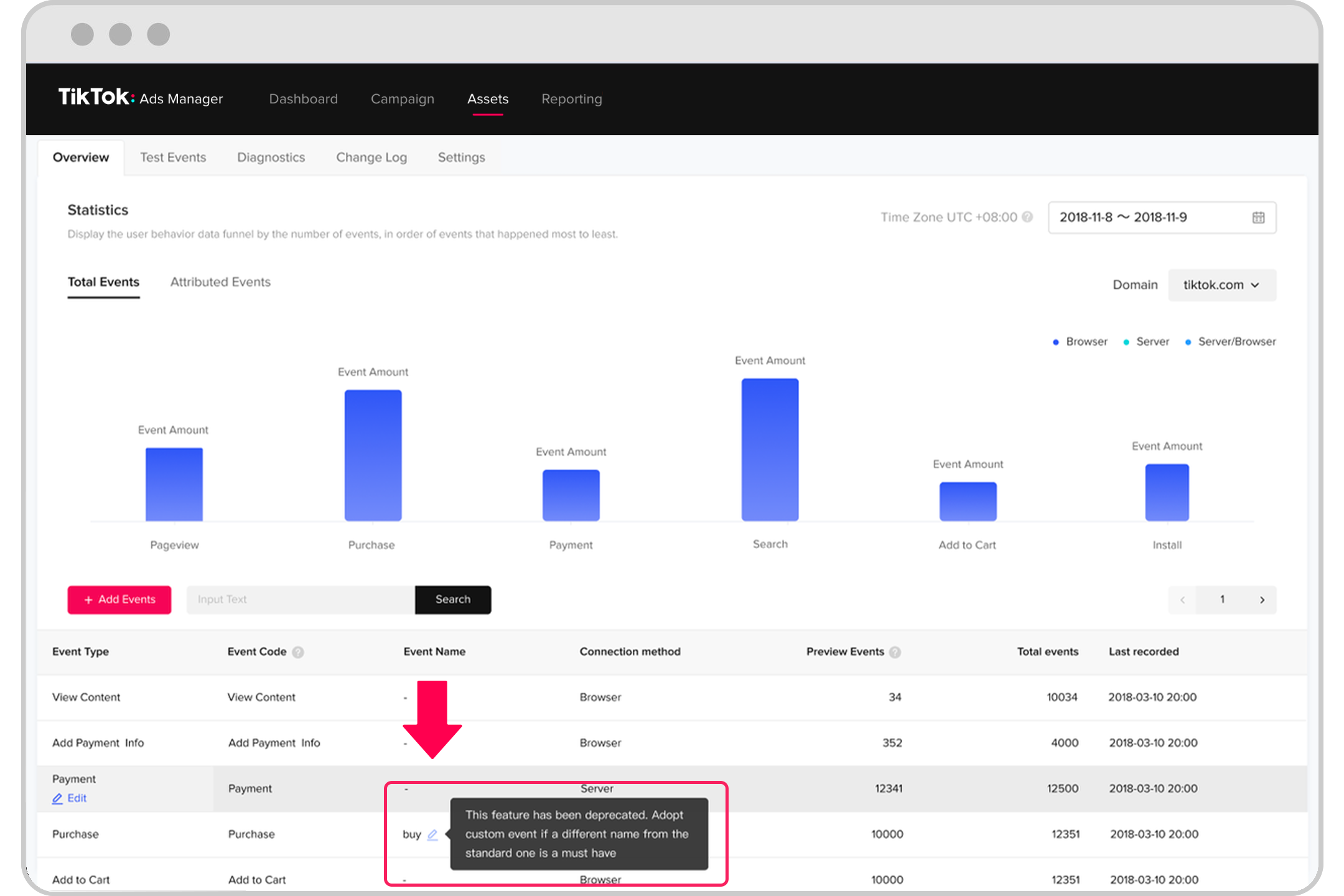
- In the Ads Manager, select the conversion event you want to track.
- Choose the appropriate conversion window (e.g., 7 days, 1 day).
- Use the Conversion API for more accurate tracking, especially if users don’t complete the action immediately after clicking the ad.
5. Optimize Based on Data
Use the data collected from conversion events to refine your strategy.
- A/B Test Creatives: Experiment with different headlines, visuals, and CTAs to see what drives the most conversions.
- Refine Audience Targeting: Focus on demographics and interests that show higher conversion rates.
- Adjust Bidding Strategies: Increase bids for high-performing ads and pause underperforming ones.
Best Practices for TikTok Conversion Events
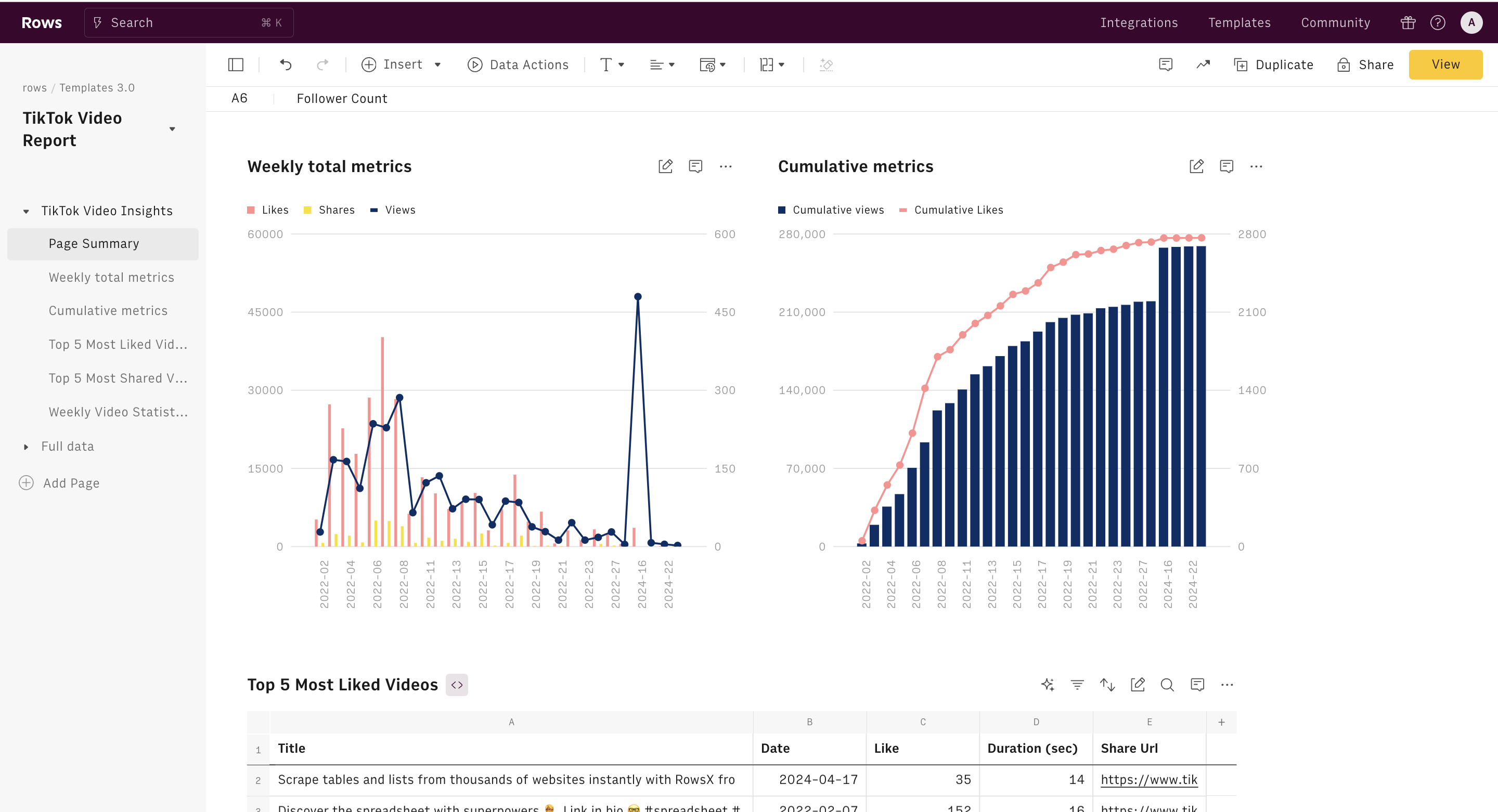
- Track Multiple Events: Don’t just track purchases—also monitor sign-ups, leads, and other key actions.
- Use UGC and Creator Content: User-generated content and influencer partnerships often drive higher engagement and conversions.
- Leverage TikTok Shop: If you sell products, integrate TikTok Shop to enable in-app purchases and reduce friction for customers.
- Optimize for Search: Include relevant keywords in your captions, on-screen text, and voiceovers to improve discoverability.
Tools and Platforms to Help You Implement TikTok Conversion Events
- TikTok Business Suite: Offers built-in analytics and conversion tracking.
- Google Analytics: Integrate with TikTok to get a broader view of user behavior.
- Spocket: Ideal for dropshipping brands to source products quickly and fulfill orders when TikTok traffic spikes.
- Social Listening Tools: Monitor trends and competitor activity to inform your strategy.
Common Challenges and Solutions
| Challenge | Solution |
|---|---|
| Low Conversion Rates | Refine your CTAs, improve landing pages, and test different ad formats. |
| Poor Audience Targeting | Use TikTok's audience insights to identify high-value segments. |
| Inconsistent Posting | Maintain a regular posting schedule and focus on quality over quantity. |
| Lack of Engagement | Create content that aligns with TikTok culture, such as tutorials, before/after comparisons, and trend-based videos. |
Conclusion
Implementing TikTok conversion events is a game-changer for brands looking to turn their TikTok presence into a revenue-generating channel. By tracking user actions and optimizing based on real-time data, you can create more effective campaigns, improve ROI, and build a sustainable marketing strategy. Whether you're an e-commerce brand, a small business, or a digital marketer, leveraging TikTok conversion events is essential for long-term success on the platform.

Posting Komentar untuk "How to Implement TikTok Conversion Events for Effective Marketing"
Posting Komentar