
How to Learn TikTok Ads Step by Step: A Complete Beginner's Guide
TikTok has emerged as a powerful platform for digital marketing, offering businesses an opportunity to reach a vast and engaged audience. With its low cost per impression (CPM), targeted advertising options, and high user engagement, TikTok is becoming a go-to choice for marketers looking to boost their brand presence. If you're new to TikTok ads, this guide will walk you through the process step by step, helping you build a solid foundation in TikTok advertising.
Understanding TikTok Ads

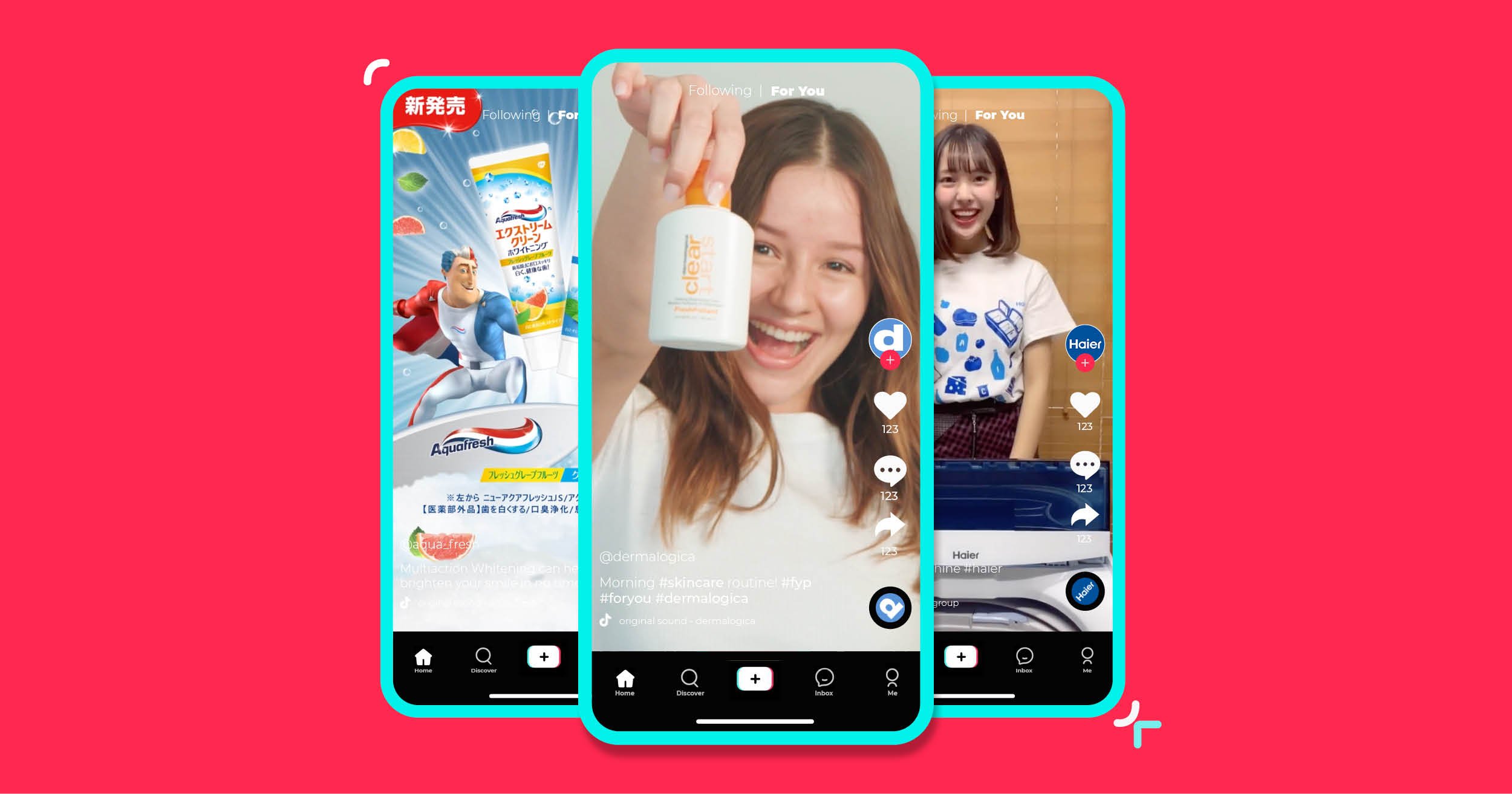
Before diving into the technical aspects of running TikTok ads, it's essential to understand what they are and how they work. TikTok ads are sponsored content that appears in users' feeds, allowing businesses to promote their products or services. These ads can take various forms, including in-feed videos, brand takeovers, TopView ads, and more.
The key advantage of TikTok ads is their ability to reach a younger, tech-savvy audience. With over 1 billion active users worldwide, TikTok offers a unique opportunity to connect with potential customers in a creative and engaging way.
Step 1: Define Your Target Audience

The first step in creating effective TikTok ads is to define your target audience. This involves creating a detailed customer avatar that includes demographics, interests, and pain points. By understanding who your ideal customers are, you can tailor your ad content to resonate with them.
To create a customer avatar, consider the following:
- Demographics: Age, gender, income level, marital status, and occupation.
- Interests and Hobbies: What do your audience enjoy doing? What are their passions?
- Fears and Aspirations: What keeps your potential customers up at night? What dreams do they want to achieve?
By using this information, you can craft ad content that speaks directly to your audience's needs and desires.
Step 2: Set Up Your TikTok Ad Account
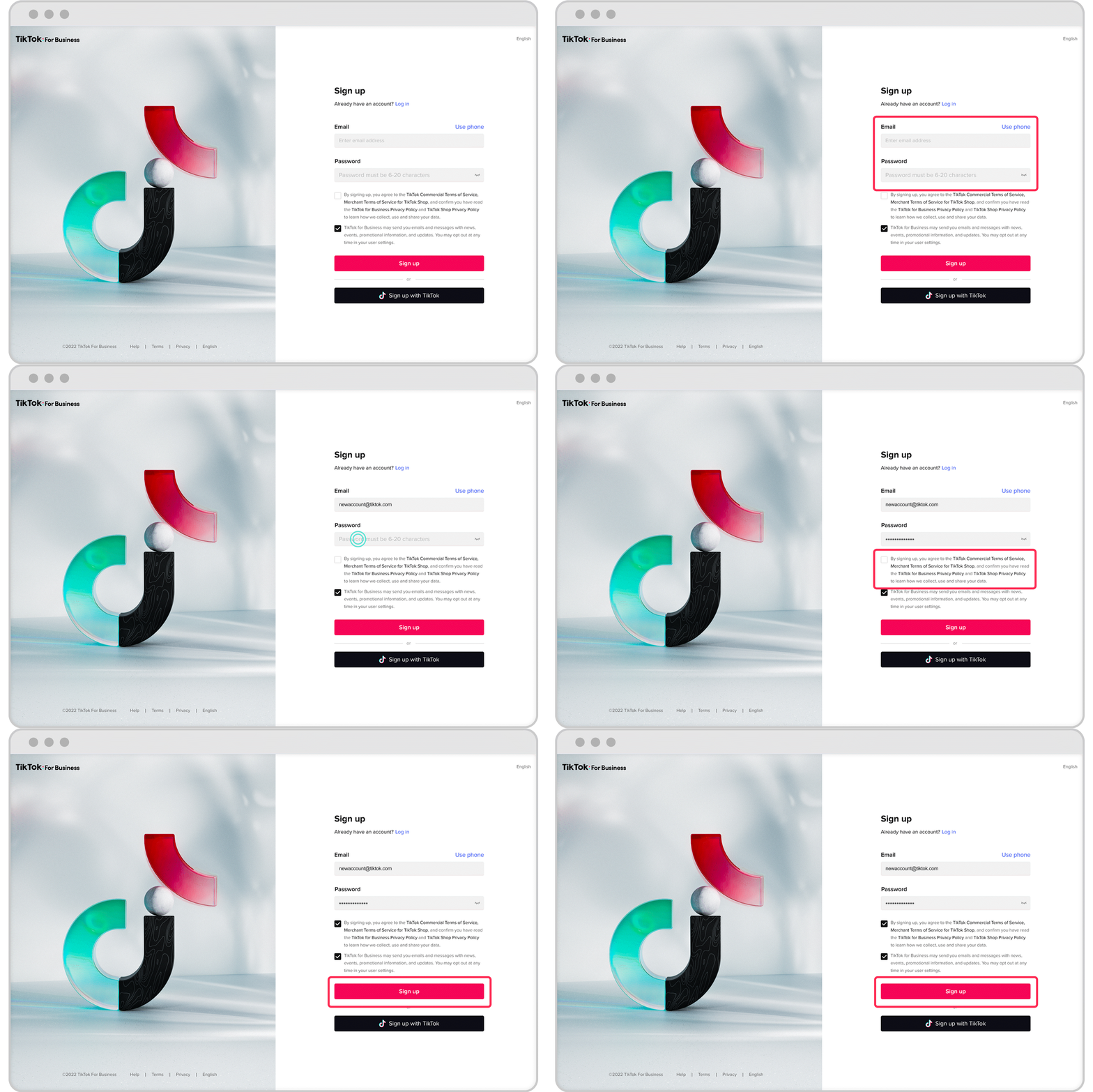
Once you have a clear understanding of your target audience, the next step is to set up your TikTok ad account. This involves visiting the TikTok Ads Manager and signing up for an account. During the setup process, you'll be prompted to provide basic business information and set up your payment method.
It's also a good idea to look for promotional credit, which can help you maximize your advertising budget. TikTok often offers promotional credits to new advertisers, so be sure to check for any available offers.
Step 3: Install TikTok Pixel

To track user interactions on your website and measure the effectiveness of your ads, you'll need to install the TikTok Pixel. This tool allows you to track conversions and retarget visitors effectively.
Here’s how to install TikTok Pixel:
- Go to the TikTok Ads Manager.
- Navigate to "Assets" and then "Events."
- Create a pixel by following the installation instructions and placing it on your website or funnel.
Once installed, the TikTok Pixel will help you gather valuable data about user behavior, allowing you to optimize your ad campaigns for better performance.
Step 4: Create Your First TikTok Ad
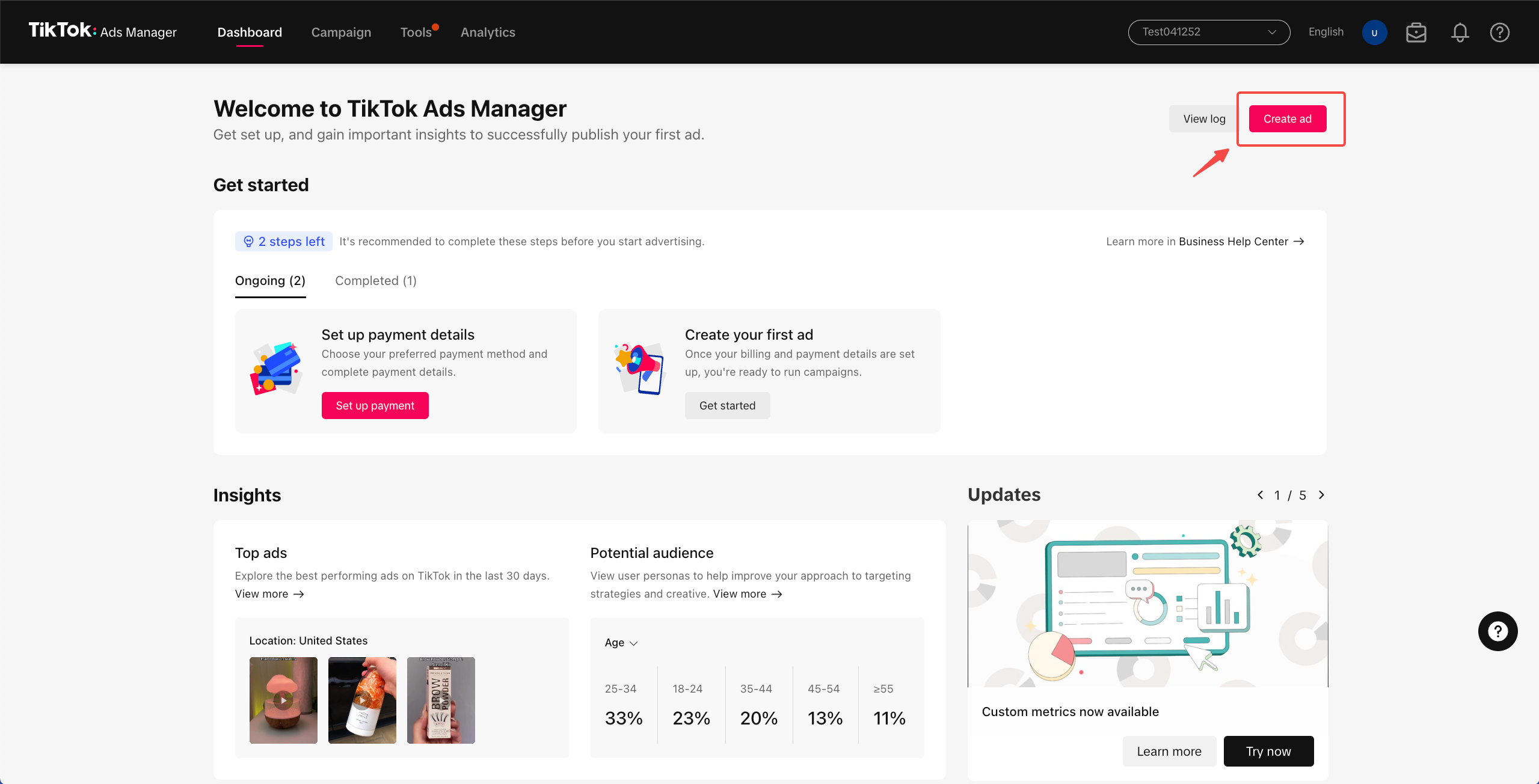
With your TikTok ad account set up and the TikTok Pixel installed, you're ready to create your first ad. Here’s a step-by-step guide to help you get started:
- Ad Objectives: Choose between Traffic and Conversion. If you need to track leads, pick Conversion.
- Campaign Setup: Name your campaign and set a budget. You can choose between a daily or lifetime budget.
- Ad Group: Define your target audience with demographics and interests, choose placements, and add your pixel for tracking.
- Video Ads: Create engaging 15-25 second videos. Use TikTok itself for video creation to ensure they look native to the platform.
Once your video is created, upload it to the TikTok Ads platform. Ensure your landing page includes proper navigation and compelling content to increase approval chances.
Step 5: Monitor and Optimize Your Ads

After your ad is live, it's crucial to monitor its performance. Track metrics such as CPM, Click Through Rate (CTR), and Conversion Rate to understand how well your ad is performing.
Use this data to optimize your campaigns by tweaking targeting options or adjusting your ad creative. Regularly reviewing your ad performance will help you identify what's working and what needs improvement.
Conclusion

Running ads on TikTok opens a wealth of opportunities for marketers at all levels. With low-cost options, a young and engaged audience, and advanced targeting capabilities, it's time to take the plunge and start advertising on TikTok today!
By following these steps, you'll be well on your way to mastering TikTok advertising and achieving your marketing goals. Whether you're a beginner or looking to refine your skills, TikTok offers a dynamic platform for reaching and engaging with your target audience.

Posting Komentar untuk "How to Learn TikTok Ads Step by Step: A Complete Beginner's Guide"
Posting Komentar