
How to Master Effective TikTok Ad Retargeting for Maximum Engagement
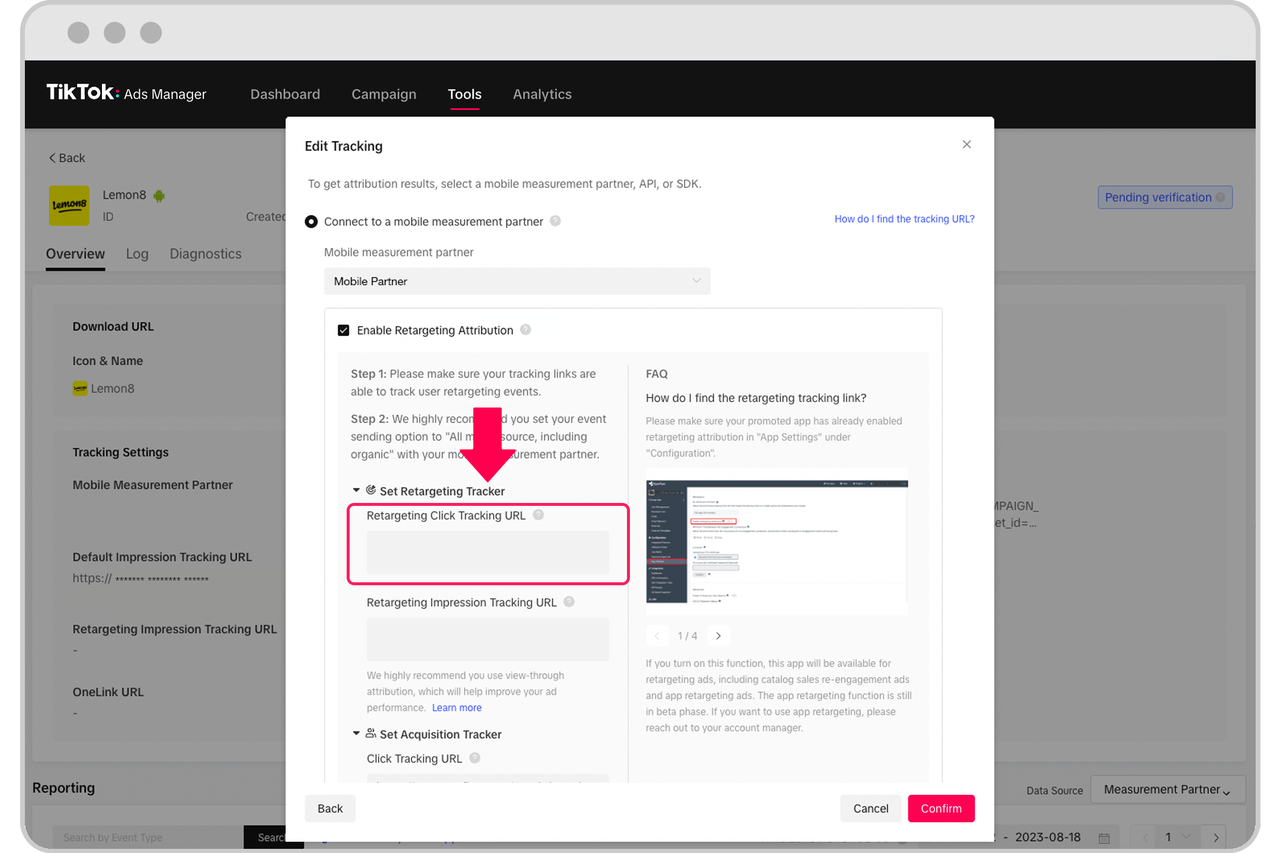
TikTok has evolved from a platform for short-form videos into a powerful tool for digital marketing. With its massive user base and high engagement rates, it's no surprise that brands are turning to TikTok for advertising. However, the real magic happens when you combine TikTok ads with effective retargeting strategies. Retargeting allows you to reach users who have already interacted with your brand, increasing the chances of conversion. In this article, we’ll explore how to master effective TikTok ad retargeting for maximum engagement.
Understanding TikTok Ad Retargeting
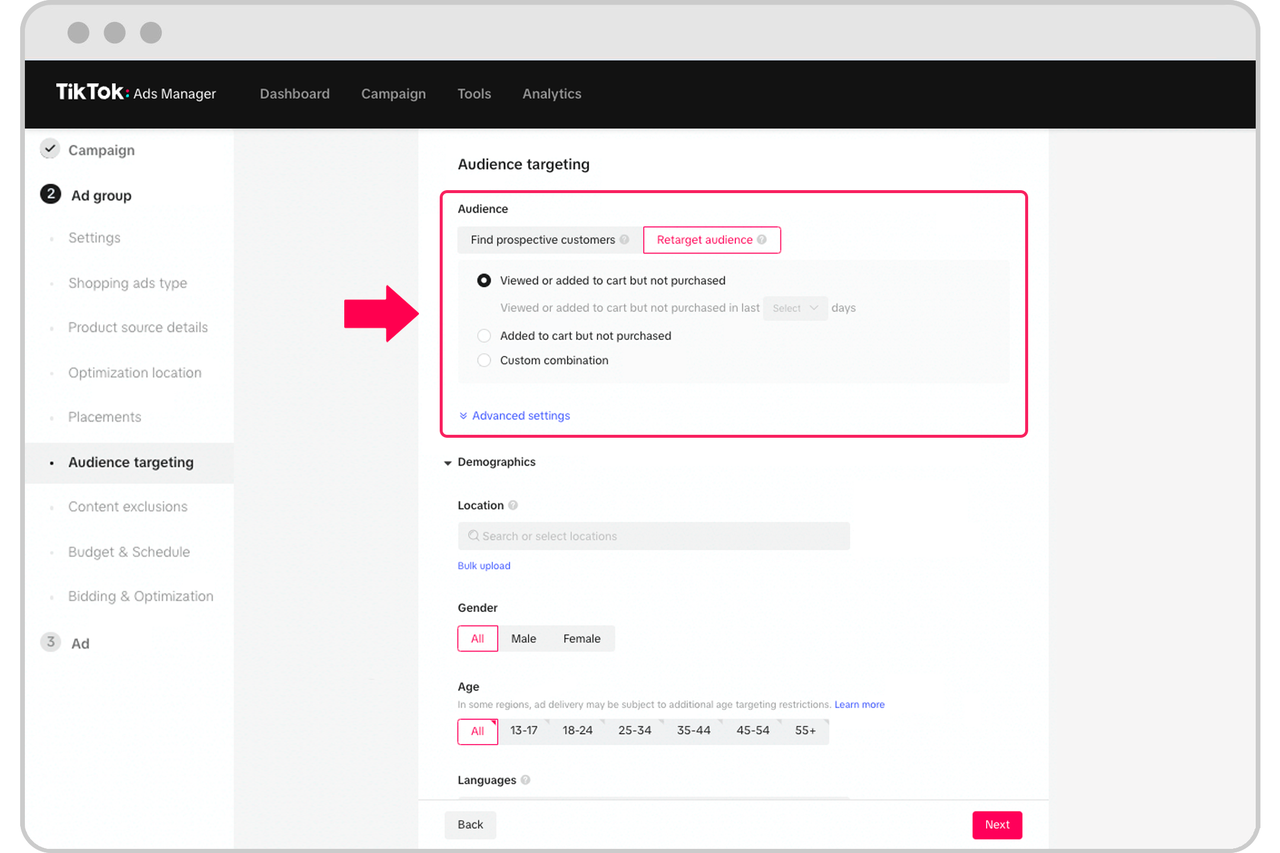
Retargeting ads are a form of online advertising that targets people who have already visited your website or engaged with your content. On TikTok, this means reaching users who have viewed your videos, clicked on your links, or interacted with your brand in any way. The goal is to remind them of your product or service and encourage them to take action.
Key Benefits of TikTok Ad Retargeting
- Higher Conversion Rates: Users who have already shown interest in your brand are more likely to convert.
- Increased Brand Awareness: Repeated exposure helps reinforce your brand message.
- Cost-Effective: Retargeting can be more cost-effective than acquiring new customers.
Setting Up Your TikTok Pixel

To start retargeting on TikTok, you need to set up a TikTok pixel. This is a piece of code that tracks user interactions on your website. Here’s how to do it:
- Create a TikTok Ads Manager Account: If you don’t have one, sign up for a TikTok Ads Manager account.
- Generate a Pixel: Go to the "Pixels" section in your Ads Manager and create a new pixel.
- Install the Pixel on Your Website: Add the generated code to your website’s header. This will allow TikTok to track user behavior.
Once your pixel is installed, TikTok will start collecting data on user interactions, which you can use to create custom audiences for your retargeting campaigns.
Creating Custom Audiences
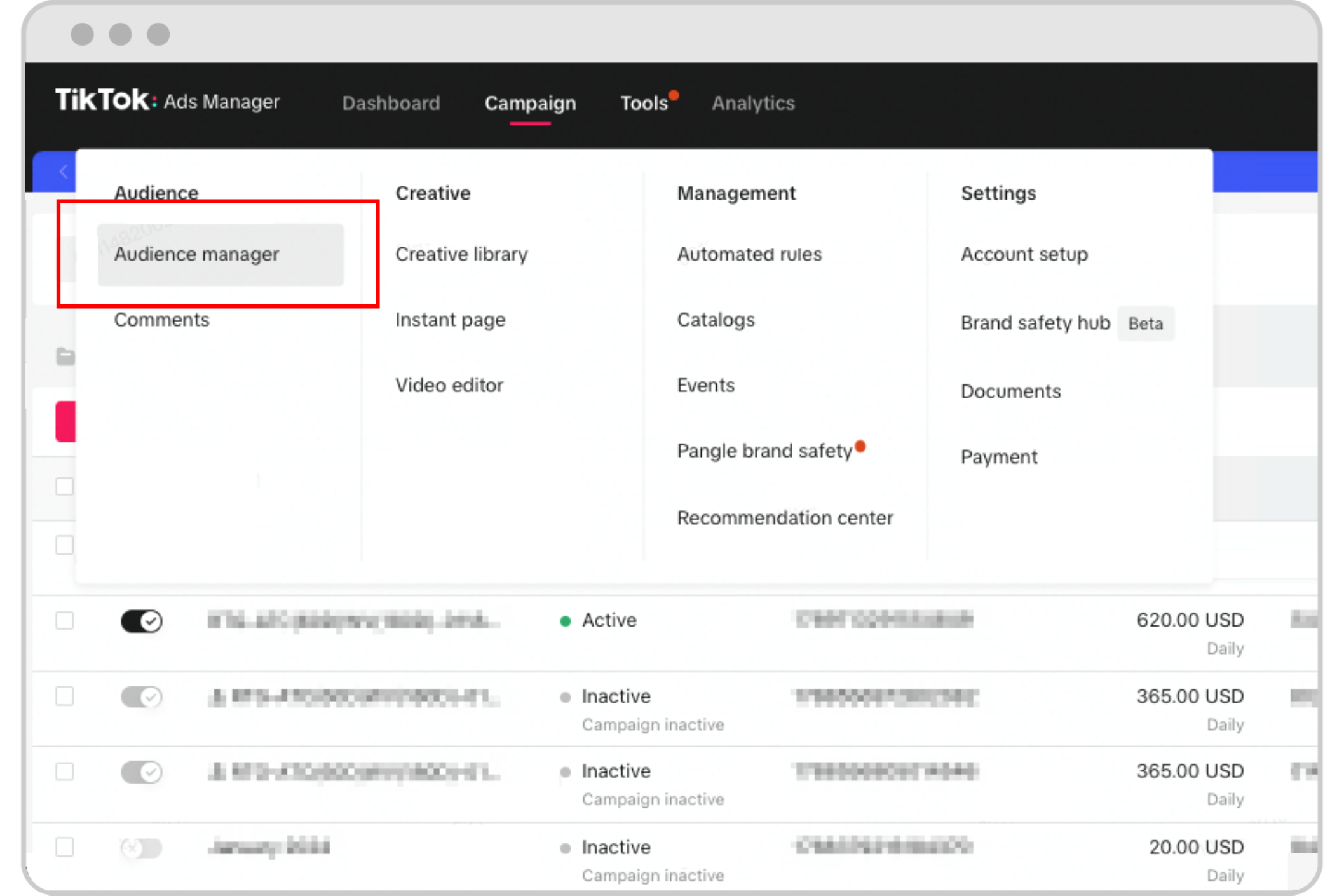
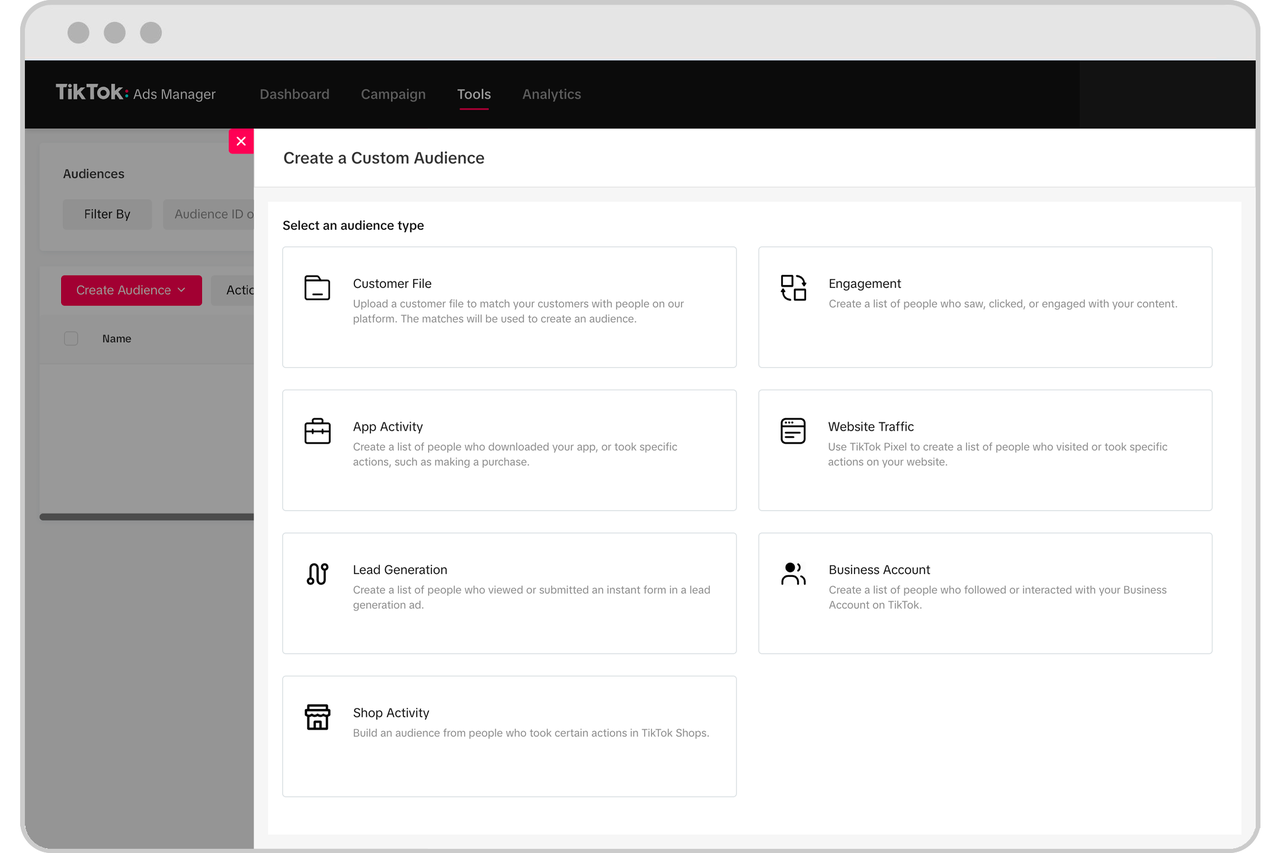
After setting up your pixel, the next step is to create custom audiences in the TikTok Ads Manager. These audiences are based on specific user behaviors, such as visiting your website, engaging with your content, or adding items to their cart.
Types of Custom Audiences
- Website Visitors: Users who have visited your website but didn’t make a purchase.
- Engaged Users: Users who have liked, commented, or shared your videos.
- Cart Abandoners: Users who added items to their cart but didn’t complete the purchase.
By targeting these specific groups, you can tailor your ads to their interests and behaviors, increasing the likelihood of conversion.
Crafting Effective Retargeting Ads

Creating effective retargeting ads requires a strategic approach. Here are some tips to help you craft compelling ads:
1. Use Eye-Catching Visuals
TikTok users scroll quickly, so your ad needs to grab attention immediately. Use high-quality images or videos that stand out.
2. Include a Clear Call-to-Action (CTA)
Your CTA should be clear and direct. Whether it’s “Shop Now,” “Learn More,” or “Sign Up,” make sure it’s easy for users to understand what you want them to do.
3. Leverage User-Generated Content (UGC)
UGC can be a powerful tool for retargeting. Showcasing real customer experiences can build trust and encourage conversions.
4. Personalize Your Ads
Use the data collected from your pixel to personalize your ads. For example, if a user abandoned their cart, show them a video highlighting the product they left behind.
Optimizing Your Retargeting Campaigns

Once your retargeting campaigns are running, it’s essential to monitor and optimize them regularly. Here are some key metrics to track:
1. Click-Through Rate (CTR)
This measures how many users clicked on your ad. A higher CTR indicates that your ad is resonating with your audience.
2. Conversion Rate
Track how many users completed the desired action after clicking on your ad. This helps you understand the effectiveness of your campaign.
3. Cost Per Click (CPC)
Monitor your CPC to ensure you’re getting the best return on investment. Lower CPC means you’re spending less to acquire leads.
4. Return on Ad Spend (ROAS)
ROAS measures the revenue generated from your ad spend. A higher ROAS indicates that your campaign is performing well.
Best Practices for TikTok Ad Retargeting
To maximize the effectiveness of your TikTok ad retargeting, consider the following best practices:
1. Segment Your Audience
Divide your audience into different segments based on their behavior. This allows you to create more targeted and relevant ads.
2. Test Different Ad Formats
Experiment with different ad formats, such as video ads, carousel ads, and dynamic ads. Test what works best for your audience.
3. Use Retargeting Sequences
Create a sequence of retargeting ads that guide users through the sales funnel. Start with awareness, then move to consideration, and finally to conversion.
4. Monitor Competitors
Keep an eye on your competitors’ retargeting strategies. Learn from their successes and avoid their mistakes.
Conclusion
Mastering effective TikTok ad retargeting requires a combination of strategy, creativity, and data analysis. By understanding your audience, setting up your pixel, creating custom audiences, and crafting compelling ads, you can significantly increase your chances of conversion. Remember to continuously monitor and optimize your campaigns to ensure they are delivering the best results. With the right approach, TikTok can become a powerful tool for your marketing efforts.

Posting Komentar untuk "How to Master Effective TikTok Ad Retargeting for Maximum Engagement"
Posting Komentar