
How to Set Up Full TikTok Ads: A Step-by-Step Tutorial for 2024

TikTok has become a powerful platform for businesses looking to reach a vast and engaged audience. With over 1 billion users worldwide, it's no wonder that many brands are turning to TikTok ads to boost their visibility and drive sales. If you're new to TikTok advertising, setting up your first campaign can seem daunting, but with the right guidance, it's entirely manageable. In this comprehensive tutorial, we'll walk you through the entire process of setting up full TikTok ads, from creating your business account to launching and optimizing your campaigns.
Step 1: Create a TikTok Business Account
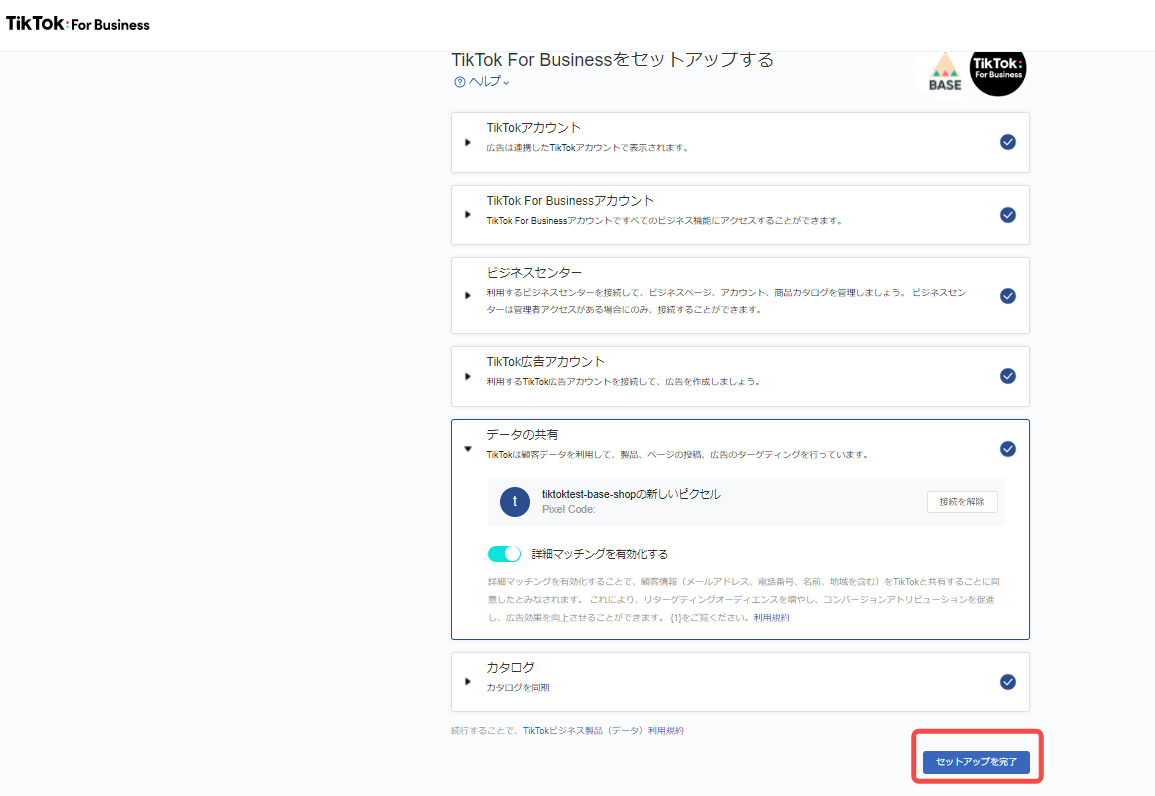
Before you can start running TikTok ads, you need to create a business account. This is different from a personal account and allows you to access the TikTok Ads Manager. Here's how to do it:
- Download the TikTok App: If you haven't already, download the TikTok app from the App Store or Google Play.
- Create a Personal Account: Sign up using your email or phone number.
- Convert to a Business Account: Go to your profile settings and select "Switch to Pro Account." Follow the prompts to convert your account to a business account.
- Provide Business Information: Fill in your business details, including your business name, category, and payment method.
Once your business account is set up, you'll receive an approval notification within 24 hours. After approval, you can access the TikTok Ads Manager.
Step 2: Access TikTok Ads Manager

After your business account is approved, you can access the TikTok Ads Manager. This is where you'll create and manage your ad campaigns.
- Log In: Open the TikTok app and log in to your business account.
- Navigate to Ads Manager: Tap on your profile icon, then select "Ads Manager" from the menu.
The Ads Manager is your central hub for creating, managing, and analyzing your TikTok ad campaigns.
Step 3: Choose Your Ad Format
TikTok offers several ad formats to choose from, each with its own unique features and benefits. Here are the main types of TikTok ads:
- In-Feed Video Ads: These appear in the "For You" feed and blend seamlessly with user-generated content.
- Brand Takeover: These are full-screen ads that appear when users open the app.
- TopView: These auto-play immediately after users log in and play for 60 seconds.
- Hashtag Challenges: Encourage user participation by creating branded challenges.
- Branded Effects: Use custom filters and effects to engage users.
Choose the ad format that best suits your campaign goals and target audience.
Step 4: Set Campaign Goals

Defining clear goals for your TikTok ad campaign is essential. Common objectives include:
- Increasing brand awareness
- Driving website traffic
- Generating leads
- Boosting app downloads
- Encouraging engagement (likes, comments, shares)
Select the goal that aligns with your marketing strategy and budget.
Step 5: Define Your Target Audience
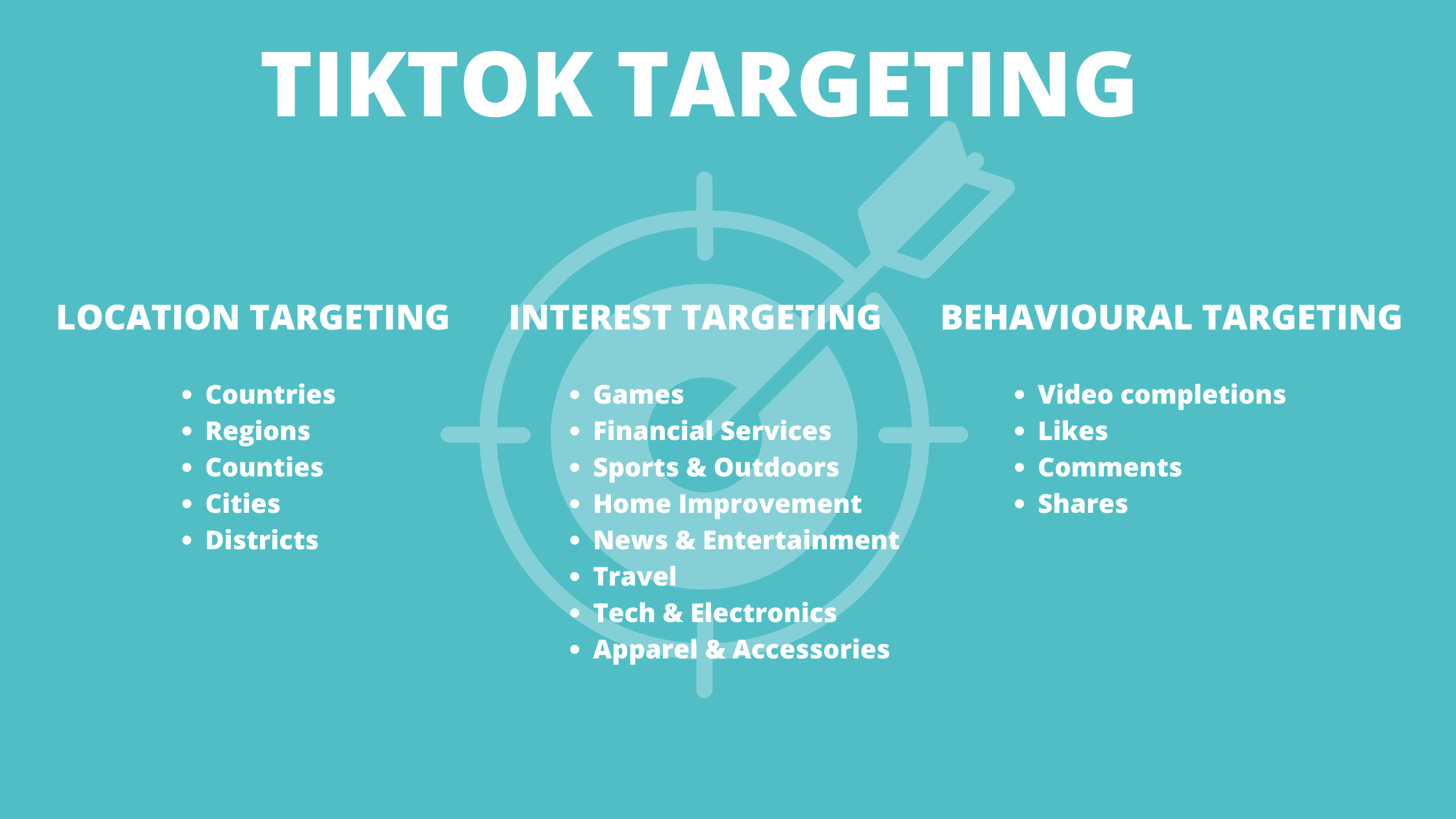
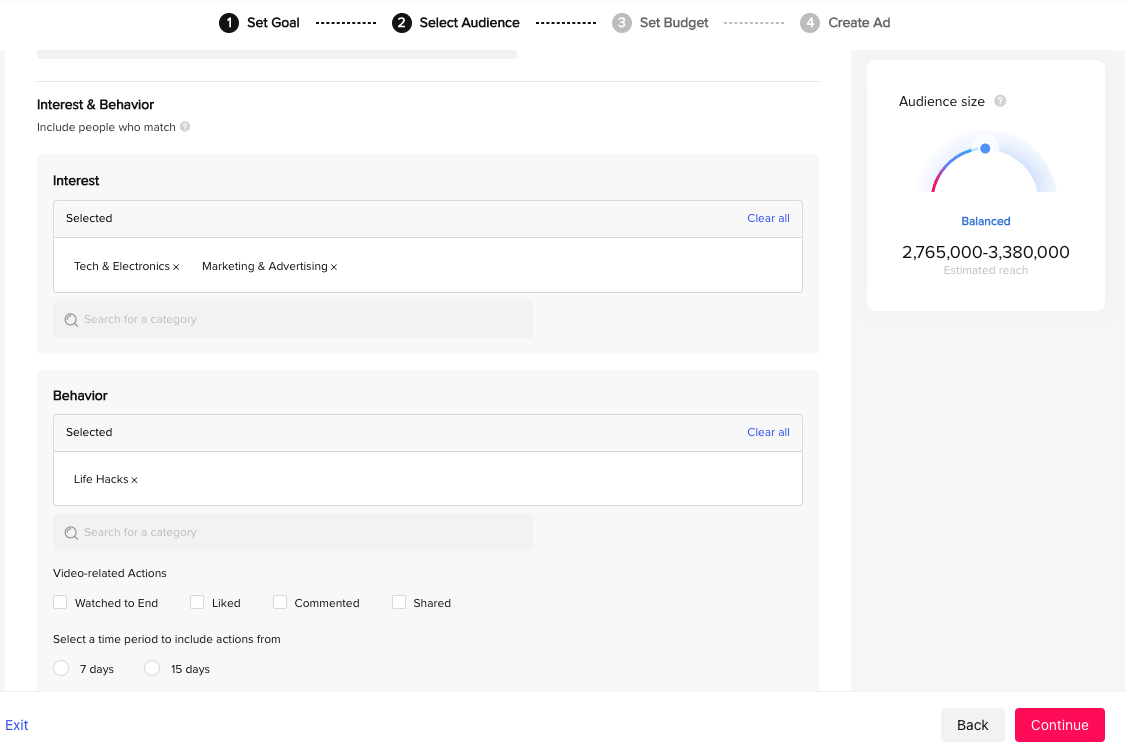
TikTok allows you to target specific demographics, interests, and behaviors. To define your audience:
- Select Age and Gender: Choose the age range and gender of your target audience.
- Set Location: Specify the geographic regions where you want your ads to be shown.
- Choose Interests: Select topics and categories that your audience is interested in.
- Custom Audiences: Use your existing customer data to create custom audiences.
Targeting the right audience ensures your ads reach the people most likely to engage with your brand.
Step 6: Set Your Budget and Schedule
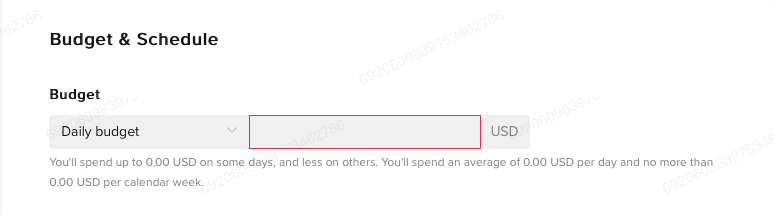
Setting a budget and schedule for your TikTok ad campaign is crucial for managing your spend effectively.
- Daily Budget: Decide how much you want to spend each day on your campaign.
- Total Budget: Set a total budget for the entire campaign.
- Schedule: Choose the start and end dates for your campaign.
You can also opt for automatic budget optimization, which adjusts your spending based on performance.
Step 7: Create Your Ad Content
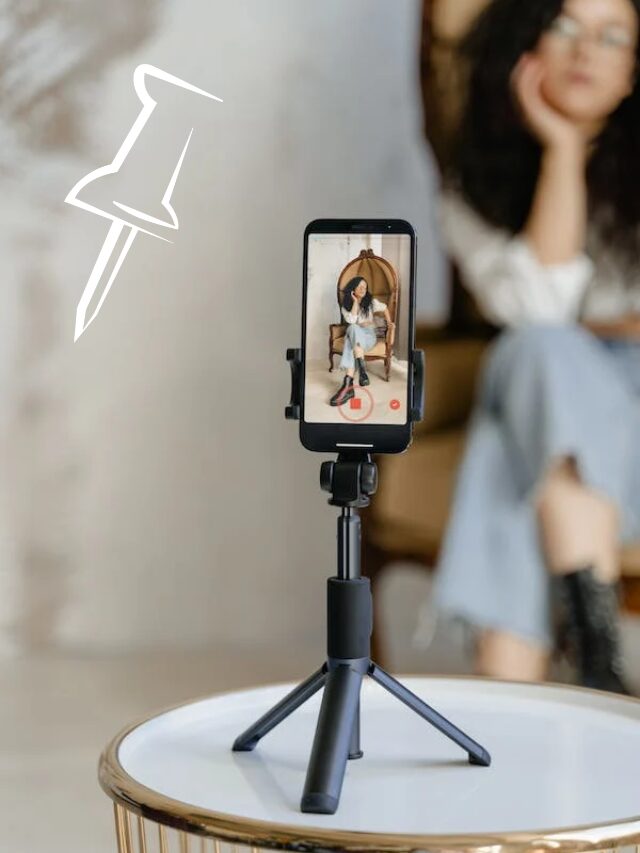
Creating engaging and high-quality video content is key to the success of your TikTok ads. Here are some tips:
- Use High-Quality Video: Ensure your videos are in 720p or higher resolution.
- Vertical Orientation: Optimize your videos for vertical viewing.
- Add Audio: Use music, sound effects, or voiceovers to enhance engagement.
- Include CTAs: Add clear call-to-action buttons to guide viewers to your website or app.
You can use TikTok's built-in tools or third-party apps to create and edit your videos.
Step 8: Launch and Monitor Your Campaign
Once your ad content is ready, it's time to launch your campaign.
- Review Your Ad: Check for any errors or issues before submitting.
- Submit for Approval: TikTok will review your ad within 24 hours.
- Launch Your Campaign: Once approved, your ad will go live.
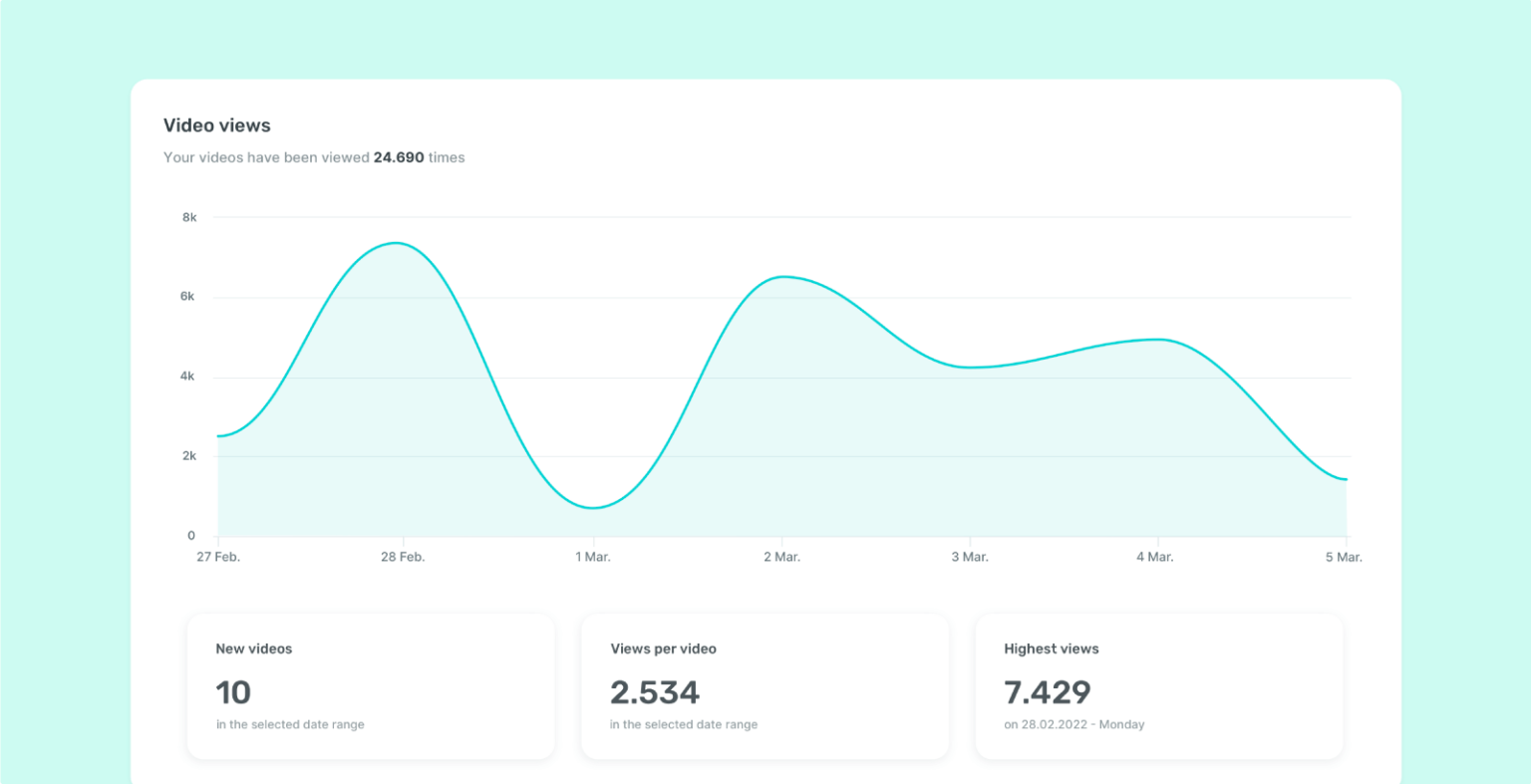
After launching, monitor your campaign performance using the analytics tools provided by TikTok Ads Manager. Track metrics such as impressions, clicks, engagement rate, and conversion rate to evaluate the effectiveness of your ads.
Step 9: Optimize Your Campaign
Continuously optimizing your TikTok ad campaign is essential for long-term success. Here are some optimization strategies:
- A/B Testing: Test different ad variations to see what works best.
- Adjust Targeting: Refine your audience targeting based on performance data.
- Update Content: Refresh your ad content regularly to keep it engaging.
- Monitor Budget: Adjust your budget based on ROI and campaign performance.
By continuously refining your approach, you can maximize the impact of your TikTok ads and achieve better results.
Conclusion
Setting up full TikTok ads may seem complex at first, but with the right steps and strategies, it's entirely achievable. By following this step-by-step tutorial, you can create effective ad campaigns that resonate with your target audience and drive meaningful results for your business. Remember to stay updated with TikTok's latest features and trends, and don't hesitate to experiment with different ad formats and strategies to find what works best for your brand.
Happy TikTok advertising!

Posting Komentar untuk "How to Set Up Full TikTok Ads: A Step-by-Step Tutorial for 2024"
Posting Komentar