
How to Set Up Interactive TikTok Ads: A Step-by-Step Guide for 2024
TikTok has become one of the most powerful platforms for brands looking to engage with a younger, highly active audience. With its unique algorithm and focus on short-form, engaging content, TikTok offers a dynamic environment for interactive advertising. If you're looking to set up interactive TikTok ads, this guide will walk you through the process, from creating an ad account to optimizing your campaigns for maximum engagement.
Understanding Interactive TikTok Ads
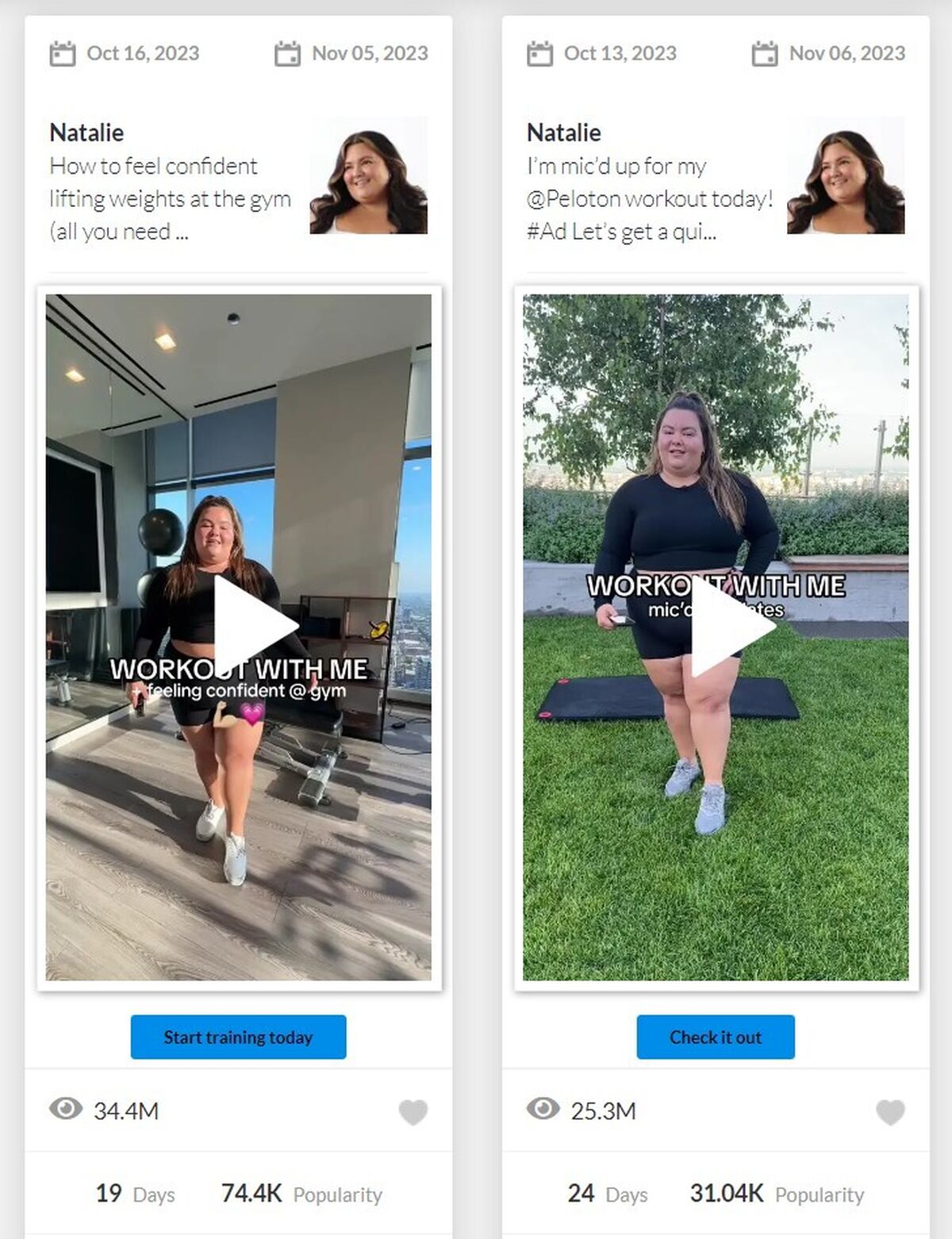
Interactive TikTok ads are designed to engage users in real-time, encouraging them to participate, comment, or take action directly within the app. These ads can include elements like polls, quizzes, swipe-up links, and more. The goal is to create a seamless experience that keeps users engaged and increases the likelihood of conversion.
Key Features of Interactive TikTok Ads
- Polls and Quizzes: Allow users to interact with your brand by answering questions.
- Swipe-Up Links: Direct users to your website or landing page with a simple swipe.
- Countdown Timers: Create urgency and excitement around a product launch or event.
- Live Chat: Engage with your audience in real-time during live streams.
Step 1: Create a TikTok Business Account
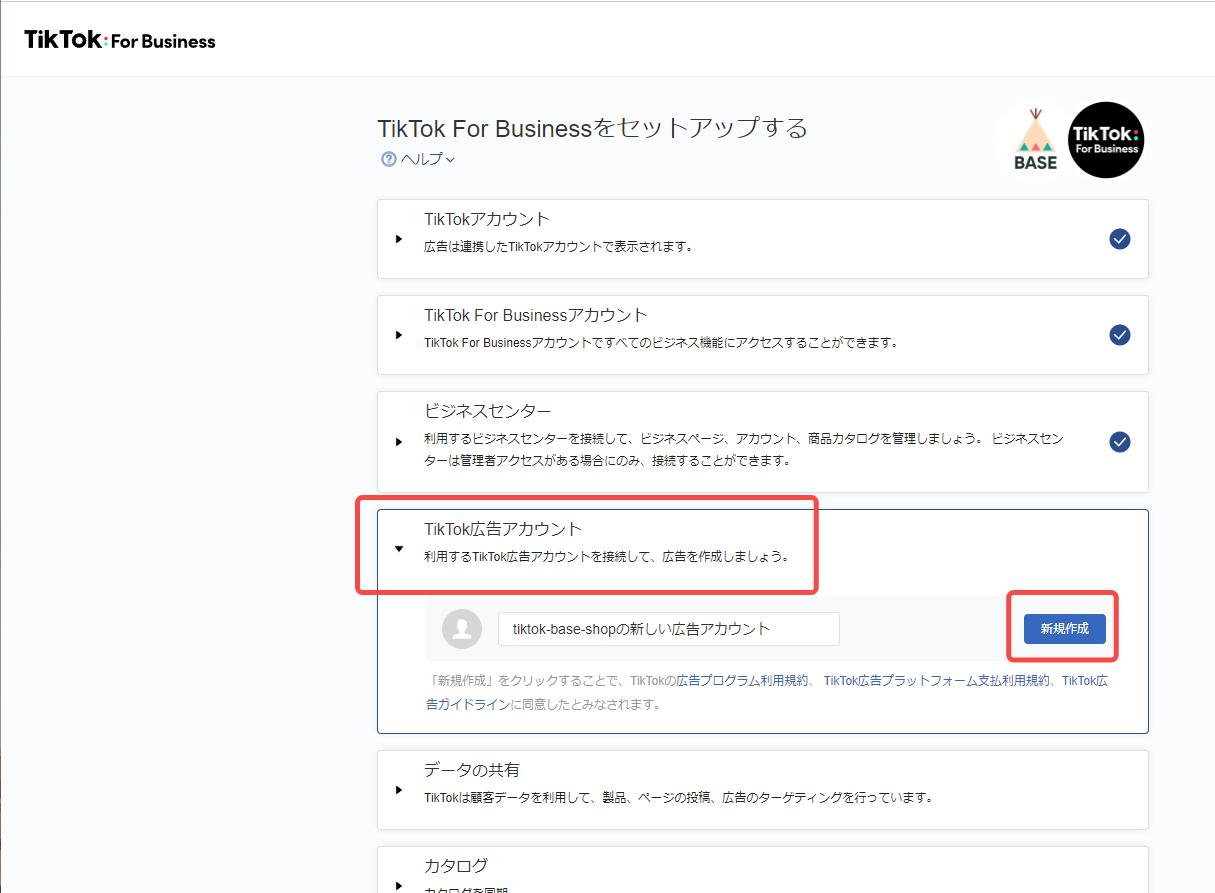
Before you can start setting up interactive TikTok ads, you need to have a business account. This gives you access to advanced analytics, ad management tools, and other features essential for running effective campaigns.
Steps to Create a Business Account:
- Open the TikTok app and go to your profile.
- Tap the three dots (•••) in the top-right corner.
- Select "Manage Account."
- Choose "Switch to Business Account."
- Follow the prompts to verify your account and complete the setup.
Once you have a business account, you can access the TikTok Ads Manager, where you'll create and manage your ad campaigns.
Step 2: Set Up Your Ad Account
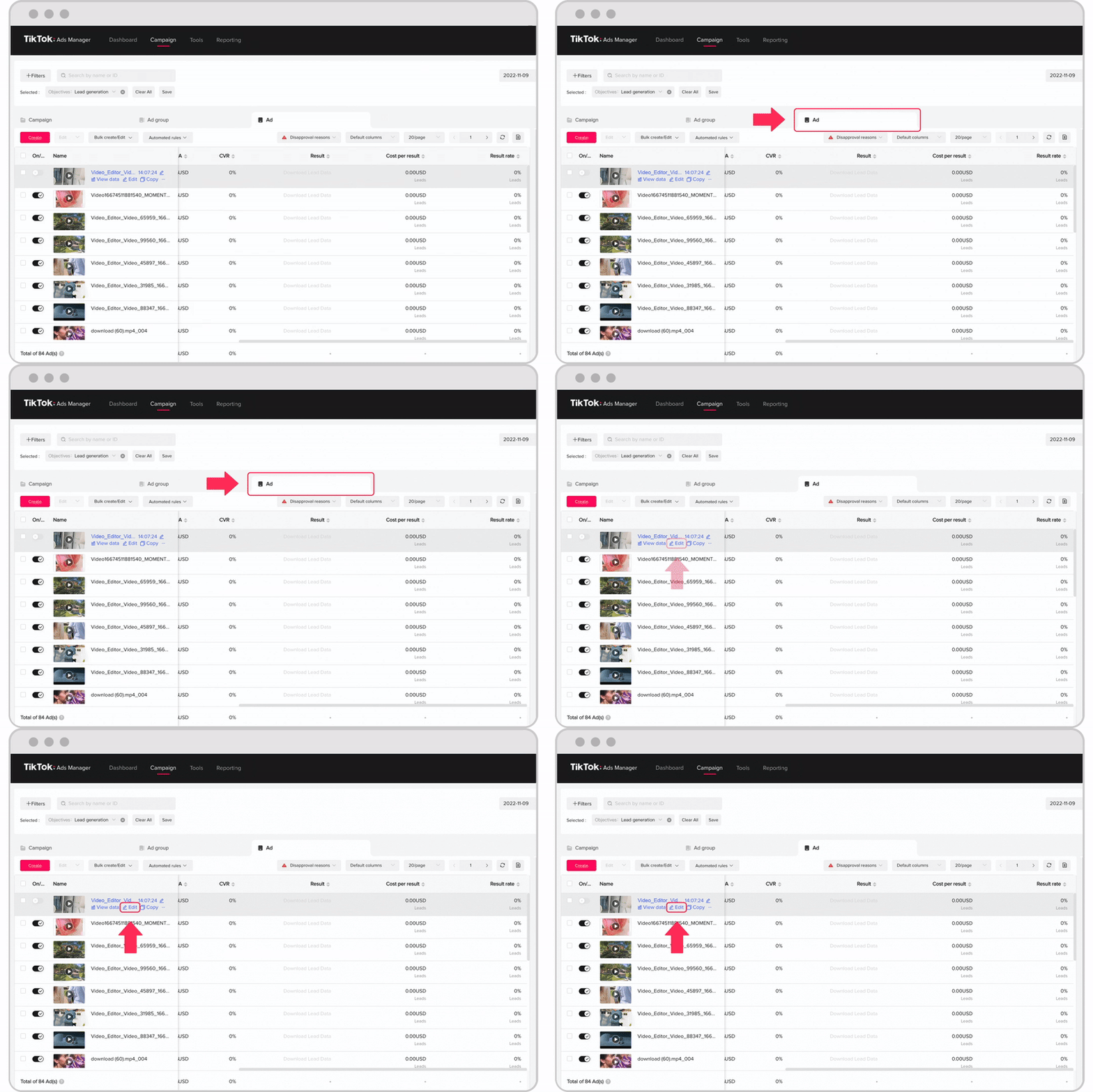
After creating a business account, you'll need to set up an ad account. This allows you to manage your ad campaigns, track performance, and optimize your strategies.
Steps to Set Up an Ad Account:
- Go to the TikTok Ads Manager.
- Click on "Create New Ad Account."
- Enter your business information, including your company name, address, and contact details.
- Verify your account using a phone number or email.
- Set up your payment method for ad spending.
It's important to note that if you're managing multiple ad accounts, you may need to work with a sales representative to set up additional accounts.
Step 3: Define Your Campaign Goals

Before creating your interactive TikTok ads, it's crucial to define your campaign goals. This helps you determine the right ad format, targeting options, and metrics to track.
Common Campaign Goals:
- Brand Awareness: Increase visibility and recognition of your brand.
- Engagement: Encourage user interaction with your content.
- Conversions: Drive traffic to your website or generate leads.
- App Installs: Promote your mobile app downloads.
Choose the goal that aligns with your business objectives and tailor your ad strategy accordingly.
Step 4: Choose the Right Ad Format

TikTok offers several ad formats, each designed for different engagement levels and campaign goals. For interactive ads, consider the following formats:
Recommended Ad Formats for Interactivity:
- In-Feed Ads: Native videos that appear in the user's feed.
- TopView Ads: Full-screen ads that play when users open the app.
- Spark Ads: Promote existing organic content with social signals.
- Branded Hashtag Challenges: Encourage user-generated content with a branded hashtag.
Each format has its own strengths, so choose the one that best fits your campaign goals and creative strategy.
Step 5: Create Your Interactive Content
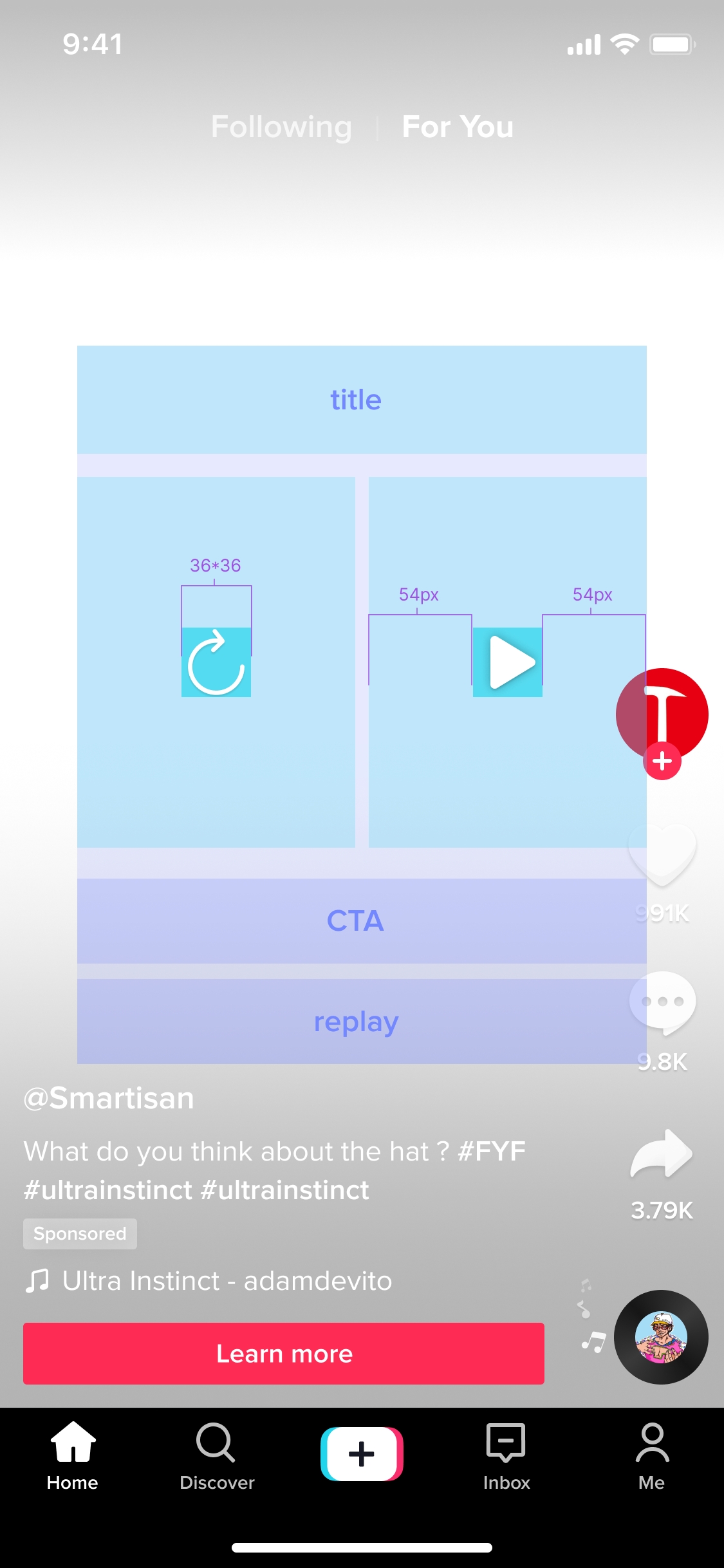
The success of your interactive TikTok ads depends largely on the quality and creativity of your content. Here are some tips for creating engaging, interactive content:
Tips for Creating Interactive Content:
- Use Polls and Quizzes: Ask your audience questions and let them vote in real-time.
- Include Swipe-Up Links: Direct users to your website or landing page with a simple swipe.
- Add Countdown Timers: Build anticipation for upcoming events or product launches.
- Utilize Live Chat: Engage with your audience during live streams and answer their questions.
Remember to keep your content concise, visually appealing, and aligned with your brand messaging.
Step 6: Target Your Audience
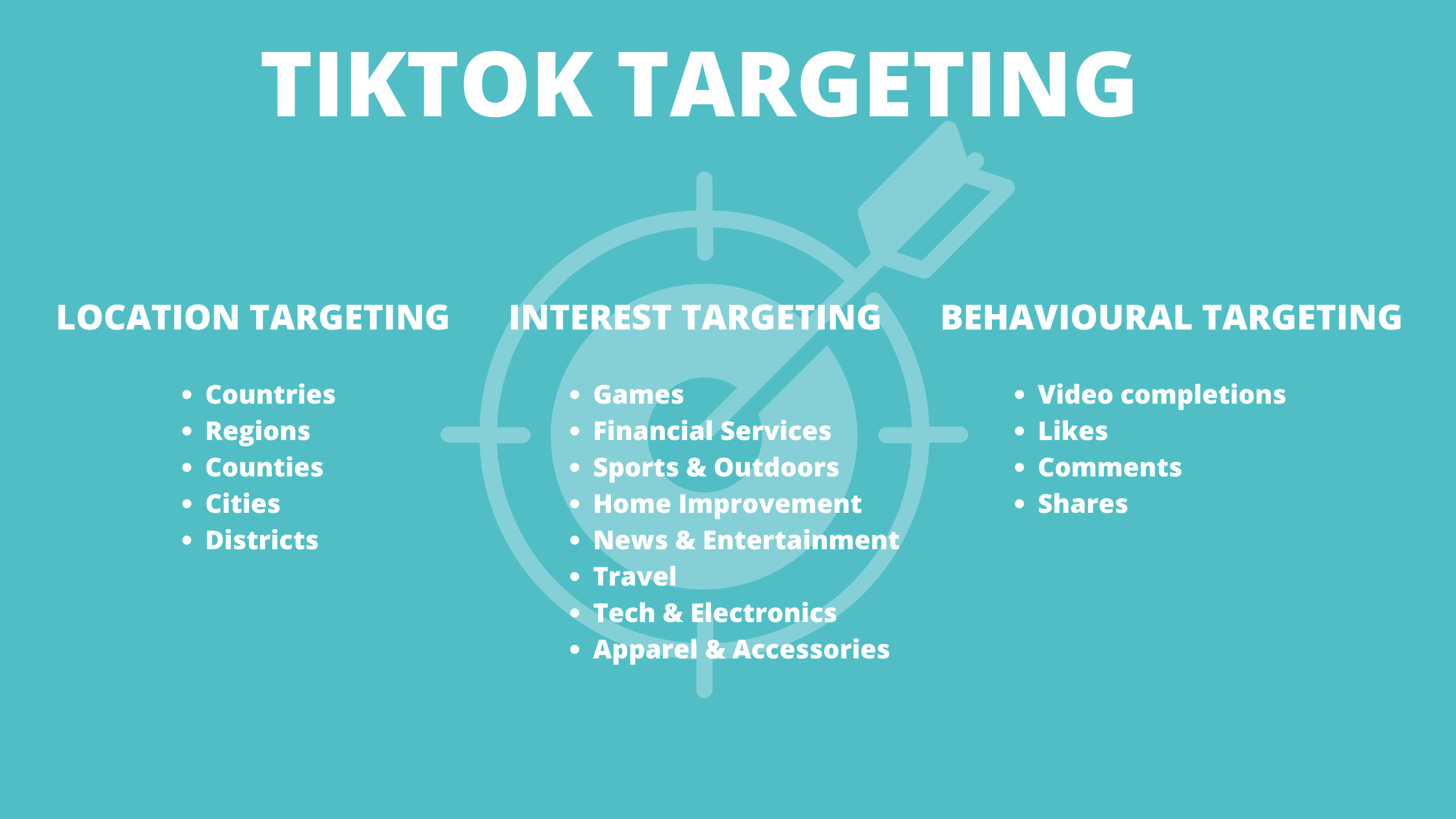
Effective targeting is essential for maximizing the reach and impact of your interactive TikTok ads. Use TikTok's targeting options to reach the right audience based on demographics, interests, and behaviors.
Targeting Options:
- Demographics: Age, gender, location, and language.
- Interests: Topics, hobbies, and preferences.
- Behaviors: Online activity, purchase history, and app usage.
Use these options to refine your audience and ensure your ads are seen by the right people.
Step 7: Launch and Optimize Your Campaign

Once your ad is created and targeted, it's time to launch your campaign. Monitor your performance regularly and make adjustments as needed to improve results.
Optimization Tips:
- Track Metrics: Monitor key performance indicators such as click-through rate (CTR), engagement rate, and conversion rate.
- A/B Testing: Test different ad variations to see what works best.
- Adjust Bidding: Optimize your budget based on performance data.
By continuously refining your approach, you can maximize the effectiveness of your interactive TikTok ads and achieve your marketing goals.
Conclusion
Setting up interactive TikTok ads requires a strategic approach, from creating a business account to defining your campaign goals and optimizing your content. By following this step-by-step guide, you can leverage the power of TikTok to engage with your audience and drive meaningful results for your brand. Stay updated with the latest trends and best practices to ensure your campaigns remain effective and relevant in 2024.

Posting Komentar untuk "How to Set Up Interactive TikTok Ads: A Step-by-Step Guide for 2024"
Posting Komentar