
How to Set Up Your First TikTok Ad: A Complete Configuration Guide
TikTok has become a powerful platform for businesses looking to reach a massive and engaged audience. With over 1 billion active users, it's no surprise that brands are turning to TikTok for their advertising needs. However, setting up your first TikTok ad can be overwhelming if you're not familiar with the process. This guide will walk you through the initial TikTok ad configuration step by step, ensuring you understand how to create an effective campaign from the ground up.
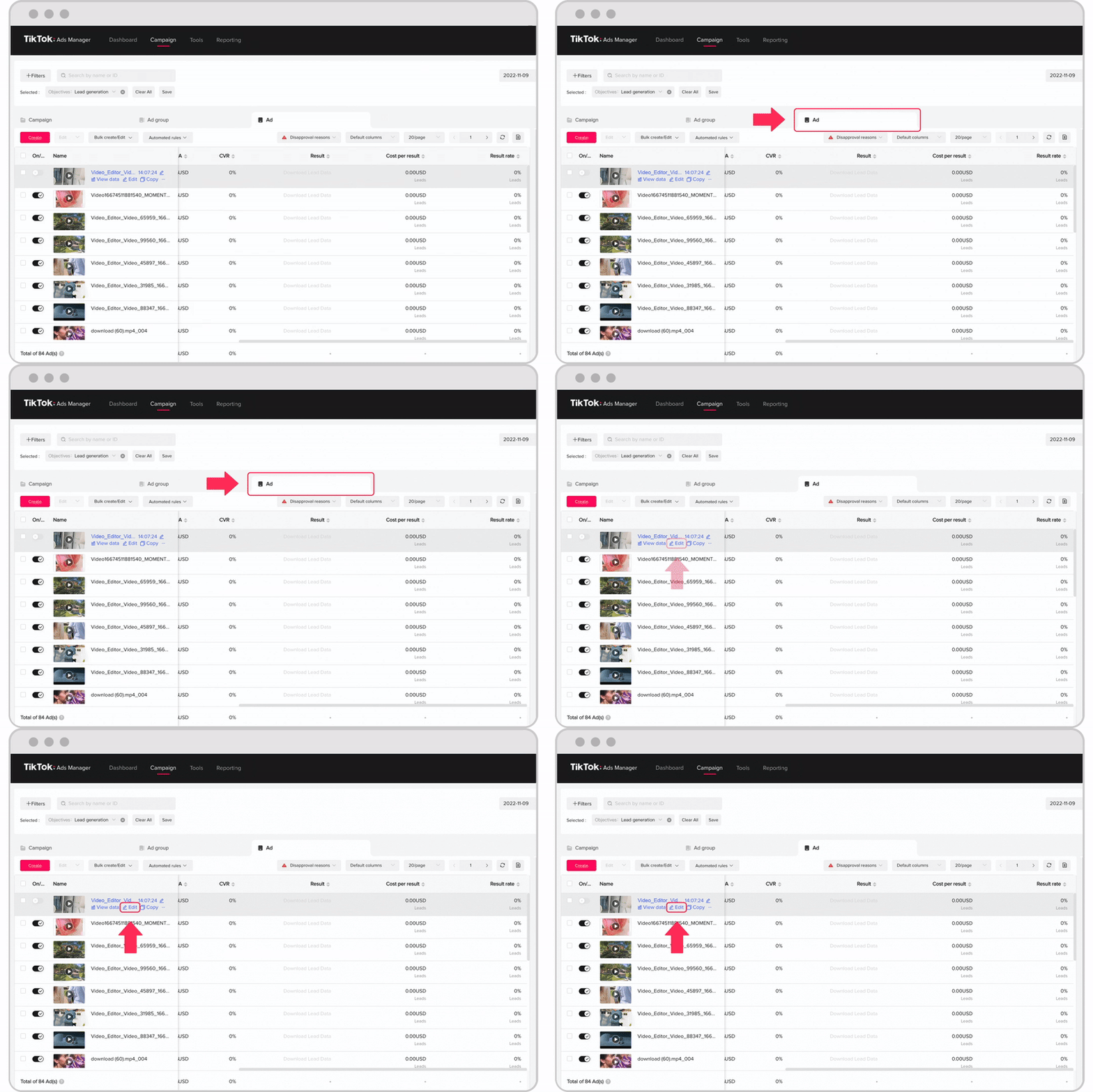
Understanding TikTok's Advertising Structure
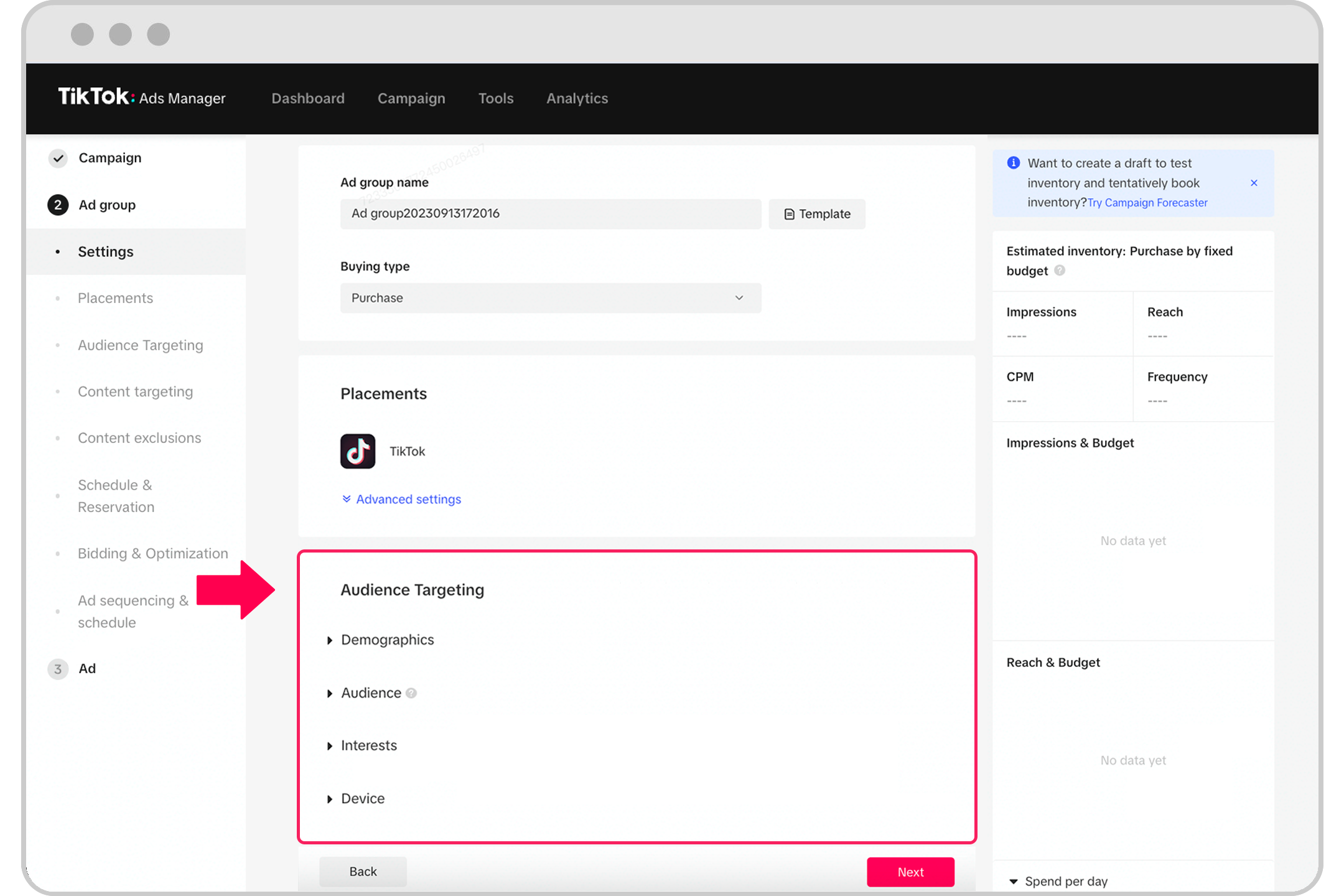
Before diving into the setup, it's essential to understand how TikTok organizes its advertising structure. The platform follows a three-tier system: Campaigns, Ad Groups, and Ads.
Campaigns
A campaign is the overarching goal of your advertising efforts. You'll choose an objective such as increasing traffic, boosting app installs, or driving conversions. This sets the tone for your entire ad strategy.
Ad Groups
Within each campaign, you’ll create ad groups. These allow you to target specific audiences, set budgets, and define optimization goals. Think of ad groups as different versions of your campaign tailored to different demographics or regions.
Ads
Finally, ads are the actual content your audience will see. This includes videos, images, and call-to-action buttons. Each ad group can contain multiple ads, allowing you to test different creatives and measure performance.
Step-by-Step Initial TikTok Ad Configuration
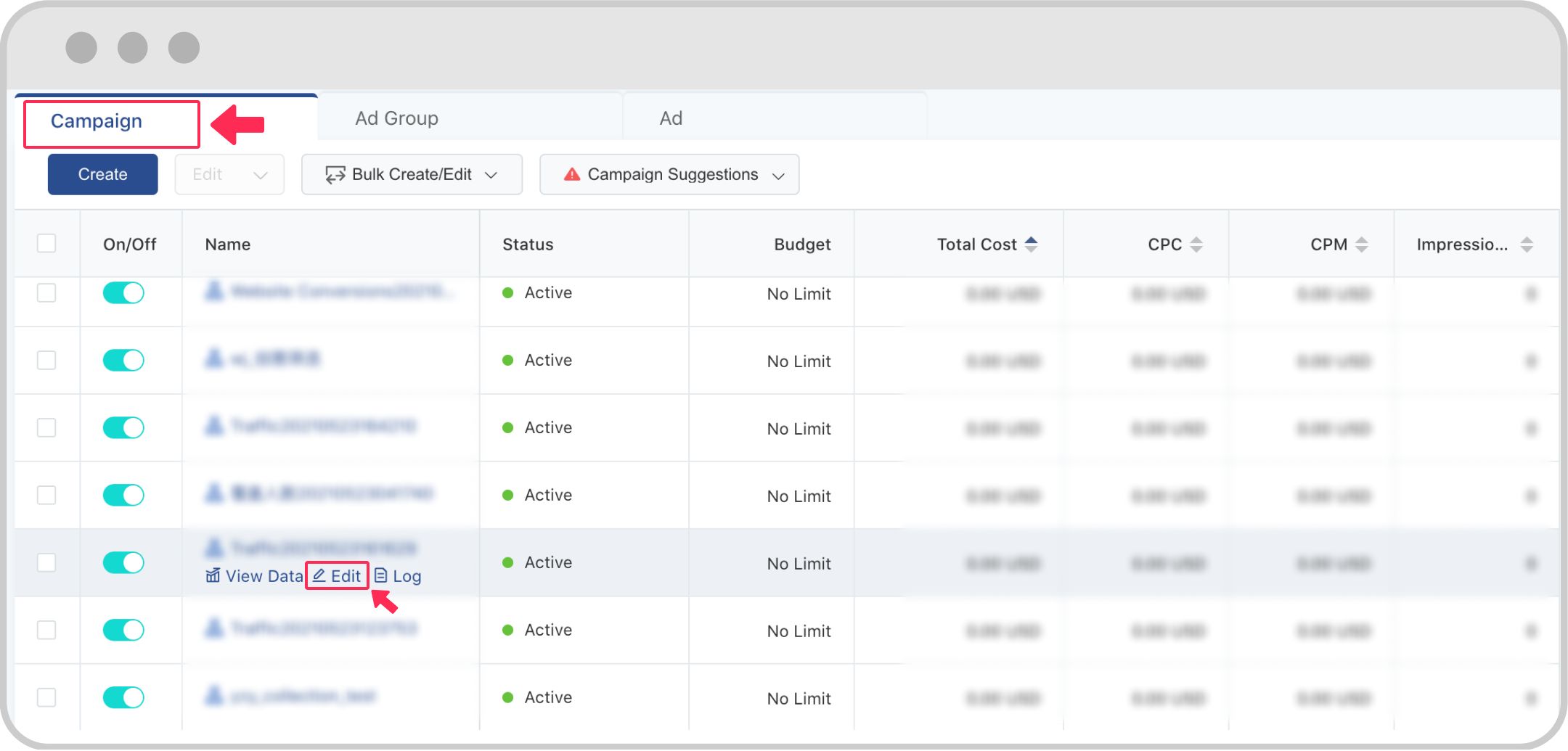
Setting up your first TikTok ad involves several key steps. Follow this guide to ensure a smooth configuration process.
1. Create a TikTok Ads Account
To get started, you need to sign up for a TikTok Ads Manager account. While most advertisers in the U.S. must work with a TikTok representative, some regions offer self-serve access. Visit the TikTok Ads homepage and click "Create an Ad" to begin.
2. Choose Your Campaign Objective
Once your account is set up, select your campaign objective. Common options include: - Traffic (driving users to your website) - App Install (increasing downloads) - Conversions (encouraging purchases or sign-ups)
Choose the objective that aligns with your business goals. For beginners, starting with "Traffic" is often the best approach to gather initial data.
3. Set Up Your Ad Group
After defining your campaign objective, move on to creating your ad group. Here’s what you need to do: - Choose placements: Decide where your ads will appear. TikTok recommends using automatic placements for optimal reach. - Define your audience: Target users based on age, gender, location, interests, and more. You can also upload custom lists for precise targeting. - Set your budget: Choose between daily, lifetime, or unlimited budgets. TikTok suggests investing enough to gather meaningful data. - Optimize for performance: Select optimization goals like clicks, impressions, or conversions.
4. Create Your Ad Creative
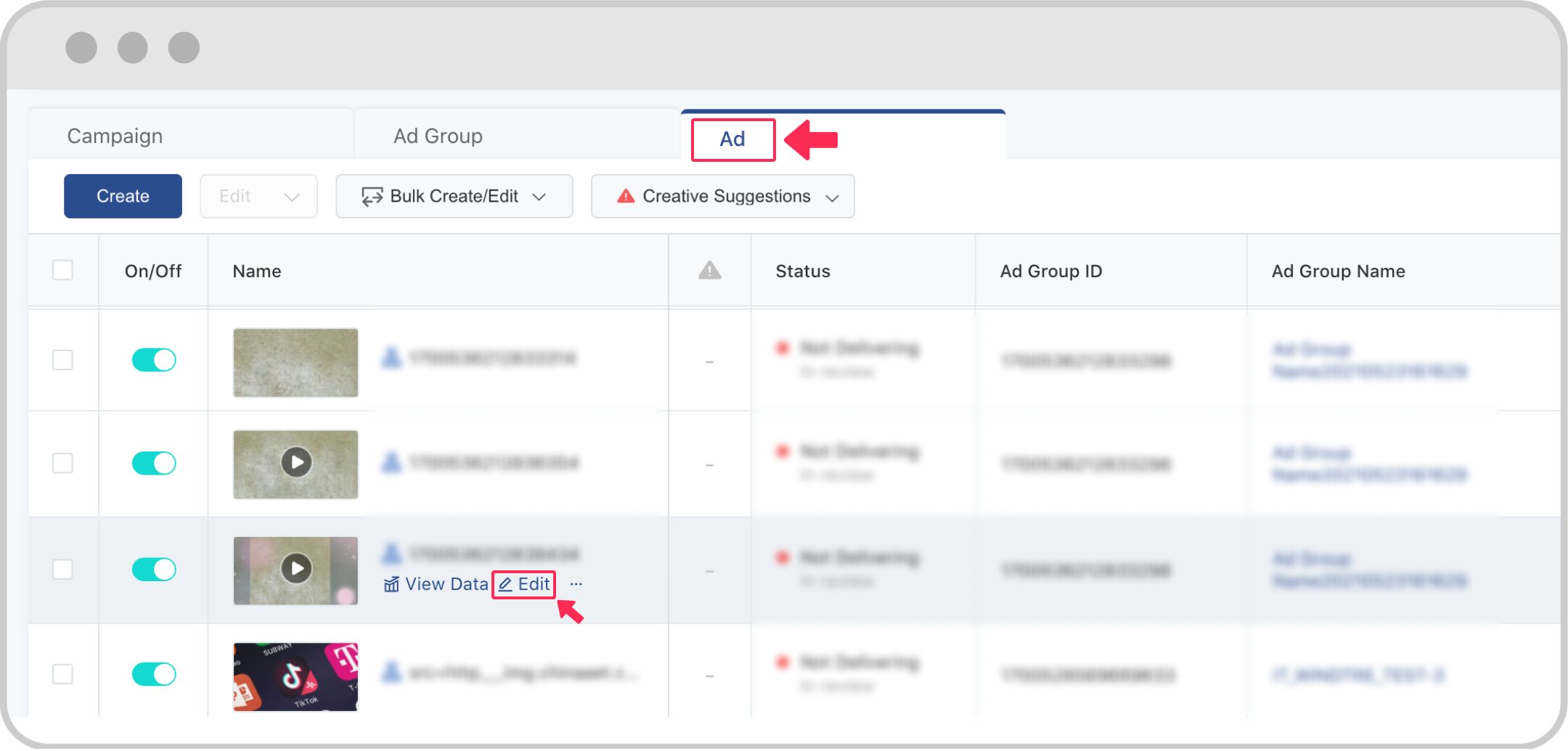
Now it's time to create your ad creative. TikTok allows you to upload videos or images directly, or use its built-in tools to design engaging content. Consider the following tips: - Use high-quality visuals and clear messaging. - Include a strong call-to-action (CTA) such as "Shop Now" or "Learn More." - Keep your video short and engaging—ideally under 60 seconds.
5. Add Call-to-Action and Landing Page
Once your creative is ready, add a call-to-action (CTA) button and link it to your landing page. This helps drive traffic and conversions. Make sure your landing page is optimized for mobile users and clearly displays your offer.
6. Review and Submit
Before launching your ad, review all settings and ensure everything is aligned with your campaign goals. Once satisfied, click "Submit" to publish your ad.
Tips for Effective Initial TikTok Ad Configuration

Here are some additional tips to help you maximize the effectiveness of your initial TikTok ad configuration:
- Test multiple creatives: Run A/B tests with different videos, images, and CTAs to see what resonates best with your audience.
- Monitor performance metrics: Track key metrics like CTR (click-through rate), CPC (cost per click), and conversion rates to refine your strategy.
- Use TikTok Pixel: Install the TikTok Pixel on your website to track user behavior and optimize your ads for conversions.
- Stay consistent: Consistency in your ad messaging and branding helps build recognition and trust among your audience.
Conclusion
Configuring your first TikTok ad doesn't have to be complicated. By understanding the platform's structure and following the steps outlined above, you can create a successful ad campaign that drives engagement and conversions. Remember, the key to success on TikTok lies in testing, learning, and continuously optimizing your approach. With the right strategy, your brand can thrive in this dynamic and fast-growing social media landscape.

Posting Komentar untuk "How to Set Up Your First TikTok Ad: A Complete Configuration Guide"
Posting Komentar