
How to Set Up Your First TikTok Ad Campaign as a Beginner
TikTok has become one of the most powerful platforms for reaching a vast and engaged audience. With its unique blend of short-form video content, trending challenges, and viral potential, it's no wonder that businesses are flocking to the platform to promote their products and services. If you're new to TikTok advertising, setting up your first ad campaign might seem overwhelming. However, with the right guidance, it can be a straightforward and rewarding process.
In this article, we’ll walk you through the essential steps to set up your first TikTok ad campaign as a beginner, ensuring you make the most of this dynamic platform.
Step 1: Create Your TikTok Ads Manager Account

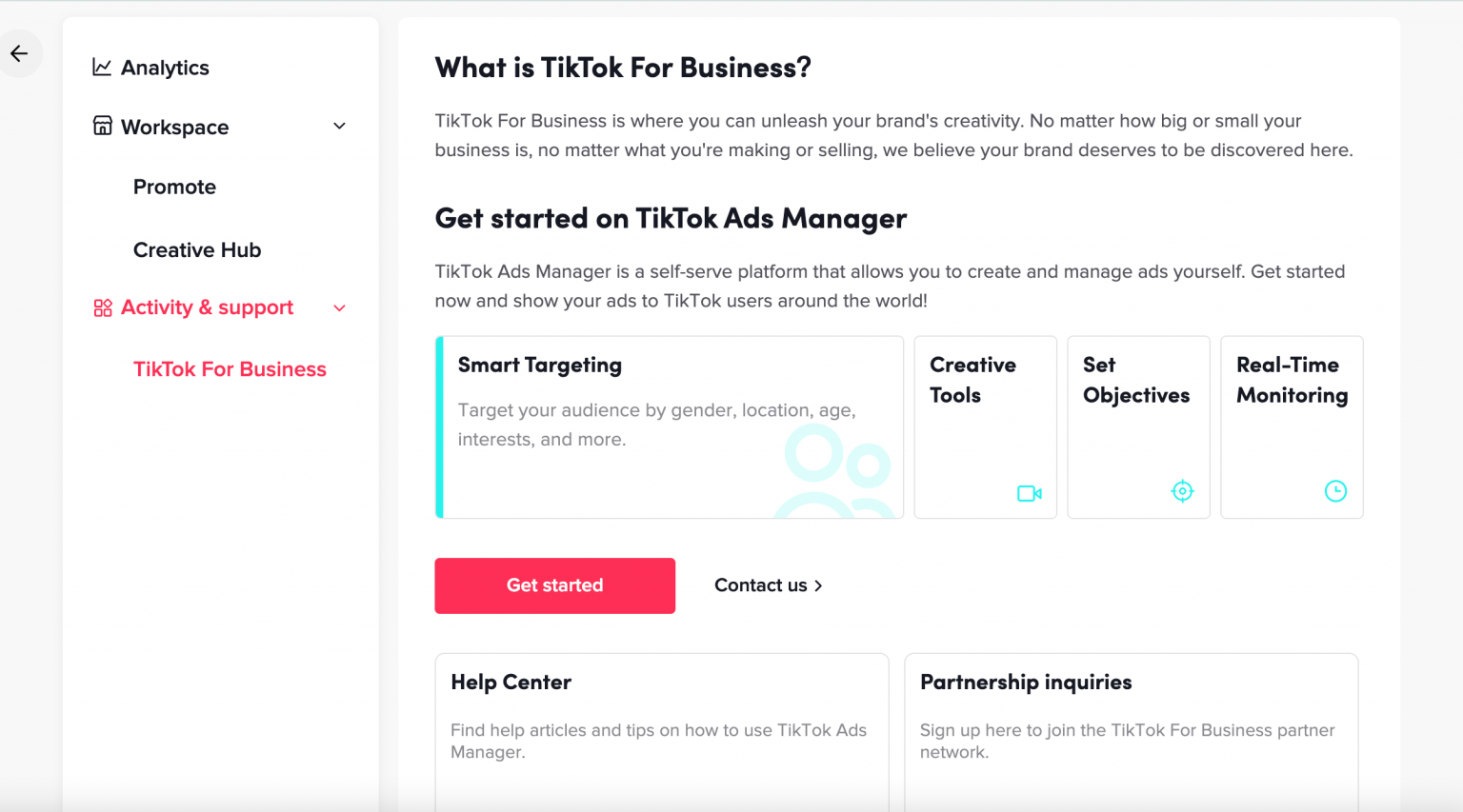
The first step in launching your TikTok ad campaign is to create a TikTok Ads Manager account. This is where you'll manage all aspects of your campaigns, from creating ads to tracking performance.
- Go to the TikTok for Business website.
- Click on "Create an Ad" and follow the prompts to sign up.
- Provide your business details, including your company name, industry, and contact information.
- Verify your business if possible. While not mandatory, verification adds credibility to your brand.
Once your account is set up, you'll have access to the TikTok Ads Manager dashboard, which is where you'll configure and launch your campaigns.
Step 2: Choose Your Advertising Objective
TikTok offers several advertising objectives to choose from, depending on what you want to achieve with your campaign. These objectives help tailor your ad strategy to your goals.
- Awareness: Increase brand visibility and reach.
- Consideration: Drive engagement, such as likes, comments, and shares.
- Conversion: Encourage actions like app downloads, purchases, or sign-ups.
Select the objective that aligns with your marketing goals. For beginners, starting with Awareness or Consideration is often a good idea, as they allow you to build brand recognition before focusing on conversions.
Step 3: Set Up Your Ad Group
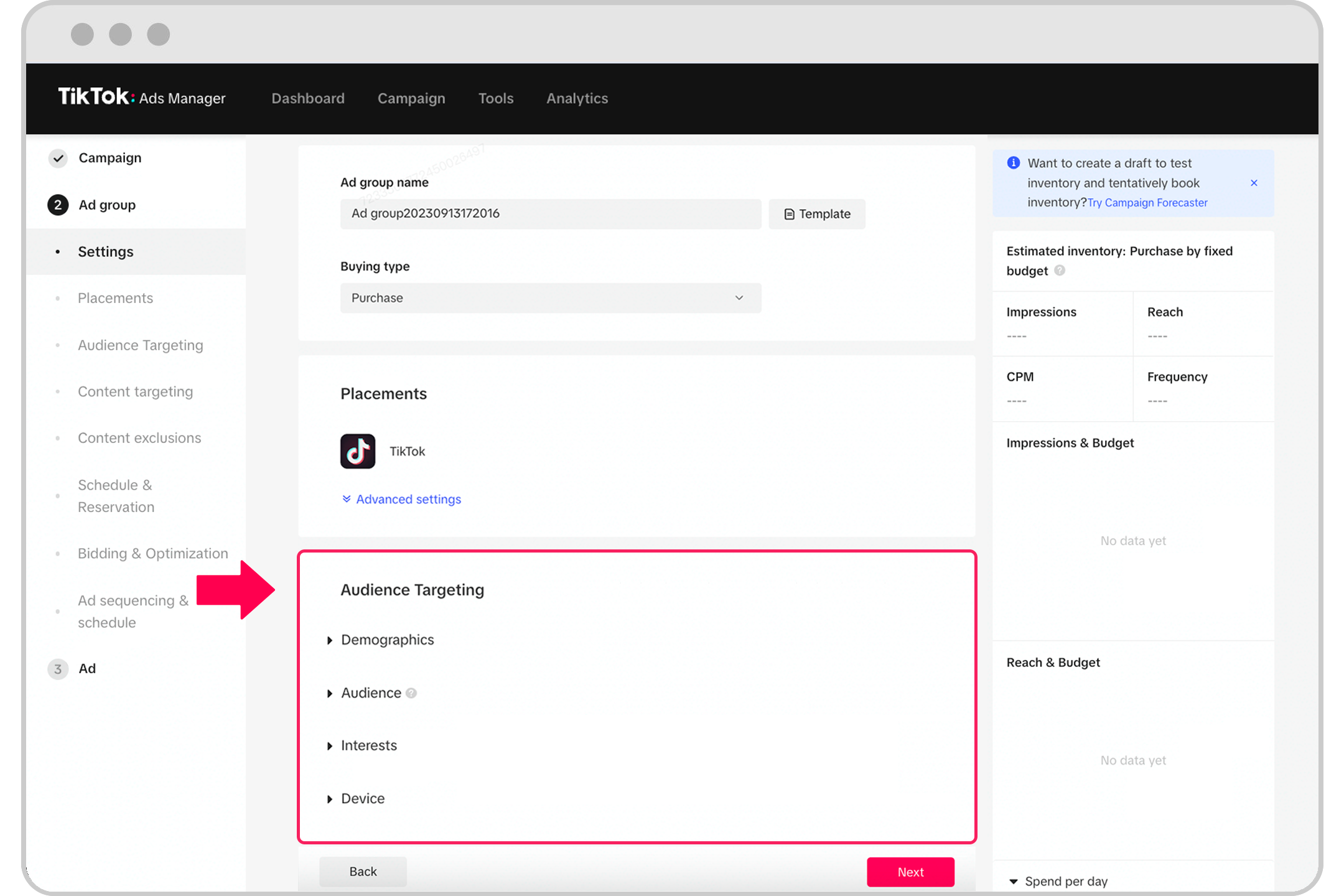
After selecting your objective, you'll need to set up an ad group. An ad group allows you to organize your campaigns and target specific audiences.
- In the Ads Manager, click "Campaign" and then "Create".
- Choose between Simplified Mode (ideal for beginners) or Custom Mode (for more advanced targeting).
- Name your ad group for easy identification later.
- Select "Automatic Placements" to let TikTok’s algorithm optimize where your ads appear.
- Define your target audience by specifying demographics such as age, gender, location, and interests.
You can also refine your targeting using behavioral data, such as device type or user activity.
Step 4: Create Your Ad

Now it's time to create your ad. TikTok makes it easy to produce engaging content, even if you're new to video editing.
- Upload a video or image that represents your brand or product.
- Use TikTok’s built-in tools to edit your content. You can add text, music, and effects to make your ad more engaging.
- Keep your video short and attention-grabbing—ideally between 5 and 15 seconds.
- Add a clear call-to-action (CTA), such as “Shop Now” or “Learn More.”
TikTok also offers a Smart Video feature that automatically generates a video based on your uploaded assets, making it easier for beginners to create professional-looking ads.
Step 5: Launch Your Ad Campaign
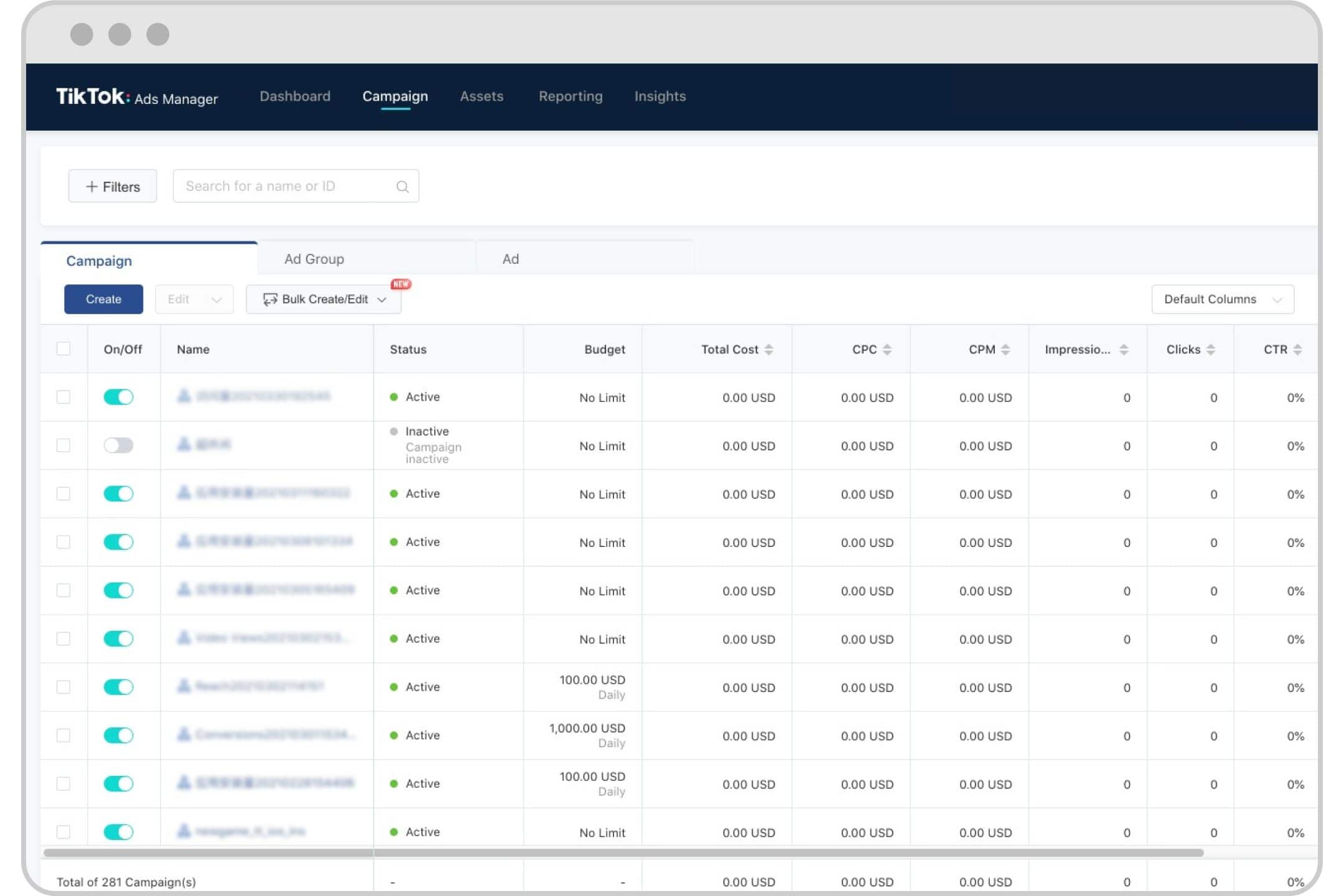
Once your ad is ready, it's time to launch your campaign.
- Set your daily budget. TikTok requires a minimum of $20 per day for ad groups and $50 for broader campaigns.
- Choose your bidding strategy. Options include cost-per-click (CPC), cost-per-view (CPV), and cost-per-mille (CPM).
- Decide whether you want your ad to run indefinitely or for a specific period.
- Submit your ad for review. TikTok typically reviews ads within 24 hours.
Once approved, your ad will go live and start reaching your target audience.
Tips for Beginners
- Optimize for mobile: Ensure your videos are vertically formatted for optimal viewing on mobile devices.
- Use trending music and hashtags: Incorporate popular trends to increase the chances of your ad going viral.
- Test different creatives: Experiment with various video styles and CTAs to see what resonates best with your audience.
- Track performance: Use TikTok’s analytics tools to monitor your ad’s performance and make adjustments as needed.
Conclusion

Setting up your first TikTok ad campaign as a beginner may seem daunting, but with the right approach, it can be a highly effective way to grow your brand and reach a wider audience. By following the steps outlined above and leveraging TikTok’s powerful targeting and creative tools, you’ll be well on your way to running successful ad campaigns that drive engagement and conversions.
Remember, the key to success on TikTok is consistency, creativity, and a deep understanding of your audience. Start small, test different strategies, and gradually scale your efforts as you gain more experience.

Posting Komentar untuk "How to Set Up Your First TikTok Ad Campaign as a Beginner"
Posting Komentar