
How to Set Up Your First TikTok Ads Account: A Step-by-Step Guide
In today's digital age, social media platforms have become essential tools for businesses looking to reach their target audience. Among these platforms, TikTok has emerged as a powerful tool for marketing, especially among younger demographics. With its rapid growth and engaging content, TikTok offers unique opportunities for brands to connect with potential customers. If you're considering advertising on TikTok, setting up your first TikTok Ads account is the first step in this journey.
Why Advertise on TikTok?
TikTok's user base is predominantly made up of Millennials and Generation Z, making it an ideal platform for brands targeting these demographics. According to recent data, 41% of TikTok users are aged between 16 and 24, and roughly 50% of the global audience is under the age of 34. This makes TikTok a valuable platform for businesses looking to engage with younger audiences.
Additionally, TikTok's self-service advertising platform allows businesses to create and manage ads with ease. The platform offers various ad formats, including in-feed ads, brand takeovers, and branded hashtag challenges, providing flexibility in how you reach your audience.
Steps to Set Up Your First TikTok Ads Account
1. Create a TikTok Ads Account
The first step in setting up your TikTok Ads account is to create one. You can do this by visiting the TikTok Ads Manager website and following the prompts. During the setup process, you'll need to select your region and choose whether you're setting up an account for a business or an individual. You'll also be asked to provide some details about your business.
After completing the initial setup, you'll receive a message indicating that TikTok will get back to you. Assuming you meet TikTok's criteria, a representative will set up your account for you.
2. Create Your TikTok Ads Campaign

Once your TikTok Ads account is set up, you can begin creating your first campaign. The TikTok Ads Manager uses a similar system to Facebook's advertising platform, allowing you to set up campaigns with specific goals, budgets, and target audiences.
To start, click on the "Campaign" button in the TikTok Ads Manager and then click "Create." You'll be prompted to set a campaign objective, such as Traffic, Conversions, or App Installs. You can also set an overall budget for your campaign and specify a daily budget limit.
3. Set Your Ad Placements and Add Details
Next, you'll need to set up your ad groups. You can choose between Automatic Placement or Select Placement, depending on where you want your ads to appear. TikTok allows you to place your ads on various platforms, including Vigo Video, BuzzVideo, and TopBuzz.
You'll also need to provide details necessary for setting up your ad group, such as URLs, display names, images, and categories. These details depend on your selected advertising objective.
4. Target the Audience for Your Ad Campaign
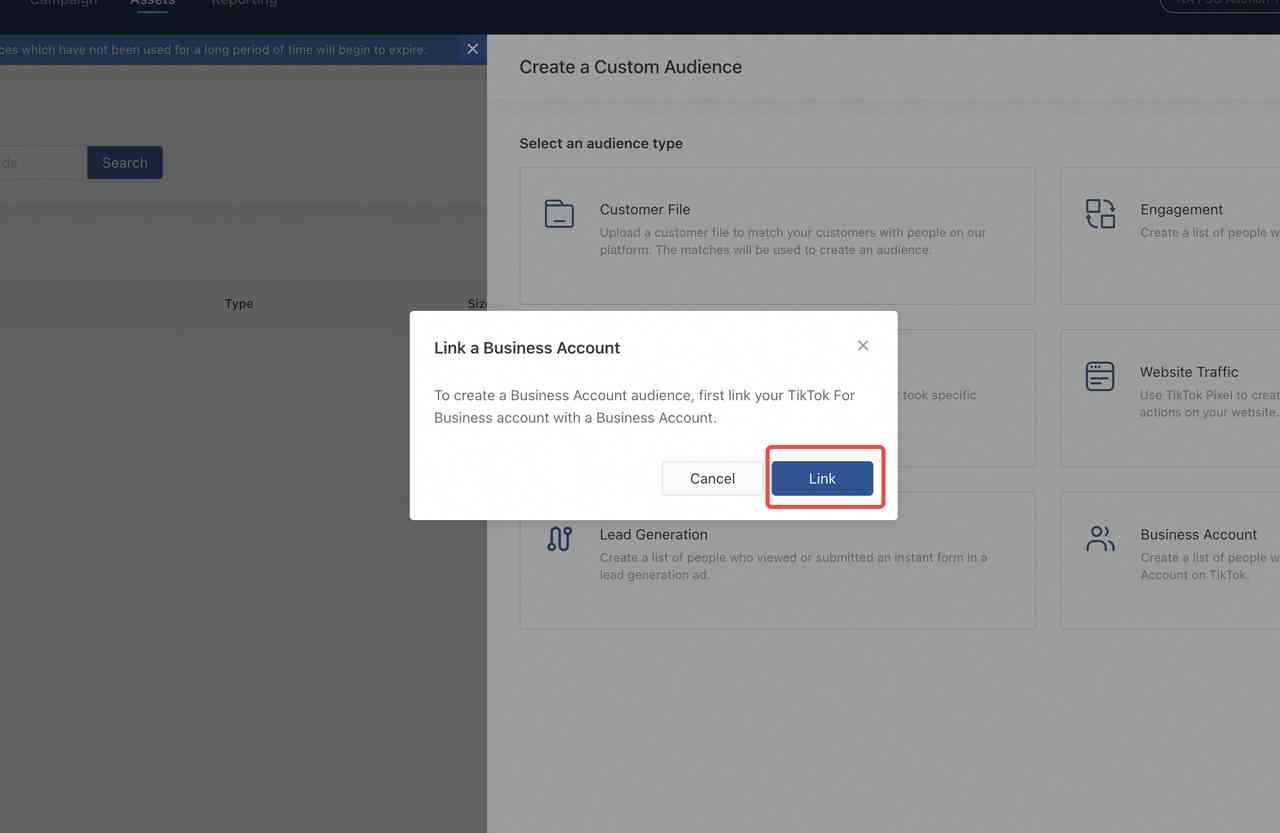
Targeting the right audience is crucial for the success of your TikTok ad campaign. TikTok allows you to target users based on factors such as gender, location, age, interests, and even OS versions. You can also create custom audiences based on your customer data, website traffic, app activity, or ad engagement.
If you're promoting a website, you'll need to install the TikTok Pixel on your site to track visitors.
5. Set Your Ad Budget and Schedule
After setting up your ad groups, you'll need to set your budget and schedule. You can choose between a total budget or a daily budget, depending on your preferences. You can also set a schedule for your ads, choosing specific times of the day to serve your ads to your target audience.
6. Set Your Optimization Goal
Setting an optimization goal is essential for measuring the success of your TikTok ad campaign. You can choose to optimize your ads for Conversion, Click, or Impressions. This affects your bidding strategy and helps TikTok serve your ads to the most relevant audience.
7. Design Your Ad and Upload Relevant Assets
Finally, you'll need to design your ad and upload relevant assets. TikTok provides a Video Creation Kit to help with this process. You can use existing TikTok videos or upload new ones. Make sure your ad adheres to TikTok's technical guidelines for vertical video ads and fits in with the look and feel of the platform.
Conclusion
Setting up your first TikTok Ads account is a crucial step in leveraging the power of TikTok for your business. By following these steps, you can effectively create and manage your ad campaigns, reaching your target audience and driving engagement. With the right strategy and execution, TikTok can be a valuable addition to your marketing efforts.

Posting Komentar untuk "How to Set Up Your First TikTok Ads Account: A Step-by-Step Guide"
Posting Komentar