
How to Use TikTok Ads Manager: A Complete Guide for Beginners
TikTok has become a powerful platform for businesses looking to connect with a vast and engaged audience. With over 1.5 billion users, the app offers a unique opportunity for brands to promote their products or services through targeted advertising. One of the key tools available for this purpose is the TikTok Ads Manager. This guide will walk you through how to use the TikTok Ads Manager effectively, helping you create, manage, and optimize your ad campaigns.
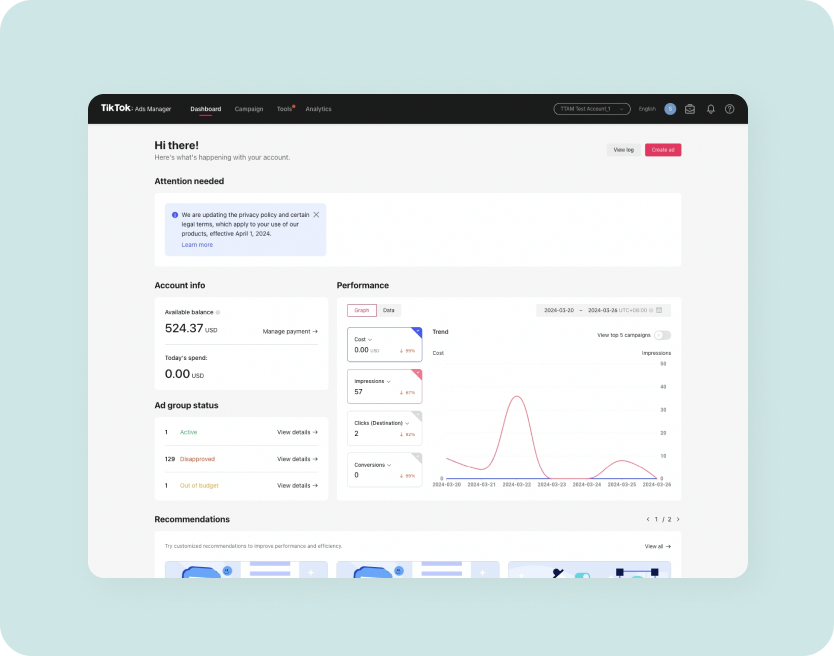
Step 1: Accessing the TikTok Ads Manager
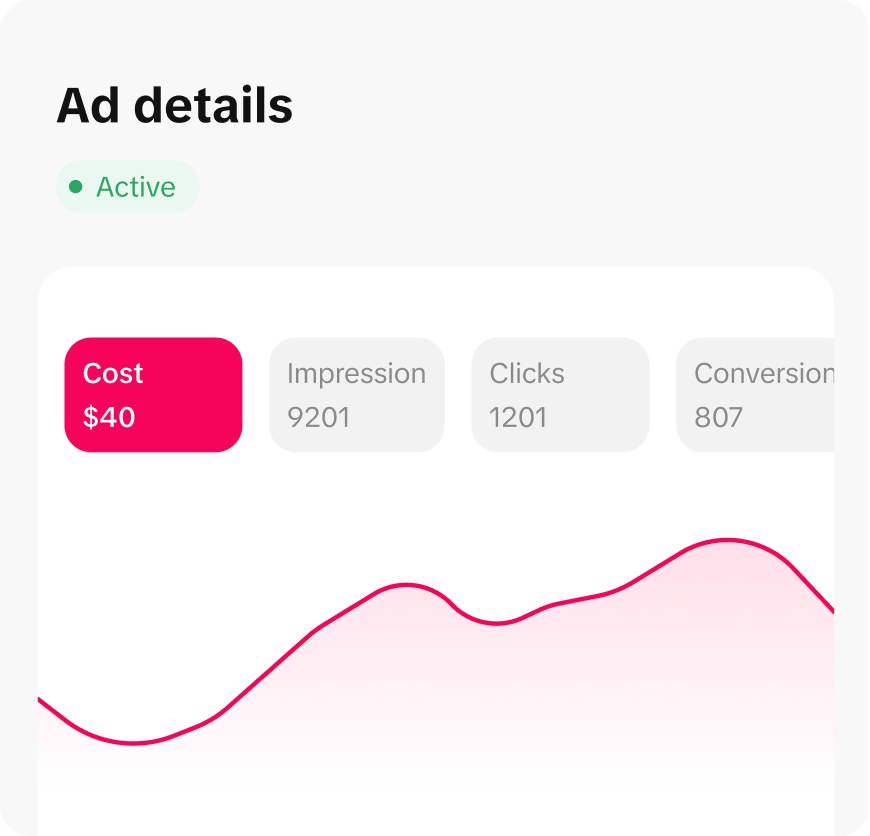
To start using the TikTok Ads Manager, you’ll need a business account on TikTok. If you don’t already have one, you can convert your personal account to a business account by following these steps:
- Open the TikTok app.
- Tap your profile icon.
- Go to "Settings and Privacy."
- Select "Account" and then "Convert to Business Account."
Once you’ve converted to a business account, you can access the Ads Manager by going to the "Business" section in the app or visiting the TikTok Ads Manager website.
Step 2: Setting Up Your Ad Campaign

After accessing the Ads Manager, you’ll be prompted to set up your first campaign. Here’s a breakdown of the essential steps:
1. Choose Your Campaign Objective
TikTok offers several campaign objectives depending on what you want to achieve. These include:
- Brand Awareness: Increase visibility of your brand.
- Traffic: Drive traffic to your website or landing page.
- Engagement: Boost likes, comments, shares, and views.
- Conversions: Encourage purchases or sign-ups.
- App Installs: Promote your mobile app downloads.
Choose the objective that aligns with your business goals.
2. Define Your Target Audience
One of the most critical aspects of running an effective ad campaign is targeting the right audience. You can define your audience based on:
- Demographics: Age, gender, location, language.
- Interests: Hobbies, behaviors, and preferences.
- Behaviors: Past interactions with your brand or similar content.
- Custom Audiences: Upload your customer list or use lookalike audiences.
Use the Audience Insights tool to get data on potential customers and refine your targeting.
3. Set Your Budget and Schedule
You can choose between two types of budgets:
- Daily Budget: The maximum amount you’re willing to spend per day.
- Lifetime Budget: The total amount you want to spend over the entire campaign duration.
Set your budget based on your marketing goals and adjust it as needed during the campaign.
Step 3: Creating Your Ad Content

Once your campaign is set up, it’s time to create your ad content. TikTok ads can take various formats, including:
- In-Feed Ads: These appear in users’ For You feeds and are similar to regular TikTok videos.
- Top View Ads: Full-screen video ads that play before a user watches a video.
- Brand Takeover Ads: Customizable full-screen ads that appear when users open the app.
- Carousel Ads: Multiple images or videos that users can swipe through.
Tips for Creating Effective TikTok Ads:
- Hook viewers in the first few seconds: Users scroll quickly, so your ad needs to grab attention immediately.
- Use trending sounds and trends: Incorporate popular music or challenges to increase discoverability.
- Keep it authentic and relatable: Avoid overly polished or scripted content. Show your brand’s human side with humor and creativity.
- Include a clear call-to-action (CTA): Tell viewers what to do next, such as “Shop Now” or “Learn More.”
Step 4: Monitoring and Optimizing Your Campaign
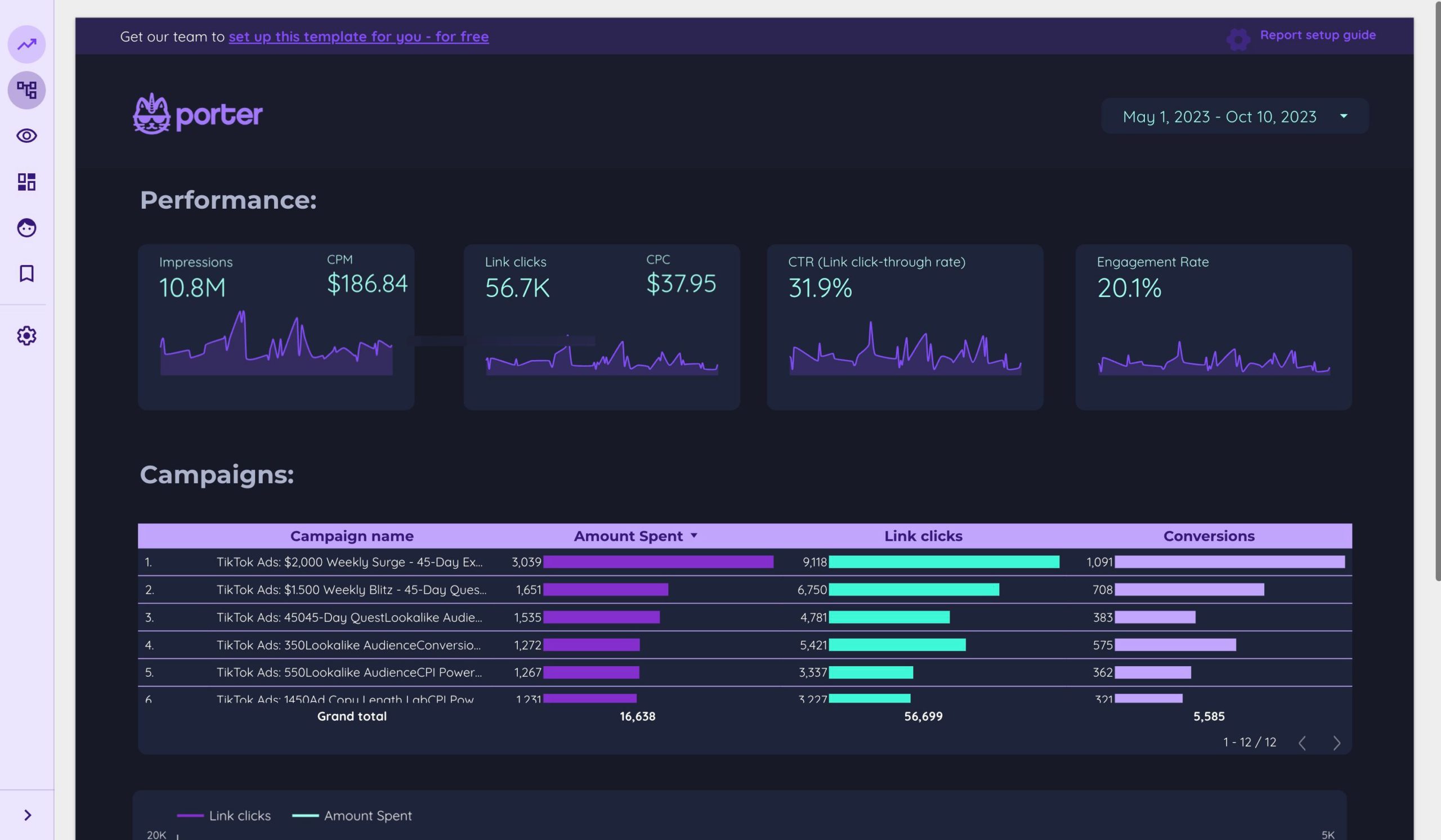
After launching your ad campaign, it’s important to monitor its performance and make adjustments as needed. The TikTok Ads Manager provides detailed analytics, including:
- Impressions: The number of times your ad was shown.
- Clicks: The number of times users clicked on your ad.
- Engagement Rate: The percentage of users who liked, commented, or shared your ad.
- Conversion Rate: The percentage of users who completed a desired action, such as making a purchase.
Key Optimization Strategies:
- Test different ad variations: Experiment with different visuals, copy, and CTAs to see what resonates with your audience.
- Adjust your targeting: Refine your audience based on performance data to improve relevance.
- Optimize your budget: Allocate more budget to high-performing ads and pause underperforming ones.
Conclusion
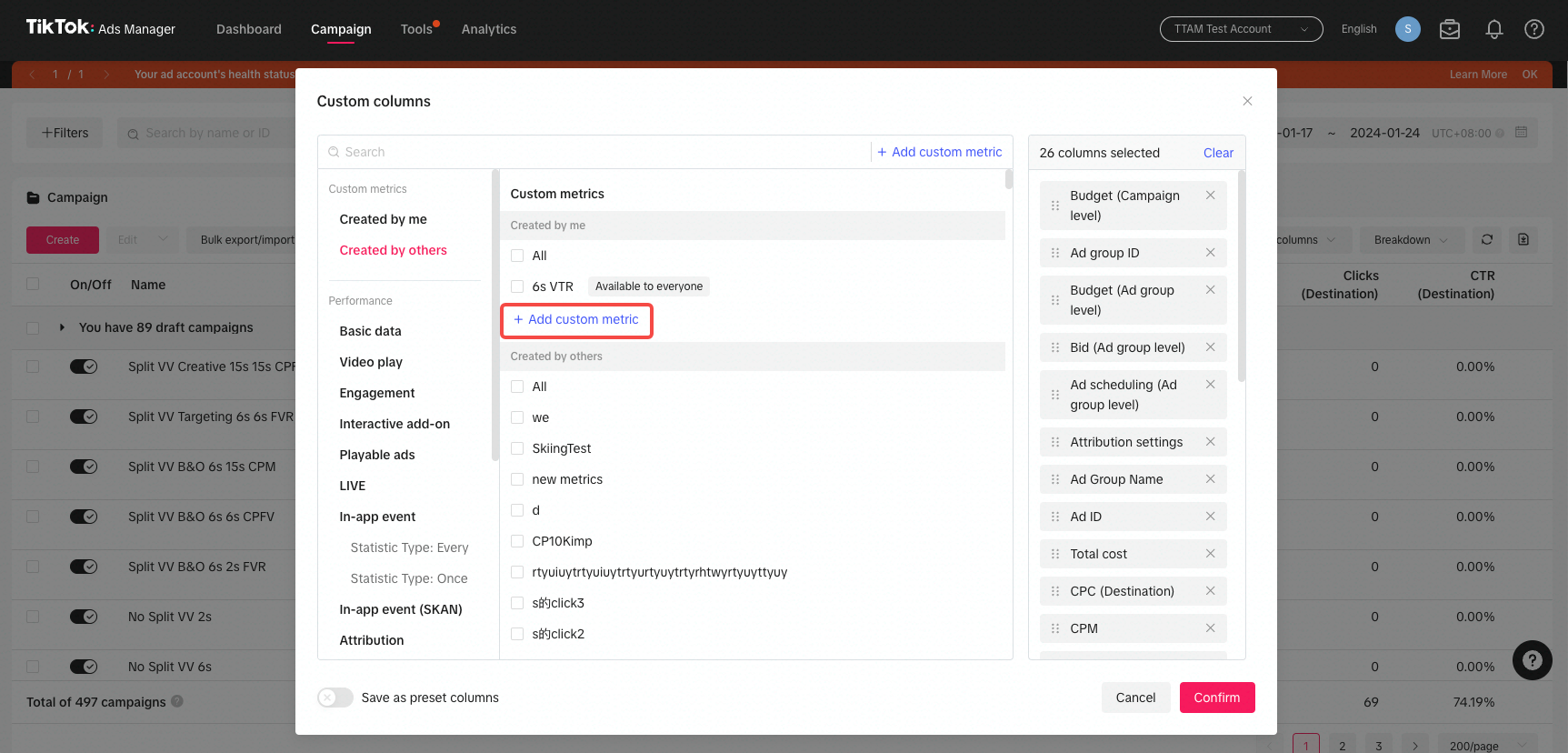
Using the TikTok Ads Manager effectively requires a combination of strategic planning, creative content, and continuous optimization. By following the steps outlined in this guide, you can create compelling ad campaigns that reach your target audience and drive meaningful results for your business.
Whether you're a small startup or a large enterprise, TikTok offers a powerful platform to connect with a global audience. With the right approach, your brand can leverage TikTok Ads Manager to grow your online presence, boost engagement, and increase conversions.

Posting Komentar untuk "How to Use TikTok Ads Manager: A Complete Guide for Beginners"
Posting Komentar