
How to Use TikTok Ads Reporting: A Complete Guide for Marketers
TikTok has become a powerful platform for marketers, with over 1.582 billion users globally. As more businesses recognize its potential, leveraging TikTok Ads Reporting is essential for optimizing ad performance and achieving marketing goals. This guide will walk you through the key steps of using TikTok Ads Reporting effectively, ensuring you can track, analyze, and improve your campaigns.
Understanding TikTok Ads Reporting

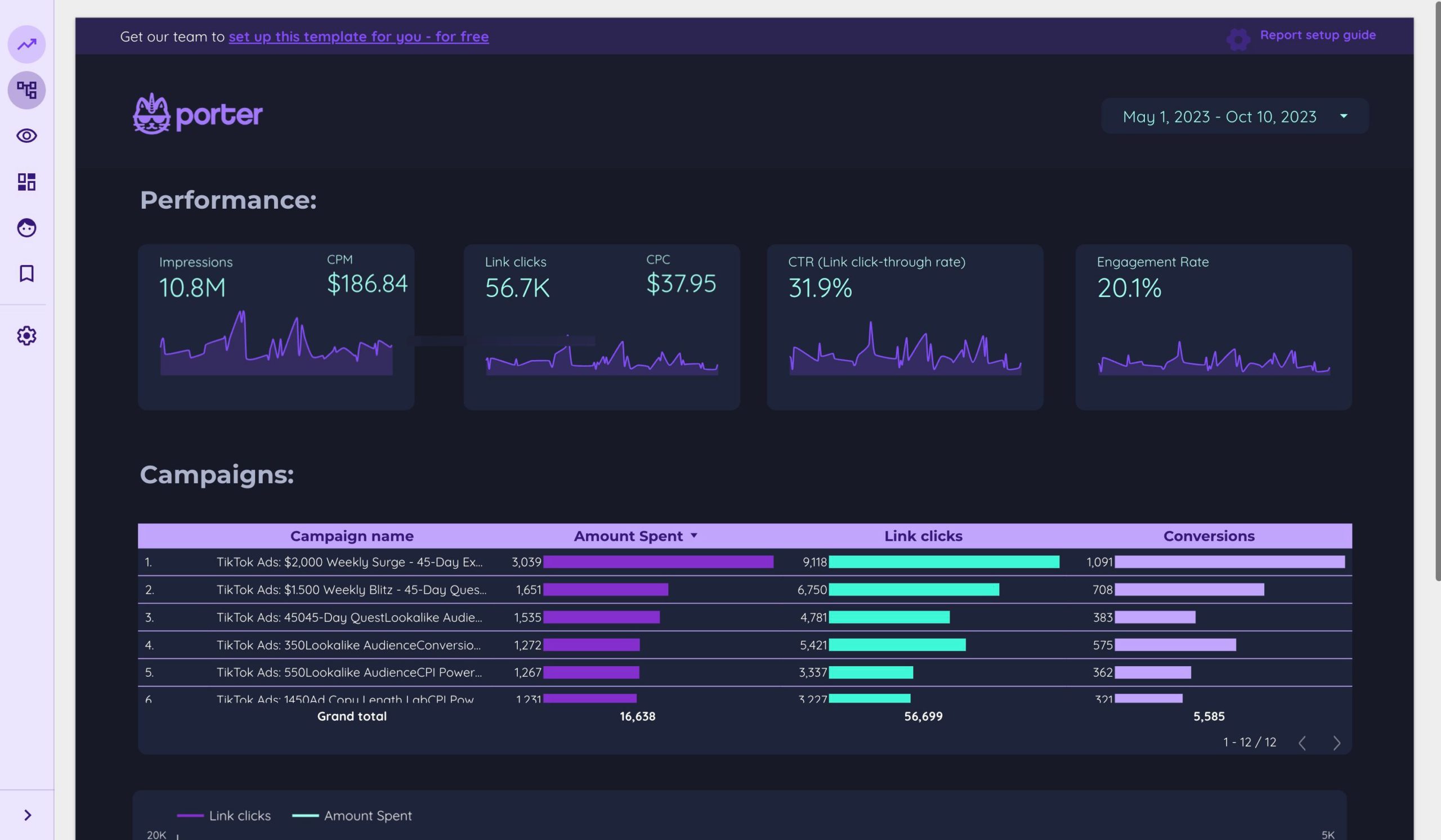
TikTok Ads Reporting provides detailed analytics that help marketers understand how their ads are performing. It includes metrics like impressions, clicks, conversions, and engagement rates. By analyzing these reports, you can gain insights into what’s working and what needs improvement.
Key Metrics to Track
- Impressions: The number of times your ad was shown.
- Clicks (Destination): The number of users who clicked on your ad.
- CTR (Click-Through Rate): The percentage of users who clicked on your ad after seeing it.
- CPC (Cost Per Click): The cost you pay for each click on your ad.
- CPM (Cost Per Thousand Impressions): The cost per 1,000 impressions.
- Conversions: The number of users who completed a desired action, such as making a purchase or signing up.
- ROAS (Return On Ad Spend): The revenue generated for every dollar spent on ads.
Setting Up Your TikTok Ads Campaign
Before diving into reporting, ensure your campaign is set up correctly. Here are the steps:
Step 1: Define Your Objectives
Choose a clear objective for your campaign, such as increasing brand awareness, driving traffic, or generating leads.
Step 2: Choose Your Target Audience
Use TikTok's targeting options to reach the right audience based on demographics, interests, and behaviors.
Step 3: Create Compelling Ad Content
Develop engaging video content that aligns with your brand and resonates with your target audience.
Step 4: Set Your Budget
Determine your budget and choose between daily or lifetime spending limits.
Step 5: Select Ad Formats
Choose from various ad formats, including in-feed ads, brand takeovers, and TopView ads.
Navigating TikTok Ads Manager
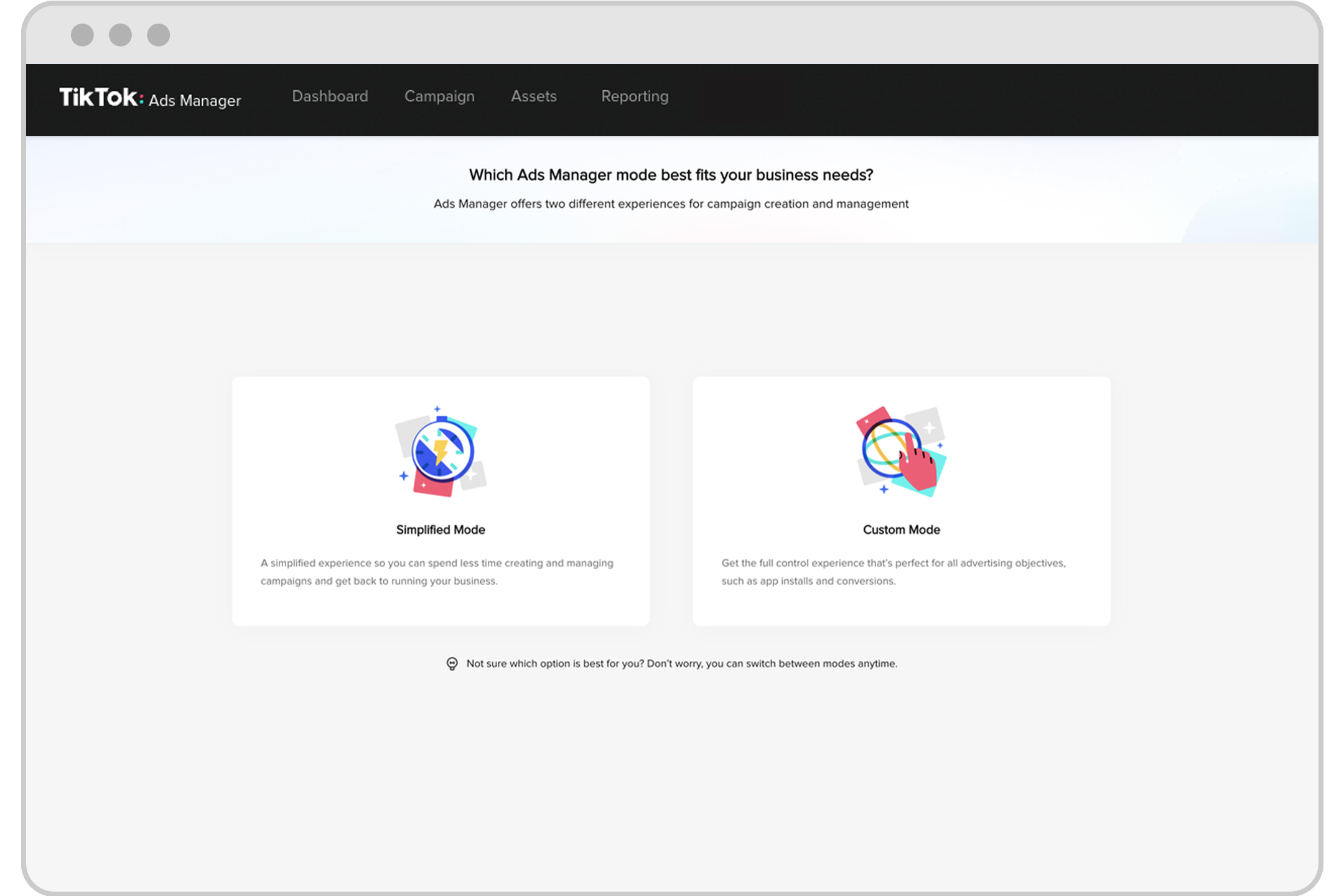
TikTok Ads Manager is your central hub for managing and analyzing your campaigns. Here’s how to use it effectively:
Accessing Your Reports
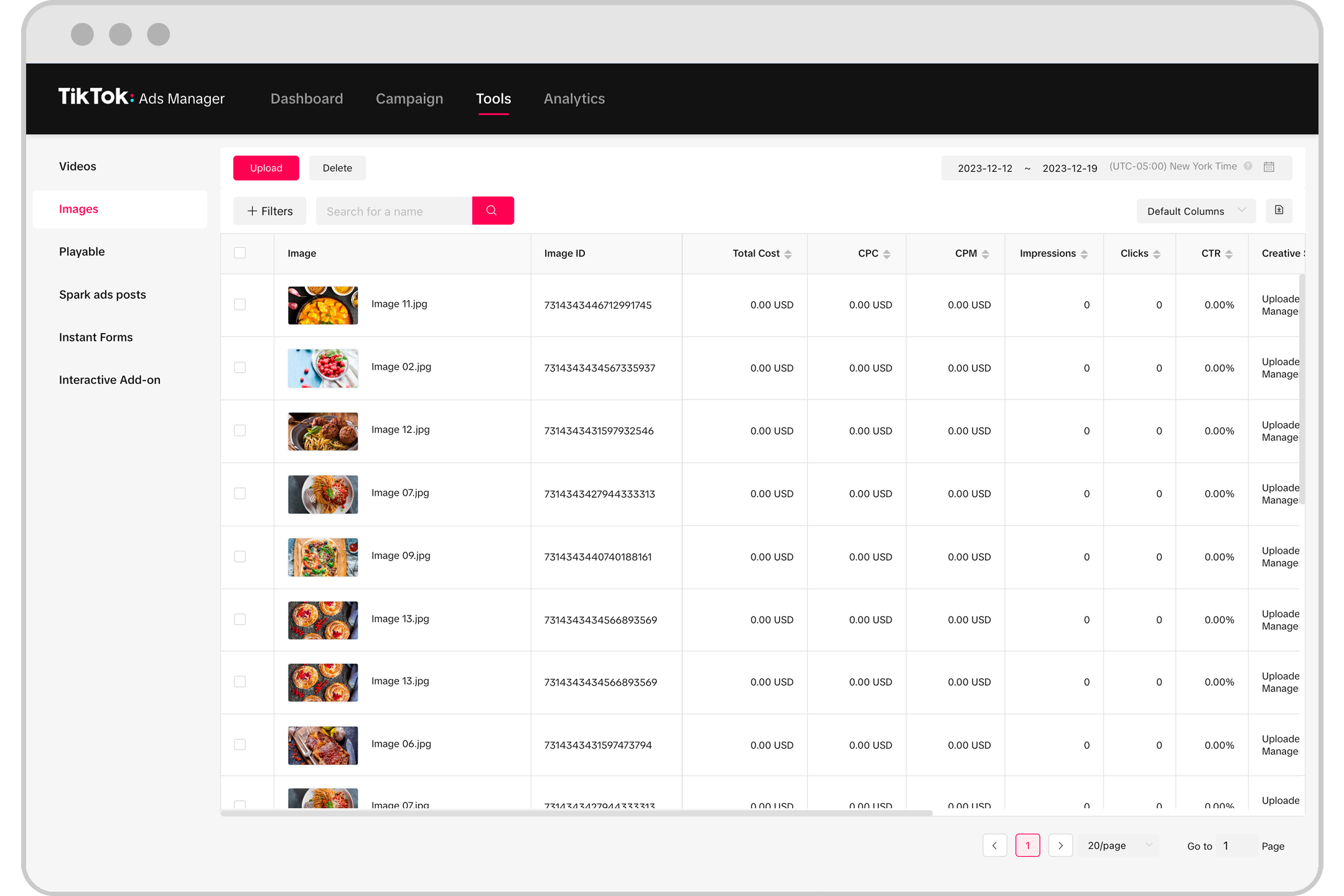
Log in to your TikTok Ads Manager account and navigate to the "Reports" section. You’ll find a variety of pre-built reports and the ability to create custom ones.
Customizing Your View
Use the customization options to focus on specific metrics that matter most to your goals. You can add or remove columns, filter data by date ranges, and segment your data by different dimensions.
Analyzing Performance
Look at key metrics like CTR, CPC, and ROAS to assess your campaign’s performance. Compare your results against industry benchmarks to identify areas for improvement.
Optimizing Your Campaigns Using Reporting

Once you have access to your reports, the next step is to optimize your campaigns. Here are some strategies:
Adjust Bidding Strategies
Use the data from your reports to adjust your bidding strategy. For example, if your CPC is high, consider lowering your bid or refining your targeting.
Refine Targeting
Analyze which audiences are engaging with your ads and refine your targeting accordingly. Focus on the demographics and interests that yield the best results.
Test Different Ad Formats
Experiment with different ad formats to see which ones perform best. Use A/B testing to compare the effectiveness of various creatives and formats.
Improve Ad Creatives
Based on engagement metrics, update your ad creatives to better resonate with your audience. Use trending sounds, visuals, and calls-to-action to increase visibility and interaction.
Advanced Tips for Effective Reporting
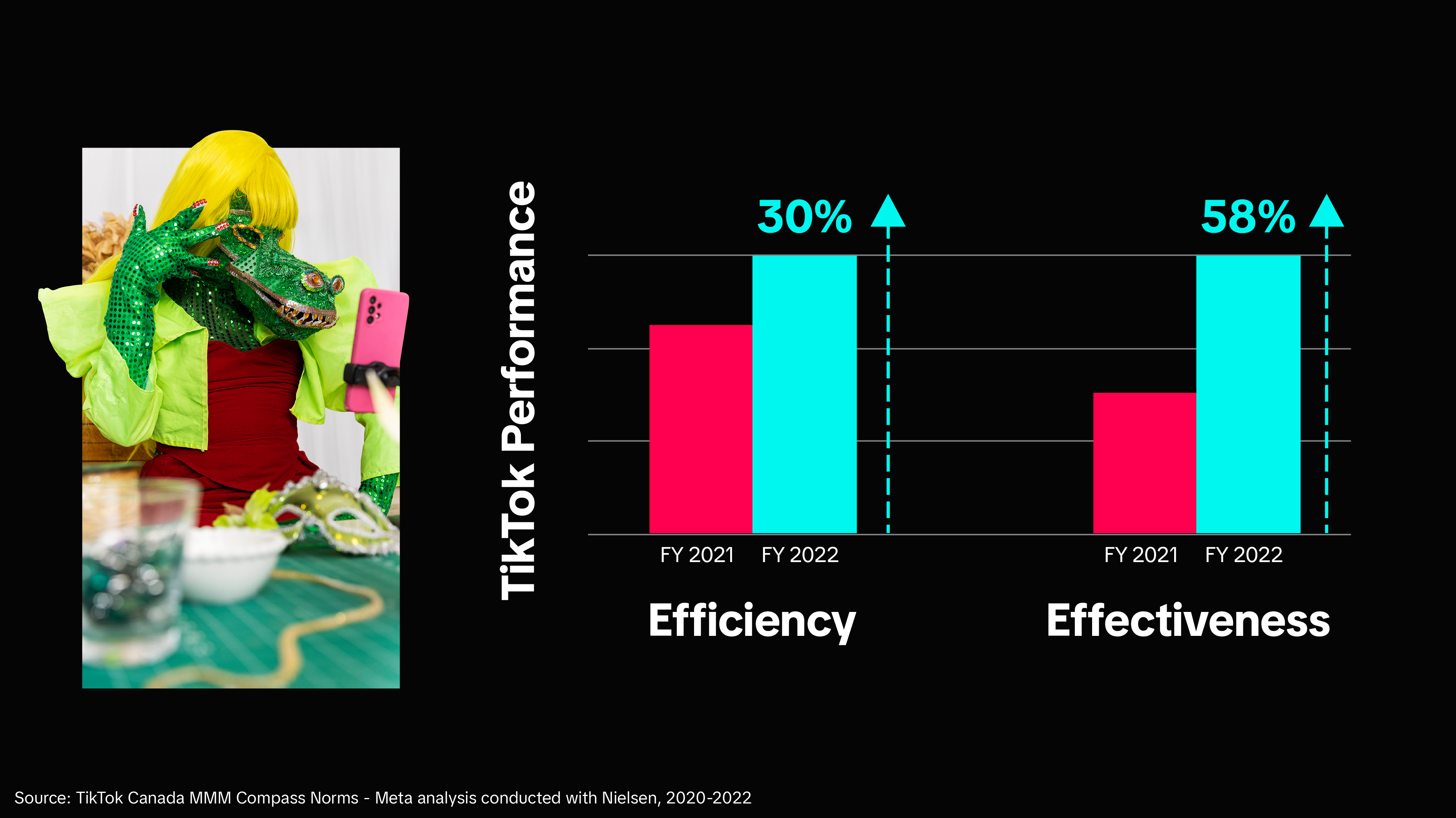
To get the most out of TikTok Ads Reporting, consider these advanced tips:
Use TikTok Pixel
Integrate TikTok Pixel to track user behavior on your website or app. This helps you measure conversions and optimize your campaigns for better ROI.
Leverage Events API
Use the Events API to send data directly from your server to TikTok, ensuring accurate tracking of conversions and other key actions.
Monitor Competitors
Analyze your competitors’ campaigns to gain insights into their strategies and identify opportunities for differentiation.
Stay Updated
Keep an eye on TikTok’s updates and new features. The platform frequently introduces new tools and metrics that can enhance your reporting capabilities.
Conclusion
TikTok Ads Reporting is a vital tool for any marketer looking to maximize the impact of their campaigns. By understanding and utilizing the key metrics, setting up your campaigns correctly, and continuously optimizing your strategies, you can achieve better results and drive growth. With the right approach, TikTok can become a powerful asset in your marketing arsenal.

Posting Komentar untuk "How to Use TikTok Ads Reporting: A Complete Guide for Marketers"
Posting Komentar