
In-Depth TikTok Ads Manager Tutorial: How to Master Your Ad Campaigns in 2024
TikTok has become a powerful platform for businesses, offering a unique blend of creativity and engagement that can significantly boost brand visibility. As the app continues to grow, mastering TikTok Ads Manager becomes essential for marketers aiming to leverage this dynamic platform effectively. This tutorial will guide you through the intricacies of TikTok Ads Manager, helping you create and manage successful ad campaigns.
Understanding TikTok Ads Manager
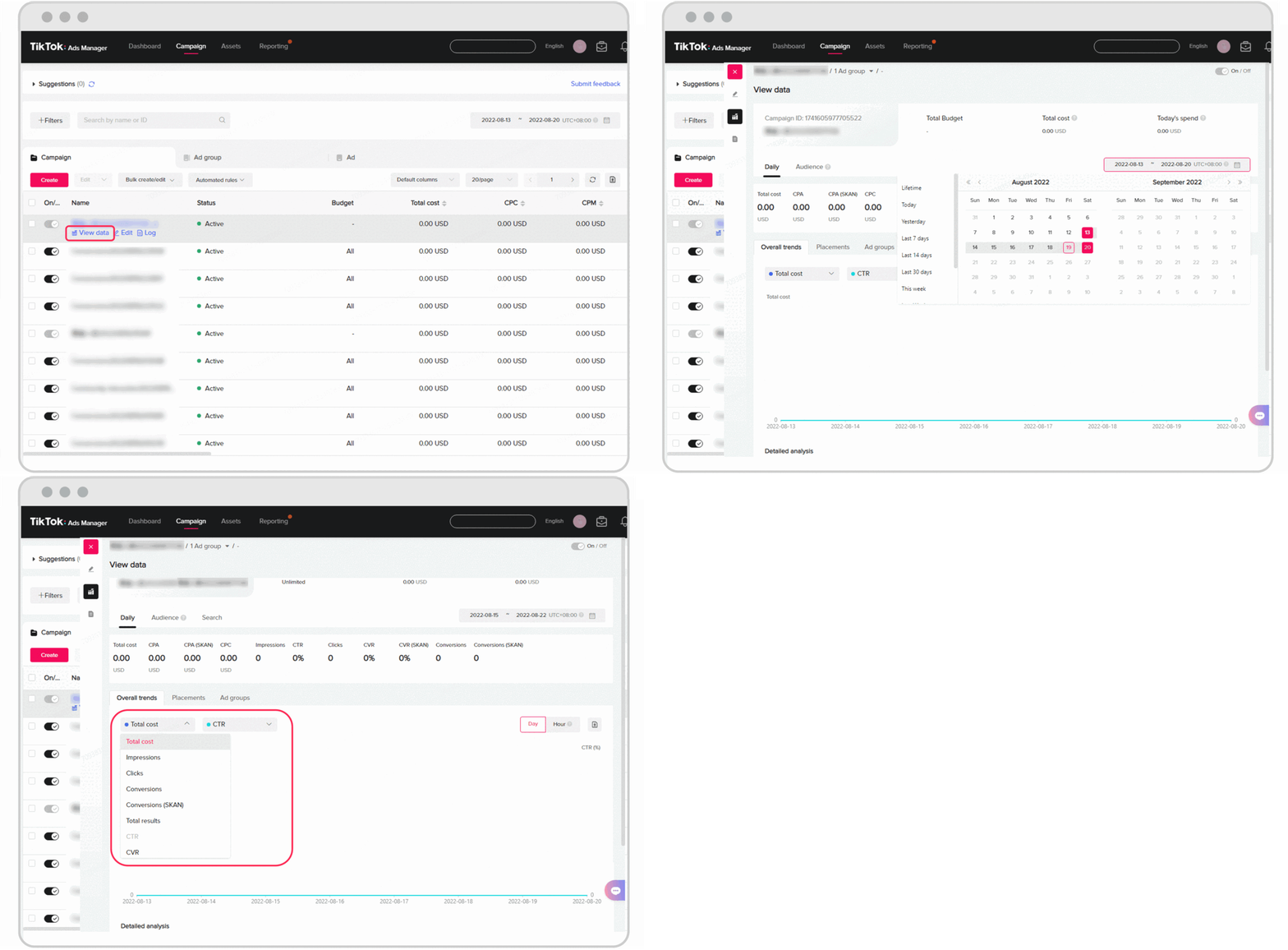
Before diving into the nitty-gritty of managing ads on TikTok, it's crucial to understand what TikTok Ads Manager is and how it works. TikTok Ads Manager is a comprehensive tool that allows advertisers to create, manage, and track their ad campaigns directly within the TikTok ecosystem. It provides insights into your audience, performance metrics, and optimization opportunities.
Key Features of TikTok Ads Manager
- Campaign Creation: You can create various types of campaigns, including brand awareness, consideration, and conversion campaigns.
- Audience Targeting: Leverage detailed targeting options to reach specific demographics, interests, and behaviors.
- Ad Formats: Choose from different ad formats such as in-feed ads, brand takeovers, and video ads.
- Performance Analytics: Access real-time analytics to monitor your campaign performance and make data-driven decisions.
Setting Up Your First Campaign
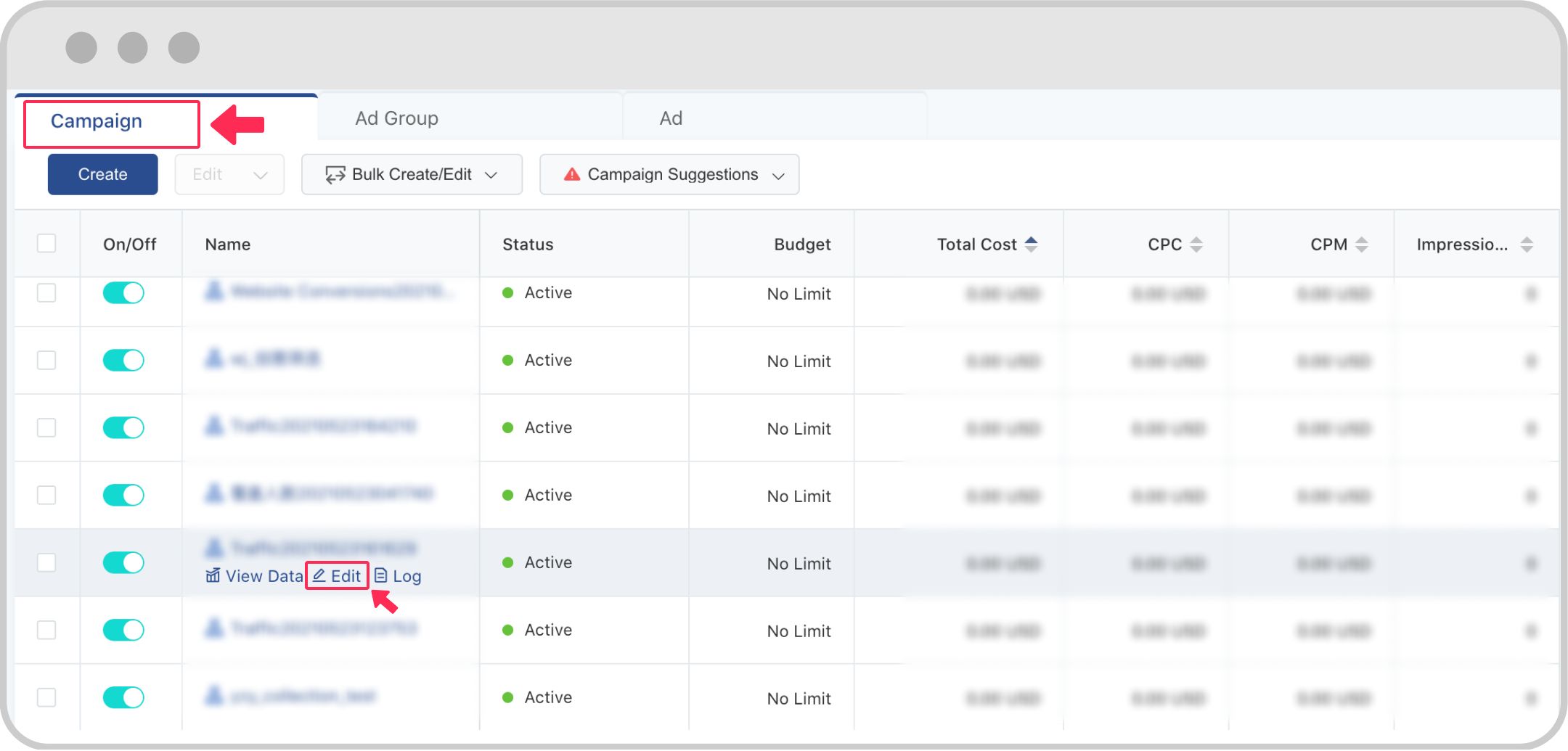
Creating your first campaign on TikTok Ads Manager involves several steps. Here’s a step-by-step guide to help you get started:
Step 1: Log In and Navigate to Ads Manager
Log in to your TikTok business account and navigate to the Ads Manager section. This is where you’ll manage all your ad campaigns.
Step 2: Create a New Campaign
Click on the "Create Campaign" button. You’ll be prompted to choose the type of campaign you want to run. Select the campaign objective that aligns with your goals, such as increasing brand awareness or driving conversions.
Step 3: Define Your Target Audience
Use the targeting options to define your audience. You can specify demographics, interests, behaviors, and even lookalike audiences based on your existing customer data.
Step 4: Set Your Budget and Schedule
Determine your budget and schedule for the campaign. TikTok allows you to set daily or lifetime budgets, and you can choose when your ads will run.
Step 5: Create Your Ad Content
Upload your ad content, which can include videos, images, or carousel ads. Ensure your content is engaging and aligns with your brand messaging.
Step 6: Review and Launch
Review your campaign settings and ad content before launching. Once everything looks good, click "Launch" to start your campaign.
Optimizing Your Ad Campaigns
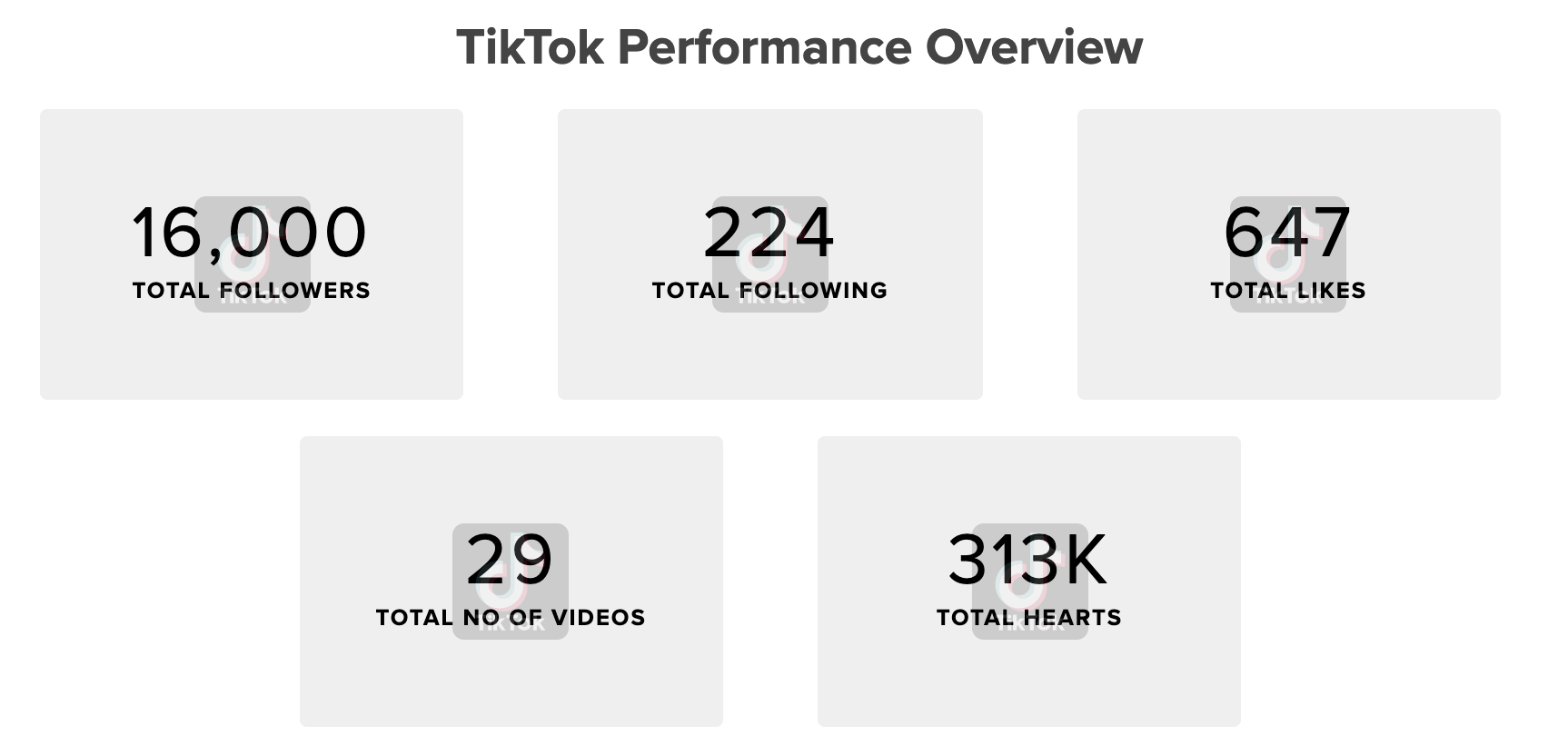
Once your campaign is live, it’s essential to monitor its performance and make adjustments as needed. Here are some tips for optimizing your TikTok ad campaigns:
Monitor Performance Metrics
Keep an eye on key performance metrics such as click-through rate (CTR), cost per click (CPC), and conversion rate. Use these insights to identify what’s working and what needs improvement.
A/B Testing
Conduct A/B testing to compare different ad variations. Test different headlines, visuals, and calls-to-action to see what resonates best with your audience.
Retargeting Strategies
Utilize retargeting strategies to re-engage users who have interacted with your brand but haven’t converted yet. This can significantly improve your conversion rates.
Adjust Bidding Strategies
Adjust your bidding strategies based on your campaign goals. For example, if you’re focusing on conversions, consider using a target cost per action (CPA) bid strategy.
Engage with Your Audience
Engage with your audience by responding to comments and messages. Building a connection with your audience can enhance brand loyalty and encourage more interactions.
Advanced Tips for TikTok Ad Success

To take your TikTok ad campaigns to the next level, consider these advanced tips:
Leverage TikTok Trends
Stay updated with the latest TikTok trends and incorporate them into your ad content. Using trending sounds, challenges, and hashtags can increase your ad’s visibility and engagement.
Collaborate with Influencers
Partner with TikTok influencers to expand your reach. Influencers can help you tap into their audience and build credibility for your brand.
Utilize User-Generated Content
Encourage your followers to create content featuring your products. User-generated content can serve as social proof and enhance your brand’s authenticity.
Optimize for Mobile
Ensure your ad content is optimized for mobile viewing. TikTok is primarily a mobile app, so your ads should be designed to capture attention quickly and efficiently.
Regularly Update Your Content
Regularly update your ad content to keep it fresh and relevant. Fresh content can help maintain user interest and improve your campaign’s performance over time.
Conclusion
Mastering TikTok Ads Manager requires a combination of strategic planning, creative content, and continuous optimization. By understanding the features of TikTok Ads Manager, setting up effective campaigns, and implementing advanced strategies, you can unlock the full potential of TikTok for your business. Stay engaged with your audience, leverage trends, and always strive for improvement to achieve long-term success on this dynamic platform.

Posting Komentar untuk "In-Depth TikTok Ads Manager Tutorial: How to Master Your Ad Campaigns in 2024"
Posting Komentar