
The Easiest TikTok Ad Setup Tutorial for 2024
TikTok has become one of the most powerful platforms for brands to reach new audiences, drive engagement, and generate sales. With over a billion active users and a highly engaged Gen Z and Millennial demographic, TikTok offers an unparalleled opportunity for businesses to grow their online presence. However, setting up TikTok ads can be overwhelming if you don't know where to start. In this guide, we'll walk you through the easiest TikTok ad setup tutorial so you can launch your first campaign with confidence.

Why TikTok Ads Matter in 2024

TikTok isn’t just a platform for trends and entertainment anymore—it's now a major player in digital marketing. Brands like Chipotle, Gymshark, and even the San Diego Zoo have successfully used TikTok to build massive followings and drive real-world results. With its algorithm-driven For You Page (FYP), TikTok rewards content that resonates with users, making it a powerful tool for discovery-based marketing.
Here are some key reasons why TikTok ads matter:
- High engagement rates: TikTok users spend more time on the app than any other social platform, leading to higher interaction and conversion potential.
- Cost-effective advertising: TikTok’s CPM (cost per thousand impressions) is often lower than Meta’s platforms, making it a budget-friendly option for small and large businesses alike.
- Direct-to-consumer sales: With features like TikTok Shop, brands can now sell products directly within the app, reducing friction and increasing conversions.
Step-by-Step Guide to Setting Up Your First TikTok Ad

1. Create a Business Account
Before you can start running ads, you need to set up a TikTok business account. This allows you to access advanced features like analytics, ad creation tools, and insights into your audience.
- Go to business.tiktok.com.
- Click "Create Account" and follow the prompts to set up your profile.
- Verify your email and phone number to complete the registration.
2. Set Up Your Ad Account
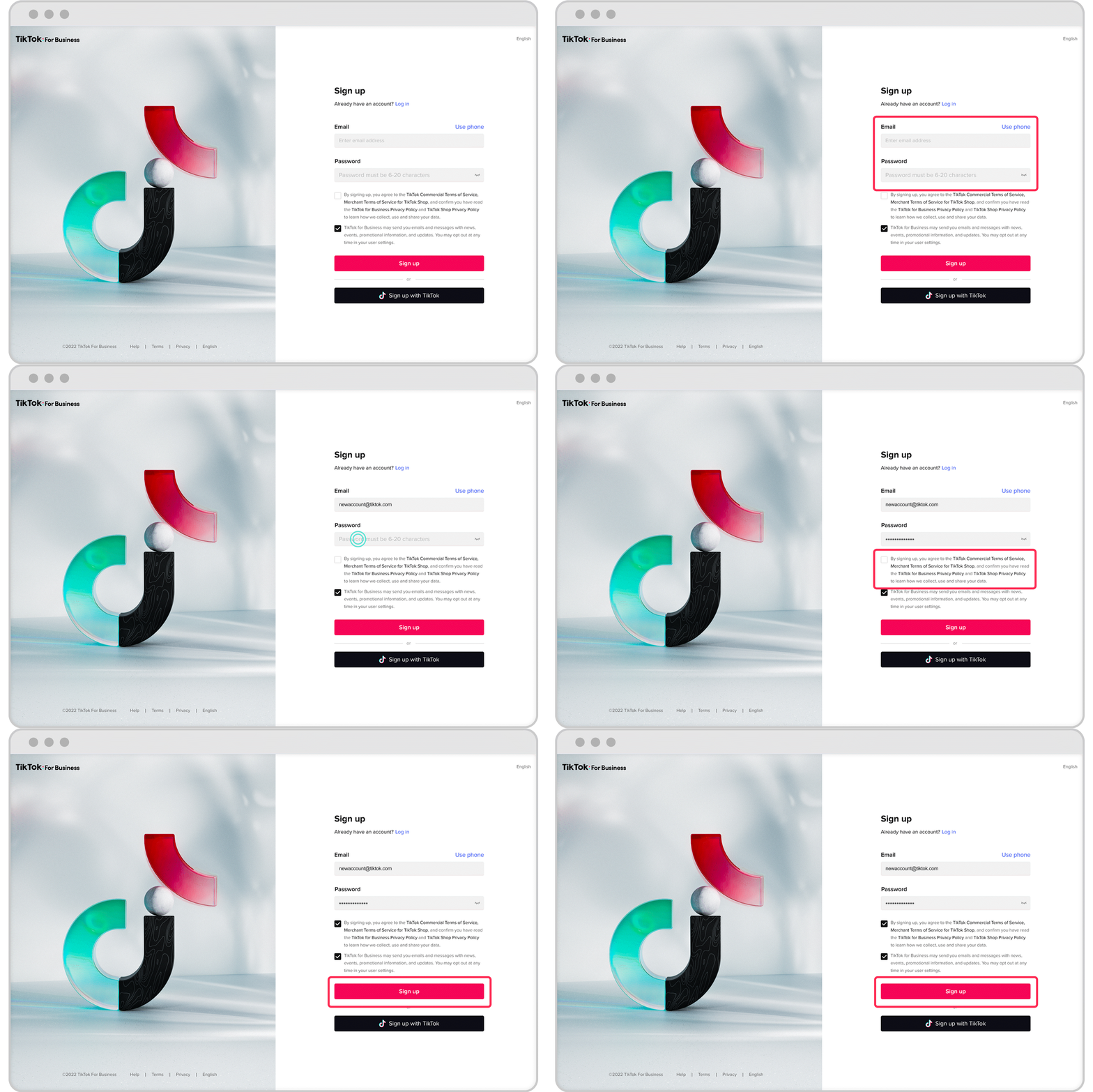
Once your business account is ready, you’ll need to create an ad account to manage your campaigns.
- Log in to your business account.
- Navigate to the Ads Manager section.
- Click "Create Ad Account" and provide the necessary details (country, purpose, etc.).
3. Install Pixel Tracking

To track conversions and measure the effectiveness of your ads, you’ll need to install the TikTok Pixel.
- Go to the Pixel section in your ad account.
- Choose how you want to install the pixel:
- Through Google Tag Manager (GTM)
- Directly on your website
- Using a Shopify or WooCommerce integration
This will allow you to track user behavior, such as clicks, purchases, and page views.
4. Define Your Campaign Objective
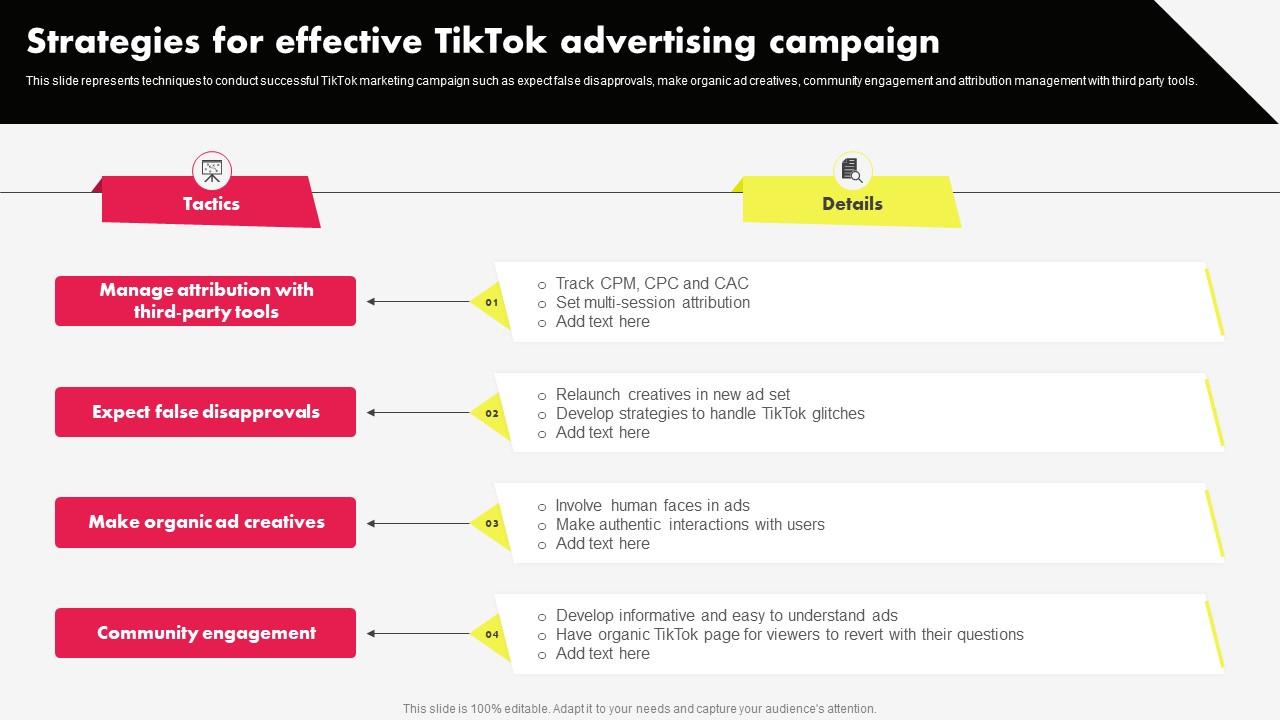
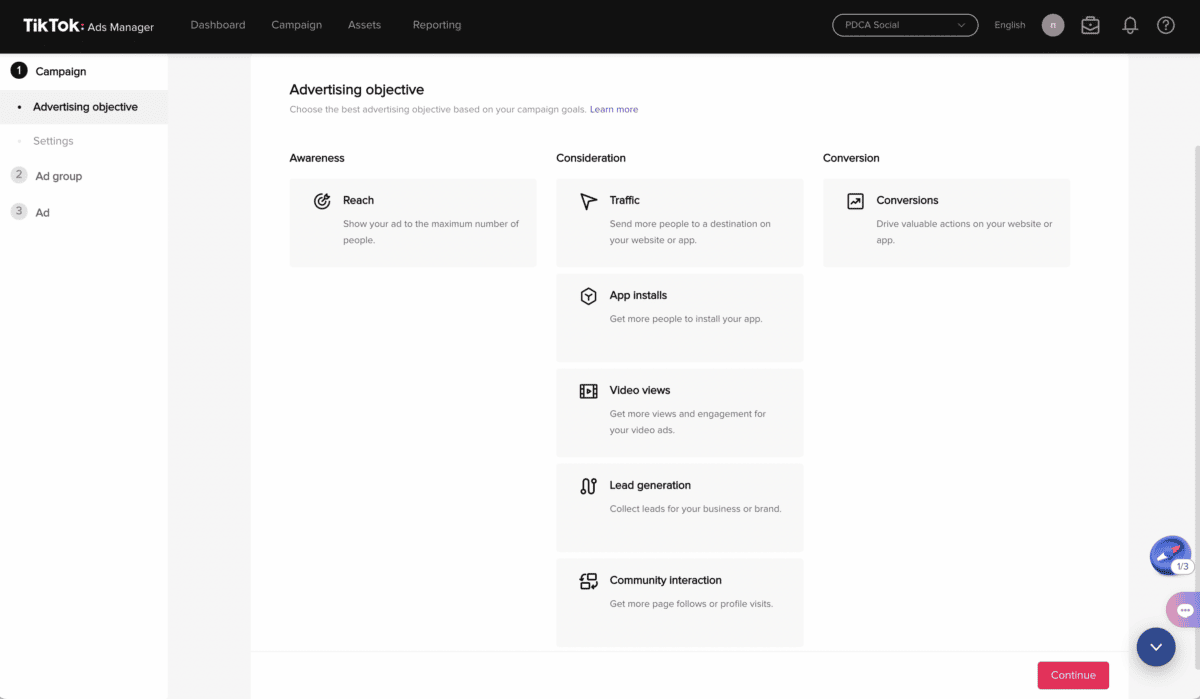
TikTok offers several campaign objectives to choose from, depending on your goals:
- Awareness: Maximize reach and brand visibility.
- Consideration: Drive actions like website visits, app installs, or video views.
- Conversion: Focus on driving sales or leads.
Choose the objective that aligns with your business goals. For example, if you're an e-commerce brand, Conversion would be the best choice.
5. Set Your Budget and Bidding Strategy
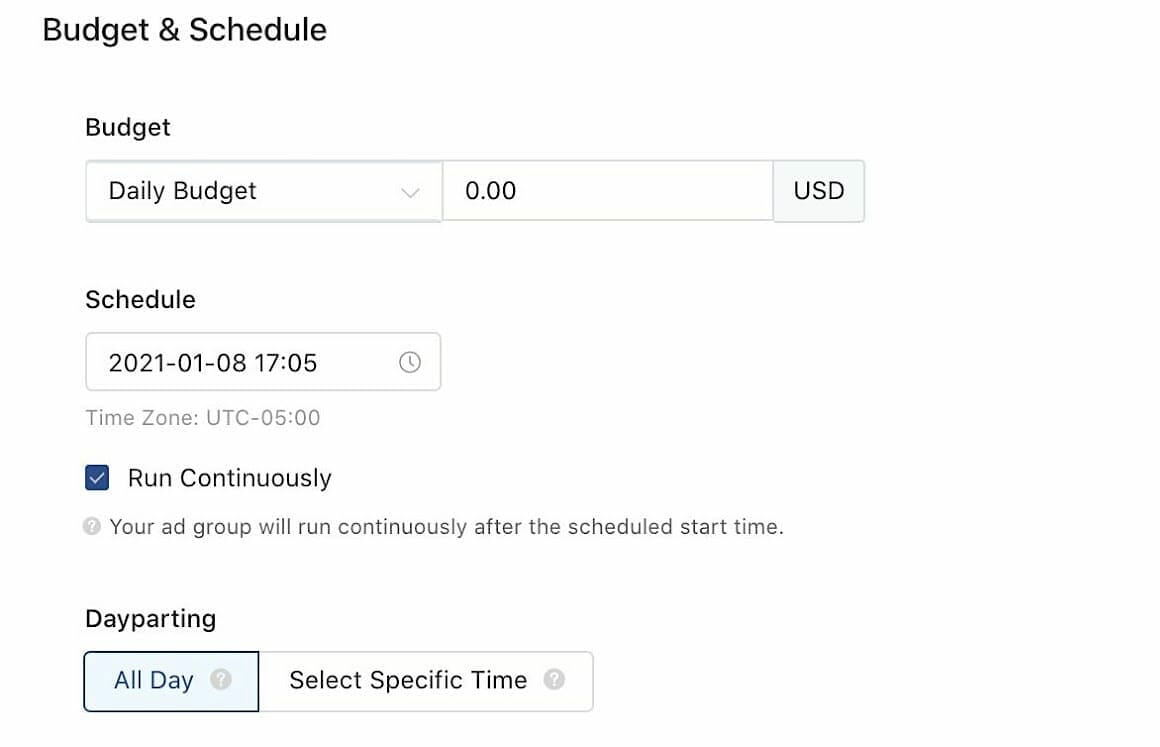
Next, define your budget and bidding strategy.
- Choose between a daily budget or a lifetime budget.
- Decide whether to use automatic bidding (let TikTok optimize for you) or manual bidding (set your own bids).
For beginners, automatic bidding is recommended as it helps maximize performance without constant adjustments.
6. Choose Your Audience Targeting

TikTok allows you to target specific demographics, interests, and behaviors.
- Use Custom Audiences to target people who have interacted with your brand before.
- Use Lookalike Audiences to find new users similar to your existing customers.
- Use Interest-Based Targeting to reach users who engage with content related to your niche.
You can also exclude certain groups, such as past customers or users who have already converted.
7. Select Your Ad Placements
TikTok offers multiple ad placements to choose from:
- In-Feed Ads: Appear in the For You Page and look like regular TikTok videos.
- TopView Ads: The first ad users see when they open the app.
- Branded Hashtag Challenges: Encourage user-generated content using a custom hashtag.
- Spark Ads: Boost your organic content to reach a wider audience.
For your first campaign, In-Feed Ads are a great starting point as they blend naturally with user content.
8. Upload Your Creative Content
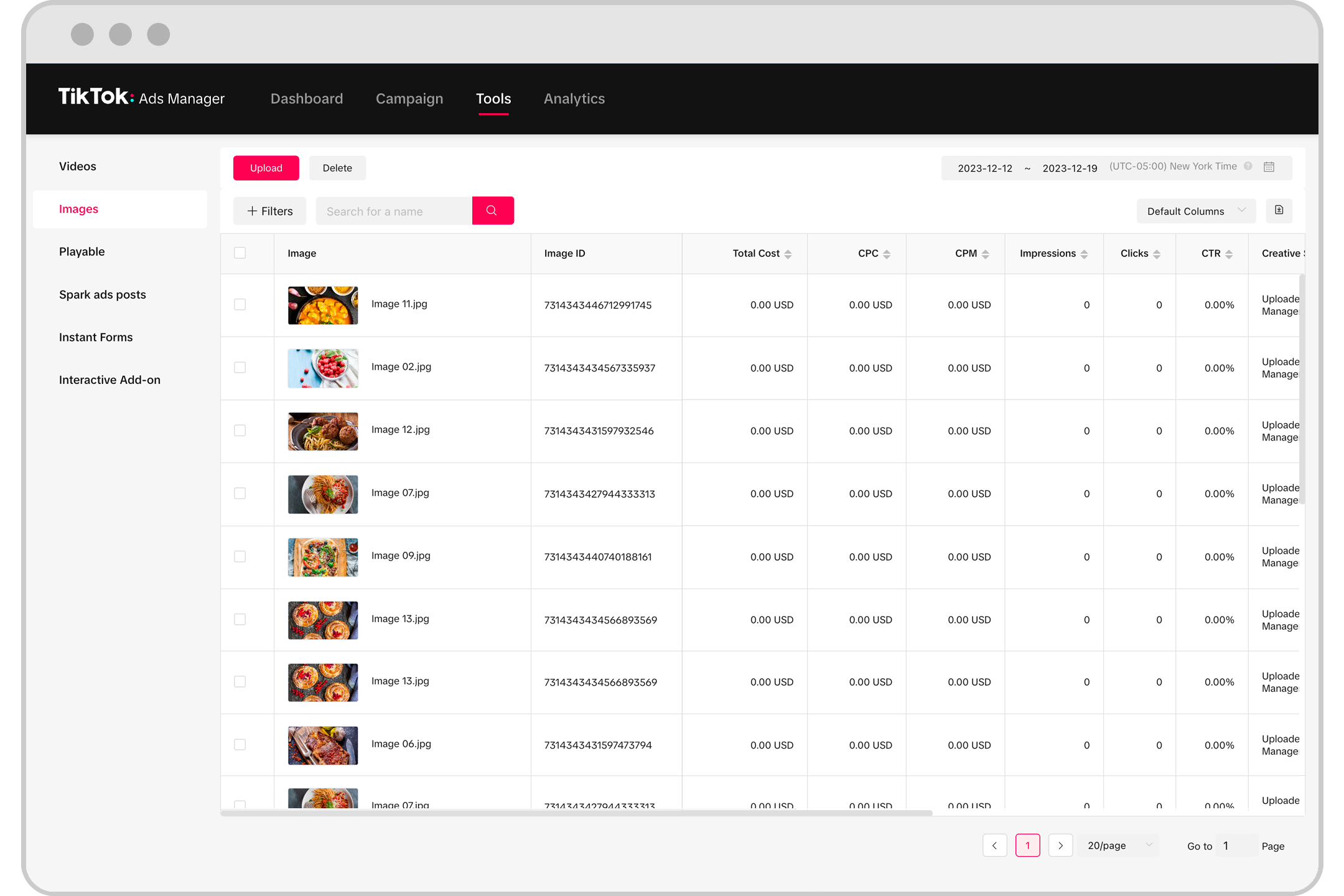
Now it's time to upload your ad creative.
- Choose between automated creative optimization (let TikTok generate variations) or manually uploaded content.
- Ensure your video is in vertical 9:16 format and under 60 seconds.
- Add captions, text overlays, and music to enhance engagement.
If you're using Spark Ads, select a video from your TikTok profile to boost it.
9. Add Interactive Elements and CTAs
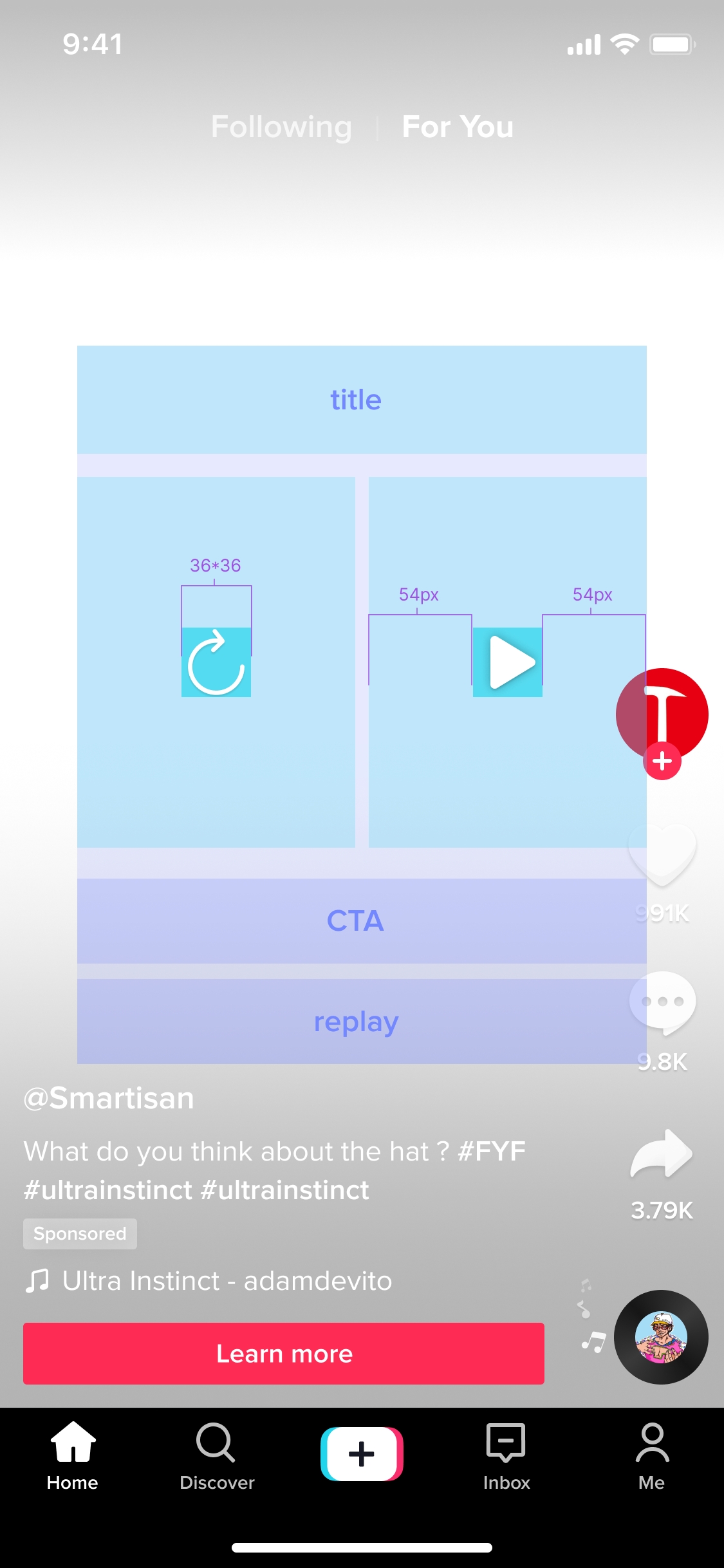
Make your ad more engaging by adding interactive elements like polls, questions, or swipe-up links.
Also, include a clear Call to Action (CTA) such as "Shop Now," "Learn More," or "Download."
10. Review and Submit Your Ad
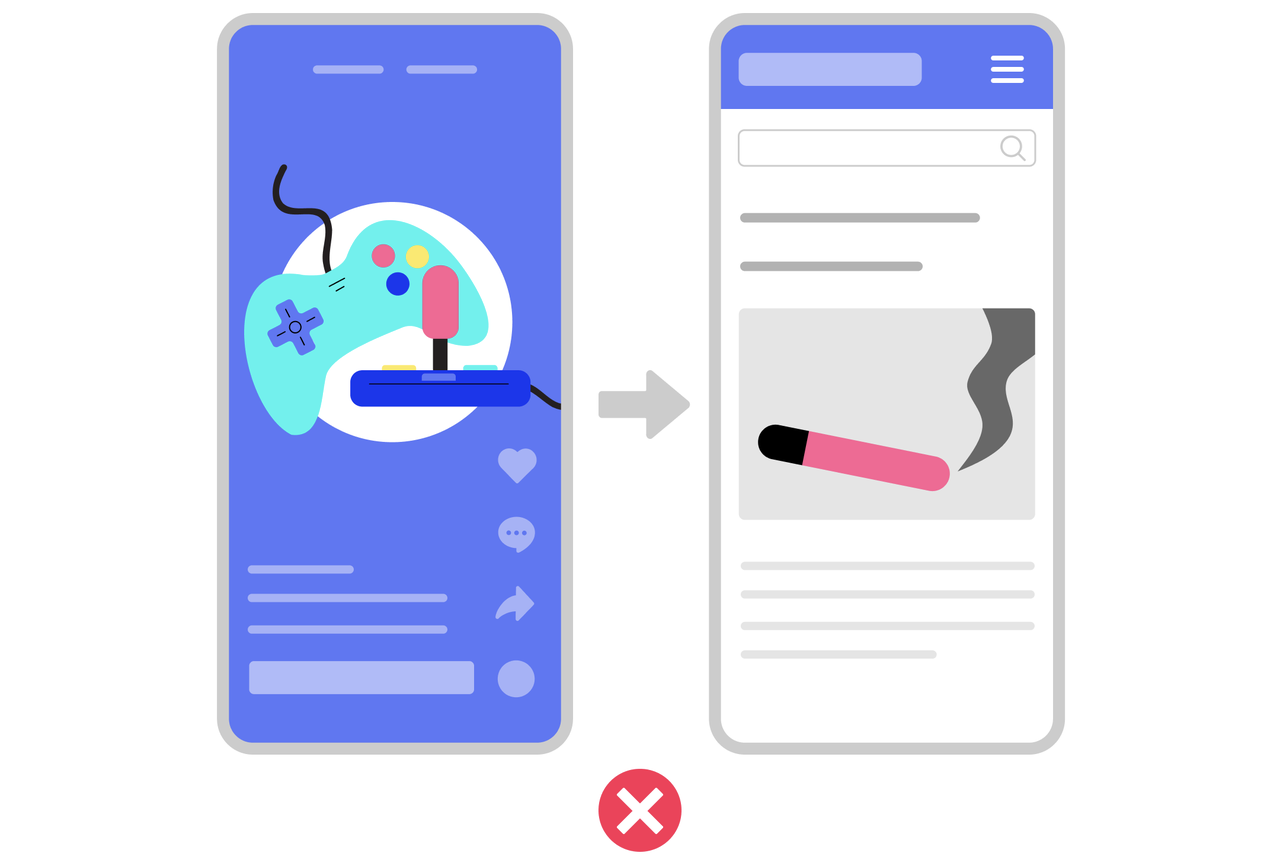
Before submitting, double-check your ad settings:
- Confirm your destination URL (e.g., landing page, product page, or TikTok Shop).
- Ensure your audience targeting is accurate.
- Check that your creative content meets TikTok’s guidelines.
Once everything looks good, click Submit and wait for approval. TikTok typically reviews ads within 24 hours.
Best Practices for TikTok Ads

To maximize the performance of your TikTok ads, follow these best practices:
- Use authentic, native-style content: TikTok users prefer content that feels real and relatable.
- Optimize for short attention spans: Keep your video concise and hook viewers in the first 3 seconds.
- Leverage trending sounds and hashtags: Join popular trends to increase visibility.
- Test different creatives: Run A/B tests to see what works best for your audience.
- Track your metrics: Monitor key performance indicators (KPIs) like CTR, CPA, and ROAS to refine your strategy.
Conclusion
Setting up your first TikTok ad doesn’t have to be complicated. By following this easiest TikTok ad setup tutorial, you can launch a successful campaign in no time. Whether you're promoting a product, building brand awareness, or driving traffic to your website, TikTok offers a powerful platform to connect with your audience.
Remember, consistency and creativity are key. Keep experimenting with different formats, targeting strategies, and content styles to find what works best for your brand. With the right approach, TikTok can become a valuable asset in your marketing arsenal.

Posting Komentar untuk "The Easiest TikTok Ad Setup Tutorial for 2024"
Posting Komentar