
The Ultimate Detailed TikTok Ads Setup Guide for 2024
TikTok has become a dominant force in the social media landscape, with over 1.9 billion registered users as of 2026. Its unique blend of entertainment and marketing potential makes it an essential platform for businesses and creators alike. For those looking to leverage TikTok's vast audience, setting up effective TikTok ads is crucial. This guide will walk you through the detailed process of creating and managing TikTok ads, ensuring your campaigns are optimized for maximum impact.
Understanding TikTok Ad Formats
Before diving into the setup process, it's important to understand the different ad formats available on TikTok. Each format has specific requirements and best practices to ensure your ads resonate with the right audience.
In-Feed Video Ads
In-feed video ads appear in the 'For You' feed of users, making them ideal for reaching a broad audience. These ads can include video creatives, brand or app names, ad descriptions, and a call-to-action (CTA) button.
Specs for In-Feed TikTok Video Ads: - Aspect Ratio: Recommended aspect ratios are 9:16, 1:1, or 16:9, with 9:16 being the best for most native experiences. - Video Resolution: Minimum resolution should be 540x960px, 640x640px, or 960x540px. - File Type: Acceptable formats include .mp4, .mov, .mpeg, .3gp, or .avi. - Video Length: Videos should be between 5 to 60 seconds, with 9 to 15 seconds optimal for engagement. - File Size: Maximum file size is 500MB. - Ad Description: 1 to 100 Latin alphabet characters are supported, excluding emojis and special characters like "{ }" or "#". - Brand/App Name: 2-20 English characters are allowed for brand names. For app names, the range is 4-40 characters.
Topview TikTok Video Ads
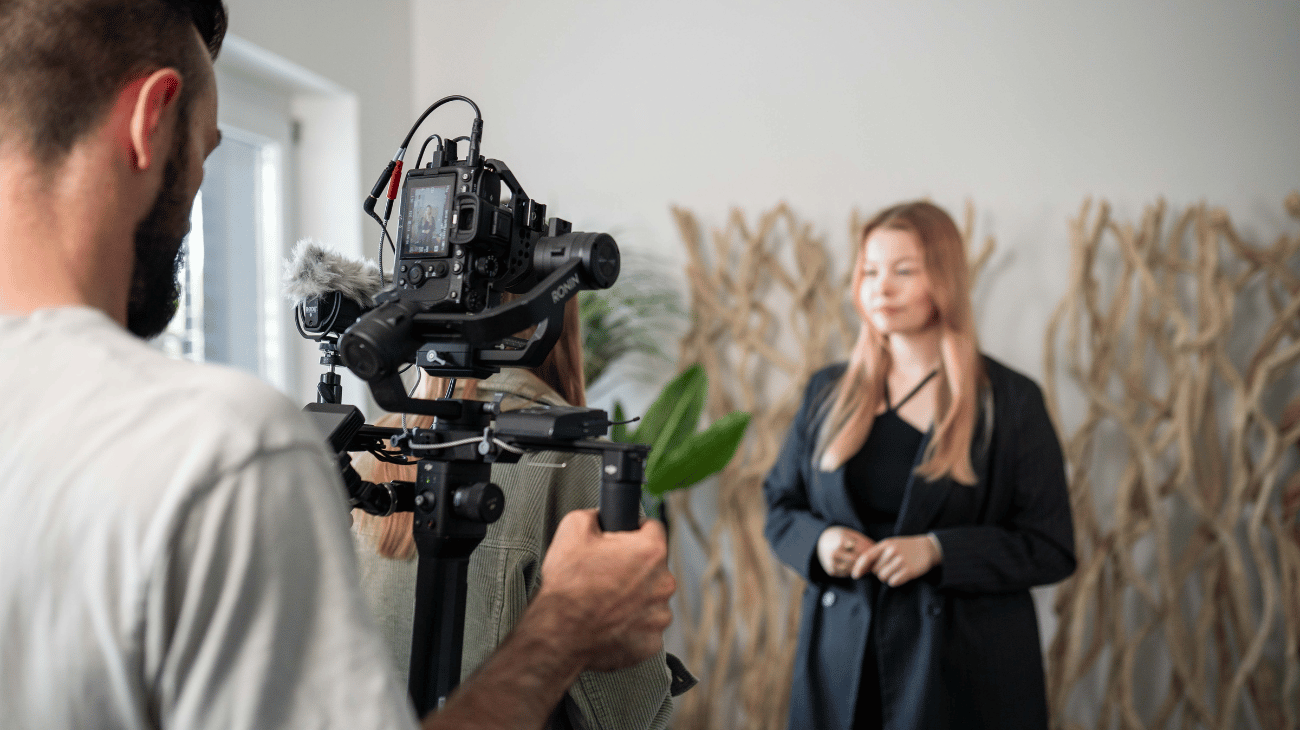
Topview TikTok video ads offer an immersive viewing experience, lasting up to 60 seconds. They appear at the top of the 'For You' page, providing high visibility.
Specs for Topview TikTok Video Ads: - Aspect Ratio: 9:16. - Video Length: Maximum length is 60 seconds. - File Types: Supported formats are .mp4, .mov, .mpeg, .3gp, or .avi. - File Size: Maximum file size is 500 MB.
Brand Takeover Ads
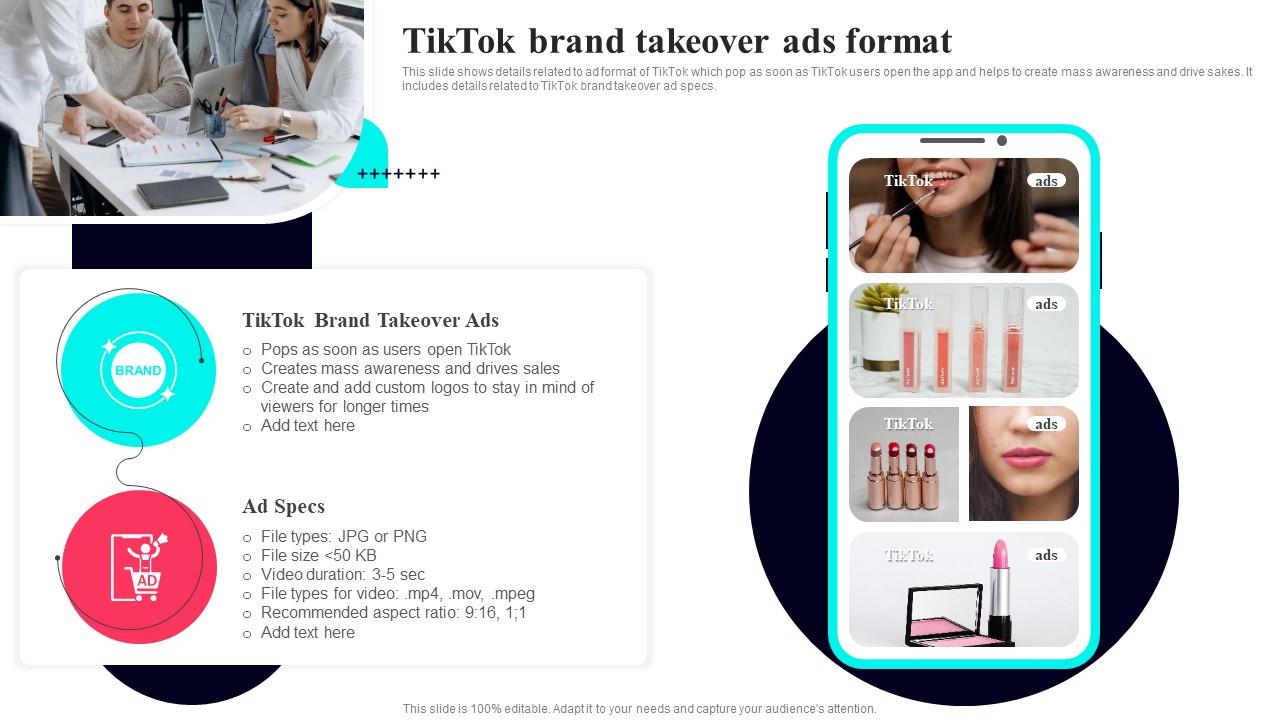
Brand Takeover ads are short TikTok videos that play immediately when a TikTok user opens the app, capturing immediate attention.
Specs for Brand Takeover Ads: - Aspect Ratio: 9:16. - Video Length: Maximum length is 5 seconds. - File Types: Formats include .mp4, .mov, .mpeg, .3gp, or .avi. - File Size: Maximum file size is 500 MB.
Branded Hashtag Challenge
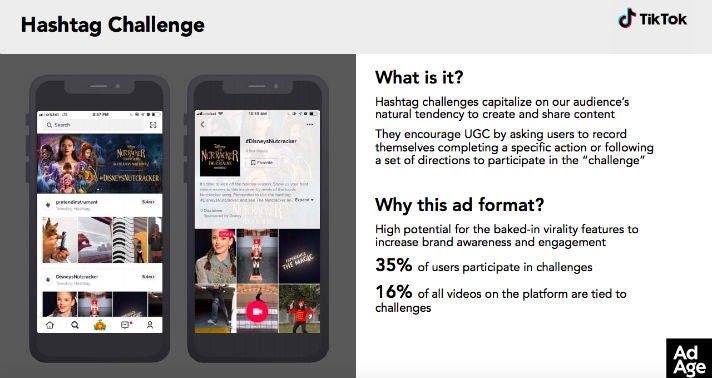
This video ad format leverages user participation in a branded challenge, promoting high engagement.
Specs for Branded Hashtag Challenge: - Aspect Ratio: 9:16. - Video Length: Up to 60 seconds. - File Types: Supported formats include .mp4, .mov, .mpeg, .3gp, or .avi. - File Size: Maximum file size is 500 MB.
Setting Up Your TikTok Ads Campaign
Now that you understand the different ad formats, let's dive into the step-by-step process of setting up your TikTok ads campaign.
Step 1: Create a Business Account
To access TikTok Ads Manager, you need to create a business account. This allows you to manage your ads, track performance, and access advanced features.
Step 2: Set Up Your Ad Account
Once you have a business account, you'll need to set up an ad account. This involves providing basic information about your business and linking it to your TikTok account.
Step 3: Choose Your Ad Objective
TikTok offers several ad objectives to choose from, including: - Awareness: Increase brand awareness. - Consideration: Drive traffic to your website or app. - Conversion: Encourage users to make a purchase or sign up for a service.
Select the objective that aligns with your campaign goals.
Step 4: Define Your Target Audience
TikTok allows you to define your target audience based on various criteria, including: - Demographics: Age, gender, location, etc. - Interests: Hobbies, preferences, and behaviors. - Behaviors: Purchase history, device usage, etc.
Use these targeting options to ensure your ads reach the right people.
Step 5: Create Your Ad Content
Create engaging ad content that aligns with your campaign goals. Use high-quality visuals, compelling text, and relevant audio to capture attention.
Tips for Creating Effective Ad Content: - Hook Viewers Early: Start with a strong visual or question to grab attention. - Use Trending Sounds: Incorporate popular sounds to increase engagement. - Include a Clear CTA: Encourage viewers to take action, such as visiting your website or downloading your app.
Step 6: Set Your Budget and Schedule
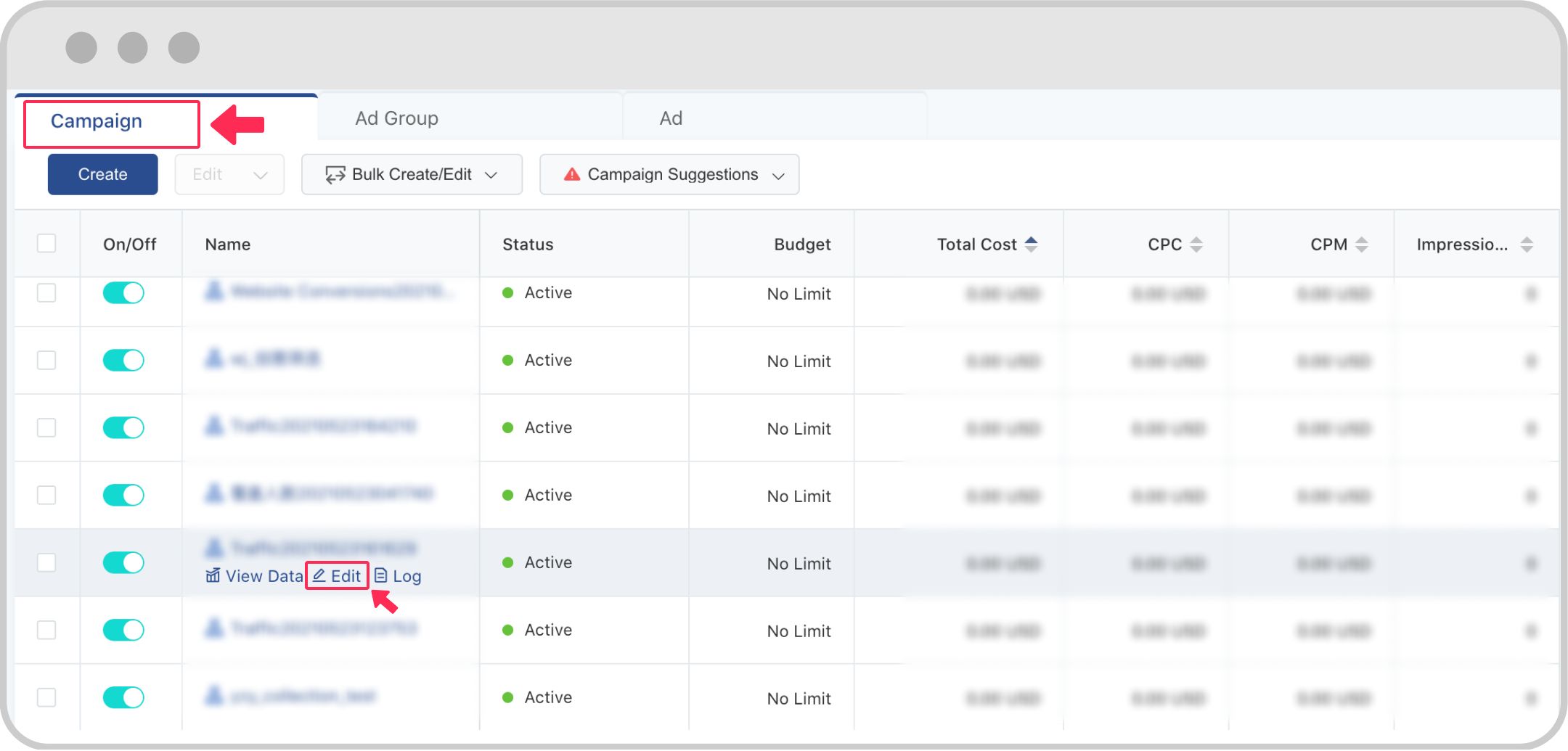
Determine your budget and schedule for your ad campaign. TikTok allows you to set daily or total budgets, giving you control over your spending.
Step 7: Launch and Monitor Your Campaign
Once your ad is set up, launch your campaign and monitor its performance. Use TikTok Ads Manager to track key metrics such as views, clicks, and conversions.
Key Metrics to Track: - Impressions: The number of times your ad was shown. - Click-Through Rate (CTR): The percentage of users who clicked on your ad. - Conversion Rate: The percentage of users who completed a desired action.
Regularly review these metrics to optimize your campaign and improve performance.
Best Practices for TikTok Ads
To maximize the effectiveness of your TikTok ads, follow these best practices:
1. Optimize for Mobile
TikTok is primarily a mobile platform, so ensure your ads are optimized for mobile viewing. Use vertical video formats and clear, readable text.
2. Leverage User-Generated Content
User-generated content (UGC) can increase trust and engagement. Encourage your followers to create content related to your brand and feature it in your ads.
3. Test Different Ad Formats
Experiment with different ad formats to see what works best for your audience. A/B testing can help you identify the most effective strategies.
4. Use Relevant Hashtags
Include relevant hashtags in your ad content to increase visibility and reach. Research popular hashtags in your niche and incorporate them into your posts.
5. Engage with Your Audience
Engage with your audience by responding to comments, asking questions, and encouraging interactions. Building a community around your brand can enhance engagement and loyalty.
Conclusion
Setting up TikTok ads requires a strategic approach and a deep understanding of the platform's capabilities. By following this detailed guide, you can create effective ad campaigns that resonate with your target audience and drive meaningful results. Remember to continuously monitor and optimize your campaigns to stay ahead in the competitive world of digital marketing.

Posting Komentar untuk "The Ultimate Detailed TikTok Ads Setup Guide for 2024"
Posting Komentar