
Complete Walkthrough for Setting Up TikTok Ads in 2024
TikTok has emerged as a powerful platform for digital marketing, offering brands a unique opportunity to connect with a vast and engaged audience. With over 1 billion active users, TikTok provides a dynamic environment where brands can leverage short-form video content to drive engagement, awareness, and conversions. If you're looking to expand your advertising strategy into TikTok, this comprehensive walkthrough will guide you through the process of setting up TikTok ads effectively.
Why TikTok Ads Matter
TikTok is no longer just a platform for teenagers; it's a hub for diverse audiences, with 75% of users over 20 years old. This makes it an ideal space for brands across various industries to reach new customers. Unlike traditional platforms like Meta or Google, TikTok offers a more authentic and engaging way to interact with users, especially younger demographics. Whether you're promoting a product, service, or brand, TikTok ads can be a game-changer if set up correctly.
Step-by-Step Guide to Setting Up TikTok Ads
1. Create a TikTok Business Account
Before you can start running ads, you need a business account on TikTok. Here’s how to do it:
- Open the TikTok app.
- Tap on your profile icon.
- Go to "Settings and Privacy" > "Manage Account" > "Switch to Business Account."
- Follow the prompts to complete the switch.
This step not only gives you access to the TikTok Ads Manager but also provides valuable analytics to help you understand your audience better.
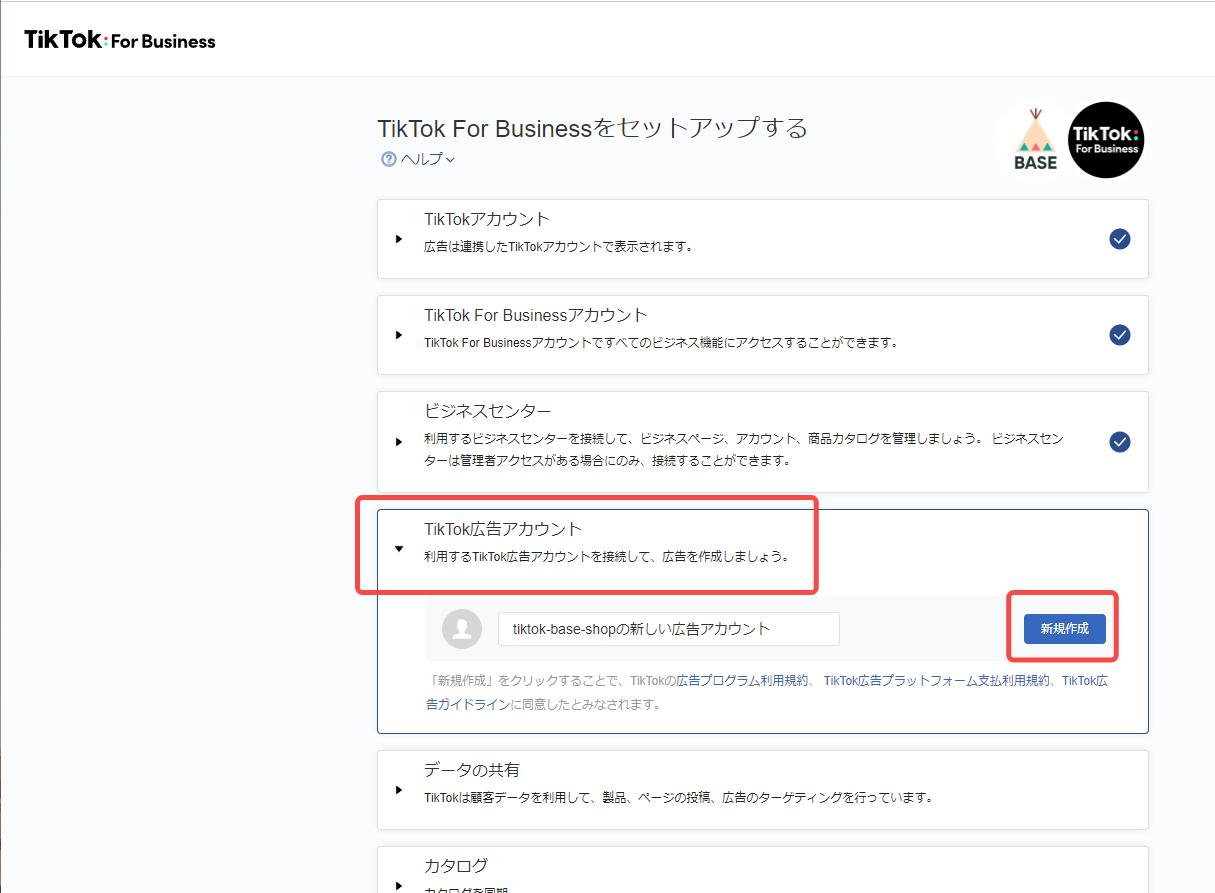
2. Set Up Your Ad Account

Once you have a business account, the next step is to create an ad account:
- Log in to the TikTok Ads Manager at ads.tiktok.com.
- Click on "Create Ad Account."
- Fill in your country/region and specify the purpose of your ad account (e.g., promoting a website, app, or brand).
This setup ensures that you have the necessary tools and permissions to manage your campaigns effectively.
3. Implement Pixel Tracking
To track the performance of your ads, you'll need to install the TikTok pixel on your website. You can do this by:
- Using Google Tag Manager (GTM) to add the pixel.
- Manually adding the pixel code to your site.
- Using the TikTok integration for Shopify or WooCommerce stores.
This tracking will allow you to measure conversions, optimize your campaigns, and gain insights into user behavior.
4. Choose Your Campaign Objective
In the TikTok Ads Manager, select the campaign objective that aligns with your goals. There are three main categories:
- Awareness: Focuses on maximizing reach and visibility.
- Consideration: Targets users who are likely to take specific actions (e.g., clicks, app installs).
- Conversion: Designed for eCommerce brands aiming to drive sales through ads and catalog sales.
Choose the objective that best fits your business needs and budget.
5. Set Up Your Ad Group

Once your campaign is set up, you’ll move to the ad group level. Here, you’ll define key parameters such as:
- Ad Placement: Choose between automatic (let TikTok decide where to show your ad) or manual (select specific placements).
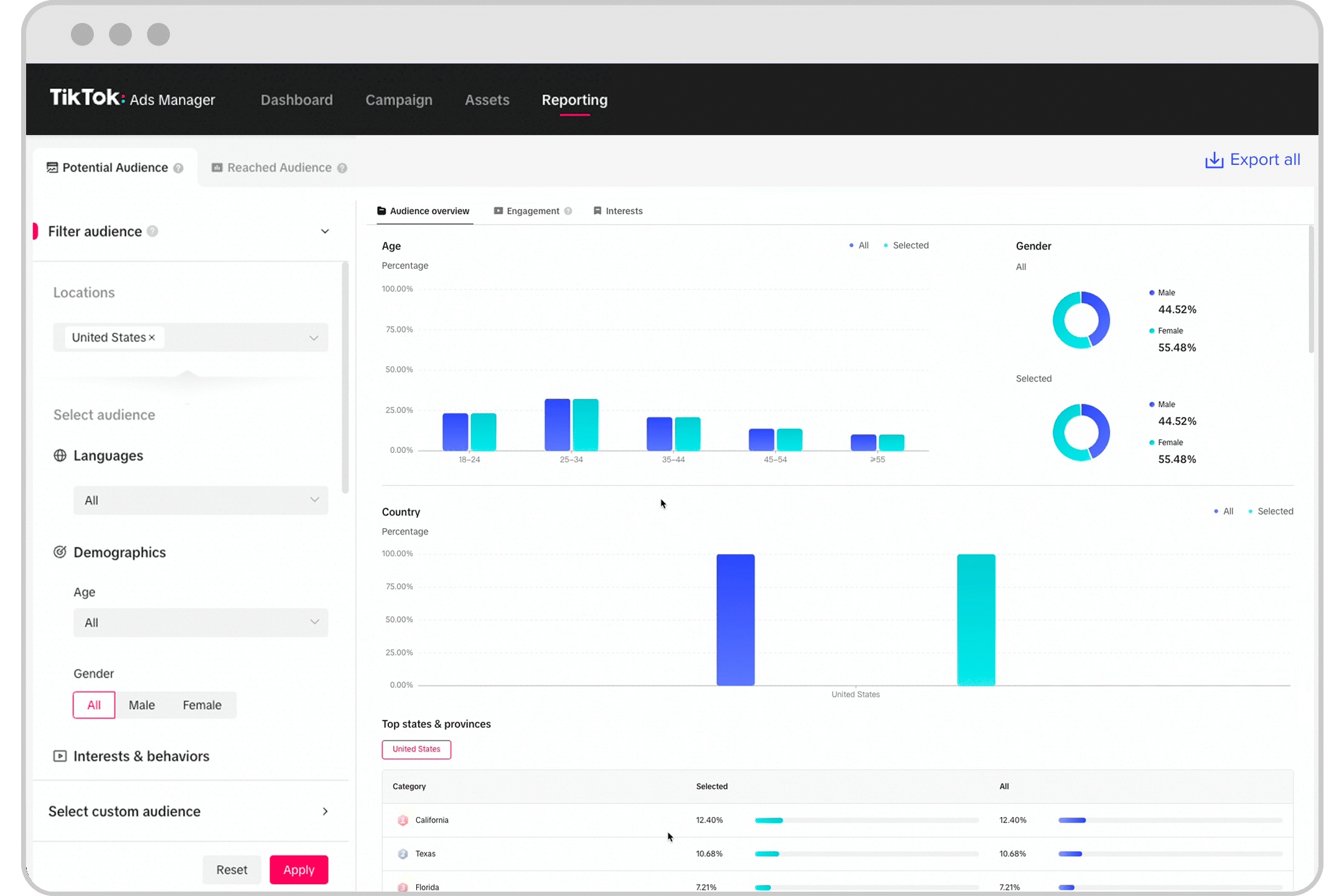
- Audience Targeting: Use custom targeting to define demographics, interests, behaviors, and more. You can also use automatic targeting if you prefer TikTok to handle the selection.
- Budget and Schedule: Set a daily or lifetime budget, and choose whether your campaign runs indefinitely or has a specific end date.
This step is crucial as it determines who will see your ads and how they perform.
6. Create Your Ad Content
Now it’s time to create your ad content. You have two options:
- Spark Ads: Boost existing TikTok posts by using organic content as an ad. This is great for leveraging content that already resonates with your audience.
- Custom Ads: Upload new videos specifically created for your ad campaign. Ensure your content follows TikTok’s specifications, including video resolution, length, and format.
When creating your ad, make sure it’s in the TikTok style—vertical videos with a 9:16 ratio, engaging music, and clear calls-to-action.
7. Optimize and Submit
After creating your ad, review it for quality and compliance with TikTok’s guidelines. Once everything looks good, submit your ad for review. TikTok will check your ad before it goes live, so be patient during this process.
Best Practices for TikTok Ads
To maximize the effectiveness of your TikTok ads, consider these best practices:
- Use the Right Format: TikTok-style content works best. Keep your videos short, engaging, and authentic.
- Leverage Music and Sounds: Incorporate popular tracks from TikTok’s music library to enhance engagement.
- Optimize Video Length: Aim for 9–15 seconds to capture attention quickly.
- Include Compelling CTAs: Clearly state what action you want viewers to take, such as “Shop Now” or “Learn More.”
- Collaborate with Creators: Partner with TikTok creators to tap into their audiences and build trust.
- Monitor and Adjust: Use TikTok’s analytics tools to track performance and make adjustments as needed.
Conclusion
Setting up TikTok ads in 2024 is a strategic move that can significantly boost your brand’s visibility and engagement. By following this step-by-step guide, you’ll be well-equipped to create effective campaigns that resonate with your target audience. Remember, success on TikTok requires creativity, authenticity, and continuous optimization. Start experimenting today and unlock the full potential of TikTok advertising for your business.

Posting Komentar untuk "Complete Walkthrough for Setting Up TikTok Ads in 2024"
Posting Komentar