
How to Configure TikTok Business Suite: A Step-by-Step Guide for Marketers
TikTok has become a powerhouse for businesses looking to connect with their target audience in a dynamic and engaging way. As the platform continues to evolve, so do the tools available to marketers. One of the most powerful tools at your disposal is TikTok Business Suite. This all-in-one platform allows businesses to manage their presence on TikTok more effectively, from content creation to analytics and advertising. If you're looking to take your TikTok marketing strategy to the next level, this guide will walk you through how to configure TikTok Business Suite.
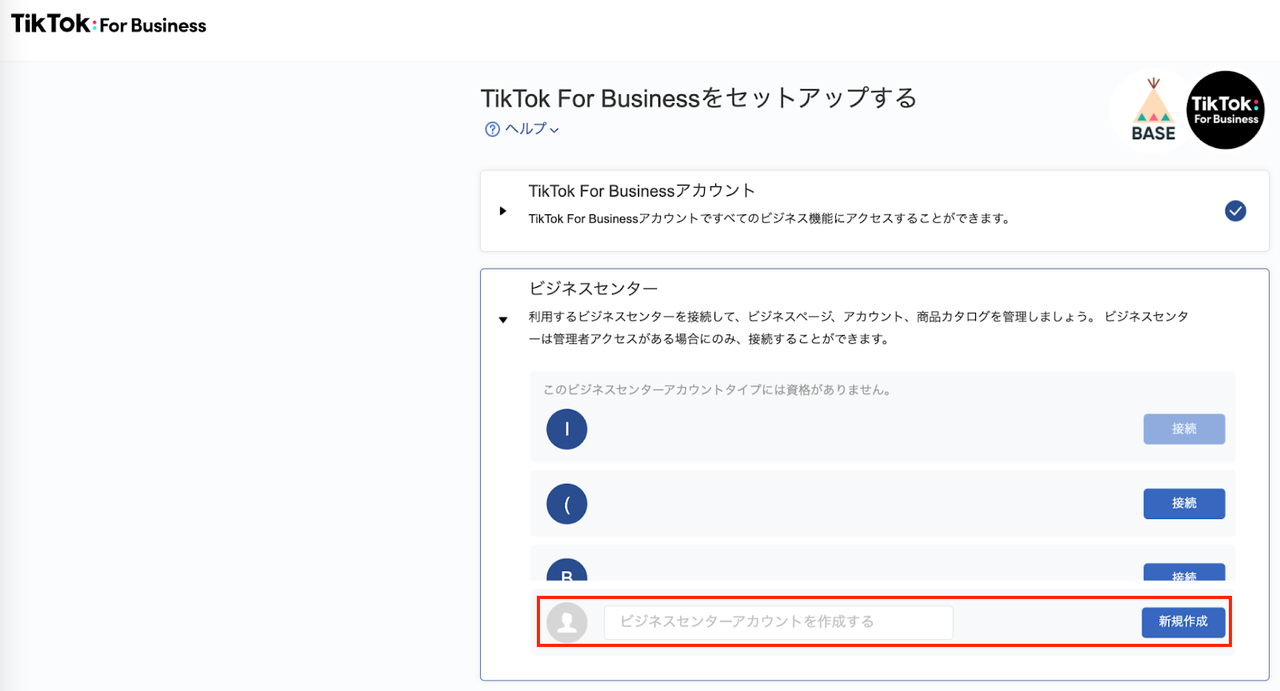
What is TikTok Business Suite?

TikTok Business Suite is an advanced management platform designed specifically for businesses and creators who want to maximize their impact on TikTok. It combines features from TikTok Ads Manager, TikTok Analytics, and business account management into one centralized dashboard. This means you can track performance, manage advertising campaigns, and optimize your content strategy—all in one place.
Key Features of TikTok Business Suite
- Centralized Management: Access content, advertising, and analytics from a single dashboard.
- Advanced Analytics: Get detailed insights into video views, engagement rates, follower growth, and audience demographics.
- Professional Tools: Use content scheduling, team collaboration, and campaign management features.
- Advertising Integration: Seamlessly connect your organic content with paid advertising.
Step-by-Step Guide to Configuring TikTok Business Suite
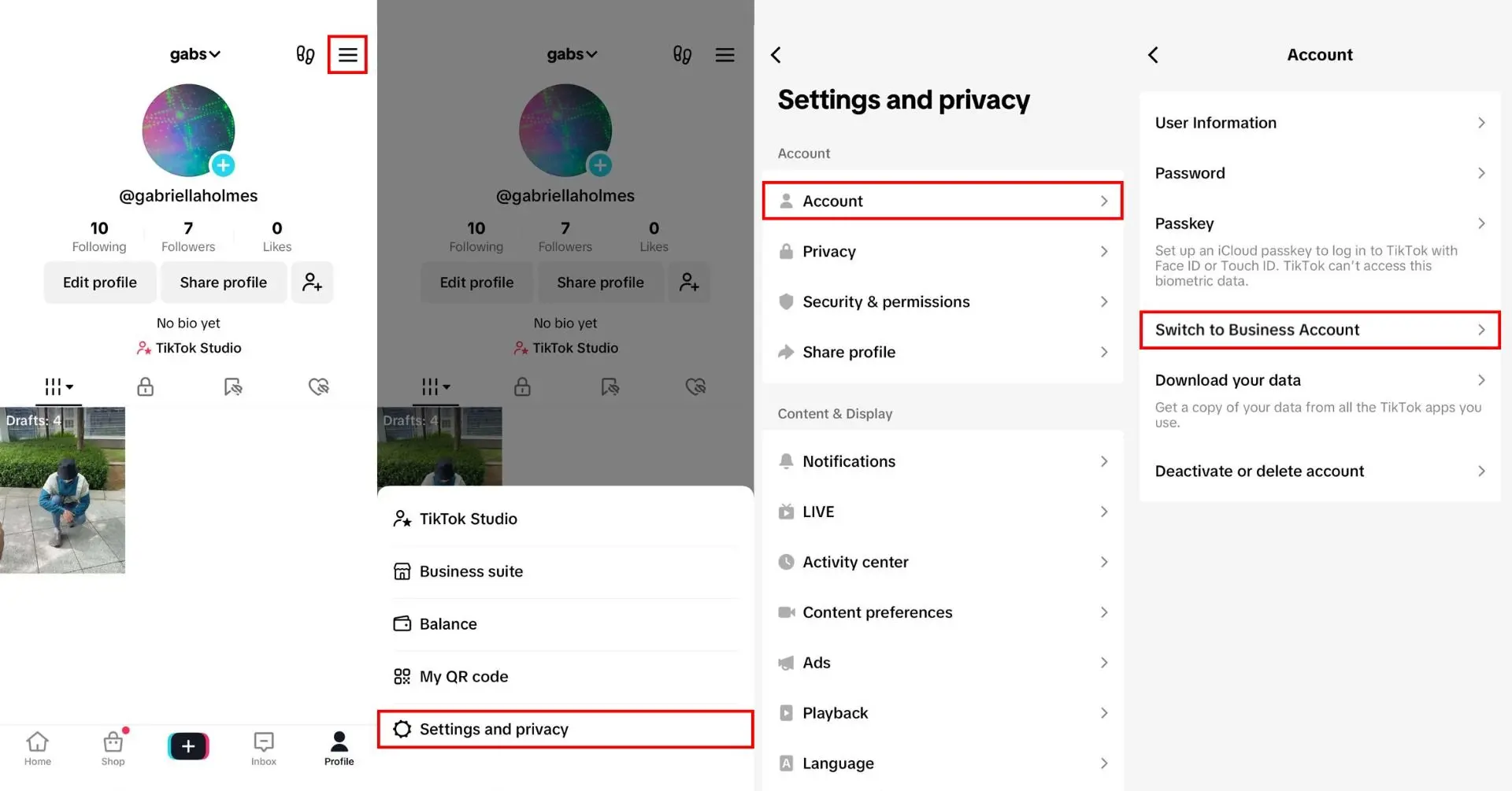
1. Convert Your Personal Account to a Business Account
Before you can access TikTok Business Suite, you need to convert your personal TikTok account into a business account. Here’s how:
- Open the TikTok app and go to your profile.
- Tap the three dots (or the settings icon) in the top-right corner.
- Select "Manage Account."
- Choose "Switch to Business Account."
- Follow the prompts to complete the verification process, including providing your business information and payment details.
Once you’ve completed these steps, you’ll have access to the full range of Business Suite features.
2. Set Up Your Business Profile

After converting to a business account, it's essential to set up your profile correctly. This includes:
- Business Information: Add your company name, description, website, and contact details.
- Category Selection: Choose relevant business categories to help TikTok’s algorithm target the right audience.
- Notification Preferences: Set up alerts for performance milestones, campaign updates, and engagement spikes.
3. Connect Your Website and E-commerce Platforms
To fully leverage TikTok Business Suite, you need to integrate it with your existing digital assets. Here’s how:
- Website Integration: Install the TikTok Pixel on your website to track user behavior and retarget visitors.
- E-commerce Platforms: Connect Shopify, WooCommerce, or other e-commerce systems to sync product catalogs and track sales.
- CRM Integration: Link your customer relationship management system to track leads and improve customer engagement.
4. Configure Analytics and Tracking
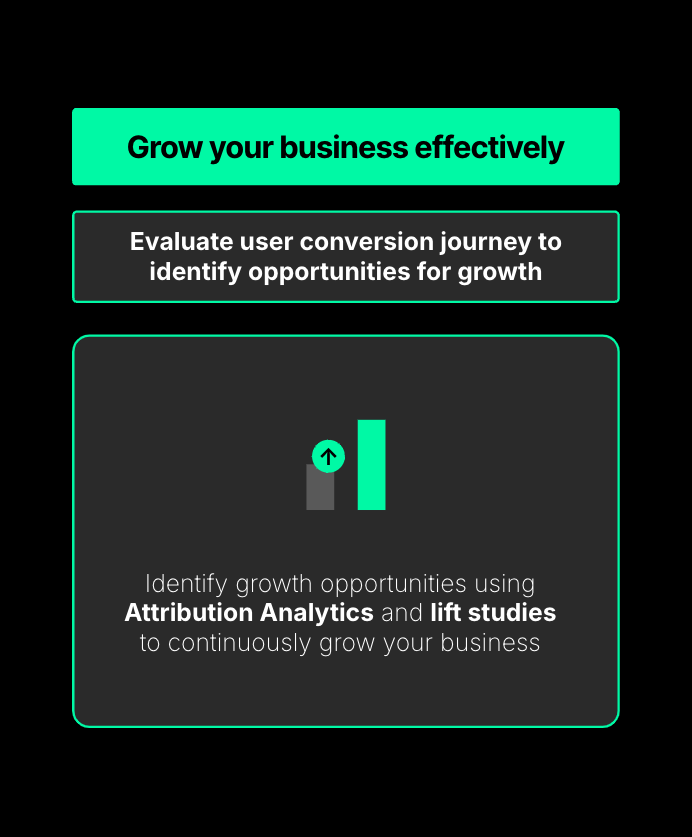
One of the most valuable aspects of TikTok Business Suite is its advanced analytics. To get the most out of this feature:
- Set Up Tracking: Configure tracking for website visits, app downloads, and conversion events.
- Custom Reports: Create automated reports for stakeholders and customize dashboards to focus on specific metrics.
- Data Export: Download detailed analytics data for external analysis and reporting.
5. Optimize Your Content Strategy
With the analytics tools in place, you can now use the insights to refine your content strategy. Consider the following:
- Trend Analysis: Identify emerging trends relevant to your industry and audience.
- Optimal Timing: Determine the best posting times based on audience activity patterns.
- Content Mix Optimization: Balance different content types based on performance data.
- Hashtag Strategy: Develop hashtag strategies based on performance analytics and trend data.
6. Manage Advertising Campaigns

TikTok Business Suite also offers robust advertising tools. To set up your campaigns:
- Campaign Types: Choose from brand awareness, traffic, lead generation, and conversions.
- Advanced Targeting: Use custom audiences, lookalike audiences, and interest-based targeting.
- Budget and Bidding: Set up smart bidding strategies and optimize your budget across ad sets.
- Performance Monitoring: Track real-time campaign performance and receive automated optimization suggestions.
7. Train Your Team and Establish Workflows
If you're working with a team, it's crucial to establish clear workflows and roles:
- Role-Based Access: Assign team members specific permissions for content creation, publishing, and analytics.
- Content Approval Workflows: Set up review processes for content quality and brand consistency.
- Communication Tools: Use built-in messaging and comment management for team coordination.
Best Practices for Using TikTok Business Suite
To make the most of TikTok Business Suite, consider the following best practices:
- Consistent Branding: Maintain visual and messaging consistency across all content.
- Regular Analysis: Conduct weekly performance reviews and monthly strategy adjustments.
- Compliance Management: Ensure adherence to TikTok’s business policies and advertising guidelines.
- Engage with Your Audience: Respond to comments and build genuine relationships with followers.
Conclusion
Configuring TikTok Business Suite is a critical step for any marketer looking to harness the power of TikTok for business growth. By following the steps outlined in this guide, you can set up your account, optimize your content strategy, and run effective advertising campaigns—all while gaining valuable insights into your audience and performance.
Whether you're a small business owner or a seasoned marketer, TikTok Business Suite provides the tools you need to succeed on one of the most popular social media platforms today. Start configuring your account today and unlock the full potential of TikTok for your business.

Posting Komentar untuk "How to Configure TikTok Business Suite: A Step-by-Step Guide for Marketers"
Posting Komentar