
How to Effectively Scale Your Ad Campaigns Using TikTok Manager
TikTok has rapidly become one of the most powerful platforms for digital advertising, offering brands a unique opportunity to connect with a massive and engaged audience. As more businesses recognize the potential of TikTok, the need to scale ad campaigns effectively has never been more critical. With TikTok Manager, advertisers can streamline their efforts, optimize performance, and reach new heights in engagement and conversions.
Understanding TikTok’s Ad Algorithm
Before diving into scaling strategies, it's essential to understand how TikTok ranks ads. While the platform keeps its exact algorithm under wraps, several key factors influence ad visibility:
- Ad Relevance: Ads that resonate with the target audience are prioritized.
- Ad Quality: High-quality content, including clear visuals and engaging storytelling, performs better.
- User Engagement: Likes, shares, comments, and watch time all play a role in ad ranking.
- Bid Price: While not the sole determinant, higher bids can help ads gain more visibility, especially as competition grows.
TikTok’s approach is similar to other major platforms like Google and Facebook, but with a unique twist due to its video-centric format. This means that creative, high-performing content often outshines lower-quality ads, even if they have a higher bid.
Setting Up Your TikTok Ad Campaign

To scale your ad campaigns effectively, start by structuring your campaigns properly within TikTok Manager. Here’s a step-by-step breakdown:
1. Define Your Campaign Objective
Choose an objective that aligns with your business goals. Common options include: - Traffic: Drive users to your website. - App Install: Encourage downloads of your mobile app. - Conversions: Track specific actions like purchases or sign-ups.
2. Create Ad Groups
Within each campaign, create multiple ad groups to test different audiences, creatives, and targeting strategies. This allows you to refine your approach based on performance data.
3. Set Target Audiences
Use TikTok’s advanced targeting features to define your ideal audience. Options include: - Age and gender - Location - Interests - Device type - Custom or lookalike audiences
You can also upload CSV files to target specific user lists.
Optimizing for Performance

Once your campaigns are set up, focus on optimizing them for maximum impact. Here are some key strategies:
1. Use Automated Creative Optimization
TikTok Manager offers automated tools that generate combinations of your creative assets (images, videos, and copy) to find the best-performing variations. This saves time and improves ad effectiveness.
2. Test Different Ad Formats
TikTok provides several ad formats, including: - In-Feed Video Ads: These appear in the user’s feed and are less disruptive. - TopView Ads: Full-screen ads that play when users open the app. - Brand Takeover Ads: High-impact ads that appear immediately upon opening the app. - Hashtag Challenges: Encourage user-generated content and brand interaction. - Shoppable Videos: Allow users to purchase products directly from the app.
Experiment with these formats to see which resonates best with your audience.
3. Monitor and Adjust Bidding Strategies
TikTok Manager allows you to choose between different bidding methods, such as: - CPC (Cost Per Click): Pay only when users click on your ad. - CPM (Cost Per Thousand Impressions): Pay for every 1,000 views. - CPV (Cost Per View): Pay when users watch your ad for at least six seconds.
Adjust your bids based on performance metrics and campaign goals.
Scaling Your Campaigns

Scaling your TikTok ad campaigns involves expanding your reach while maintaining or improving performance. Here are some effective scaling strategies:
1. Expand Target Audiences
As your campaigns gain traction, consider broadening your target audience. Use lookalike audiences to reach users similar to your existing customers.
2. Increase Budget Allocation
Allocate more budget to high-performing ad groups. TikTok Manager allows you to adjust daily or lifetime budgets easily.
3. Leverage A/B Testing
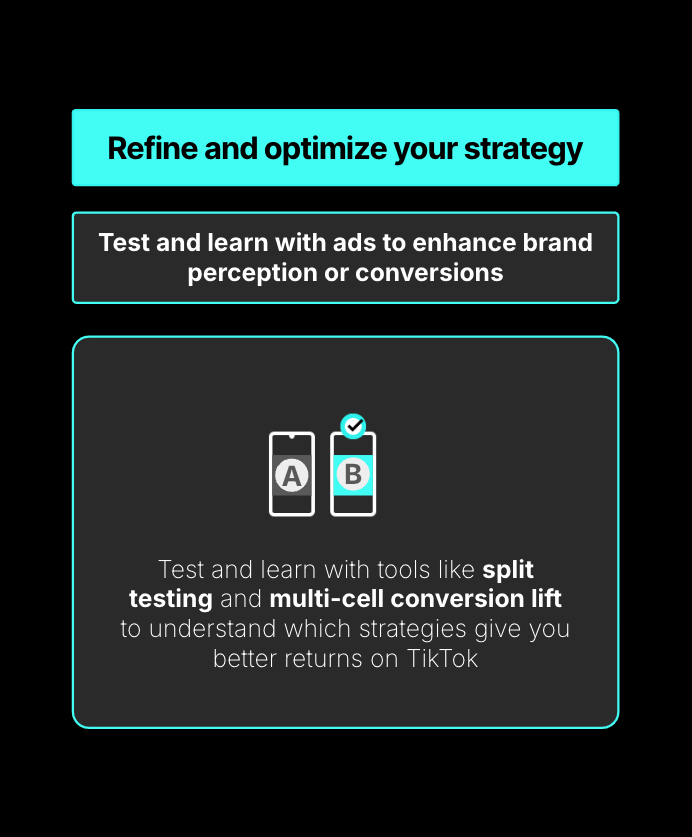
Test different creatives, headlines, and calls-to-action to identify what works best. Use the insights gained to refine and scale your top-performing ads.
4. Utilize TikTok’s Smart Optimization
Enable TikTok’s Smart Optimization feature to let the platform automatically adjust your ads for better performance. This includes optimizing for clicks, impressions, or conversions.
Conclusion
Scaling ad campaigns on TikTok requires a strategic approach that combines proper setup, continuous optimization, and data-driven decisions. By leveraging TikTok Manager’s tools and understanding the platform’s unique ad algorithm, you can maximize your return on investment and grow your brand effectively.
Whether you're just starting out or looking to expand your current campaigns, TikTok offers a powerful platform to connect with a vast and engaged audience. With the right strategies in place, you can unlock the full potential of TikTok advertising and achieve long-term success.

Posting Komentar untuk "How to Effectively Scale Your Ad Campaigns Using TikTok Manager"
Posting Komentar