
How to Fix Common TikTok Ads Manager Issues in 2024
TikTok has become one of the most popular platforms for both personal and business use, especially with its robust advertising tools. However, like any digital platform, users may encounter issues while using the TikTok Ads Manager. These problems can range from technical glitches to account-related errors, which can hinder your ability to run effective ad campaigns. In this article, we’ll explore common TikTok Ads Manager issues and provide actionable solutions to help you resolve them.

Common TikTok Ads Manager Issues and Solutions
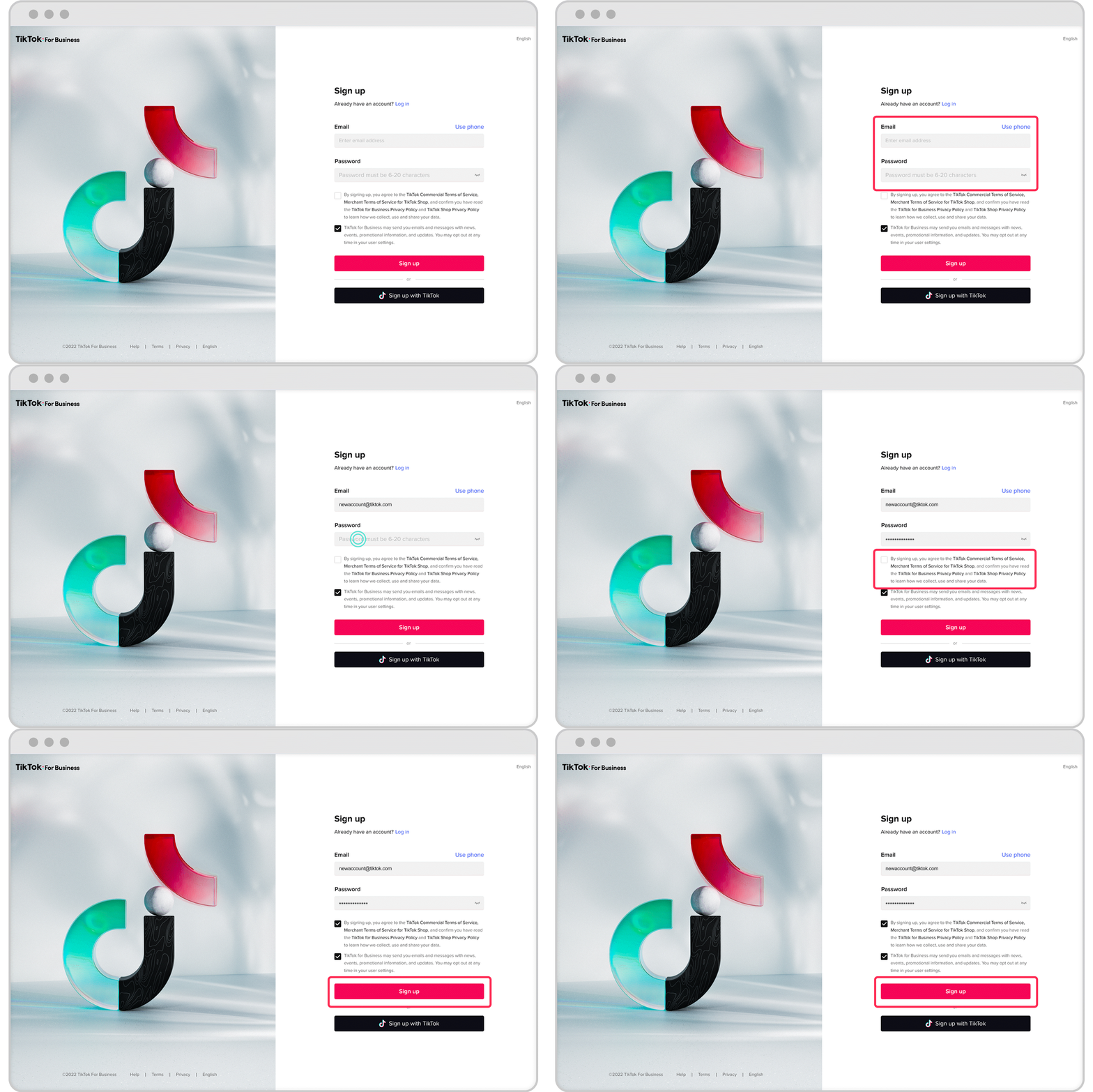
1. Login or Authentication Problems
One of the most frustrating issues users face is being unable to log in to their TikTok Ads Manager account. This could be due to incorrect login credentials, account suspension, or a temporary system error.
Solutions: - Double-check your username and password. - If you’ve forgotten your password, use the "Forgot Password" option to reset it. - Ensure that your account is not suspended by checking your email for any notifications from TikTok. - Clear your browser cache or try logging in from a different device or browser.
2. Campaign Creation or Editing Errors
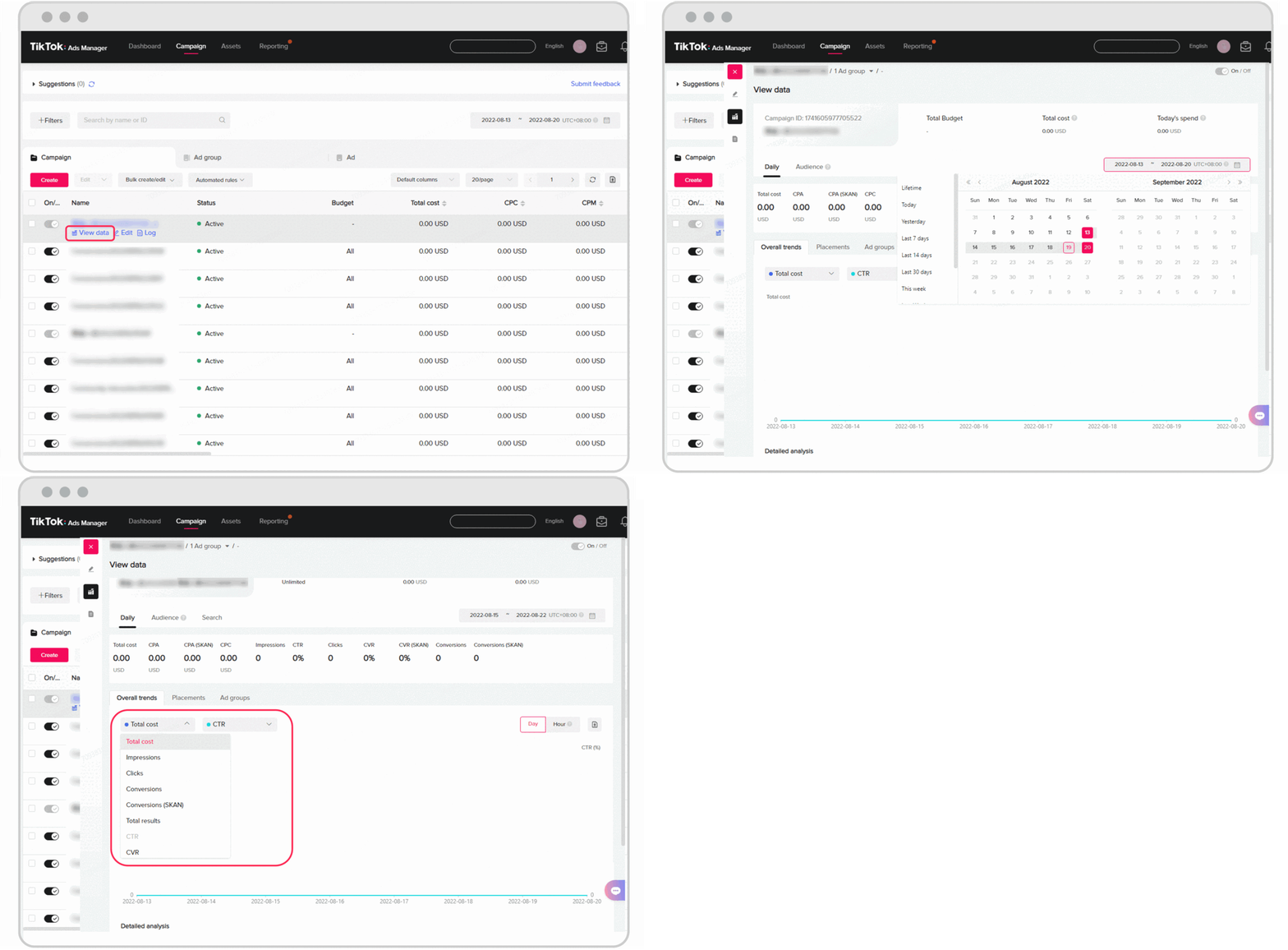
Users often encounter issues when trying to create or edit a campaign, such as the system crashing, error messages, or inability to save changes.
Solutions: - Make sure you're using the latest version of the TikTok Ads Manager. - Check your internet connection and ensure it's stable. - Try clearing your browser cache or using a different browser. - If the issue persists, contact TikTok support for assistance.
3. Ad Approval Delays or Rejections
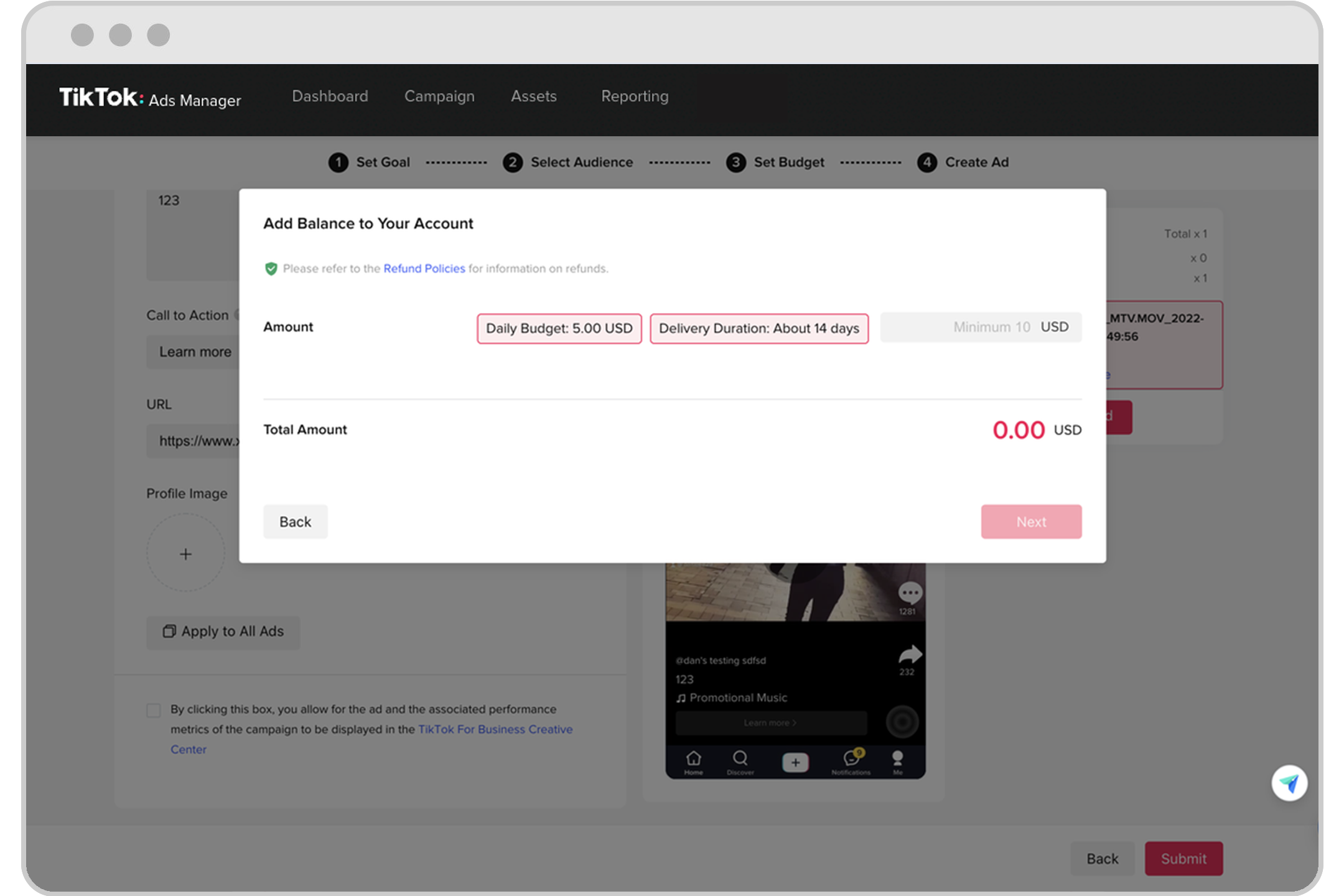
Ads may be delayed or rejected due to policy violations, inappropriate content, or missing information.
Solutions: - Review TikTok’s advertising policies to ensure your ad complies with all guidelines. - Check for any errors in your ad content, such as incorrect links, missing call-to-action buttons, or inappropriate visuals. - Resubmit your ad after making necessary adjustments.
4. Budget or Payment Issues
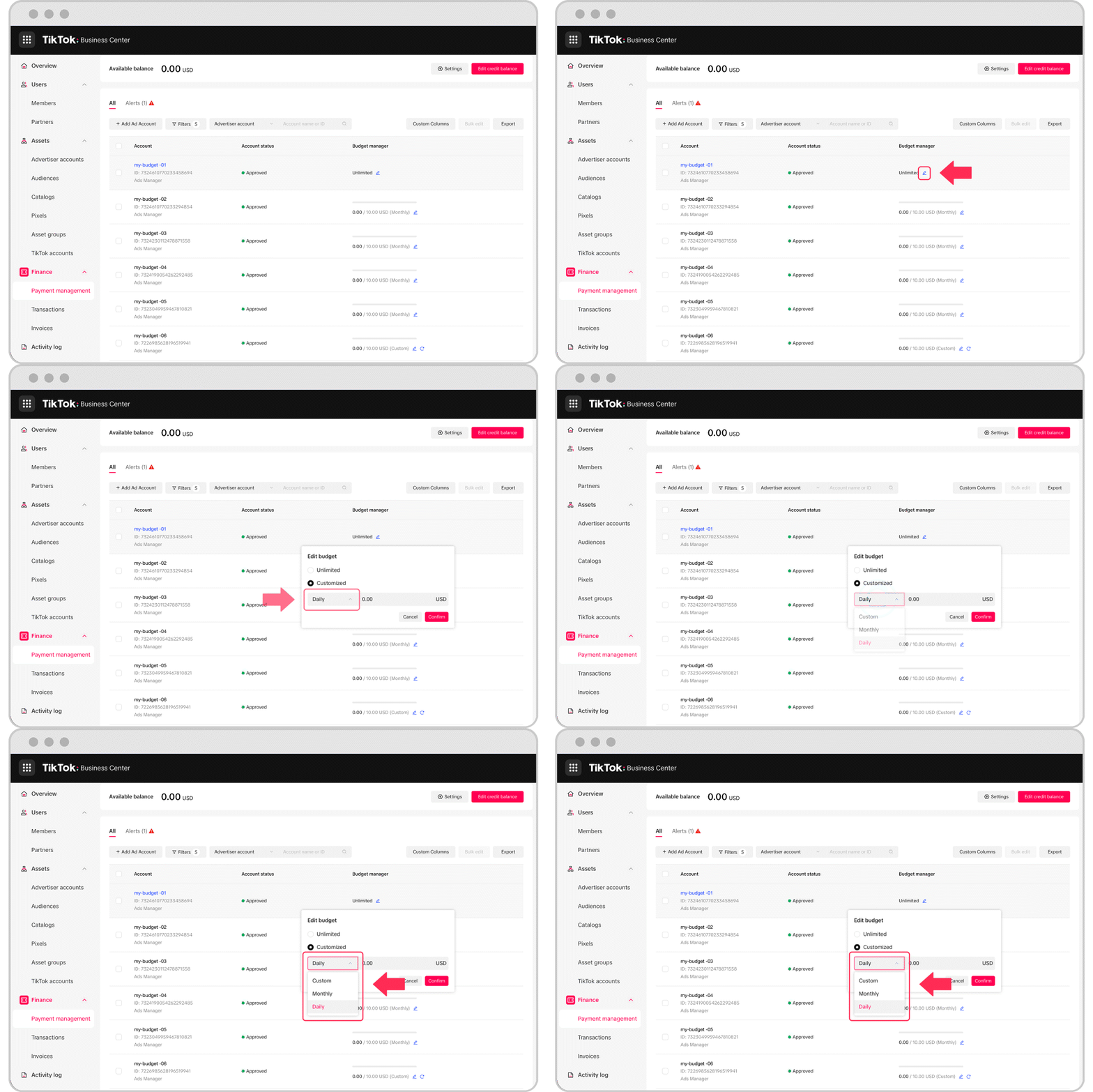
Users might face difficulties when setting up or updating their ad budgets, or when processing payments.
Solutions: - Verify that your payment method is valid and up to date. - Ensure that your account is linked to a verified bank account or payment method. - If you’re experiencing payment issues, contact TikTok support for further assistance.
5. Performance Tracking and Reporting Glitches
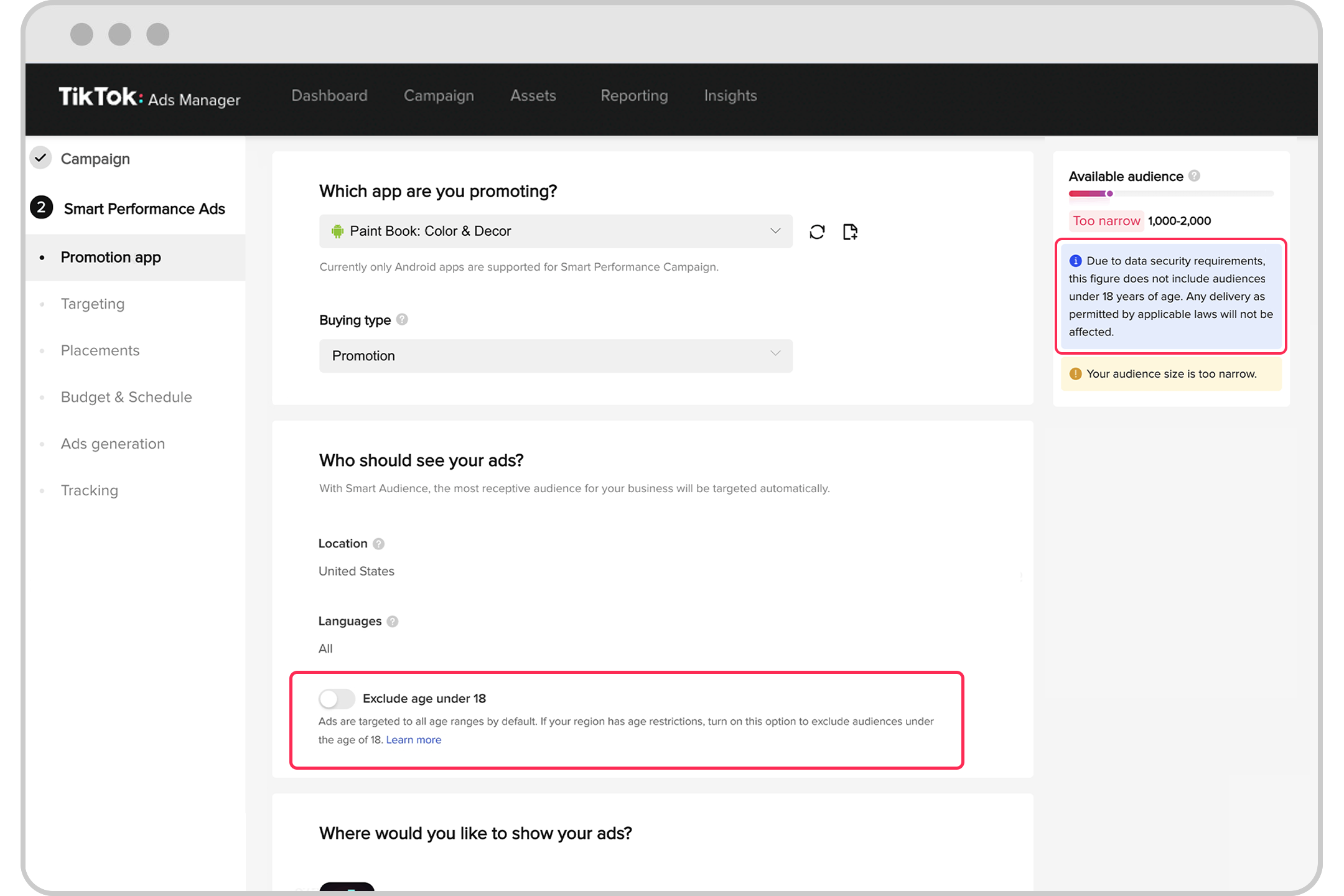
Some users report that their ad performance metrics are not updating correctly, or that the reporting tools are not functioning as expected.
Solutions: - Refresh the page or wait a few minutes to see if the data updates automatically. - Check if there are any ongoing system maintenance updates on TikTok’s side. - Contact TikTok support if the issue continues.
Tips for Optimizing Your TikTok Ads Manager Experience
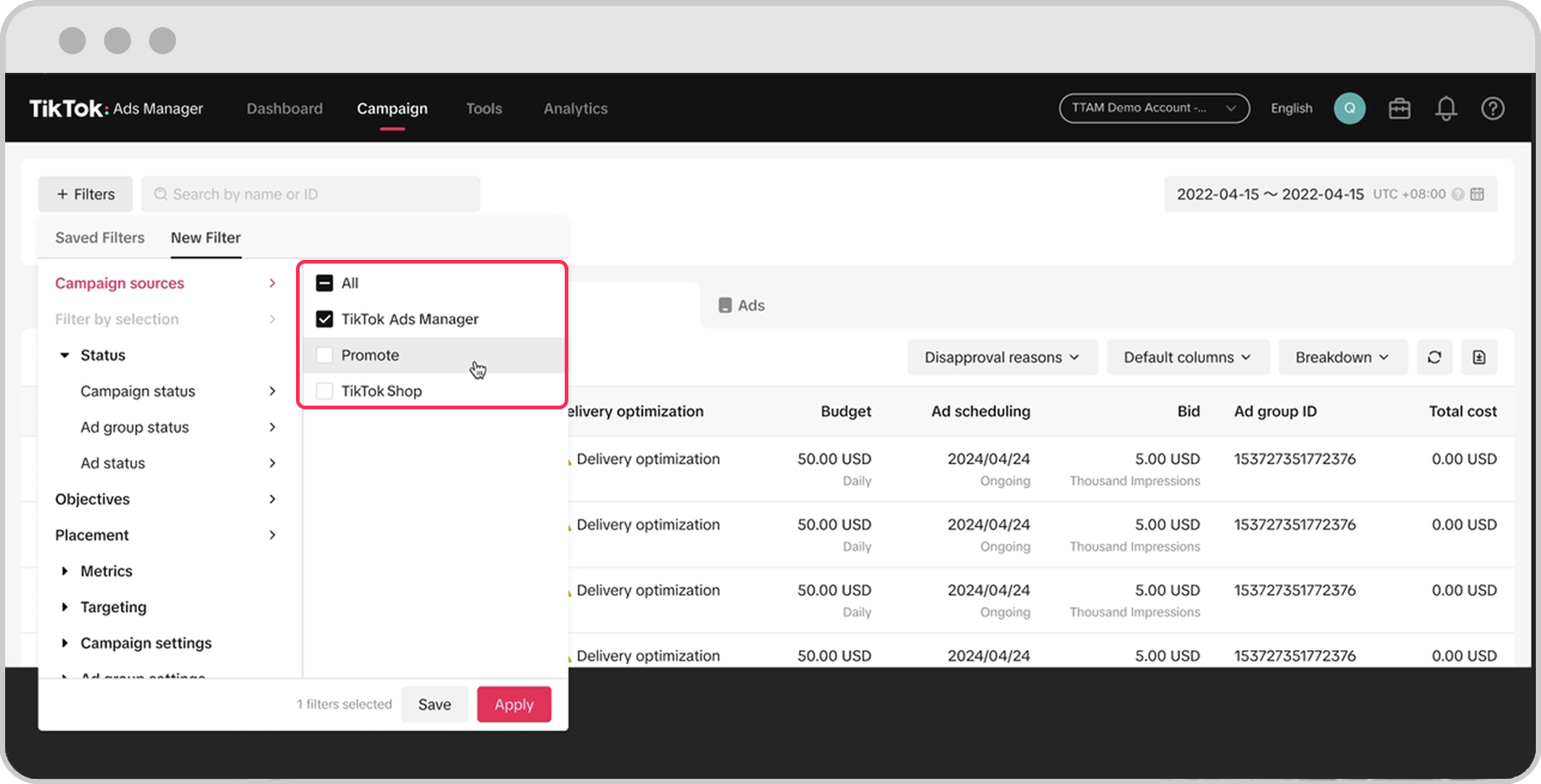
To avoid common issues and ensure a smooth experience with the TikTok Ads Manager, consider the following tips:
- Keep your app updated: Regularly update the TikTok Ads Manager to benefit from the latest features and bug fixes.
- Use a stable internet connection: A strong and reliable internet connection is essential for seamless ad management.
- Monitor your campaigns closely: Track your ad performance regularly to identify and address any issues early.
- Follow TikTok’s guidelines: Familiarize yourself with TikTok’s advertising policies to avoid ad rejections and delays.
Conclusion
While the TikTok Ads Manager offers powerful tools for running successful ad campaigns, users may encounter various issues that can disrupt their workflow. By understanding the common problems and implementing the solutions outlined above, you can effectively troubleshoot and optimize your TikTok advertising efforts. Whether you're a seasoned marketer or just starting out, staying informed and proactive will help you navigate the TikTok Ads Manager with confidence.

Posting Komentar untuk "How to Fix Common TikTok Ads Manager Issues in 2024"
Posting Komentar