
How to Fix TikTok Ad Delivery Problems: Step-by-Step Guide

TikTok has become a powerful platform for brands and marketers to reach their target audience. However, like any digital advertising platform, it's not without its challenges. One of the most common issues that advertisers face is TikTok ad delivery problems. These can range from ads not showing up at all to poor performance metrics. If you're experiencing these issues, don't worry—you're not alone. This guide will walk you through the most effective ways to troubleshoot and fix TikTok ad delivery problems.
Understanding TikTok Ad Delivery Issues
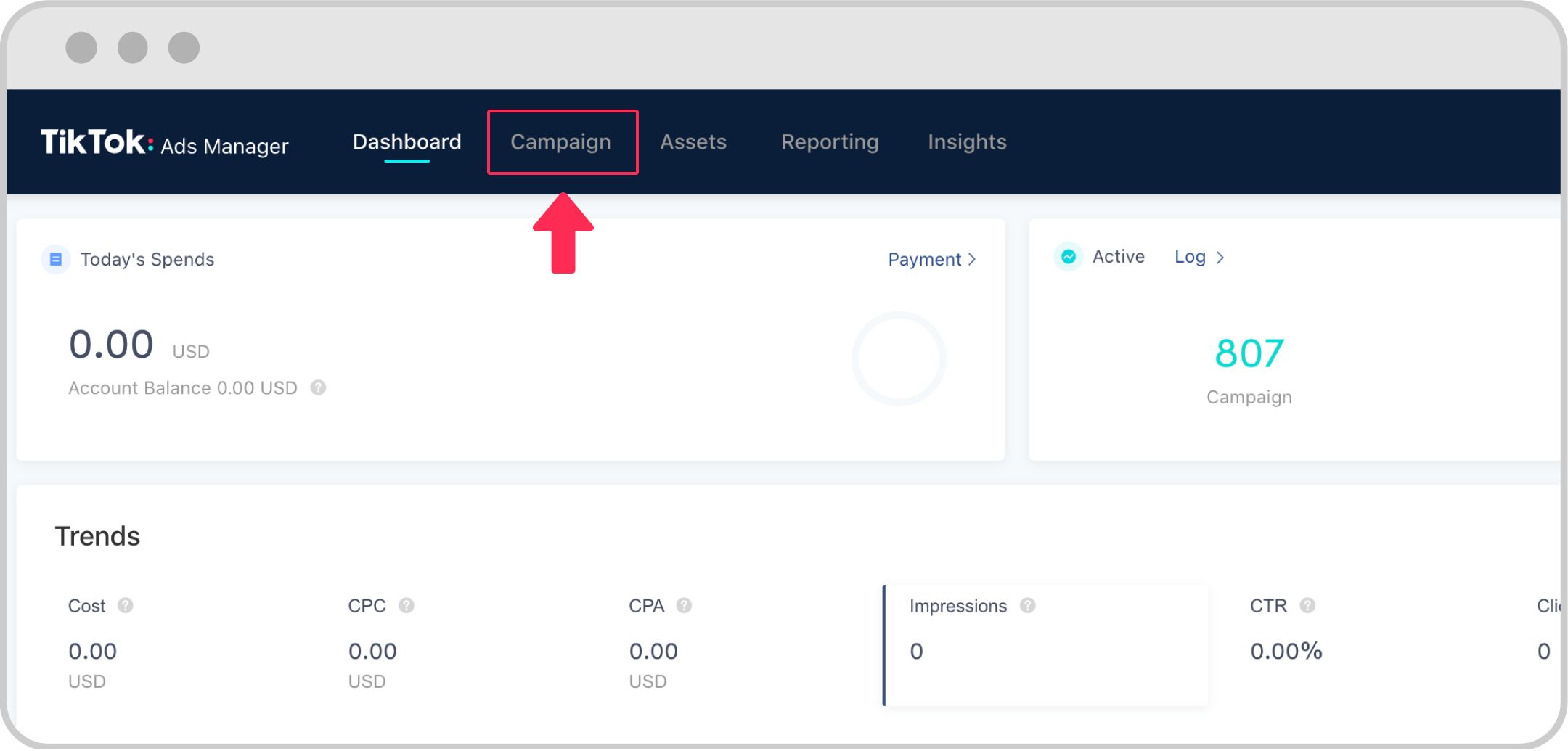
Before diving into solutions, it's important to understand what causes ad delivery problems on TikTok. Common issues include:
- Ads not appearing: Your ads may not be visible to your target audience.
- Low engagement: Even if your ads are showing, they might not be getting the clicks or views you expect.
- Poor targeting: Your ads might be reaching the wrong audience.
- Technical glitches: There could be an issue with your ad setup or the TikTok platform itself.
Step 1: Check Your Ad Settings
The first step in troubleshooting TikTok ad delivery problems is to review your ad settings. Make sure that your campaign is set up correctly and that your targeting parameters are accurate.
- Ad Group Configuration: Ensure that your ad group is properly configured with the right budget, bid strategy, and schedule.
- Targeting Parameters: Double-check your audience segments, interests, and demographics to ensure they align with your campaign goals.
- Ad Creative: Review your ad creatives to make sure they’re engaging and relevant to your target audience.
Step 2: Verify Your Account Status
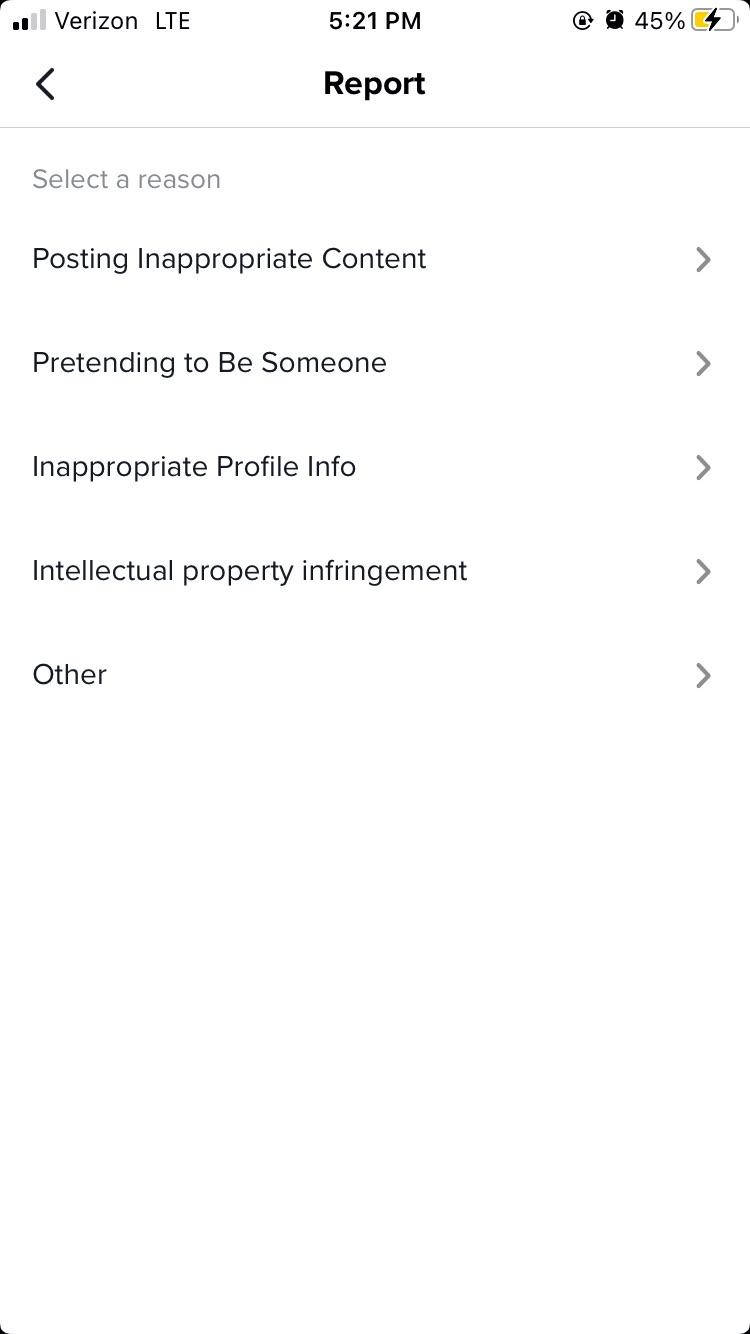
Another common cause of ad delivery problems is an account that isn’t in good standing. TikTok has strict policies regarding ad content, and if your account violates these policies, your ads may be restricted or suspended.
- Account Compliance: Check your account for any policy violations, such as inappropriate content or spammy behavior.
- Payment Information: Ensure that your payment information is up to date and valid.
- Account Verification: Confirm that your account is fully verified and that there are no pending actions.
Step 3: Test Your Ads
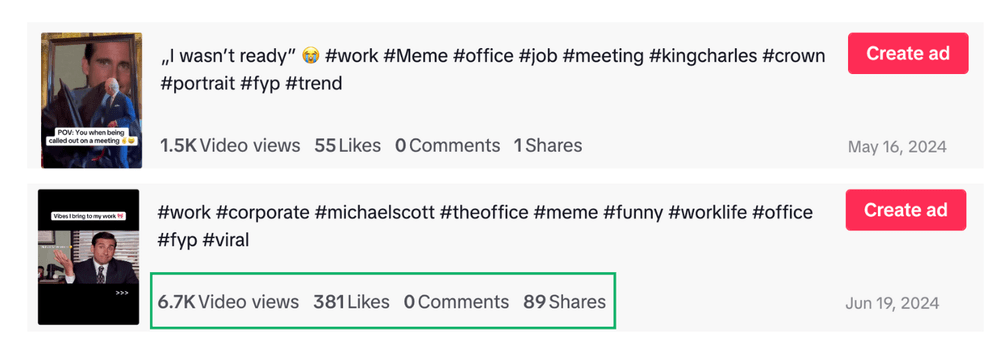
Sometimes, the issue isn’t with your account or targeting but with the ad itself. To identify potential problems, test your ads with different variations.
- A/B Testing: Create multiple versions of your ad with different headlines, images, or calls-to-action (CTAs) to see which performs best.
- Performance Metrics: Monitor key metrics such as click-through rate (CTR), cost per click (CPC), and conversion rate to determine which ad variations are most effective.
- Feedback Loop: Use the insights from your tests to refine your ad creatives and improve performance.
Step 4: Optimize Your Targeting

If your ads aren’t reaching the right audience, it’s time to revisit your targeting strategy. TikTok allows for highly specific targeting, so take advantage of this feature.
- Audience Segmentation: Use TikTok’s advanced targeting options to segment your audience based on interests, behaviors, and demographics.
- Lookalike Audiences: Create lookalike audiences to target users who are similar to your existing customers.
- Exclusion Criteria: Exclude irrelevant audiences to ensure your ads are shown to the most qualified users.
Step 5: Check for Technical Issues
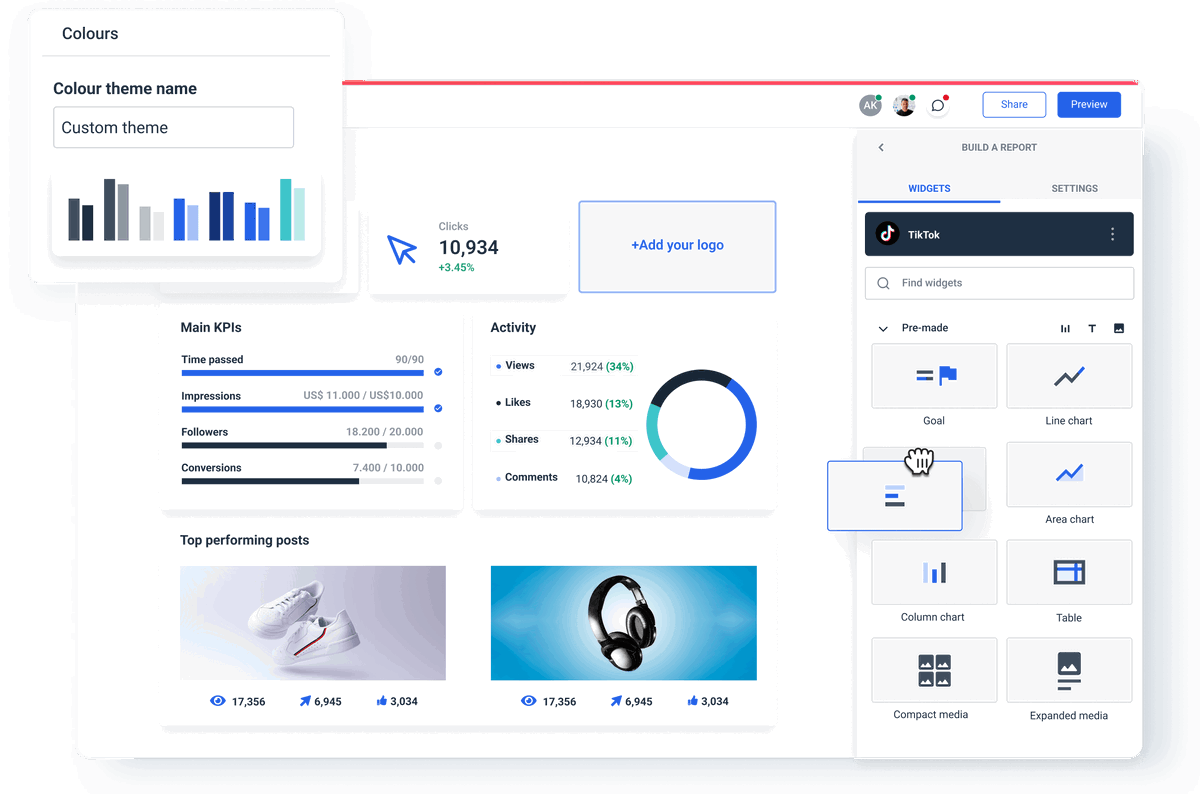
Sometimes, ad delivery problems are caused by technical issues on TikTok’s end. While these are rare, it’s worth checking for any ongoing outages or maintenance activities.
- TikTok Status Page: Visit TikTok’s official status page to check for any reported issues.
- Platform Updates: Keep an eye on TikTok’s announcements for any updates or changes that could affect ad delivery.
- Support Contact: If you suspect a technical issue, contact TikTok support for assistance.
Step 6: Leverage TikTok’s Tools
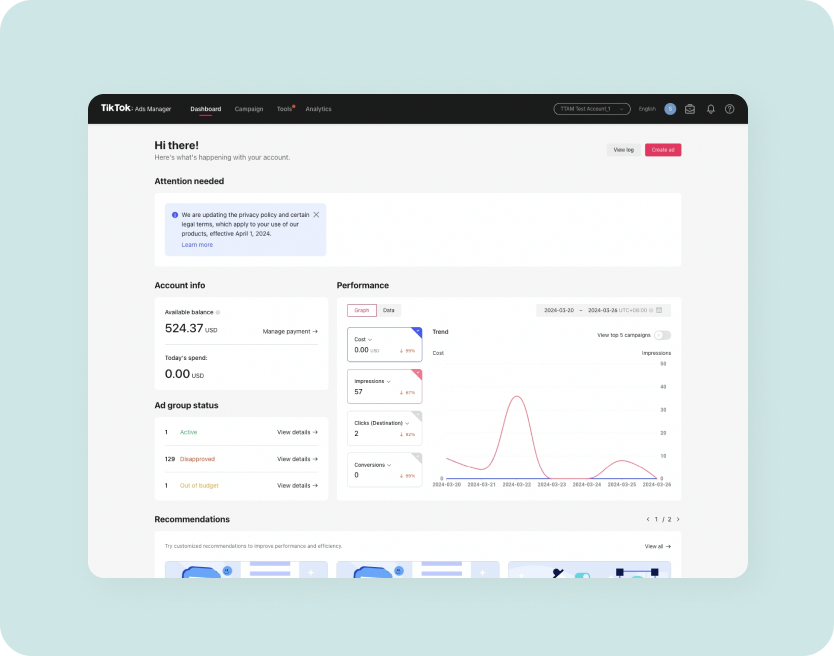
TikTok offers a variety of tools to help you monitor and optimize your ad performance. Make sure you’re using these resources effectively.
- TikTok Ads Manager: Use the TikTok Ads Manager to track your campaign performance and make adjustments in real-time.
- Pixel Tracking: Implement TikTok Pixel to track conversions and other key metrics.
- Event API: Use the TikTok Events API to get more accurate data on user interactions with your ads.
Step 7: Analyze Your Data
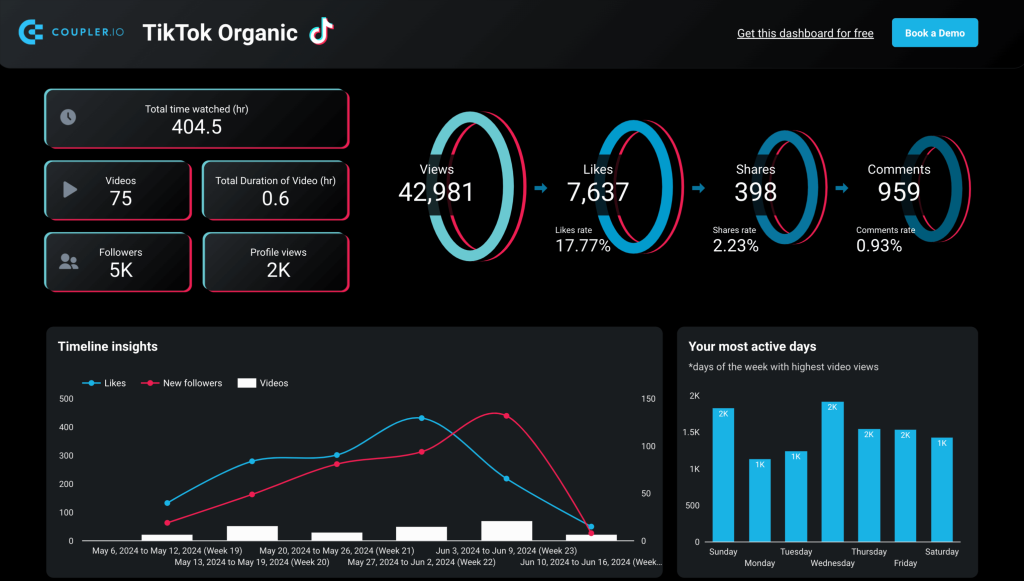
Finally, take the time to analyze your data to identify patterns and trends that could be affecting your ad delivery.
- Performance Reports: Review your performance reports to see how your ads are performing over time.
- Audience Insights: Use audience insights to understand who is engaging with your ads and why.
- Competitor Analysis: Compare your performance to competitors to identify areas for improvement.
Conclusion
Fixing TikTok ad delivery problems requires a combination of technical knowledge, strategic planning, and continuous optimization. By following the steps outlined in this guide, you can identify and resolve common issues, ensuring that your ads reach the right audience and deliver the results you need. Remember, the key to success on TikTok is to stay informed, test regularly, and adapt to changes in the platform. With the right approach, you can overcome ad delivery challenges and achieve your marketing goals.

Posting Komentar untuk "How to Fix TikTok Ad Delivery Problems: Step-by-Step Guide"
Posting Komentar