
How to Integrate TikTok Pixel with Your Website: A Step-by-Step Guide
In the ever-evolving digital marketing landscape, integrating tools like the TikTok Pixel has become essential for businesses aiming to optimize their advertising strategies. The TikTok Pixel is a powerful tracking tool that allows you to monitor user interactions on your website and gain valuable insights into audience behavior. This guide will walk you through the process of integrating TikTok Pixel with your website, ensuring that your advertising efforts are data-driven and effective.
What is a TikTok Pixel?
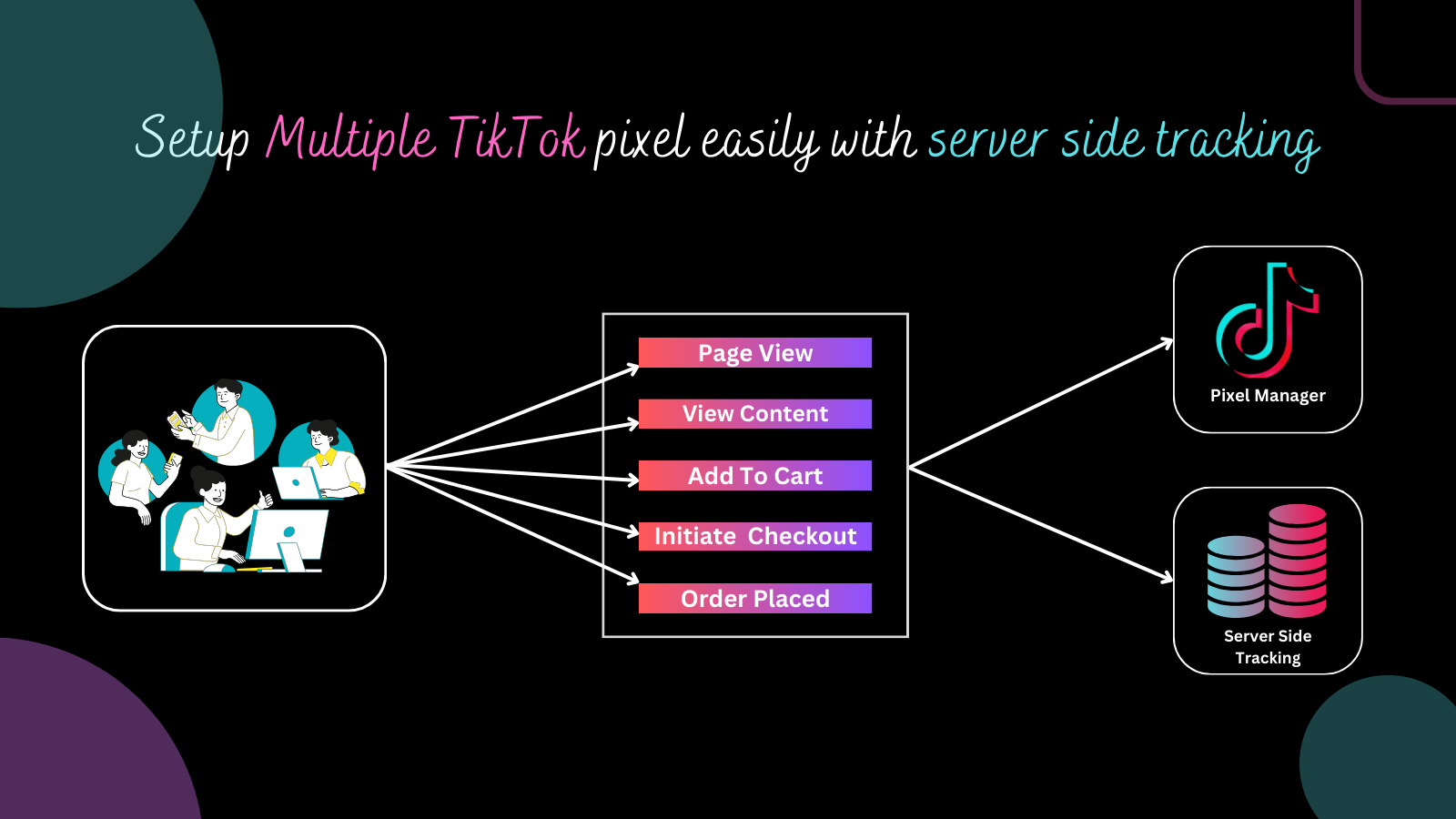
The TikTok Pixel is a snippet of code that you can embed into your website. Once installed, it tracks user activity such as page views, clicks, and conversions. This data is then sent back to TikTok, where it can be used to refine your ad targeting and improve campaign performance. By understanding how users interact with your site, you can create more personalized and engaging ads that resonate with your audience.
Why You Need a TikTok Pixel
Integrating a TikTok Pixel offers several benefits:
- Enhanced Tracking: It provides detailed insights into user behavior, allowing you to track specific actions taken on your website.
- Improved Targeting: With the data collected, you can create custom audiences based on user interactions, leading to more effective ad campaigns.
- Conversion Optimization: By tracking conversions, you can measure the impact of your ads and adjust your strategies accordingly.
Steps to Integrate TikTok Pixel with Your Website
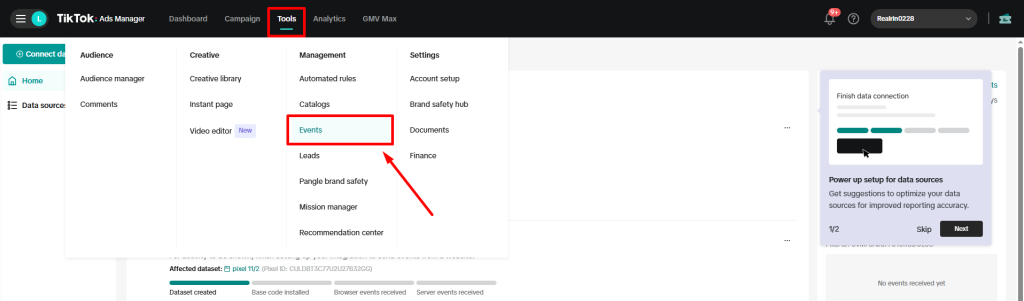
Step 1: Create a TikTok Ads Account
Before you can integrate the TikTok Pixel, you need to have a TikTok Ads account. If you don't already have one, sign up at the official TikTok Ads website. Once your account is set up, you can proceed to generate your TikTok Pixel code.
Step 2: Generate Your TikTok Pixel Code
After logging into your TikTok Ads account, navigate to the "Pixels" section. Here, you can create a new pixel by following these steps:
- Click on "Add New Pixel."
- Select the appropriate option for your website or app.
- Follow the prompts to generate your unique pixel code.
This code will be specific to your account and will serve as the bridge between your TikTok ads and your website.
Step 3: Install the TikTok Pixel on Your Website
There are several methods to install the TikTok Pixel on your website. The most common approaches include:
- Manual Installation: Insert the generated pixel code into the header of your website's HTML code.
- Using Third-Party Apps: Utilize apps available on platforms like Shopify or WooCommerce to streamline the integration process.
If you're using a platform like Shopify, you can often find apps that simplify the installation of TikTok Pixel. These apps may also offer additional features to enhance your tracking capabilities.
Step 4: Verify the Installation
Once the TikTok Pixel is installed, it's crucial to verify that it's working correctly. Use the TikTok Pixel Helper tool, which is a browser extension designed to check if your pixel is firing properly. Navigate through your website, and ensure that the events you've set up (like page views and conversions) are being tracked accurately.
Leveraging TikTok Pixel Data for Advertising
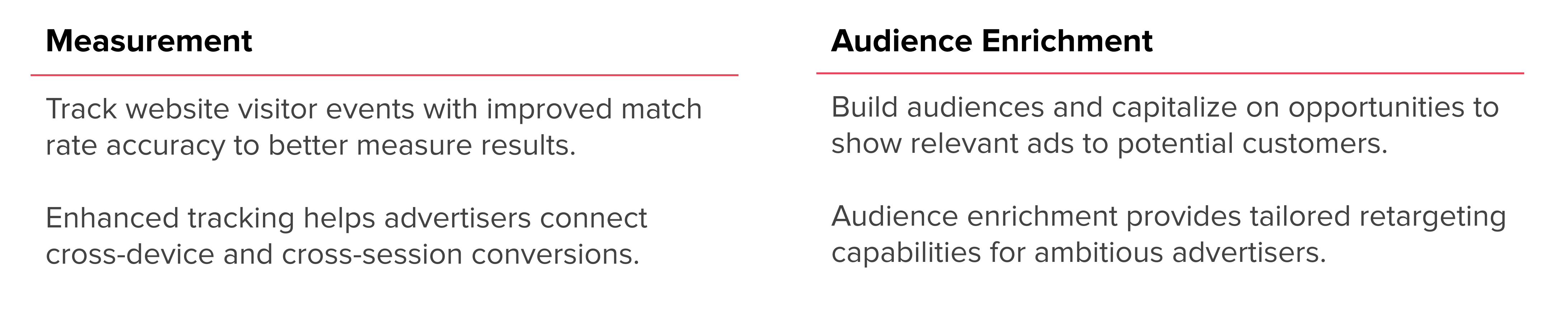
Once your TikTok Pixel is successfully integrated, you can start leveraging the data it collects to enhance your advertising efforts. Here are some key ways to use this data effectively:
1. Track Conversions
Set up conversion tracking to measure the impact of your ad campaigns. By tracking specific actions such as purchases, sign-ups, or app downloads, you can determine which ads are driving the most valuable actions and optimize your campaigns accordingly.
2. Create Custom Audiences
Use the data from your TikTok Pixel to create custom audiences based on user behavior on your website. This allows you to target users who have shown interest in your products or services, increasing the likelihood of conversion.
3. Retargeting
Retargeting is a powerful strategy that involves showing ads to users who have previously interacted with your website. By leveraging TikTok Pixel data, you can retarget users with personalized ads based on their past interactions, increasing the chances of conversion.
4. Optimize Ad Campaigns
Analyze the data collected by your TikTok Pixel to identify trends and understand user behavior. This insight can help you refine your ad creative, targeting, and messaging for better results.
Conclusion

Integrating the TikTok Pixel with your website is a crucial step in optimizing your advertising strategy. By tracking user interactions and gaining insights into audience behavior, you can create more effective and personalized ad campaigns. Follow the steps outlined in this guide to ensure a smooth integration process and take advantage of the powerful data that TikTok Pixel provides.
By leveraging the data from your TikTok Pixel, you can enhance your advertising efforts, improve targeting, and ultimately drive better results for your business. Take the time to set up and verify your tracking, and you'll be well on your way to achieving success in the competitive digital marketing landscape.

Posting Komentar untuk "How to Integrate TikTok Pixel with Your Website: A Step-by-Step Guide"
Posting Komentar