
How to Sign Up for TikTok Ads Manager in 2024: A Step-by-Step Guide
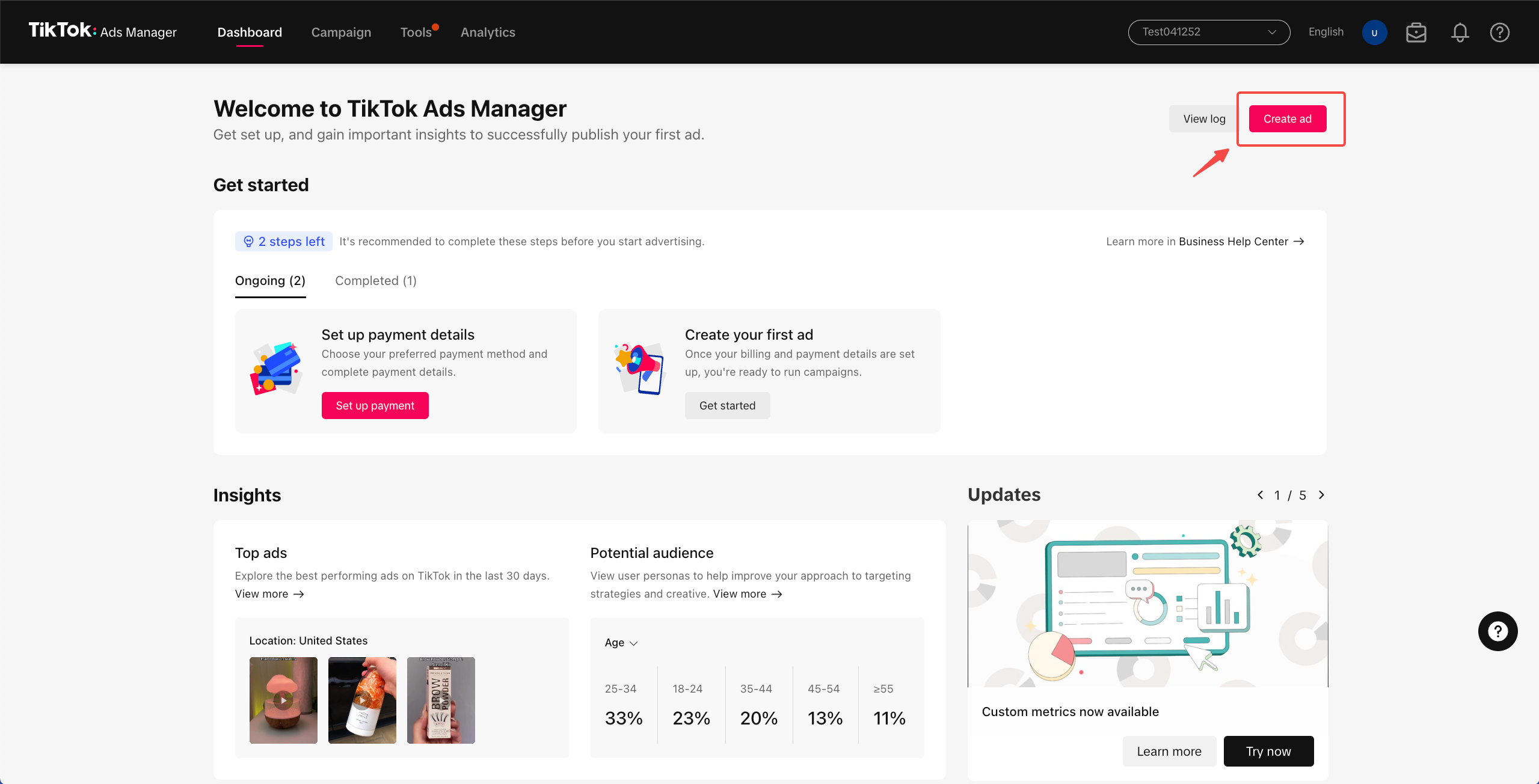
TikTok has become one of the most powerful platforms for digital marketing, especially for businesses targeting younger demographics. With over 1.5 billion monthly active users, it's no surprise that brands are eager to tap into this massive audience through TikTok Ads Manager. If you're looking to start advertising on TikTok, the first step is to sign up for TikTok Ads Manager. This guide will walk you through the process and provide valuable insights to help you get started.
Why Use TikTok Ads Manager?
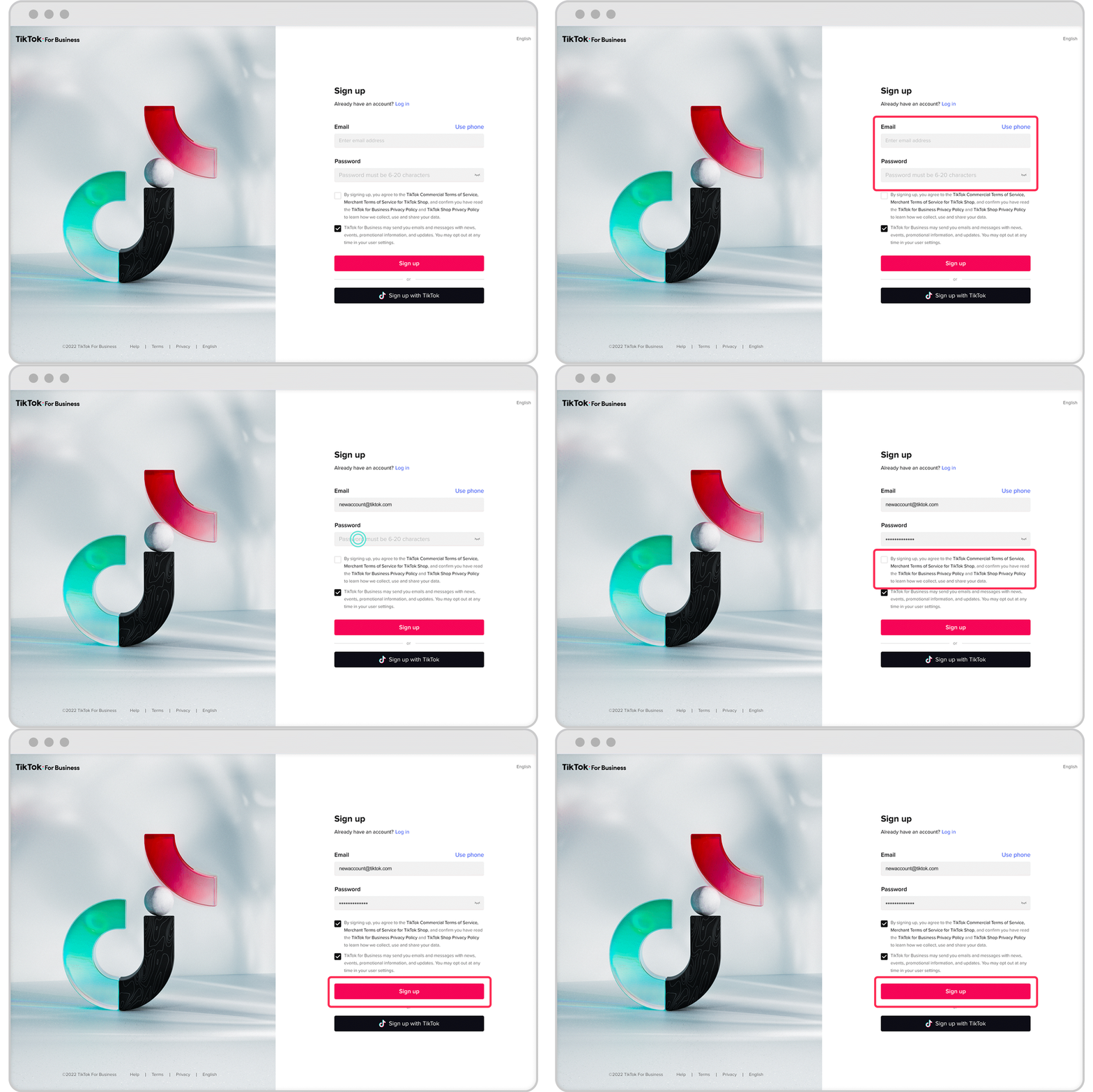
TikTok Ads Manager is a powerful tool that allows businesses to create, manage, and track their ad campaigns directly from a centralized dashboard. It offers a range of features, including:
- Precise targeting options: Reach specific demographics, interests, and behaviors.
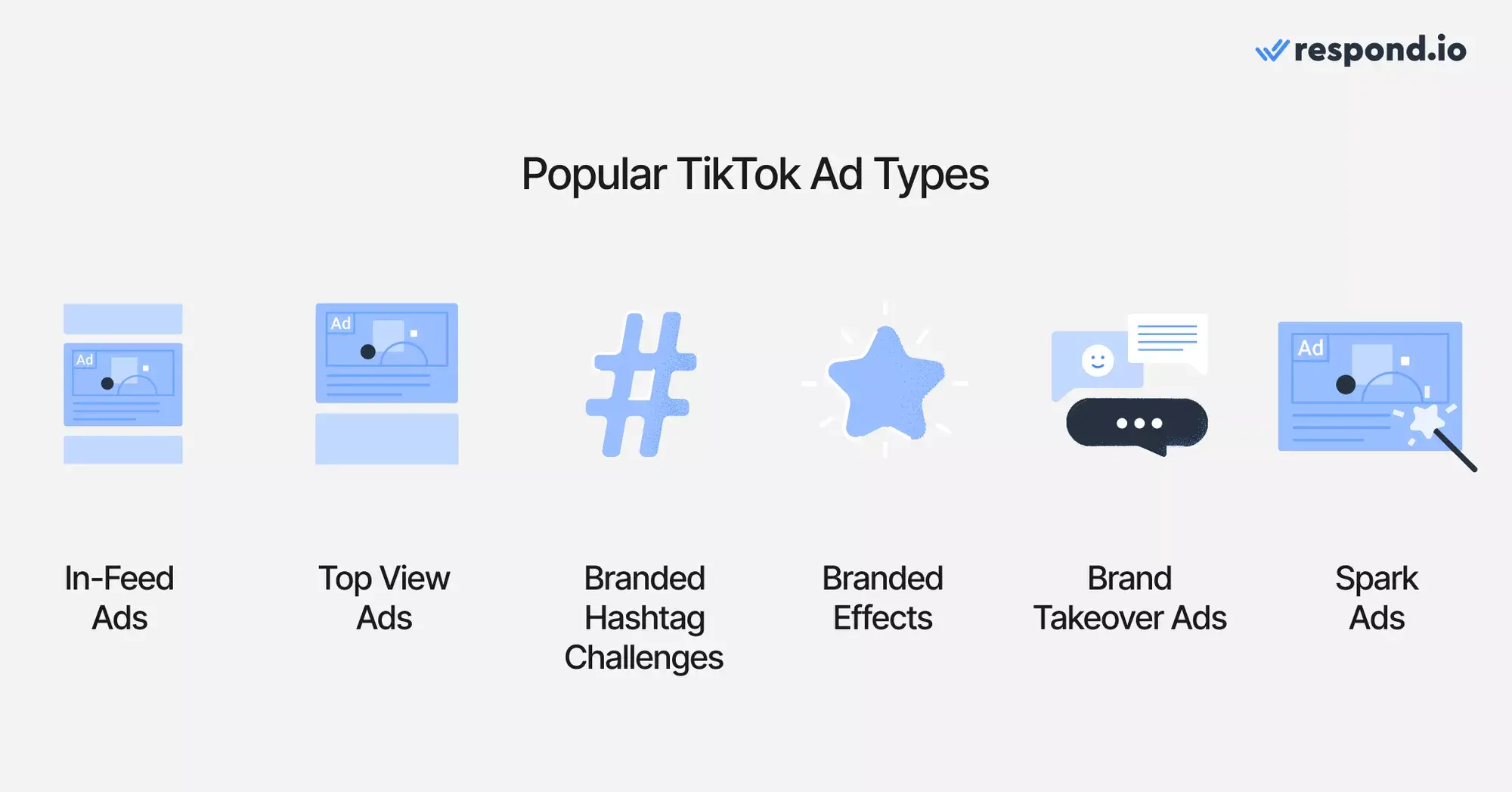
- Creative ad formats: From in-feed videos to branded hashtag challenges, TikTok offers diverse ad formats to suit your campaign goals.
- Detailed analytics: Track performance metrics in real time and optimize your campaigns for better results.
- Budget control: Set daily or lifetime budgets and choose between cost per click (CPC) or cost per thousand impressions (CPM).
By using TikTok Ads Manager, you can effectively connect with Gen Z and Gen Alpha audiences, drive brand awareness, and boost sales.
Step-by-Step Guide to Signing Up for TikTok Ads Manager
Step 1: Create a Business Account
Before you can access TikTok Ads Manager, you need to have a business account. Here’s how to switch from a personal account to a business account:
- Open the TikTok app and go to your profile.
- Tap the three dots (or the settings icon) in the top-right corner.
- Select "Switch to Business Account."
- Follow the prompts to complete the switch.
This process is free and easy, and it grants you access to advanced features like analytics and ad creation tools.
Step 2: Verify Your Business Account
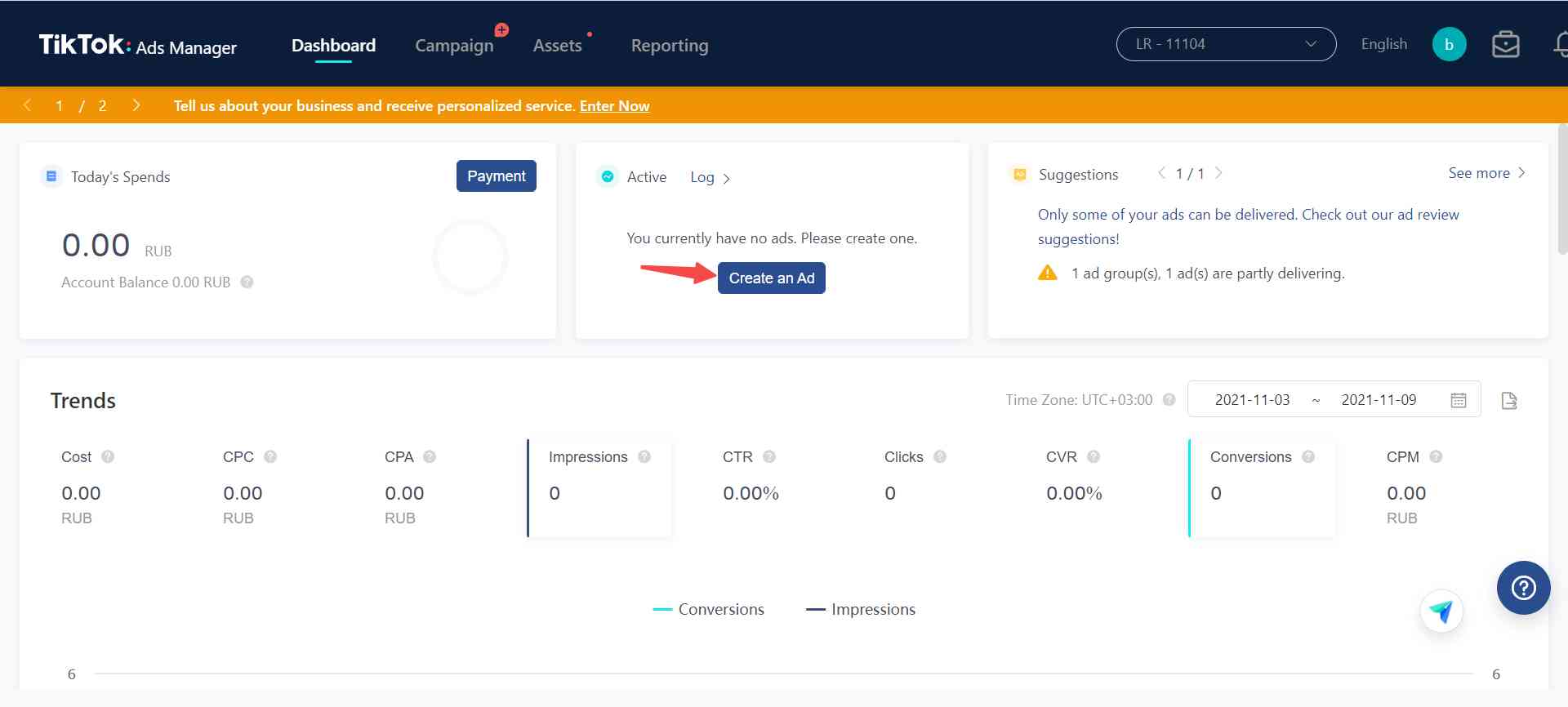
Once you’ve switched to a business account, you’ll need to verify your account to unlock full access to TikTok Ads Manager. Verification typically involves providing your business information, such as:
- Business name
- Website URL
- Contact information
- Tax ID or EIN (if applicable)
After submitting your details, TikTok will review your application. This process may take a few days, so be patient.
Step 3: Access TikTok Ads Manager
Once your business account is verified, you can access TikTok Ads Manager through the following steps:
- Go to ads.tiktok.com on your desktop browser.
- Log in using your TikTok business account credentials.
- You’ll be directed to the TikTok Ads Manager dashboard, where you can start creating and managing your ad campaigns.
Step 4: Set Up Your Ad Campaign
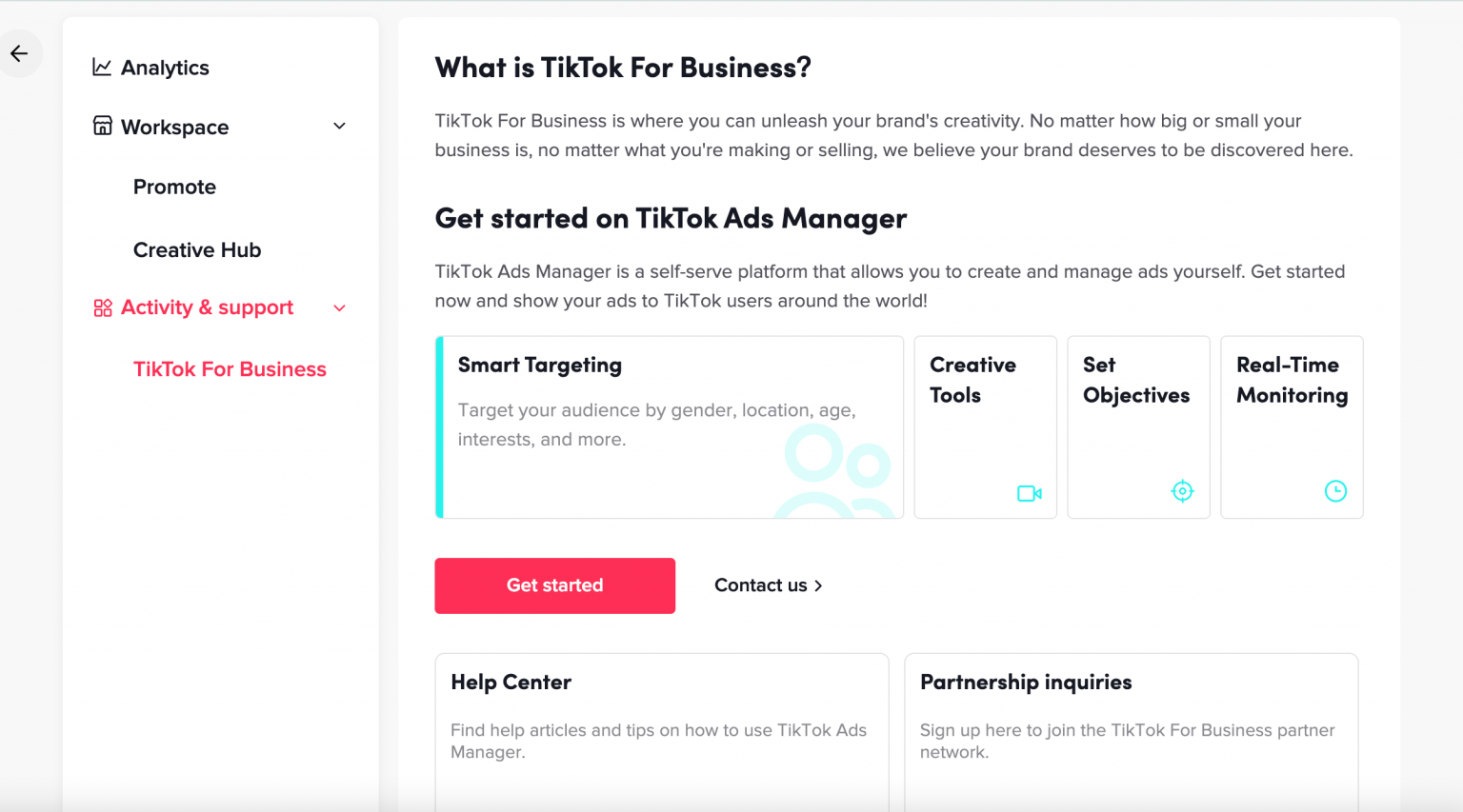
After logging in, you’ll be prompted to set up your first ad campaign. Here’s what you need to do:
- Choose your campaign objective: Select from options like "Increase Traffic," "Drive Community Interaction," "Improve Lead Generation," or "Generate Website Conversions."
- Select your target audience: Define your audience based on factors like age, gender, location, interests, and more.
- Set your budget: Choose a daily or lifetime budget for your campaign. The minimum daily budget is $50.
- Create your ad content: Upload your video or image ads, ensuring they meet TikTok’s specifications (e.g., vertical format, high resolution, and appropriate file size).
- Review and submit: Once your ad is ready, review it for compliance with TikTok’s policies and submit it for approval.
Step 5: Monitor and Optimize Your Campaign
After your ad is approved, it will go live on TikTok. To ensure the best results, monitor your campaign regularly and make adjustments as needed. Use the analytics provided by TikTok Ads Manager to track key metrics like:
- Click-through rate (CTR)
- Conversion rate
- Return on ad spend (ROAS)
- Engagement rate
Based on these insights, you can refine your targeting, adjust your budget, or experiment with new ad creatives to improve performance.
Tips for Success with TikTok Ads Manager
To maximize the effectiveness of your TikTok ad campaigns, consider the following tips:
- Leverage trending content: Use popular TikTok trends, sounds, and hashtags to increase visibility and engagement.
- Focus on the first few seconds: The first two to three seconds of your ad are critical for capturing attention. Make sure your hook is strong and engaging.
- Use user-generated content (UGC): Encourage your customers to create content featuring your products and repurpose it in your ad campaigns.
- Collaborate with influencers: Partner with TikTok creators to reach new audiences and build trust with your target market.
- Test different creatives: Experiment with various ad formats, messaging, and visuals to find what resonates best with your audience.
Conclusion
Signing up for TikTok Ads Manager is the first step toward leveraging one of the most powerful platforms for digital marketing. By following the steps outlined in this guide, you can create effective ad campaigns that engage your target audience and drive meaningful results. Whether you’re a small business owner or a large enterprise, TikTok Ads Manager provides the tools and insights needed to succeed in today’s competitive digital landscape.
Start your journey with TikTok Ads Manager today and unlock the potential of this dynamic platform.

Posting Komentar untuk "How to Sign Up for TikTok Ads Manager in 2024: A Step-by-Step Guide"
Posting Komentar