
How to Use TikTok Ads Manager: A Complete Interface Guide for Beginners
TikTok has become a vital platform for digital marketing, especially for businesses targeting Gen Z and Gen Alpha audiences. With over 1.5 billion monthly active users as of 2025, TikTok offers a unique opportunity to engage with a highly engaged and trend-conscious demographic. The TikTok Ads Manager is the official platform where brands can create, manage, and optimize their ad campaigns. Whether you're a small business owner or a marketer looking to expand your reach, understanding how to use the TikTok Ads Manager interface is essential.
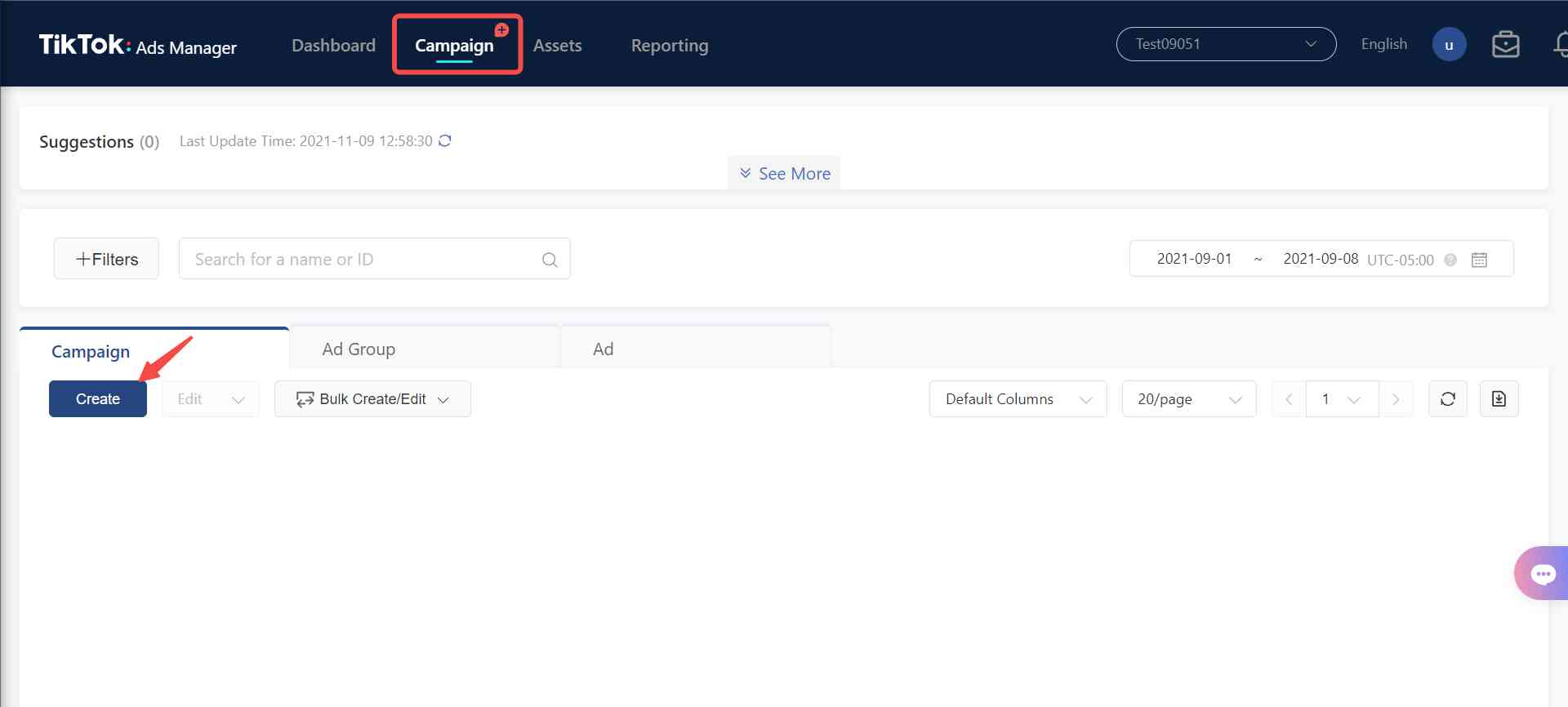
Understanding the TikTok Ads Manager Interface
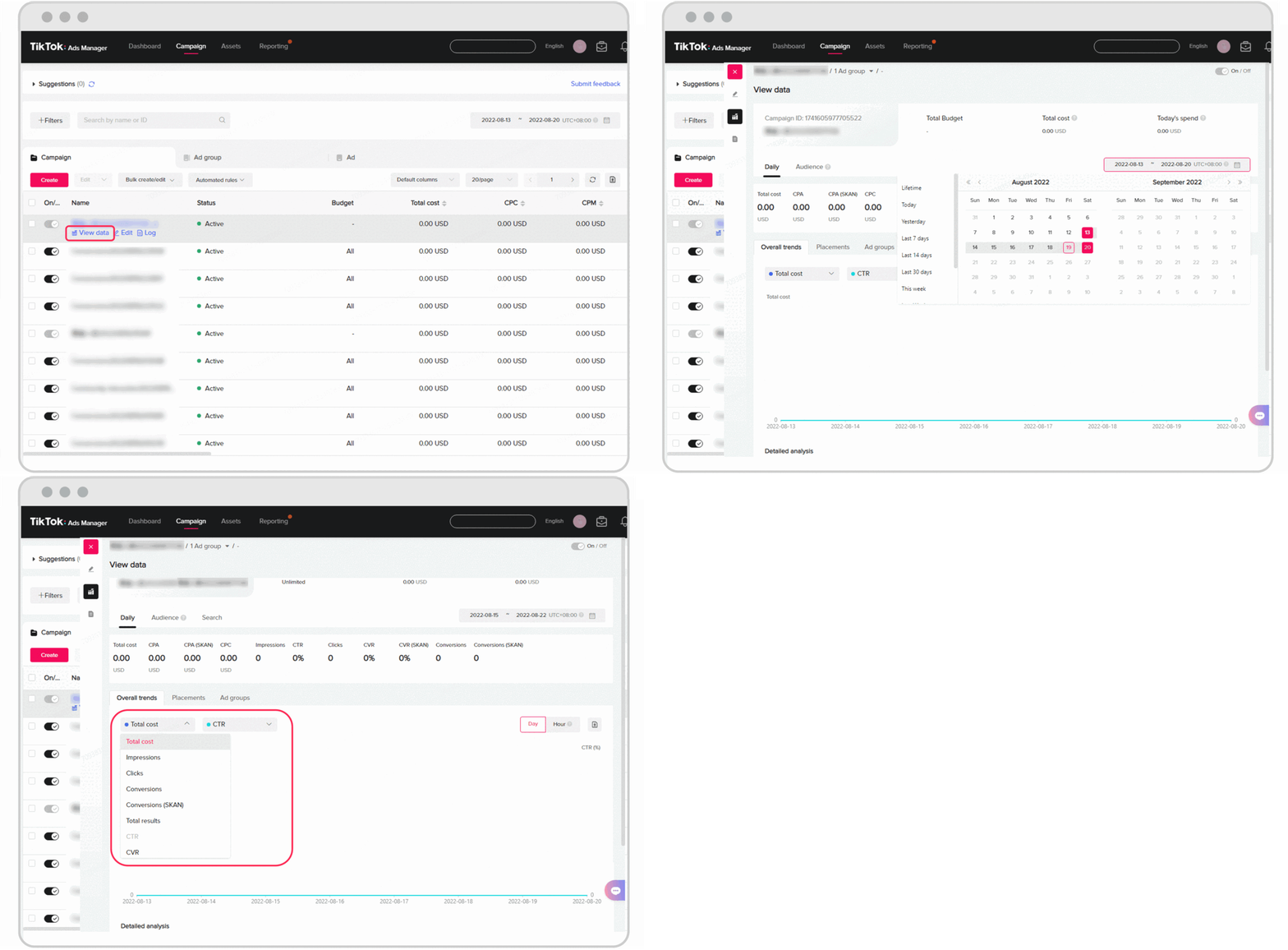
The TikTok Ads Manager is designed to be user-friendly, but it's important to understand its key components before launching your first campaign. Here’s a breakdown of the main sections:
1. Campaign Overview
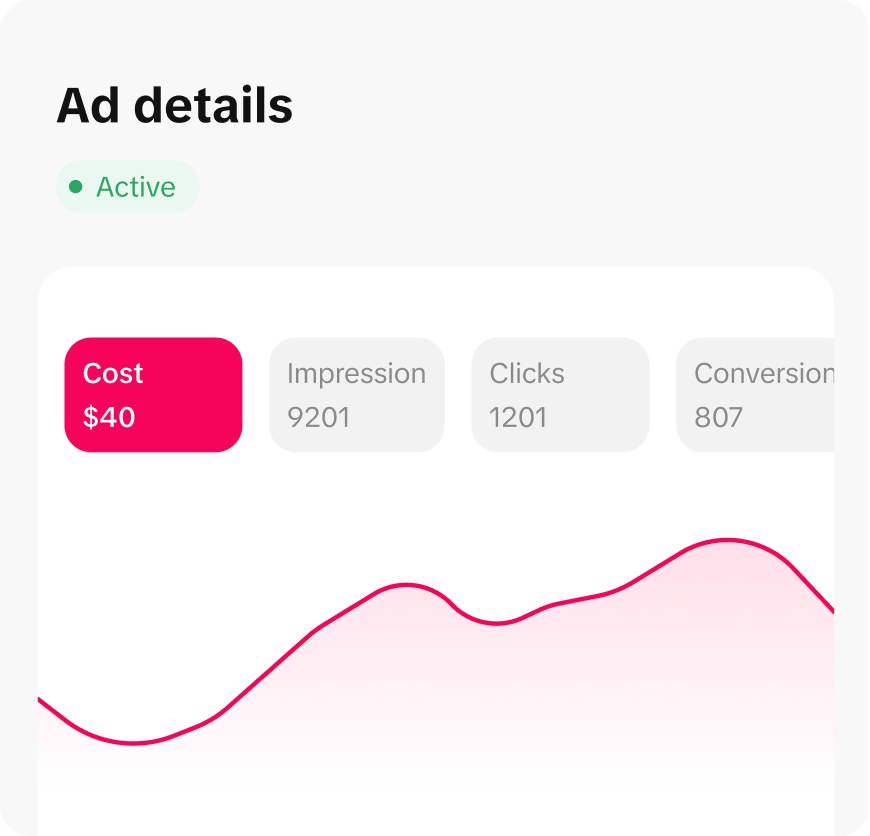
This section provides a summary of all your active and past campaigns. You can view metrics such as impressions, clicks, conversions, and cost per result. It also allows you to pause, edit, or delete campaigns.
2. Ad Group Management

An ad group is a subset of a campaign that defines specific targeting parameters, budget, and ad content. You can create multiple ad groups within a single campaign to test different strategies. Each ad group includes details like audience targeting, budget allocation, and ad formats.
3. Audience Targeting
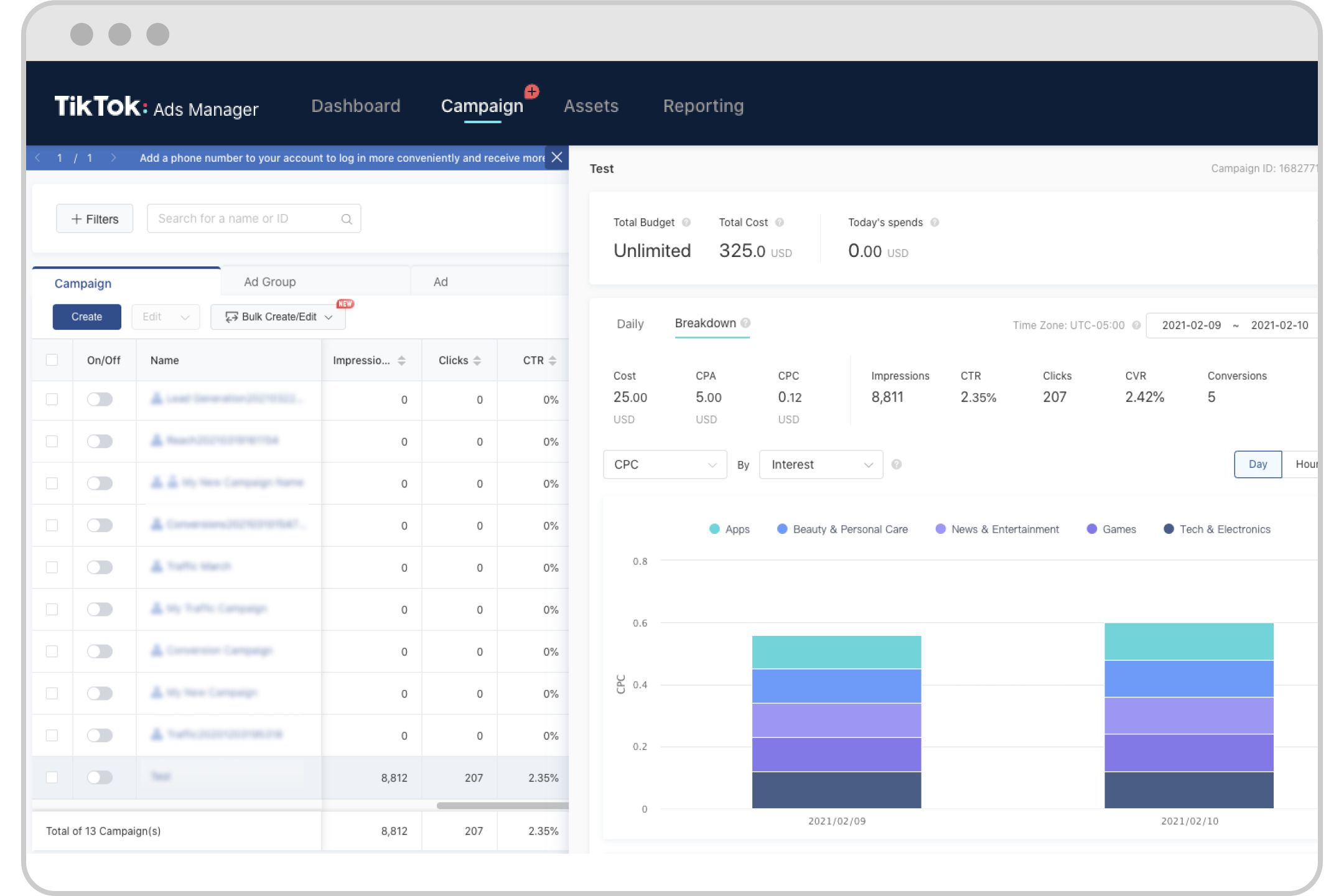
TikTok allows you to target users based on demographics, interests, behaviors, and more. You can choose from pre-defined audience segments or create custom audiences using data from your website, app, or social media.
4. Budget and Bidding
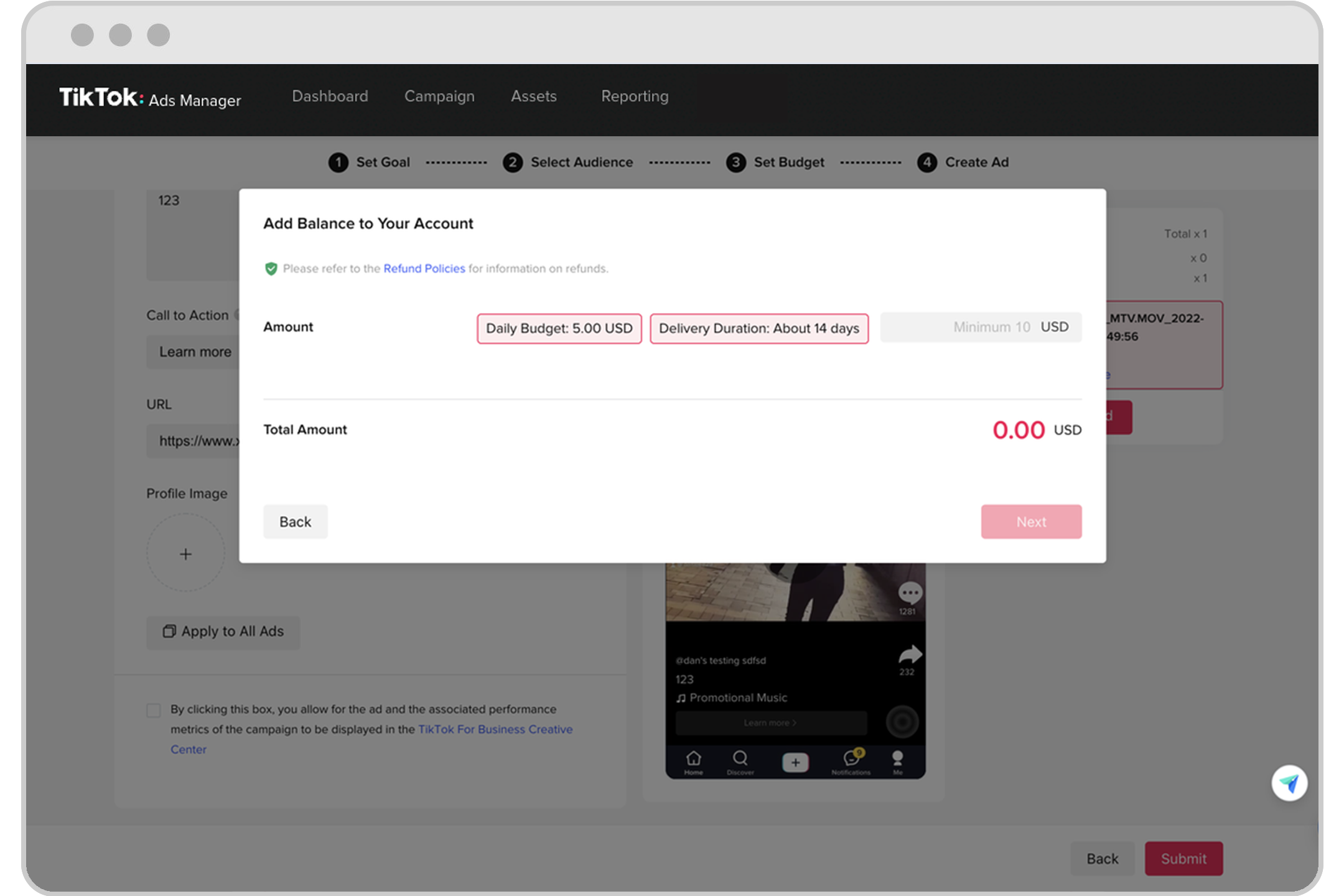
Setting the right budget is crucial for maximizing your return on ad spend (ROAS). TikTok offers two types of budgets: - Daily Budget: The maximum amount you want to spend per day. - Total Budget: The total amount you want to spend over the entire campaign duration.
You can also choose between bidding strategies such as cost per click (CPC) or cost per thousand impressions (CPM).
5. Ad Creation

Creating an ad involves selecting the type of ad you want to run, uploading your creative content, and adding a call-to-action (CTA). TikTok supports various ad formats, including in-feed videos, branded hashtag challenges, and video shopping ads.
Step-by-Step Guide to Using TikTok Ads Manager
Here’s a step-by-step guide to help you get started with the TikTok Ads Manager:
1. Create a Business Account
To access TikTok Ads Manager, you need a business account. Switch from a personal account by going to Settings and Privacy > Manage Account > Switch to Business Account.
2. Integrate with Shopify (Optional)
If you have a Shopify store, you can integrate it with TikTok to streamline your ad creation and sales process. Install the TikTok app on your Shopify dashboard to take advantage of automated ad creation features.
3. Access TikTok Ads Manager
Log in to ads.tiktok.com using your business account credentials. The interface will guide you through setting up your first campaign.
4. Choose Your Campaign Objective
Select from four campaign objectives: - Increase Traffic: Drive visitors to your website. - Drive Community Interaction: Grow your TikTok presence. - Improve Lead Generation: Capture viewer information for retargeting. - Generate Website Conversions: Encourage specific actions on your site.
5. Define Your Audience
Use the targeting options to define your ideal audience. You can select demographics, interests, and behaviors. For example, if you sell coffee, you can target users interested in "coffee" or "cooking."
6. Set Your Budget
Choose between a daily or total budget. Start with a minimum of $50 per day and adjust based on performance.
7. Create and Submit Your Ad
Upload your ad content, add a caption, and include a CTA. TikTok reviews ads within 24 hours, so be sure to monitor your campaign regularly.
Best Practices for Creating Effective TikTok Ads

To maximize the impact of your TikTok ads, consider the following best practices:
- Start with a Strong Hook: Grab attention in the first 3 seconds with a compelling hook.
- Use Trending Sounds and Hashtags: Leverage popular trends to increase visibility.
- Opt for a Native Feel: Make your ads feel like user-generated content rather than traditional ads.
- Test Multiple Variations: Run A/B tests to determine which ad versions perform best.
- Include a Clear CTA: Encourage viewers to take action with a clear and concise call-to-action.
Troubleshooting Common Issues
If your ads are being rejected or not performing well, here are some common issues to check:
- Prohibited Content: Ensure your ads comply with TikTok’s policies.
- Low-Quality Visuals: Use high-resolution, vertical videos (9:16 aspect ratio).
- Ineffective Offers: Provide strong discounts or limited-time deals to drive engagement.
- Poor Landing Pages: Optimize your landing page for mobile users and ensure it aligns with your ad content.
Conclusion
The TikTok Ads Manager is a powerful tool for businesses looking to connect with a younger, engaged audience. By understanding the interface and following best practices, you can create effective ad campaigns that drive traffic, engagement, and conversions. Whether you're a beginner or an experienced marketer, mastering the TikTok Ads Manager will help you unlock the full potential of this dynamic platform.

Posting Komentar untuk "How to Use TikTok Ads Manager: A Complete Interface Guide for Beginners"
Posting Komentar